
1. Cute Axolotl Companion
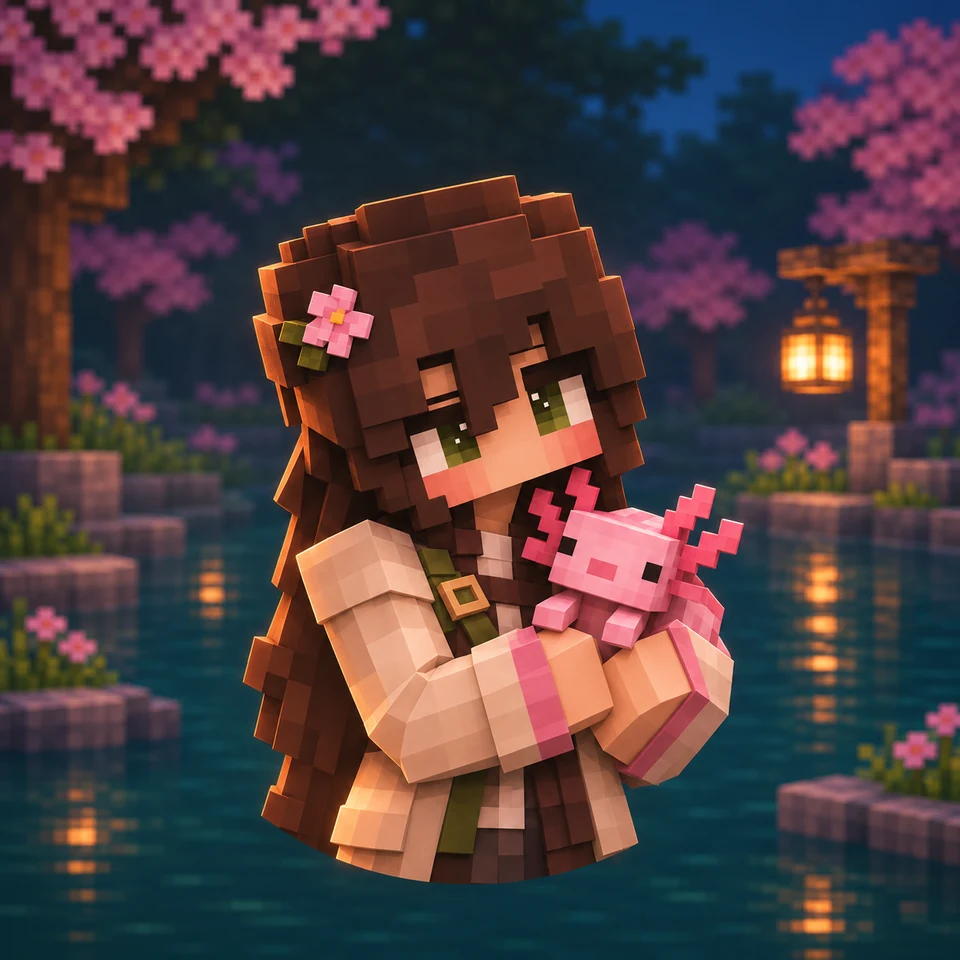
A pink axolotl beside a blocky explorer, with cherry blossoms and lantern light around a teal pond.
Bring your character idea to life with our AI Minecraft PFP maker. Start with text, a photo, or a character reference, then explore expressive poses, animal companions, and atmospheric backgrounds. Create a Minecraft-inspired avatar for Discord, YouTube, or your gaming community.
Your latest creations, grouped by local date.
Find your next Minecraft PFP idea: a cherry-grove explorer, an Ender-inspired portrait, or a playful animal companion. Load a prompt, change the details, and create your own version.
A pink axolotl beside a blocky explorer, with cherry blossoms and lantern light around a teal pond.
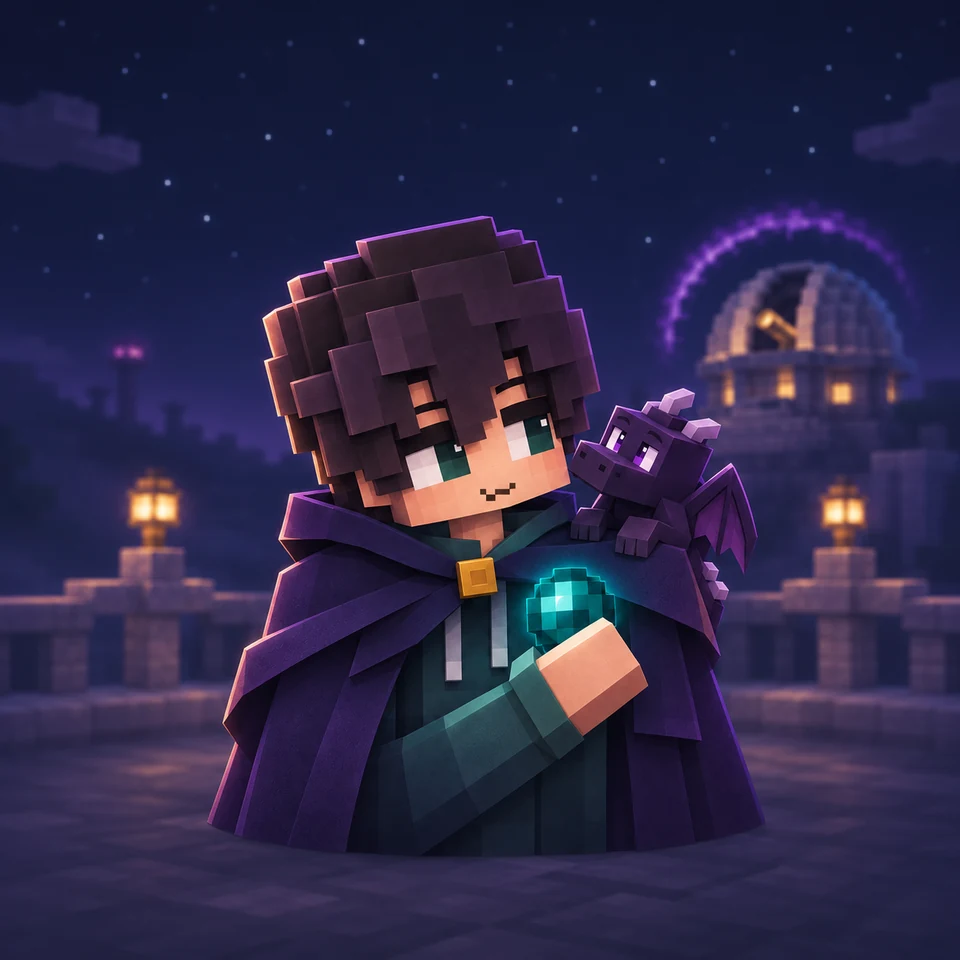
A small dragon beside an explorer holding a glowing cyan pearl, framed by a purple night sky.
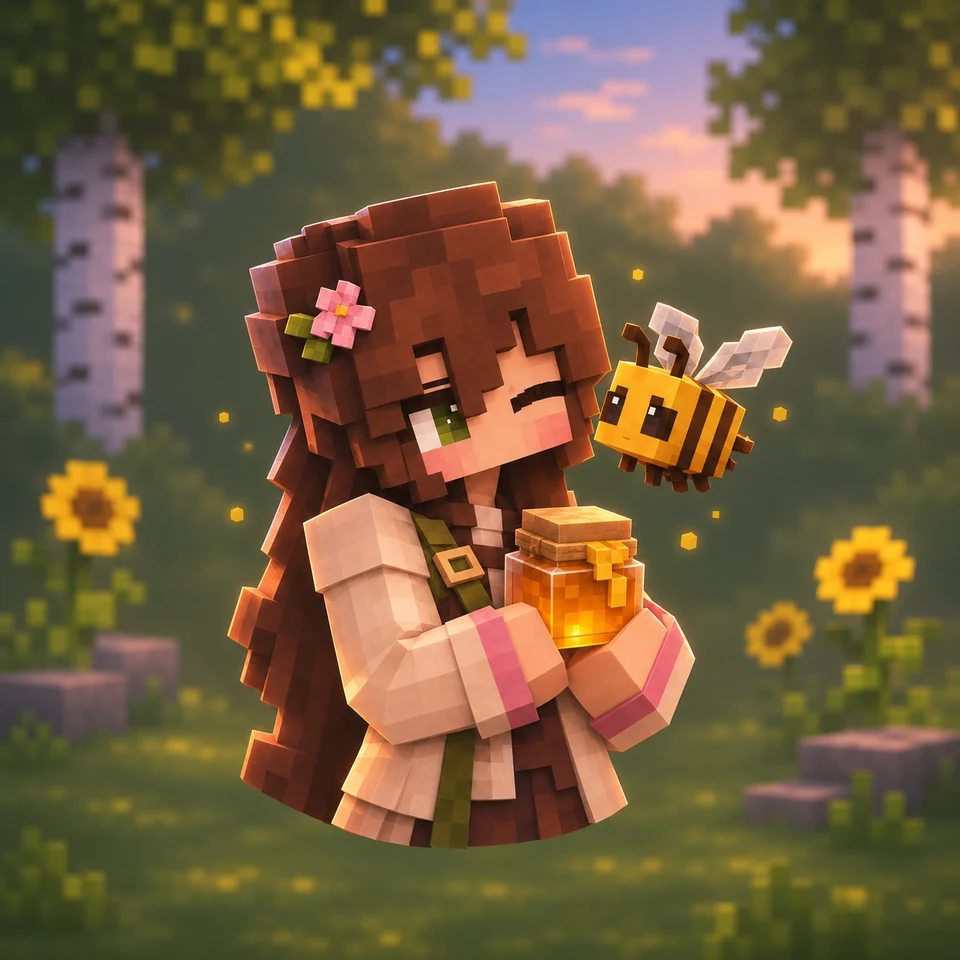
A bee beside a winking explorer with a honey jar, surrounded by warm light and birch trees.
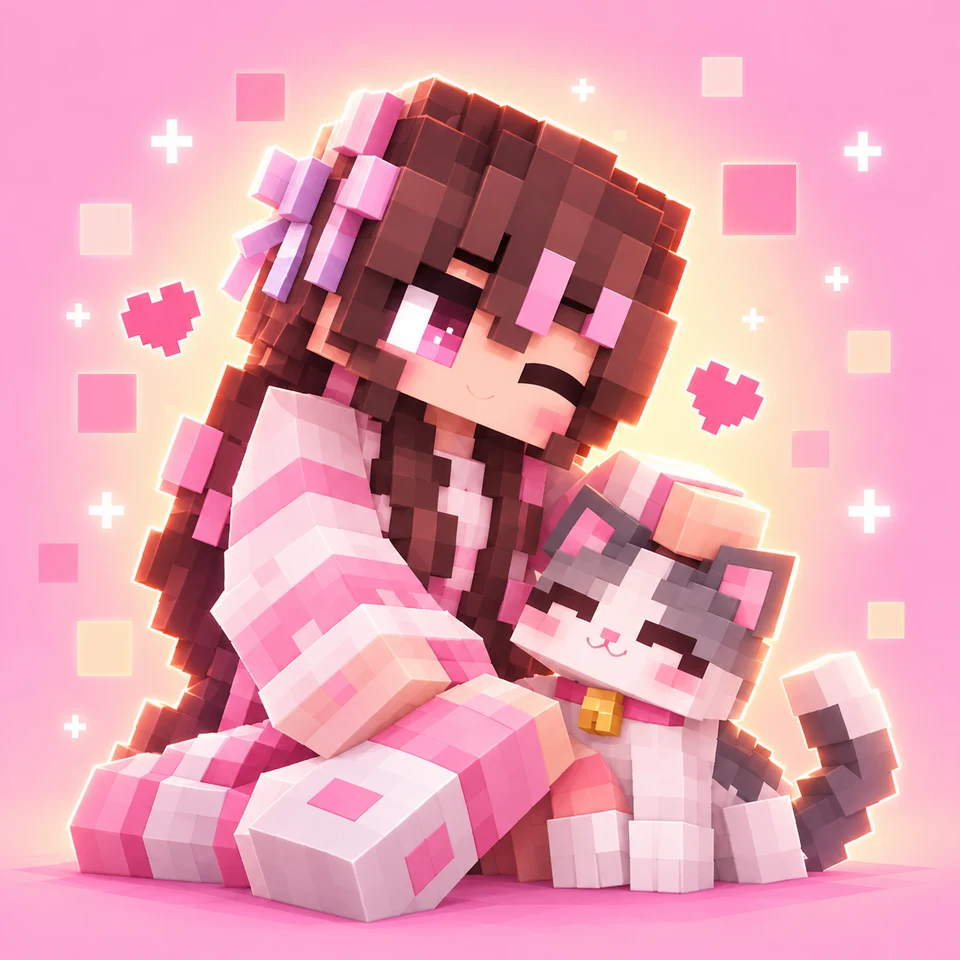
A pink-and-white outfit, a flower hair clip, and a gray cat against a soft pink background.
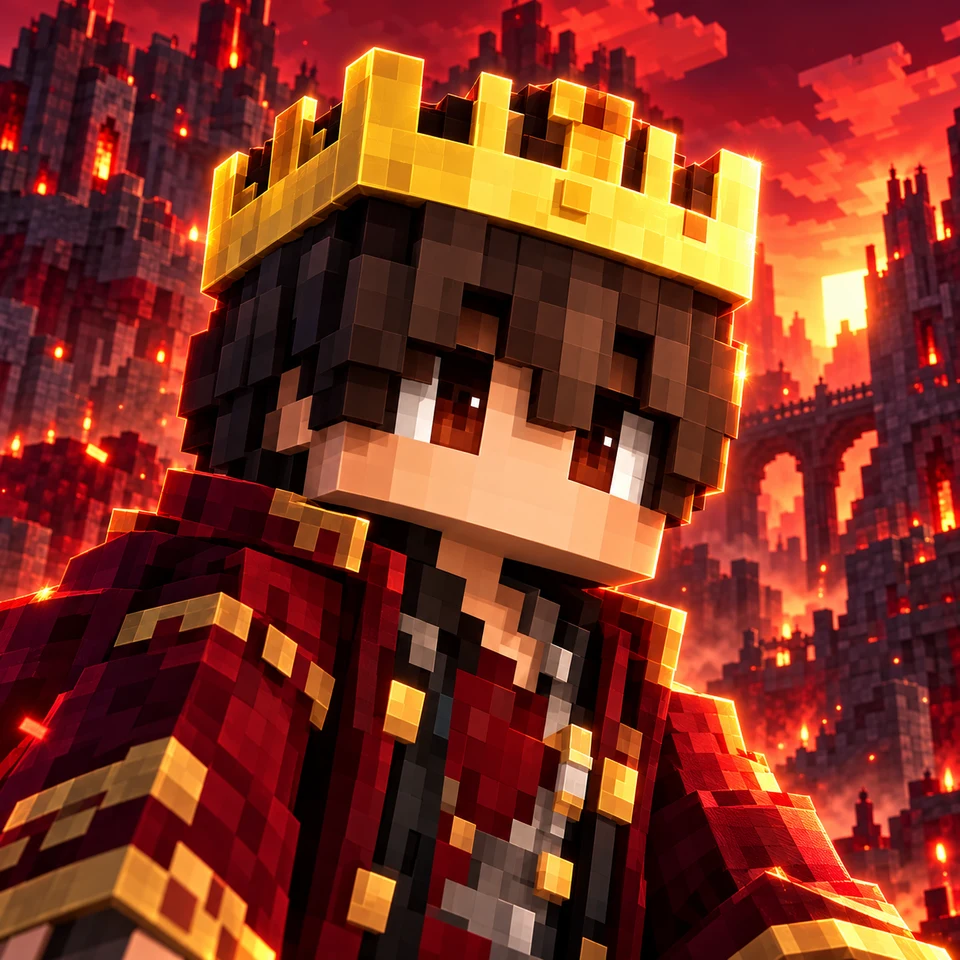
A golden crown and red jacket framed by a glowing fortress and fiery sky.
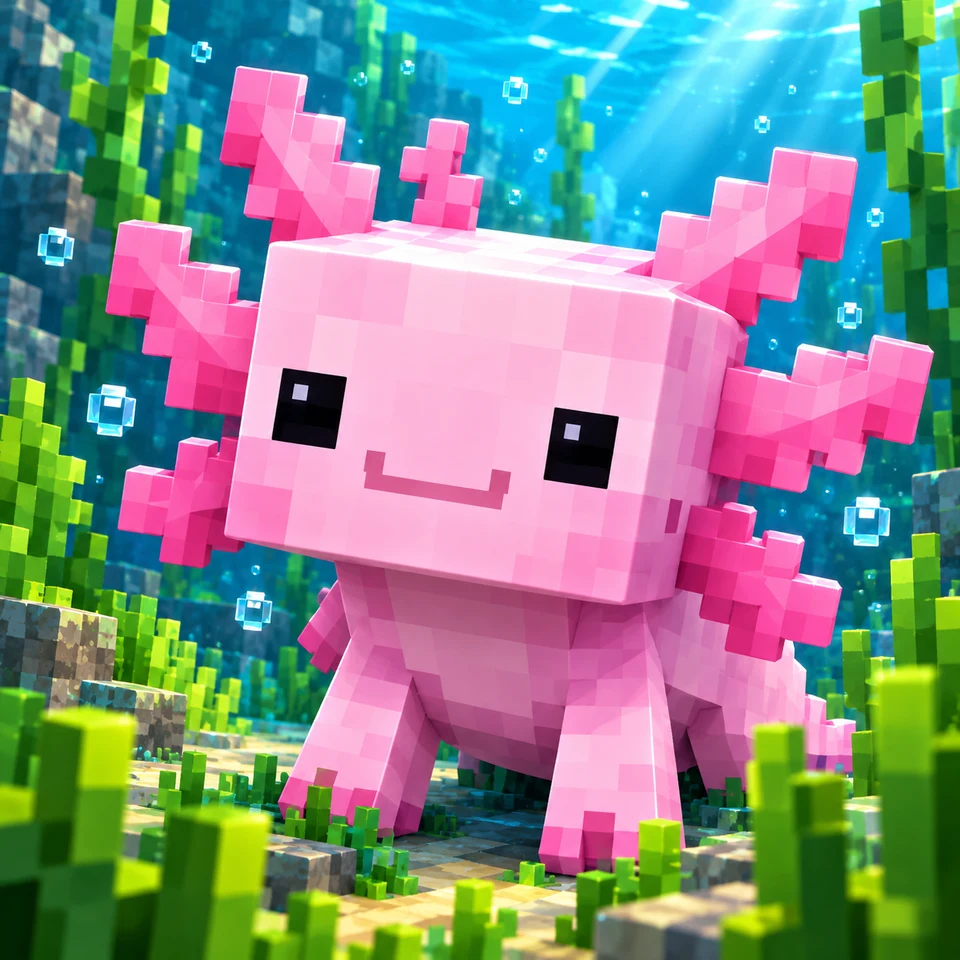
A pink axolotl surrounded by clear blue water, bubbles, and blocky aquatic plants.
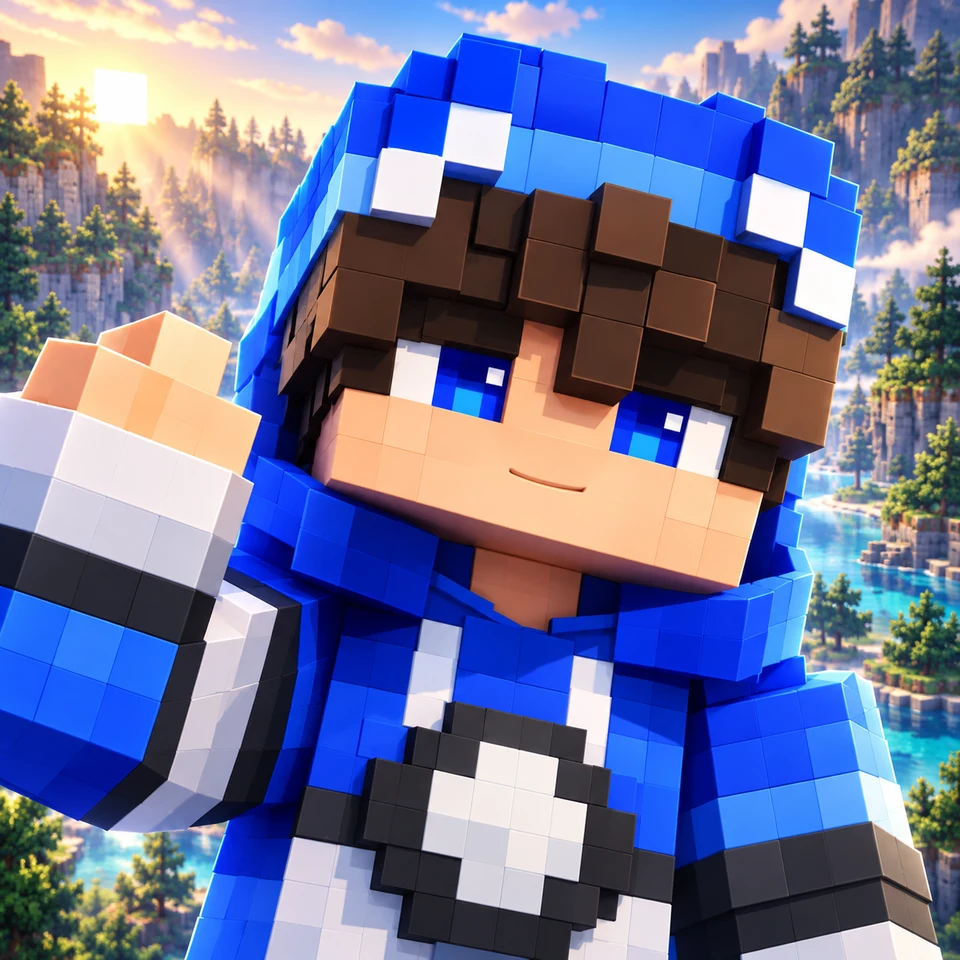
A blue-and-white hoodie, a friendly wave, and a bright mountain lake.
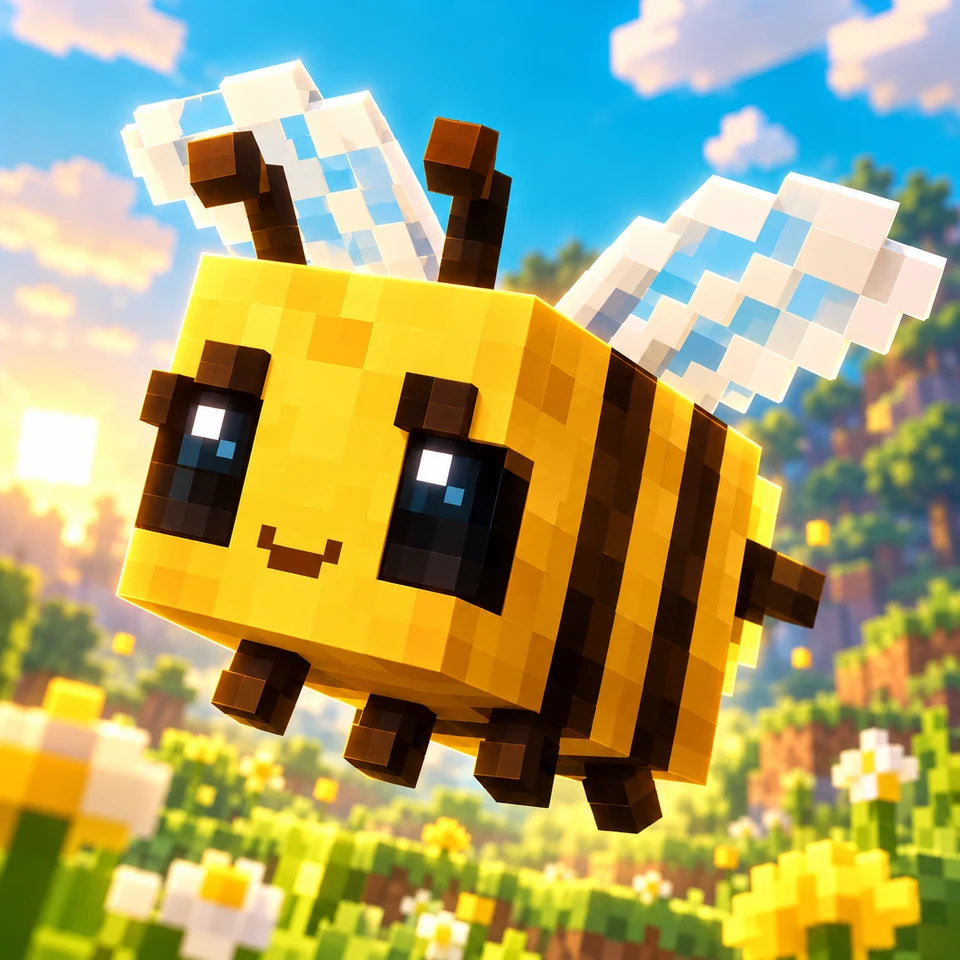
A golden blocky bee hovering above flowers in a sunlit meadow.
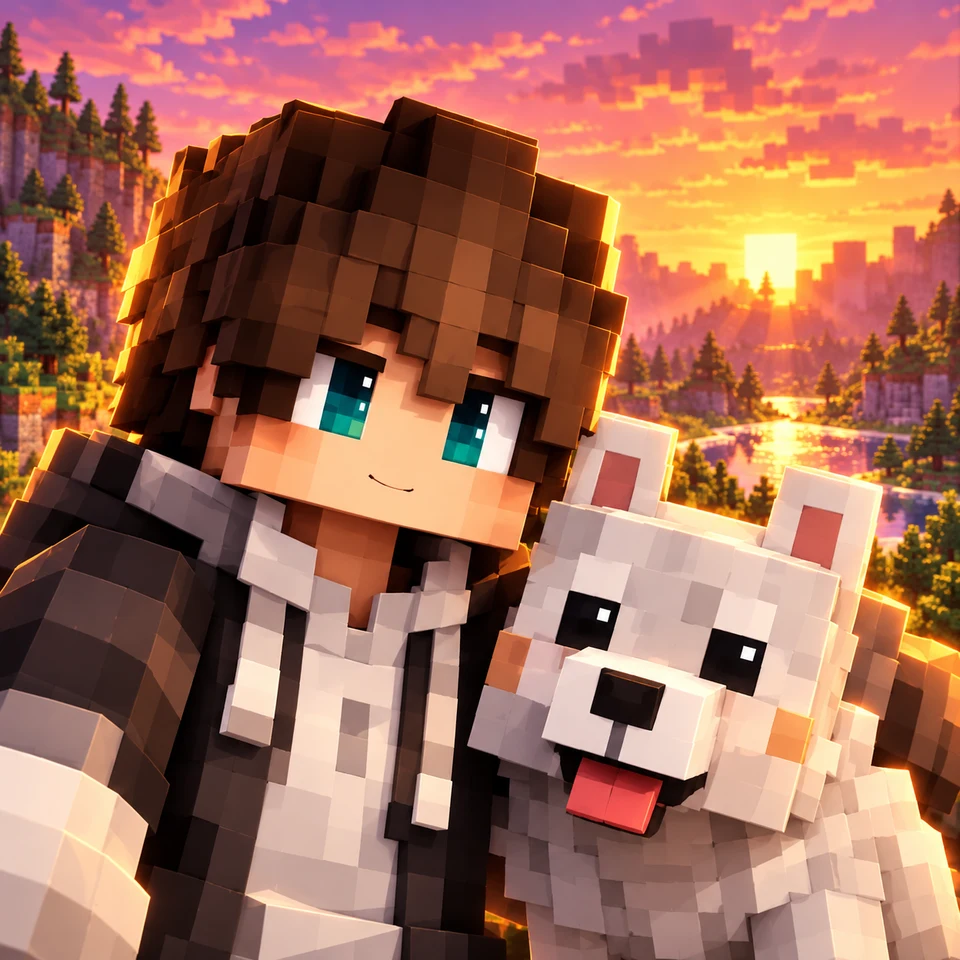
A brown-haired explorer beside a white wolf, with a golden sunset behind them.
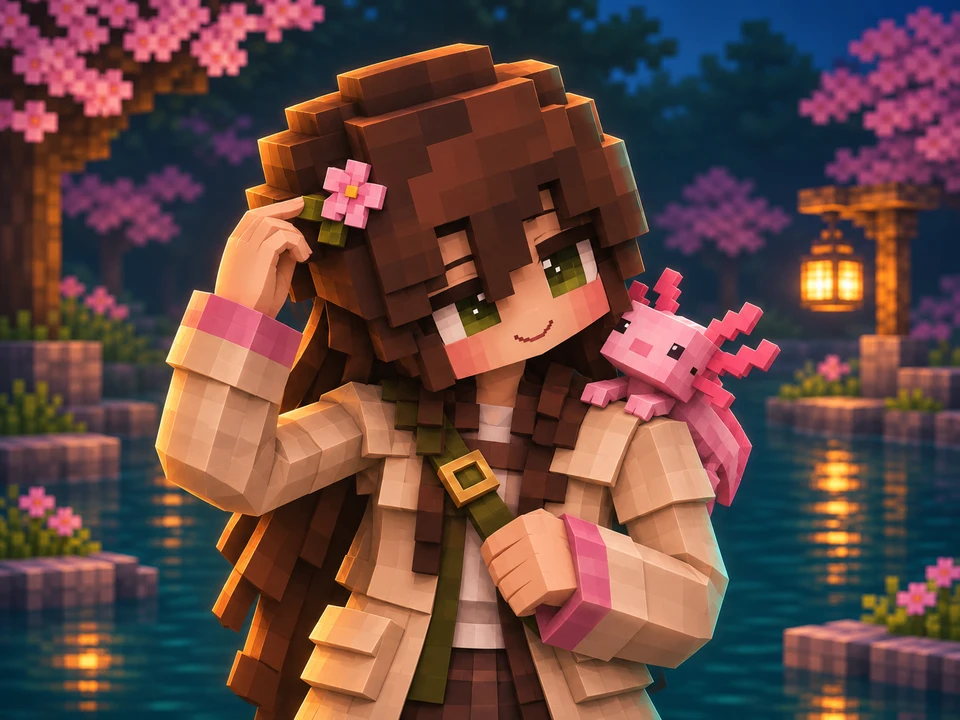
Give your avatar a look that feels like yours. Describe a blocky hairstyle, a favorite outfit, a flower clip, or an axolotl companion, then let AI turn those details into a Minecraft-inspired profile picture.
Start from text, or add a character image in Image Edit to guide the design. Name the features you want to keep recognizable; AI may reinterpret small details.
Create My Character Avatar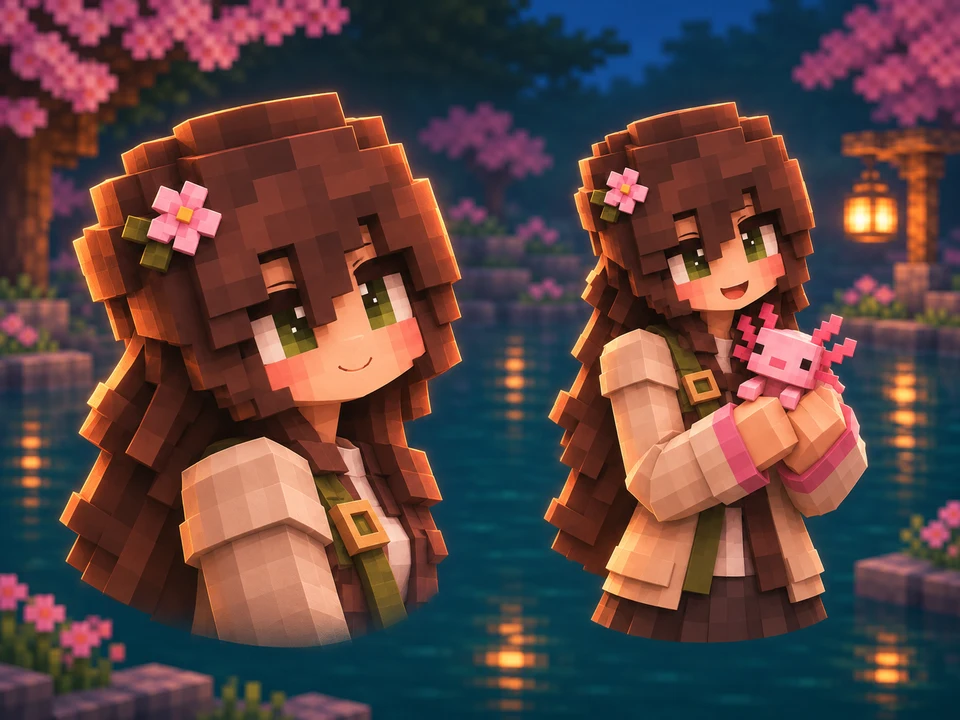
A close-up brings the face forward. A half-body portrait leaves room for an outfit, a pose, or a companion. Ask for a friendly wave, a slight head tilt, or a character holding a companion. Describe the pose and framing in your prompt to guide the result.
For a PFP, ask for a square image with the face near the center and space around important accessories. Choose a 1:1 aspect ratio in the generator.
Design My Minecraft PFP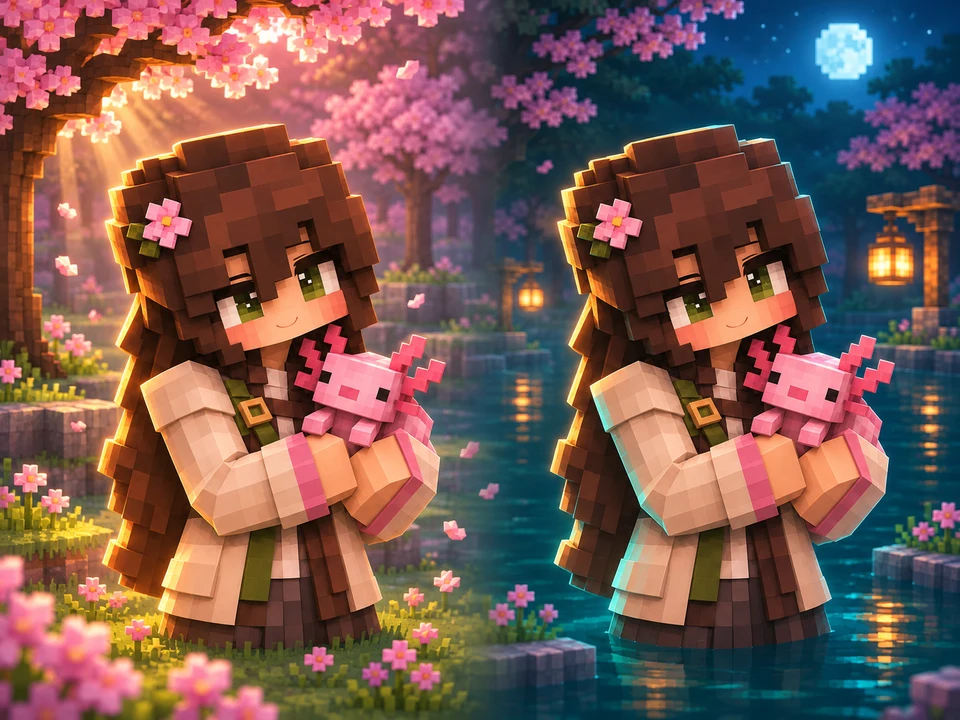
Picture your character beside a lantern-lit cherry pond, under a moonlit sky, or in a sunlit forest. Include the setting, colors, and lighting in your prompt to create a distinct mood.
Keep the background quieter than the character so the face stays easy to recognize. Try a new prompt or use Image Edit to explore another direction from a reference image.
Try a New Background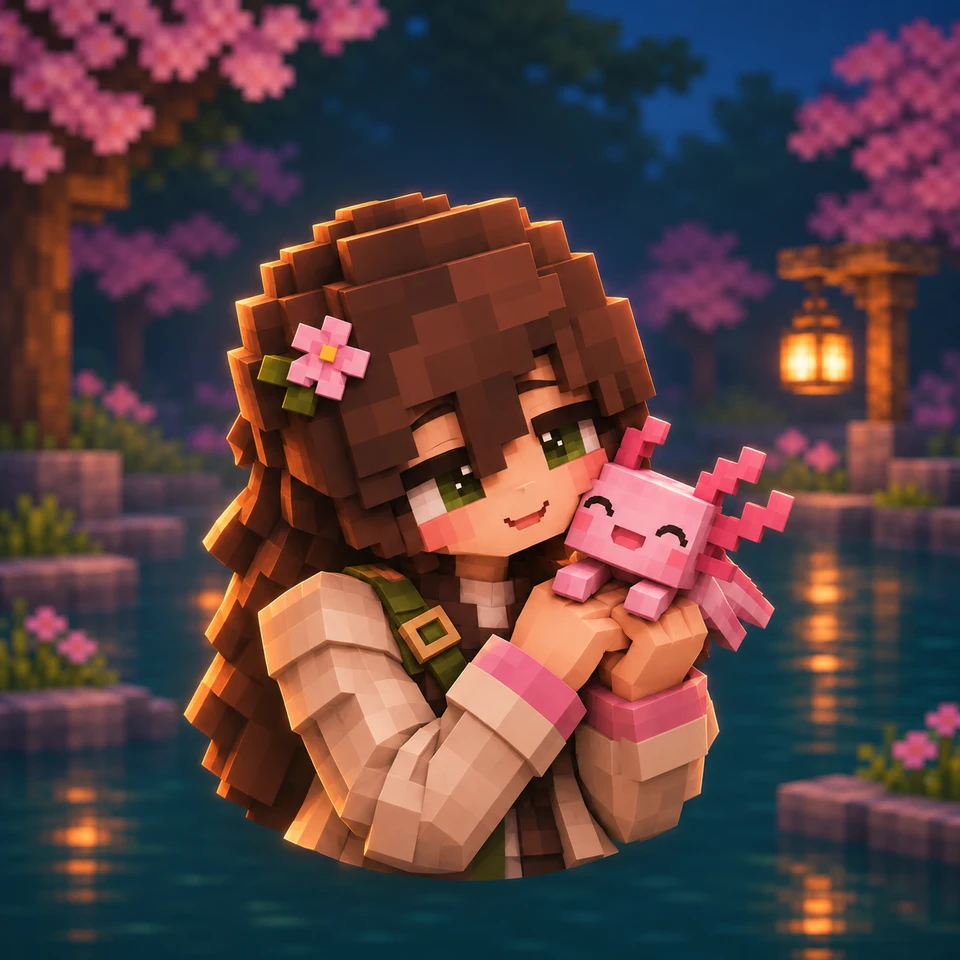
Create a Minecraft-inspired profile picture for your Discord identity, YouTube channel, or gaming community. A clear face and a recognizable companion can give your avatar personality at a small size.
Download your favorite result, then check its crop in your platform’s profile settings. The square and circular examples here show how the same portrait can appear in different frames.
Generate My Profile PictureDescribe your character, choose your settings, and create your profile picture.
Add a referenceDescribe your Minecraft character, outfit, pose, and background. Or switch to Image Edit and upload a character reference.
Select an available model and a 1:1 aspect ratio. Review the displayed credit cost, then generate your avatar.
Open your favorite result and download it. Adjust the profile crop on Discord, YouTube, or your chosen platform.
Describe your character in everyday language, from a simple hoodie portrait to a scene with an axolotl companion.
Upload a character image in Image Edit to guide the appearance and describe the changes you want.
Request cute, cinematic, pixel-art, or 3D-style portraits through your prompt.
Save a finished image and adjust its crop on the platform where you use your profile picture.
An AI Minecraft PFP maker creates Minecraft-inspired profile pictures from text or reference images. Describe a character, outfit, pose, and background to make artwork for a social profile or gaming channel.
Enter a character description in Text to Image, or upload a reference in Image Edit. Select an available model and a 1:1 aspect ratio, review the credit cost, and generate. Download your favorite result and check its profile crop.
Yes. Add a photo in Image Edit and ask for a Minecraft-inspired avatar. Describe the hairstyle, outfit, and expression you want the result to draw from. AI creates a stylized interpretation rather than an exact copy.
You can use a clear screenshot or portrait of your skinned character as a visual reference in Image Edit, then describe the new scene or style. This AI tool does not parse a skin texture or load Java usernames, and it cannot guarantee exact preservation of skin pixels.
You can request a 2D pixel-art look, a 3D-style blocky portrait, or a cute illustrated avatar in your prompt. These describe the appearance of the generated image; the tool does not export a playable skin or a 3D model.
AI image generation uses credits. The editor displays the cost for the selected model and settings before generation. Check your account balance and current pricing for available credits.
Describe the background when you create your image, such as a cherry grove, a night sky, or a simple pastel backdrop. To explore a different setting from an existing portrait, upload it in Image Edit and explain what you want changed.
Choose a 1:1 aspect ratio and ask for a centered face with room around hats and companions. Download the result, upload it in your platform’s profile settings, and check the circular crop before saving.
Include the character’s appearance, one or two defining accessories, an expression or pose, the background, and the lighting. For example: a brown-haired blocky explorer holding a pink axolotl beside a lantern-lit cherry pond, square portrait, face centered.
Use a clear screenshot of your Bedrock character as a reference in Image Edit. The AI creates a new portrait from that image and your description. This page does not look up Bedrock gamertags, import Character Creator items, or change your in-game avatar.
Not necessarily. AI results can vary with the model, settings, and each generation. Use a reference image to guide recognizable features and describe the important details explicitly. Example prompts are starting points, not guarantees of identical results.
Start with a character idea, a favorite companion, or a reference image. Turn it into a Minecraft-inspired profile picture with a look of its own.
Create My Minecraft PFP