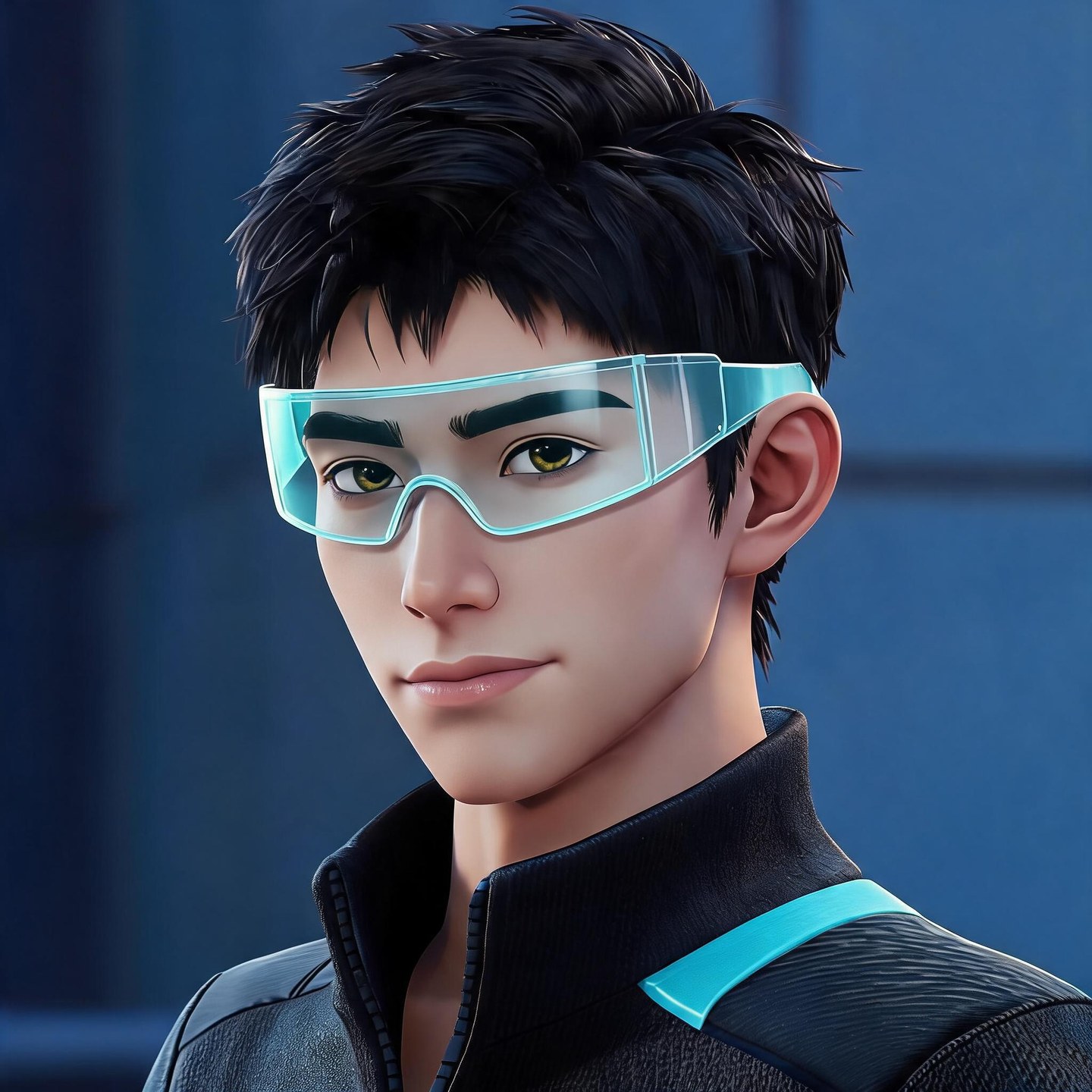
1. Sweaty Player
Dark sportswear, icy blue accents, and a focused expression for a competitive look.
Make a Fortnite-inspired profile picture that feels like you. Start with a character idea or upload a photo, then describe the outfit, expression, and background you want. Go for a sweaty look, a funny face, or something all your own.
Your latest creations, grouped by local date.
Not sure what to make? Explore these Fortnite PFP ideas, from masked characters to colorful gaming portraits. Pick a prompt you like and change the details to suit your style.
Dark sportswear, icy blue accents, and a focused expression for a competitive look.
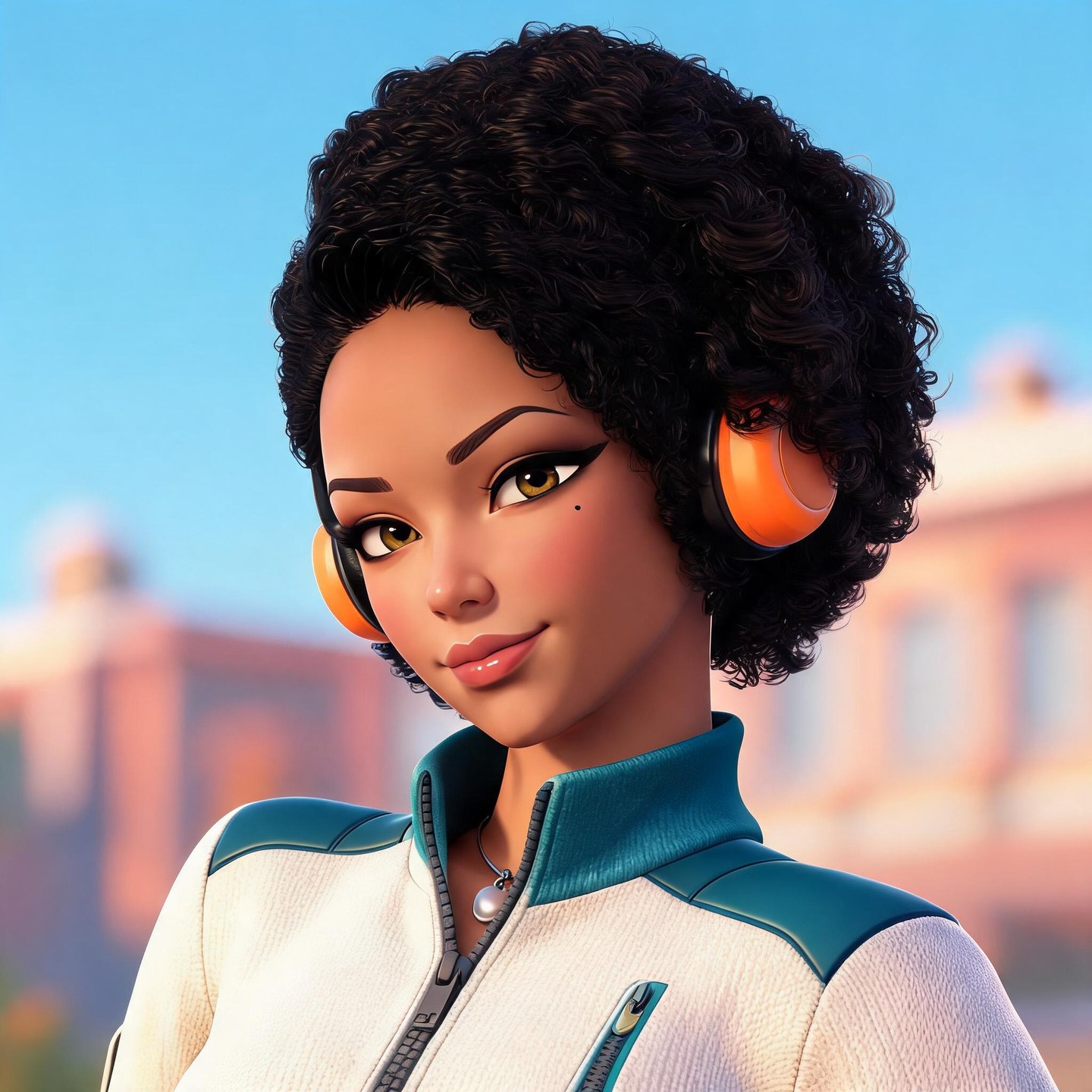
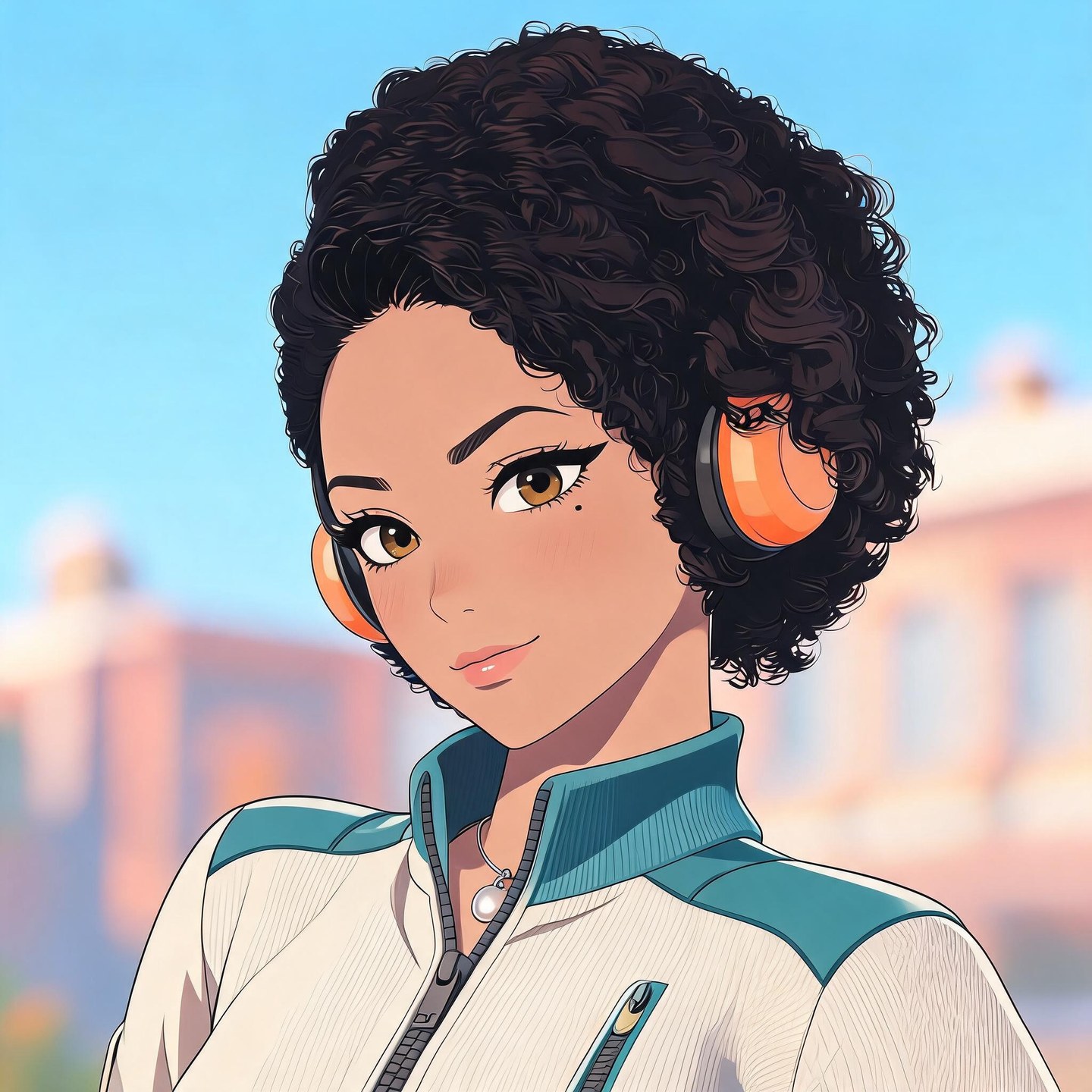
Orange headphones, soft curls, and a teal jacket for a bright, relaxed portrait.
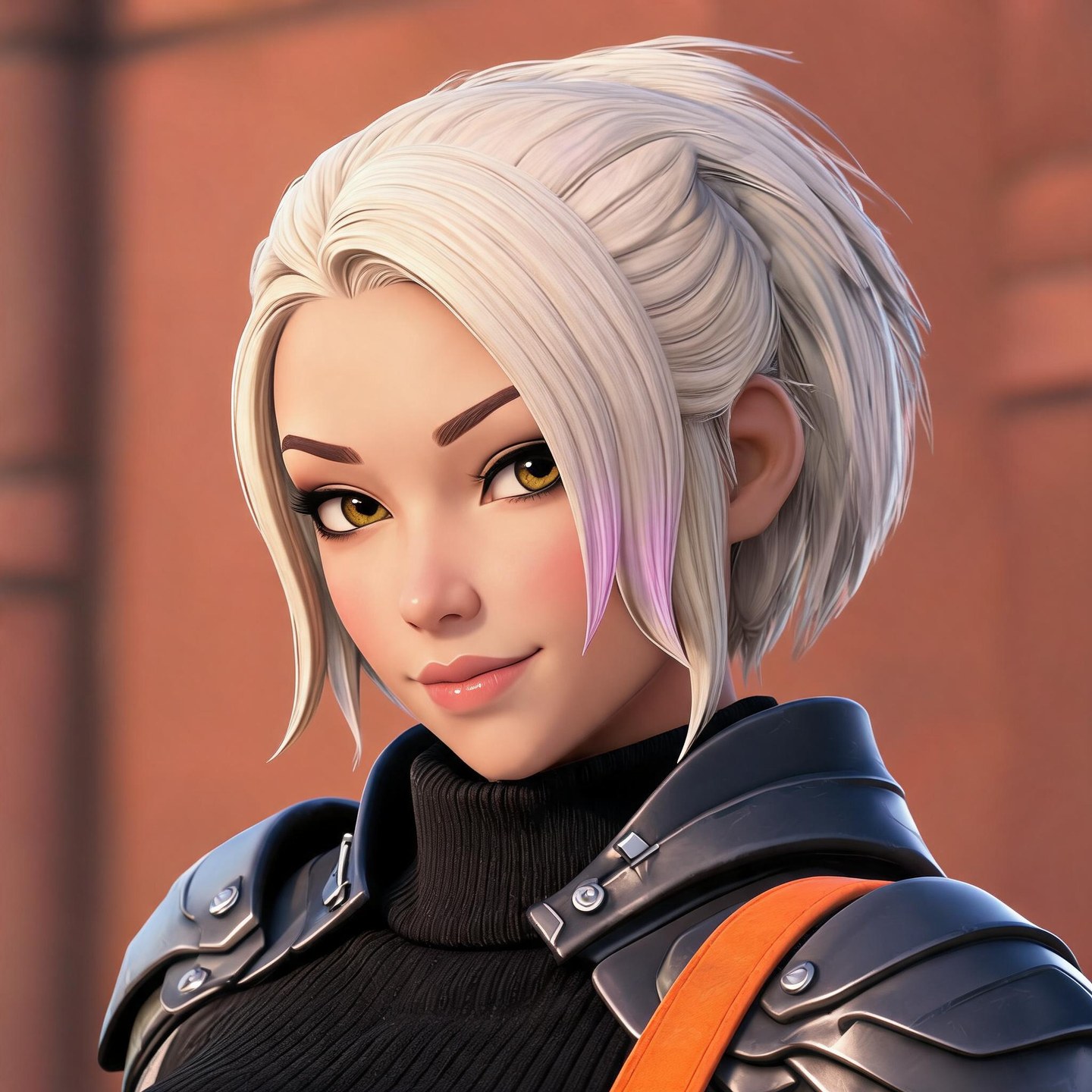
Silver hair and dark shoulder armor with a warm accent color.
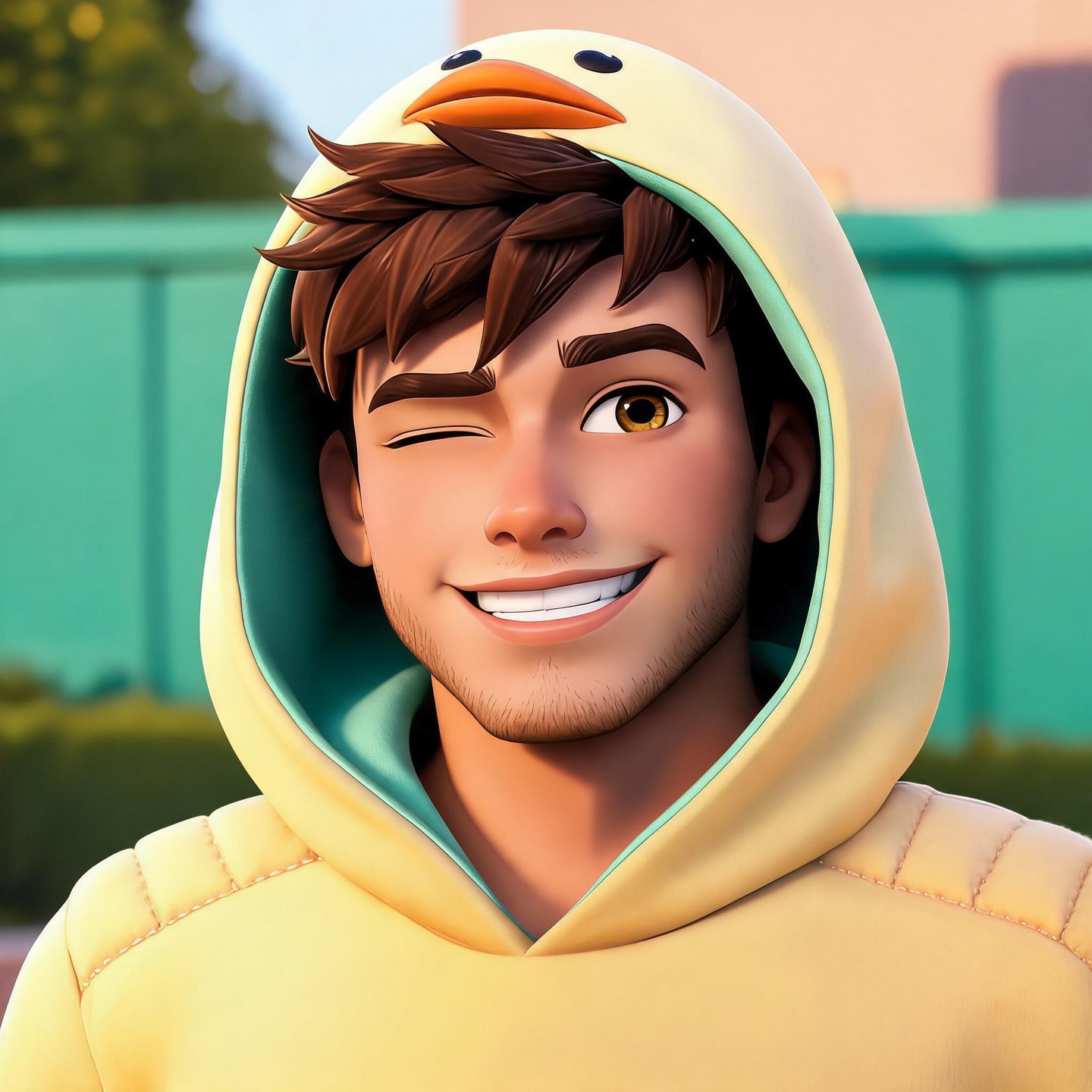
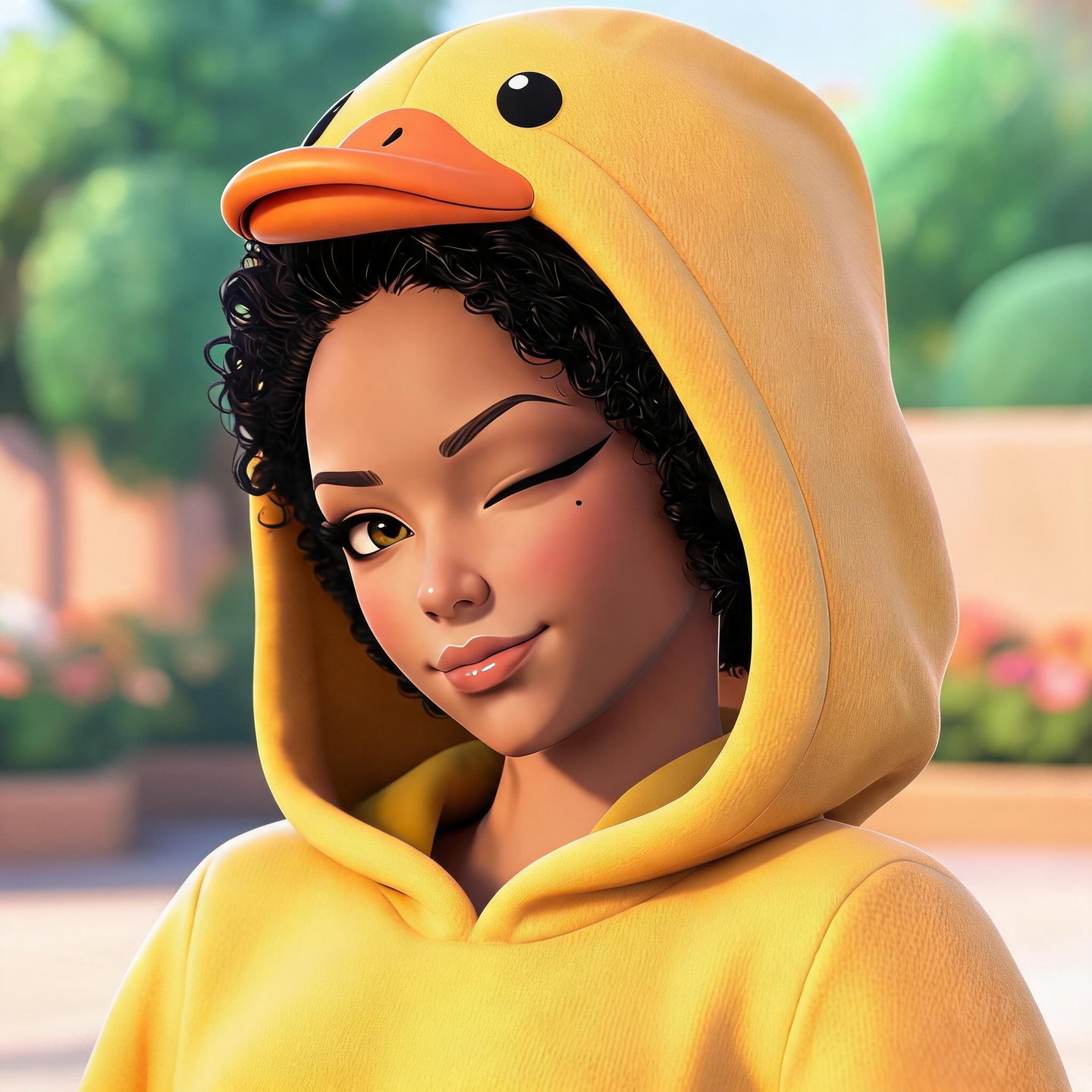
A yellow duck hood and a playful wink for a less serious profile picture.
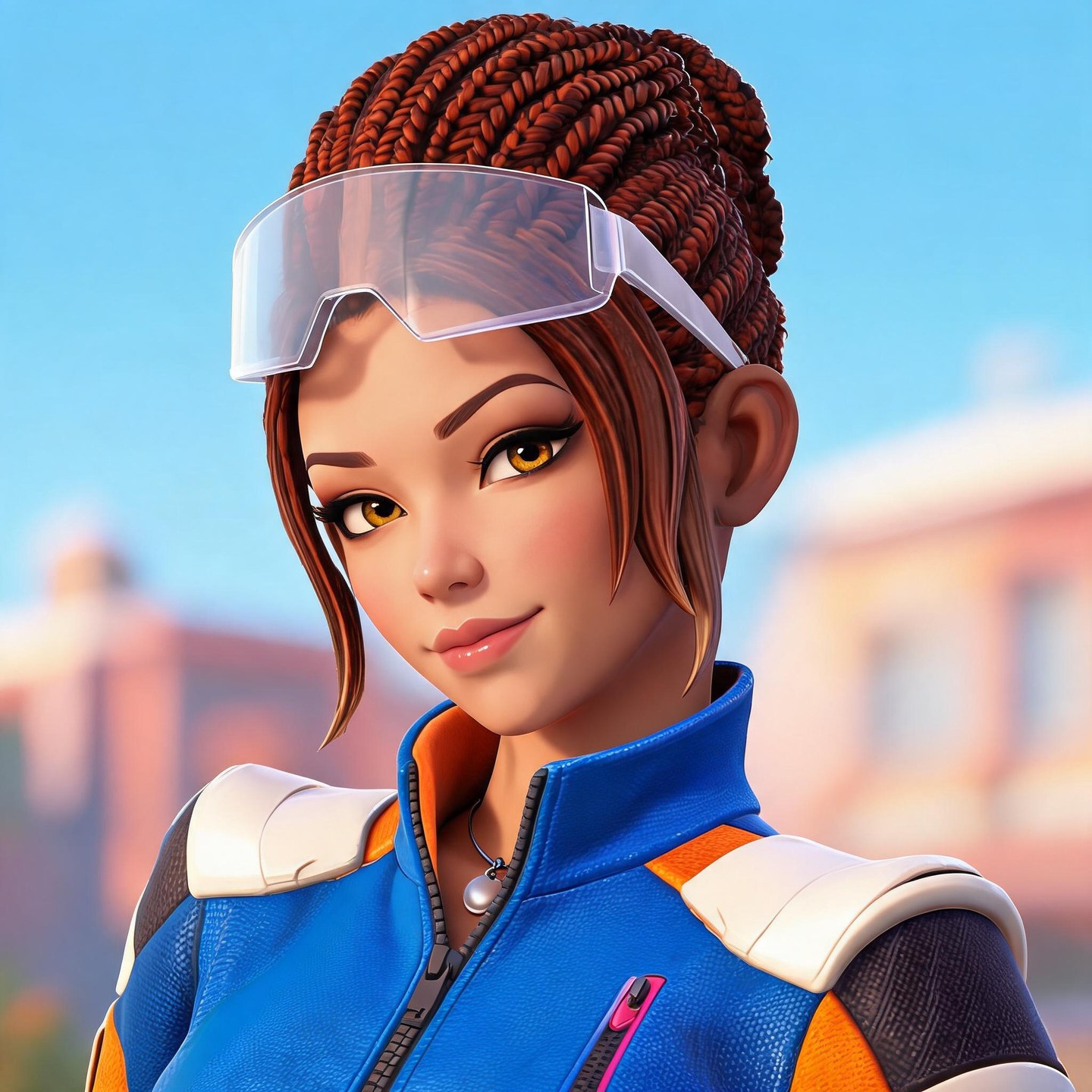
Braided hair, raised goggles, and an orange-and-blue racing jacket.
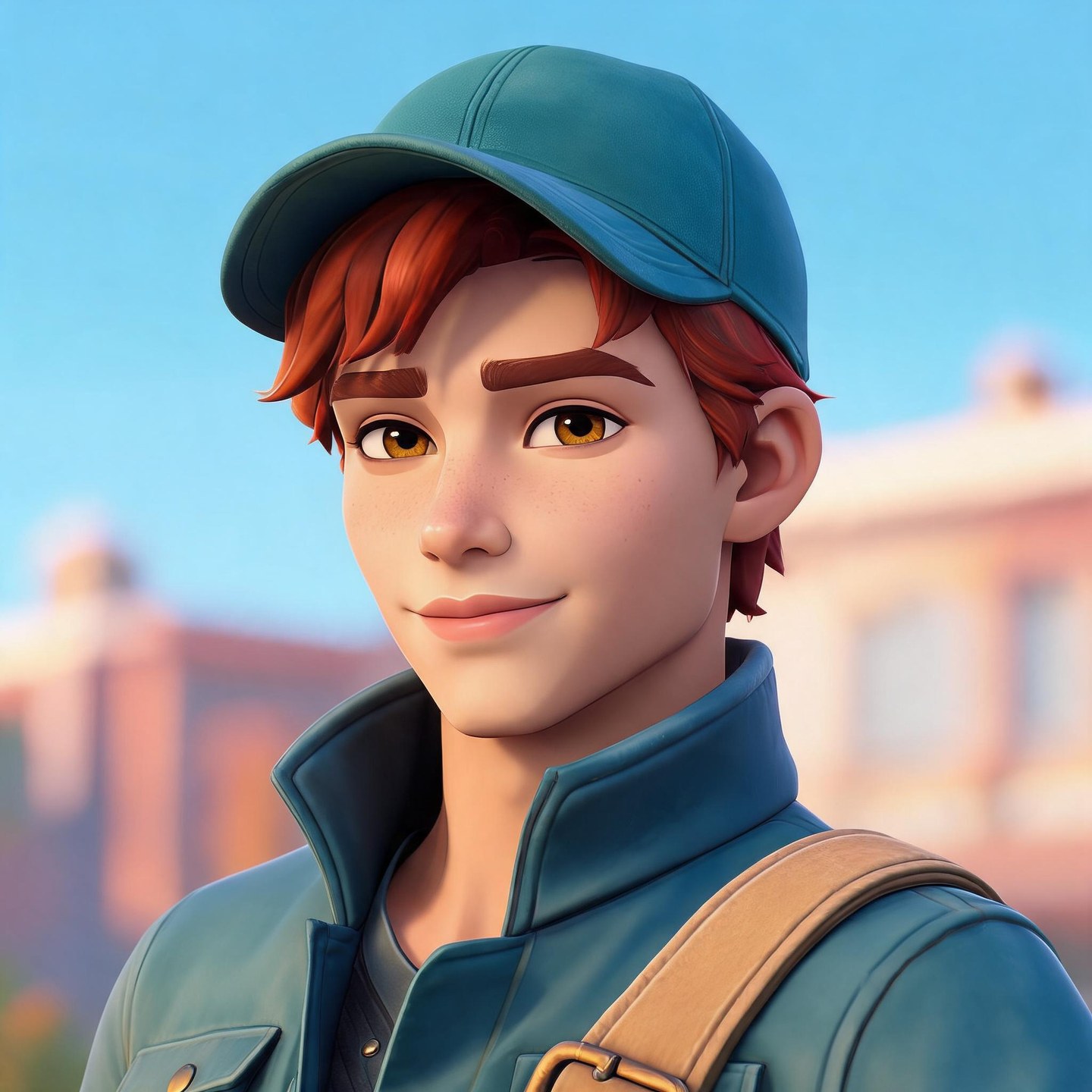
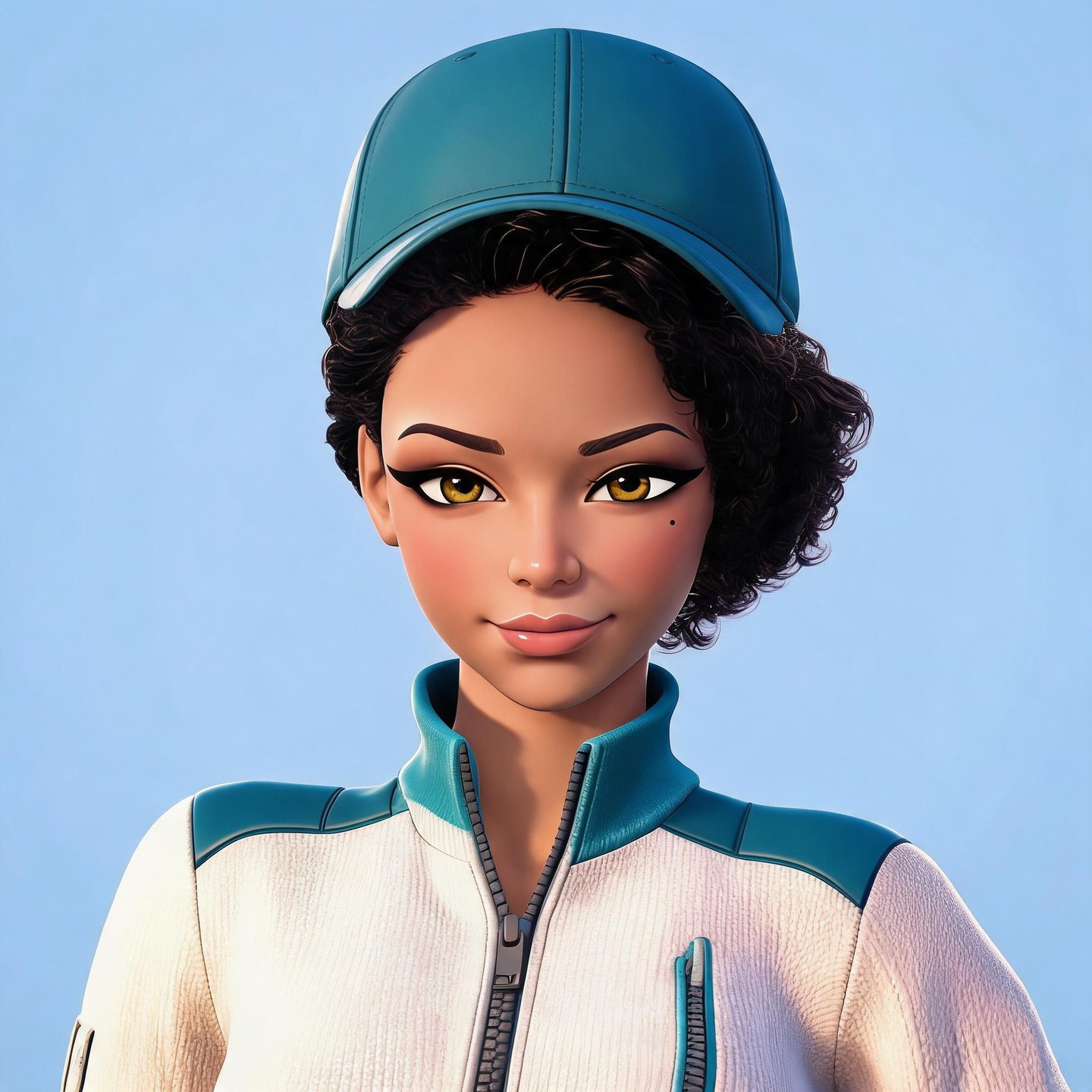
A teal cap and a simple jacket for an understated gaming avatar.
Soft curls, orange headphones, and clean cel shading for an anime-inspired look.
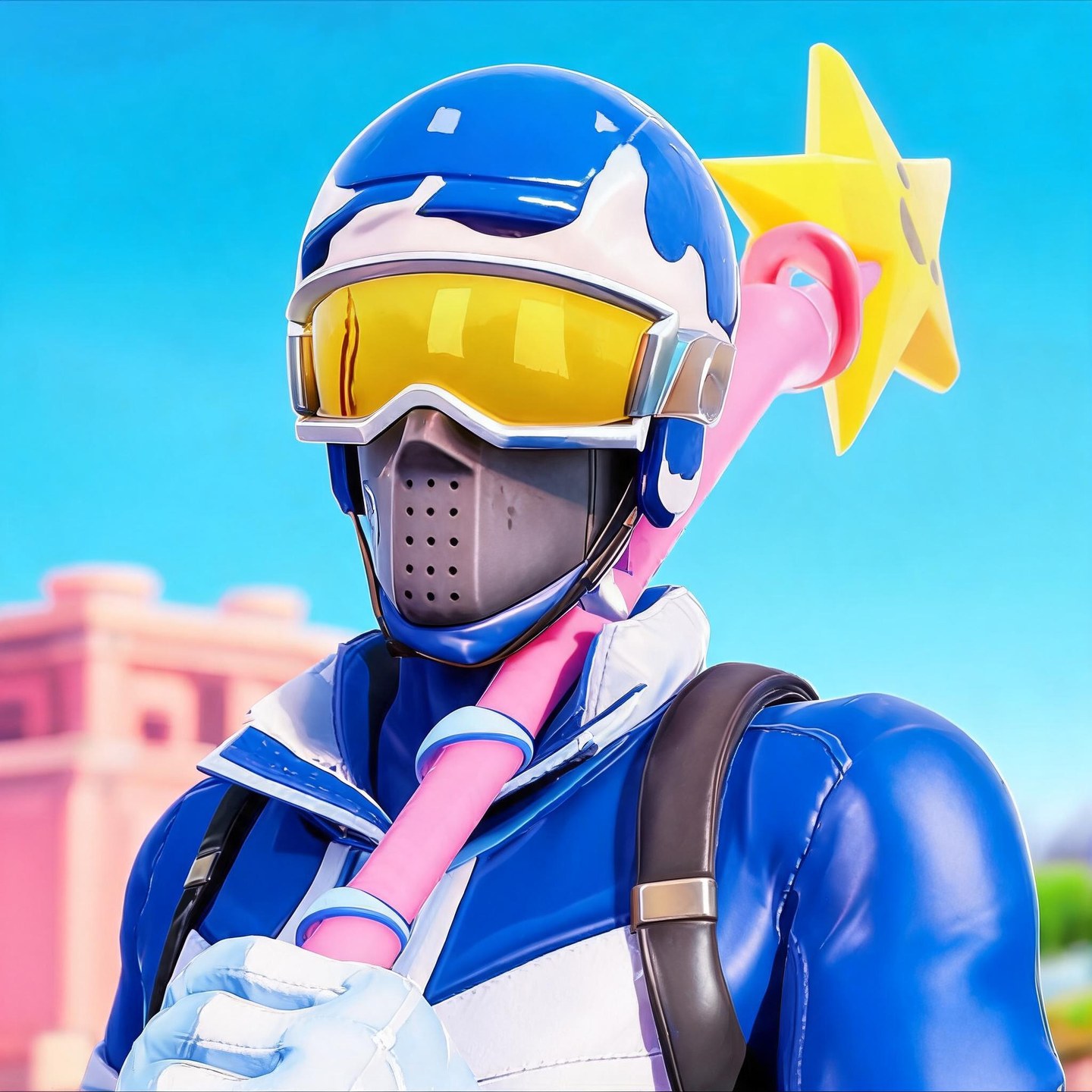
A blue-and-white helmet, gold goggles, and a colorful star-shaped prop.
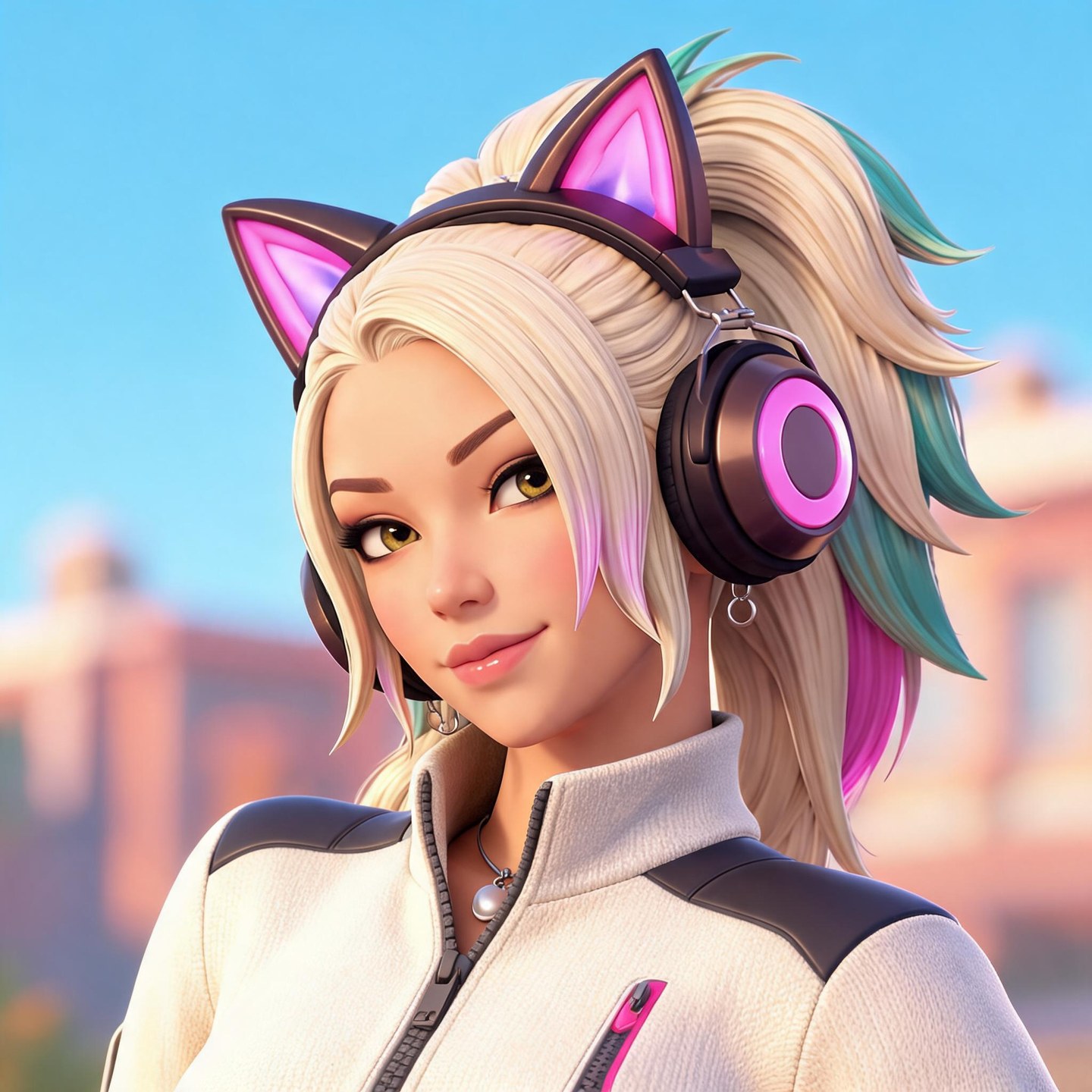
Pink cat-ear headphones and a blonde ponytail for a playful streamer look.
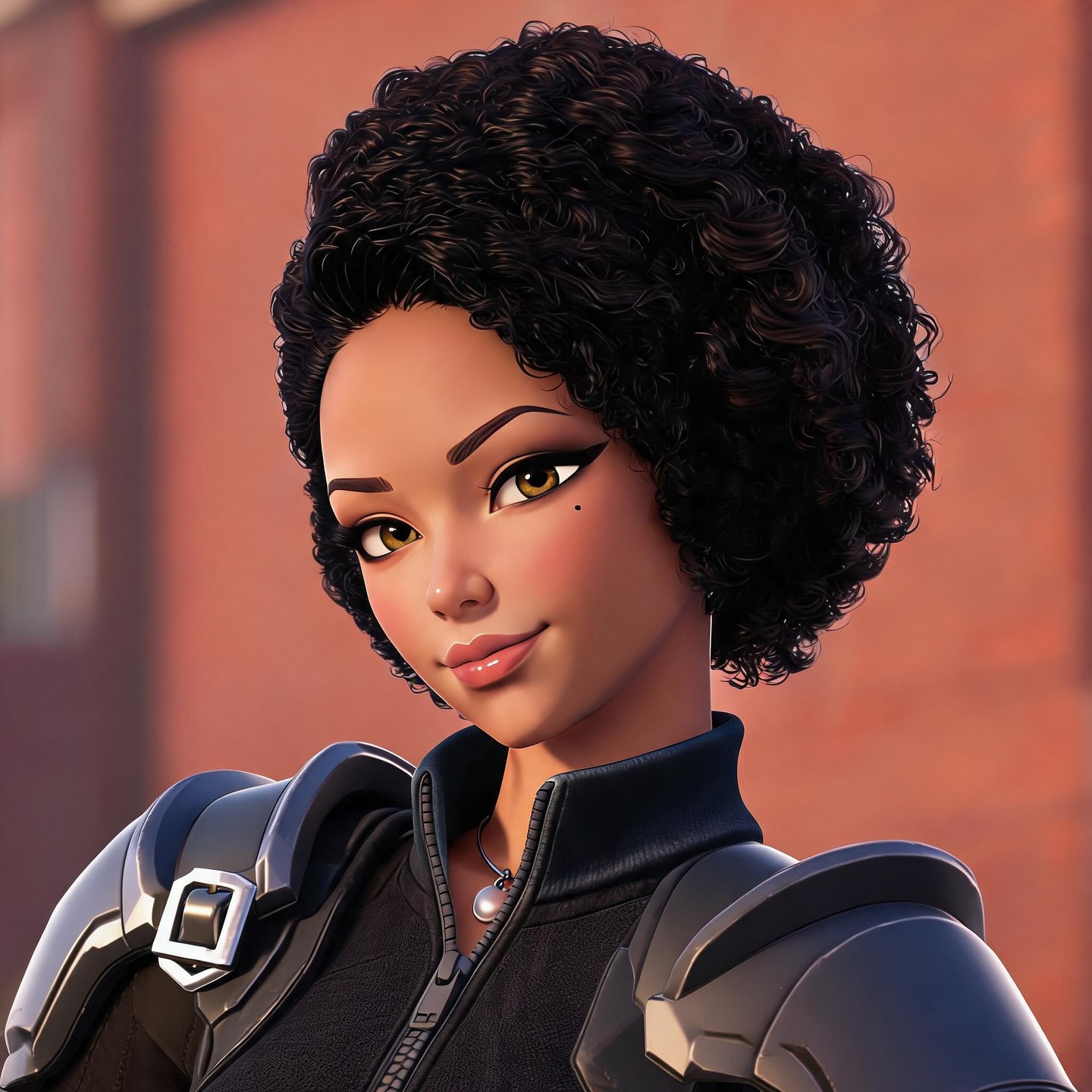
These portraits combine prompts and reference images. Use the prompts as starting points; your results will vary.
A confident racer with an orange-and-blue jacket.
Prompt exampleHave a character in mind but can’t find the right avatar? Describe it with our Fortnite PFP generator. Start with a masked fighter, a colorful racer, or an original character, then add the details that matter to you.
Try mirrored goggles, a favorite jacket, or a background in your squad’s colors. You can also upload a character reference to guide the look. A few specific details give your custom Fortnite PFP a more personal starting point.
Create My PFP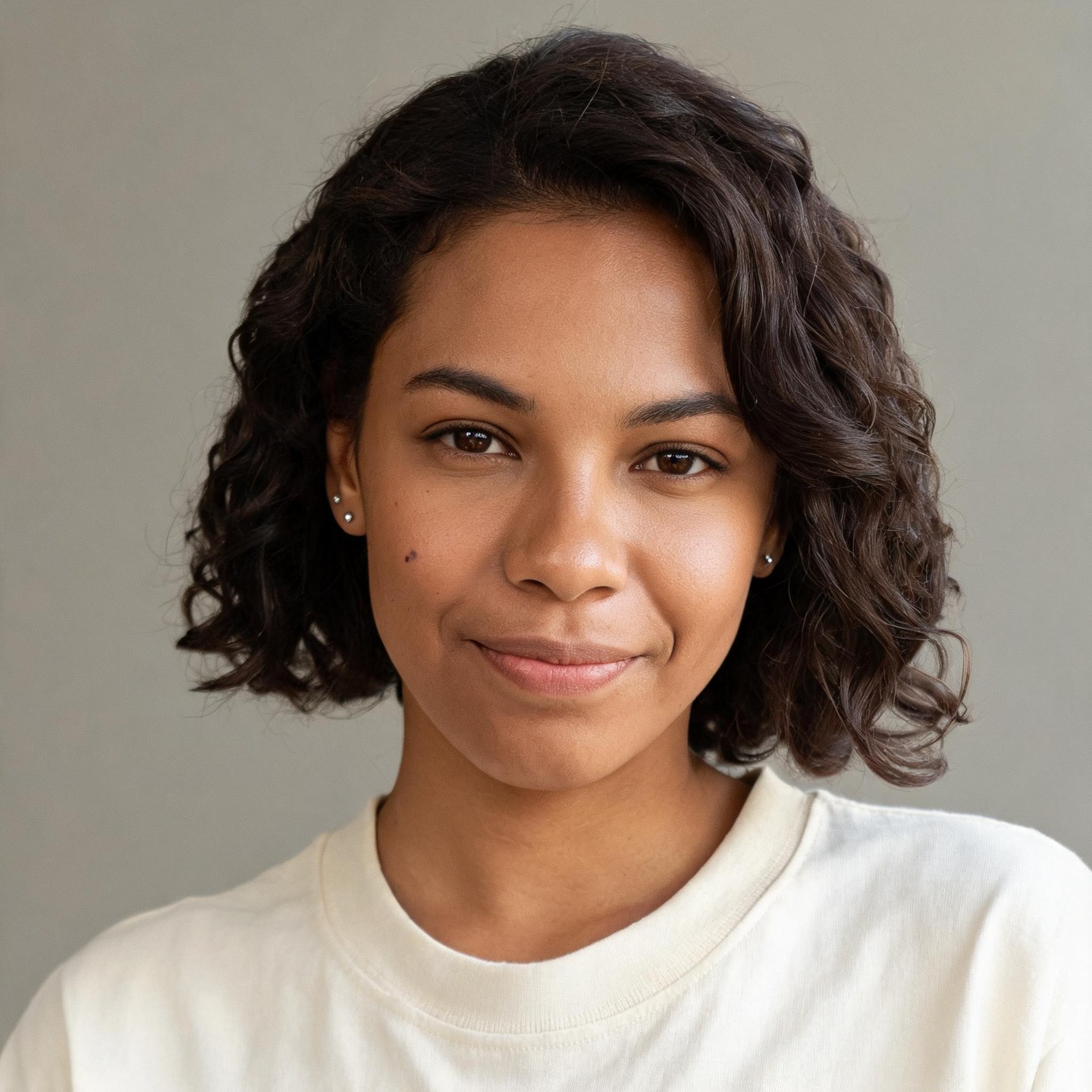
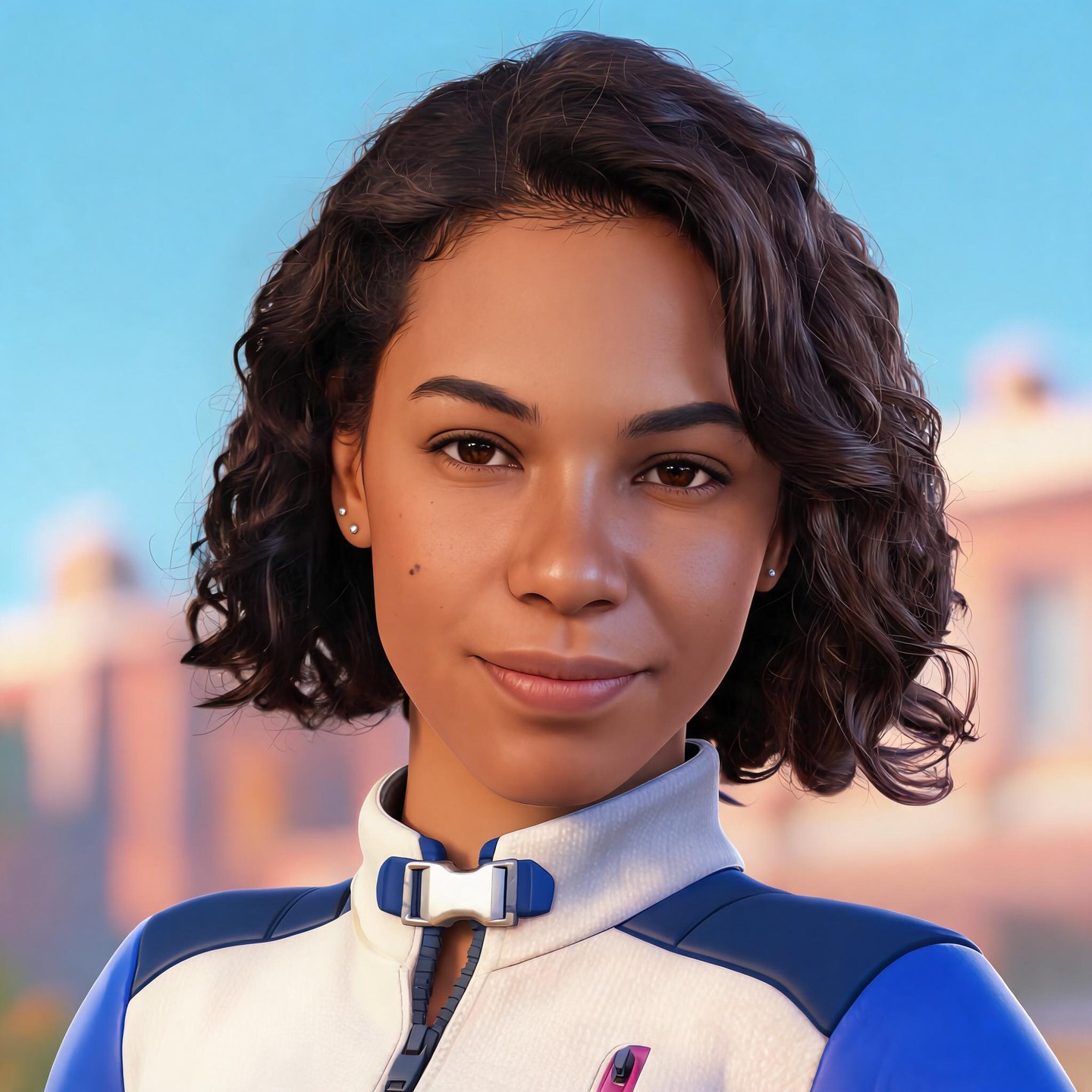
Illustrative example · AI-generated source photo
See yourself as a game character. Upload a clear selfie and describe the look you want, whether that’s a sporty jacket, oversized headphones, or a helmet with a tinted visor.
Use the prompt to name the features you’d like to keep, such as your curls, glasses, or facial hair. The reference helps guide the portrait, while your description sets the outfit and mood. Review the result and refine your prompt if a detail needs another try.
Start with My Photo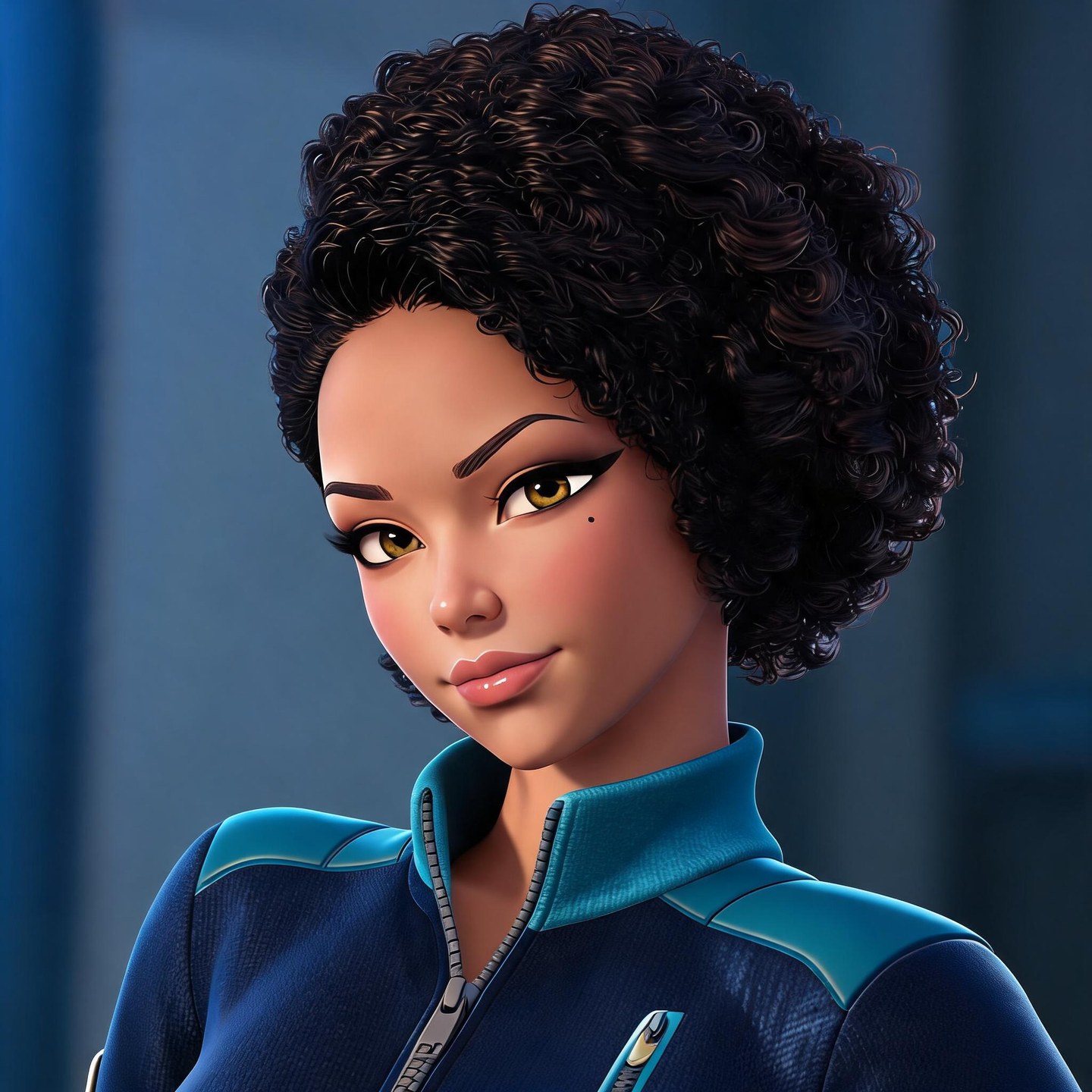
Prompt directions
A cool Fortnite PFP can be bright and laid-back. A sweaty one might use a focused expression, darker clothing, and sharp lighting. Prefer something funny? Try an oversized hood or a playful face.
Use the same character reference to explore different directions. Describe a new outfit, expression, or background, then compare the results. Keep the version that feels right for your profile.
Try a Different LookProfile pictures need to work at a glance. For a Fortnite PFP for YouTube, Discord, or TikTok, start with a square composition and ask for a close portrait with a simple background.
Leave some space around the hair, hood, or helmet so the character has room inside a circular crop. Download your image and check it in your profile before saving. Small details can disappear at avatar size, so let the face and silhouette do most of the work.
Create a Square PFPOutfit, expression, lighting and background...
Enter your character idea in the generator. Include the outfit, expression, and background you want. To start from a selfie or character reference, switch to Image to Image and upload your picture.
Select a model and choose a 1:1 aspect ratio for a square portrait. Pick an available resolution and check the credit cost before you generate.
Generate your PFP and take a closer look at the result. Check the face, accessories, and framing, then download the image you like. You can revise your prompt and generate another version if needed.
Keep the character you like and explore a different look. These six prompt directions offer ideas for outfits, expressions, and lighting.
Have the avatar idea but not the rendering skills? Describe the portrait you want without building a character model from scratch.
A written idea, a selfie, or a character reference can be your starting point. You don’t need a finished design.
Your favorite colors and accessories belong in the picture. Include them in your prompt instead of settling for a stock avatar.
Review your generated portrait and download it from the same workspace. Keep the image you want to use for your profile.
Use a Fortnite profile picture maker to turn a description or reference image into a gaming portrait. Describe your character, choose a square aspect ratio, and generate an image. A close portrait with a simple background is a useful starting point. Download the result and check how it looks in your profile.
Image generation uses credits. The amount depends on the model and settings you choose. Check your available balance and the cost displayed in the generator before submitting. You’ll be asked to sign in when required.
You can upload a skin reference and describe the details you want in the portrait, such as its helmet, outfit colors, or expression. The image guides the result, but AI may change some details. It won’t necessarily reproduce the skin exactly.
Describe the look rather than using “sweaty” alone. Try “a focused gaming character with dark sportswear, cool blue lighting, a close portrait, and a simple background.” Add the hairstyle or accessory you want to make the avatar more personal.
You can ask for a short name in your prompt, but AI-generated lettering may need correction. For more control over spelling, font, and placement, generate the portrait first and add your gamertag in a separate image editor. This generator doesn’t include a dedicated text-layout editor.
Choose a square aspect ratio and ask for the character’s face to sit near the center. Leave space around hair and accessories, and keep the background simple. After downloading, check the crop in YouTube’s profile picture preview so important details stay visible.
Choose 4K when it’s available for your selected model and generation mode. Resolution options and credit costs vary, so check the settings before generating. A larger image gives you more room to crop, but clear framing still matters when the portrait appears as a small avatar.
You can download the portrait and upload it through the platform’s profile settings, subject to its image requirements and content rules. Check the crop before saving, especially around helmets and headphones. Try OC Maker creates the image; it doesn’t update your profiles automatically.
Not as a custom upload for a regular player account. Epic’s current help guidance says the Fortnite profile icon reflects the outfit last equipped in the game. This tool creates a separate image for your profiles; it doesn’t change your in-game icon or unlock a skin.
Start with the character you’d like to see on your profile. Describe the look, add a few personal details, and create a portrait without drawing it from scratch.
Create My Fortnite PFPTry OC Maker is an independent tool and is not affiliated with or endorsed by Epic Games.