Adapt Images for Social Media
Turn one visual idea into concepts for posts, stories, and covers. Choose the aspect ratio that suits each placement.
Give photos and artwork more room. Upload an image, choose an aspect ratio, and let AI extend the scene for social posts, banners, and designs.
4K output7 aspect ratios9 credits per image
Sign in to create images and view your extension history.
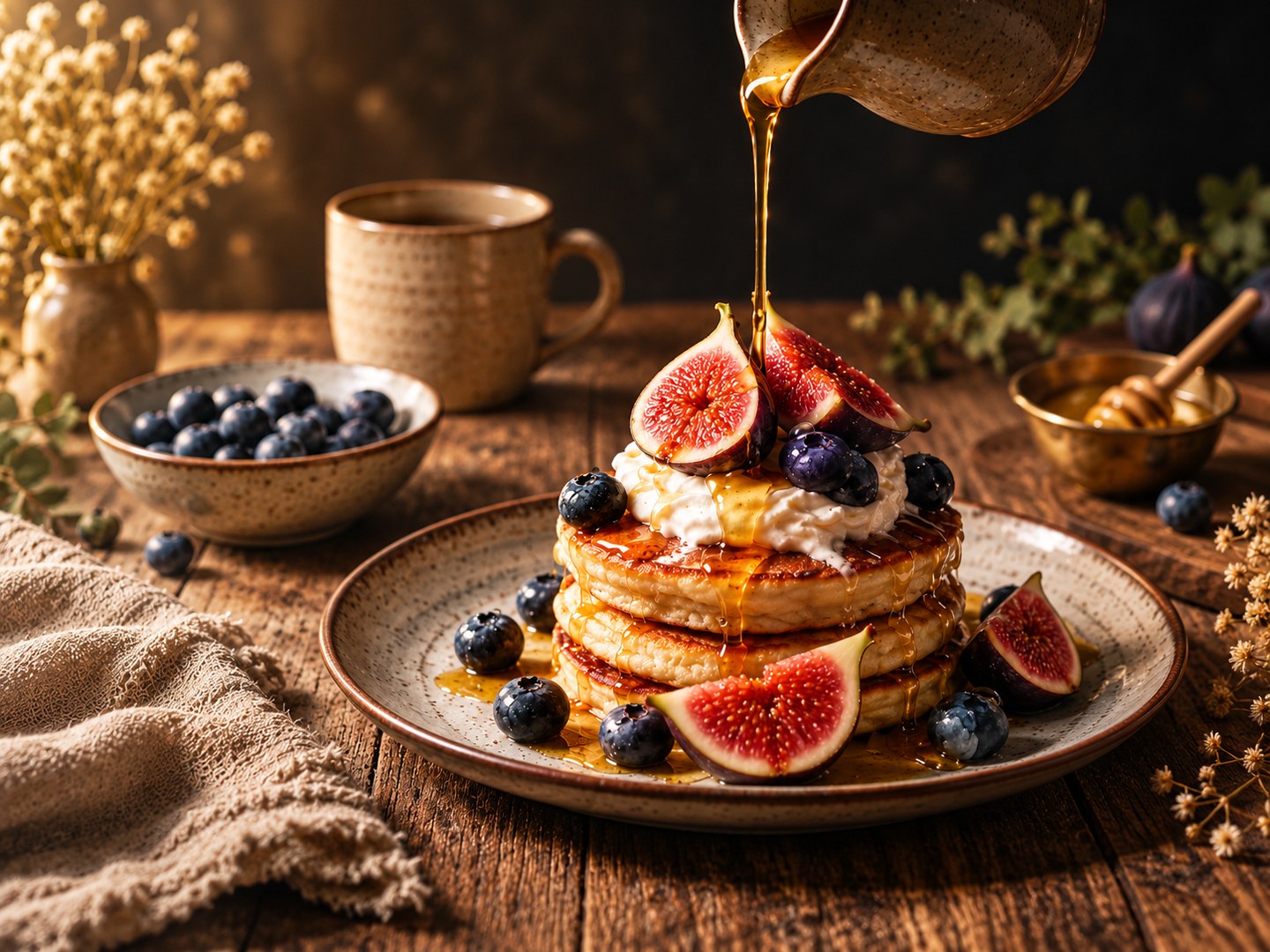
Give your product photos more room to stand out with Try OC Maker's AI image extender. Easily uncrop and expand product backgrounds to fit Shopify banners, Etsy storefronts, promotional graphics, and online ads. Turn a close-up product shot into a wider display, add more tabletop space, or leave room beside your product for promotional text.
Simply upload your photo and choose an output aspect ratio. Create different product layouts without arranging another photoshoot or manually rebuilding the scene.
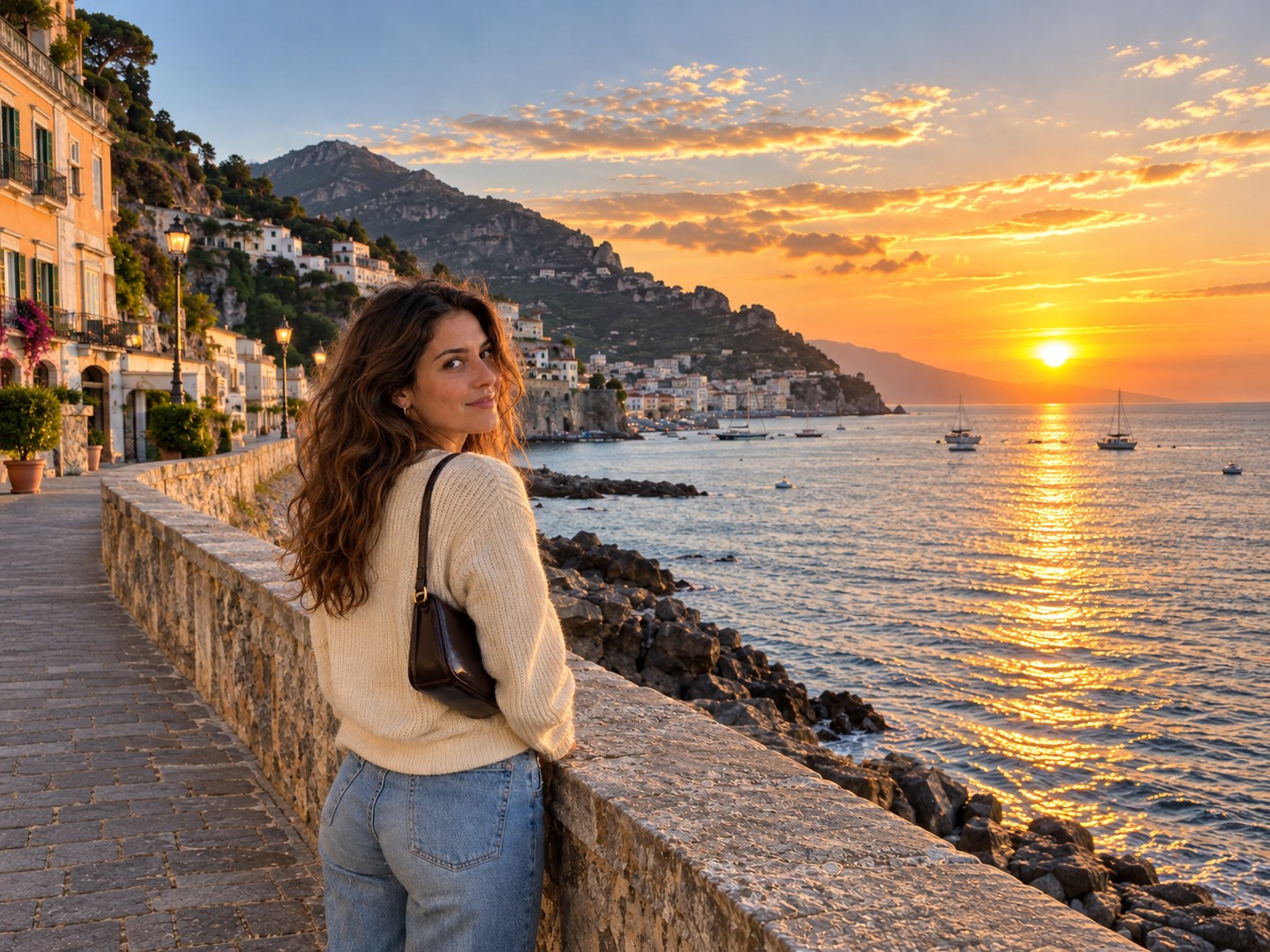
Don't let a tight crop ruin your best photos. Use Try OC Maker's AI photo extender to expand images into 9:16 for Instagram Stories, 16:9 for YouTube thumbnails, or 1:1 for square social posts. Easily adapt your favorite shots to different platforms without cutting off important details.
With AI outpainting, you can generate new scenery beyond the original frame instead of stretching or cropping your photo. Repurpose your favorite images for different social media formats without starting from scratch.
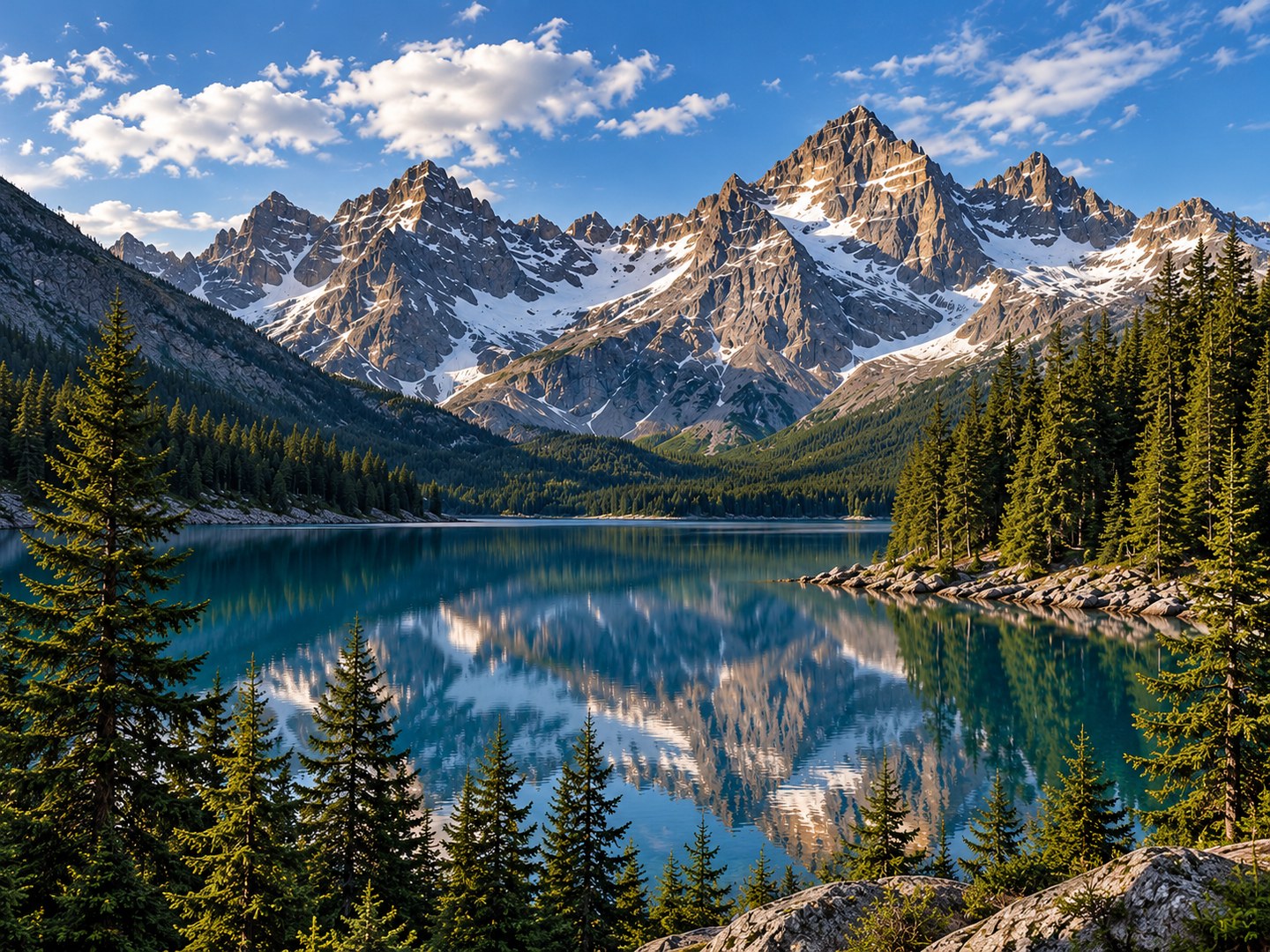
Give your designs the breathing room they need with Try OC Maker's AI background extender. Easily expand photo backgrounds to make space for headlines, logos, and promotional messages. Perfect for website banners, advertising posters, presentation slides, and social media graphics.
Choose a wider or taller format and let AI continue the surroundings. Create balanced layouts with room for text while keeping your main subject in focus.
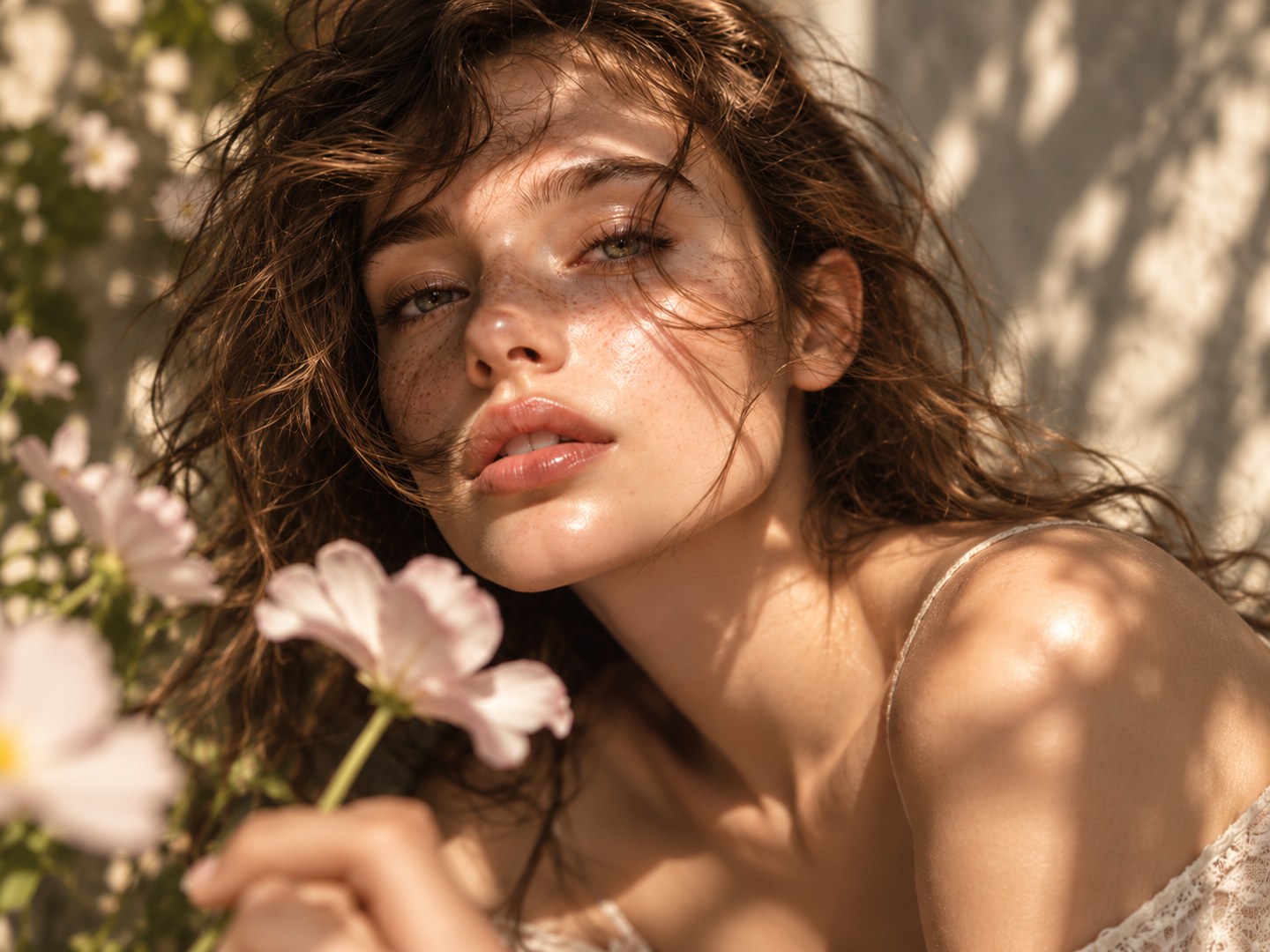
Fix tight crops and awkward framing with Try OC Maker's AI image extender. Add more space around a person's head and shoulders, extend the scenery behind a portrait, or reveal a wider view of your favorite landscape. You can even expand a mountain ridge, continue a sunset sky, or add more foreground to improve the composition.
Our AI photo extender generates new surroundings based on the original image's colors, lighting, and perspective. Give your portraits and landscapes a more balanced composition without stretching the original photo.
Sign in and upload a JPG, PNG, WebP, or GIF photo or illustration, up to 10 MB, in the editor above.
Choose from seven aspect ratios, including 1:1, 9:16, and 16:9. AI uses your reference to extend the scene automatically.
Generate one 4K image for 9 credits. Your task appears in the results panel while it is being processed.
Compare the result with your reference, checking faces, product details, and edges. Download your chosen image from the results panel.
Turn one visual idea into concepts for posts, stories, and covers. Choose the aspect ratio that suits each placement.
Create a wider composition with space for headlines, logos, and offers, then finish the layout in your design tool.
Add context to a tightly framed subject. AI continues the coast, room, garden, or city around it to create a fuller visual story.
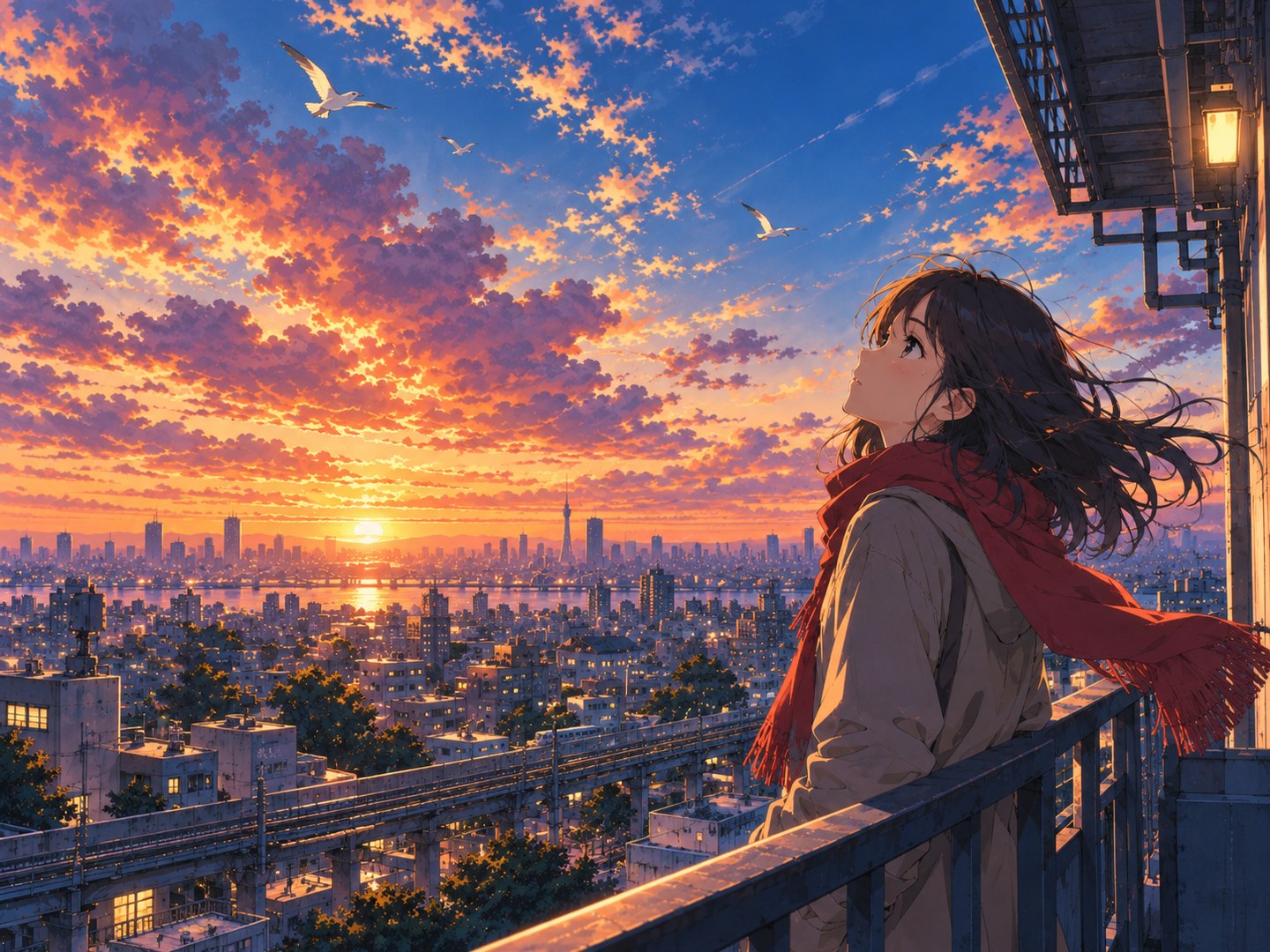
Upload your reference and choose an aspect ratio. The editor prepares the extension instructions automatically, using your photo to guide the scenery, lighting, colors, and perspective.
Create one 4K image for 9 credits. Review the result, download it, or restore the reference and ratio from your history to try another composition.
Our AI image extender makes photo expansion quick and easy. Simply upload your image and choose your preferred aspect ratio. No complicated editing tools or design skills needed.
Expand images to fit different layouts with our online AI image extender. Choose from popular aspect ratios like 1:1, 3:4, 4:3, 9:16, and 16:9. Easily turn square photos into wide banners or vertical social media images.
Try OC Maker's AI image extender handles the background expansion for you. Track progress in the results panel and download your image when it is ready.
Try OC Maker's AI image extender generates new background details based on your original photo. It helps match the surrounding colors, lighting, and textures, making the expanded areas blend more naturally with the rest of your image.
Adjust your composition with seven aspect ratios. Add more space around your subject and extend the background to suit your layout. Our AI image extender gives you more room to create without complicated manual editing.
Download your expanded images in 4K resolution with Try OC Maker's AI image extender. Enjoy sharp details and high-quality results, perfect for social media, website banners, posters, and printing.
An AI image extender uses generative AI to create content beyond an image’s existing composition, rather than stretching its pixels. Try OC Maker uses your reference and selected aspect ratio to generate a 4K version with a wider scene or different framing.
Sign in and upload your reference in the editor above. Choose an output ratio and generate one 4K image for 9 credits, then review and download the result.
Each generation creates one 4K image and costs 9 credits. Check your account balance and the pricing page for available credits and plans.
No. You need to sign in to upload a reference and generate an image with Try OC Maker. You can browse the examples on this page before signing in.
No. Upload your reference and select an aspect ratio. The editor automatically prepares the instructions to extend the scene using your chosen format.
Not necessarily. This workflow uses prompt-based image editing, not a canvas that locks the original pixels and generates only outside them. AI may change the subject, text, or other details as well as the background. Compare the result with your reference before using it.
Yes. Upload a product photo and choose the format for your banner or ad. Check product shape, labels, logos, and packaging carefully, since AI can alter these details.
Yes. Choose a landscape ratio such as 16:9, 4:3, or 3:2. The editor generates a new 4K composition using your reference.
No. Resizing changes image dimensions, while upscaling focuses on resolution. AI image extension generates a new composition with additional visual content. A wider scene does not automatically add detail to the original subject.
You can upload JPG, PNG, WebP, and GIF references up to 10 MB. The longest side must be no more than 2.5 times the shortest side. Use a clear source image with enough subject detail to guide the edit.
Yes. Upload artwork you have permission to edit and choose your output ratio. Check character features and proportions in the generated version.
Start with a clear reference and choose a ratio suited to your intended layout. Review the result carefully. You can restore a past reference and ratio from history and generate another version for 9 credits.
Upload a photo, choose your aspect ratio, and generate one expanded 4K image for 9 credits. Review the result and download it directly from your history.