



Fast & Easy Editing
Edit photos quickly and easily with Try OC Maker's AI image editor. Simply upload your image, describe the changes you want, and let AI handle the editing. No complicated software or photo editing skills needed.
Edit photos online in seconds with Try OC Maker's free AI image editor. Simply upload a photo and describe your edits to remove backgrounds, erase objects, enhance image quality, or add new elements. Perfect for portraits, product photos, artwork, and more.
JPEG, PNG, WebP, GIF · Max 10 MB · Sign in to edit. Generation uses credits.
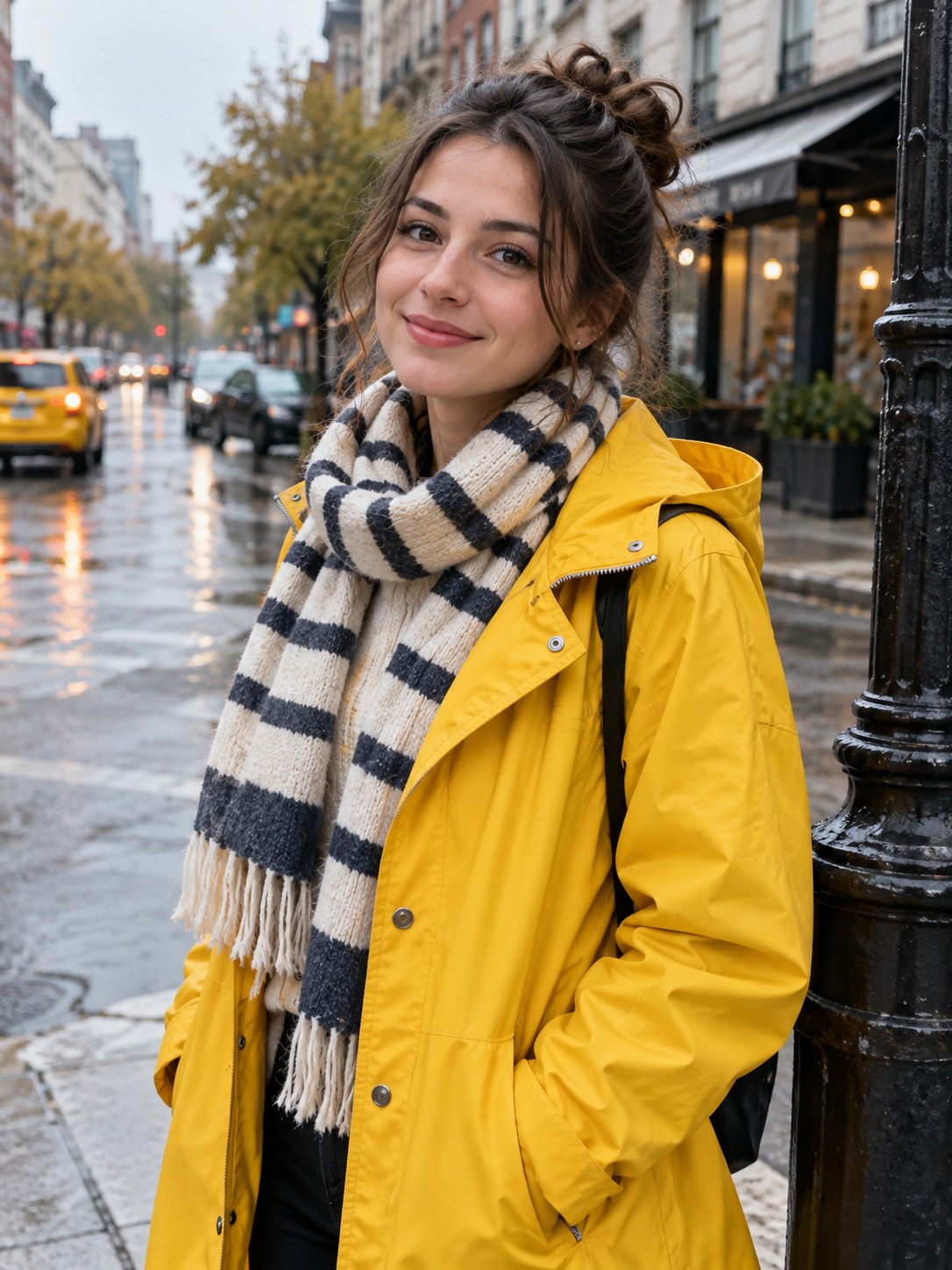 Before
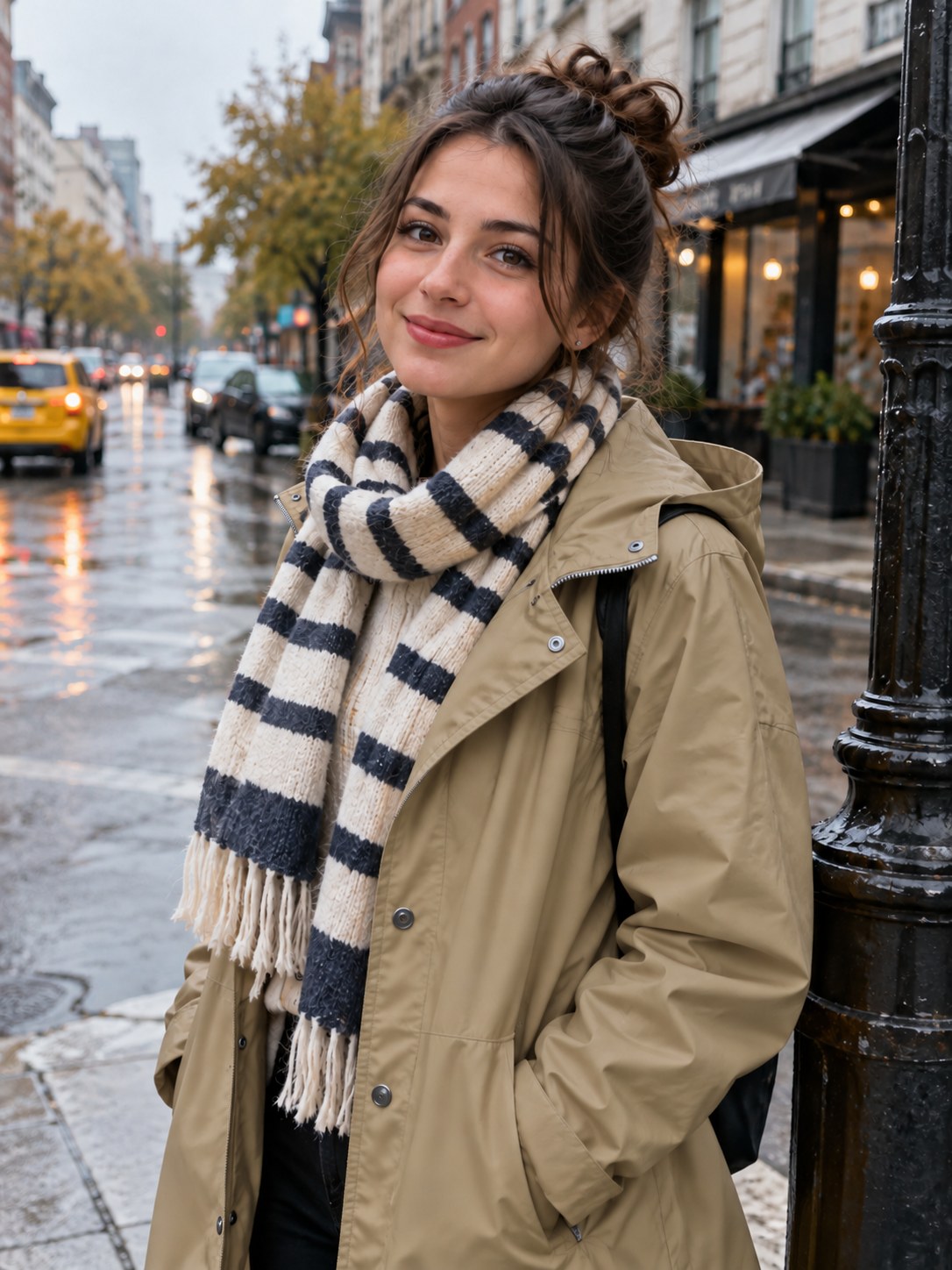 After
AfterRemoving unwanted objects or changing photo backgrounds used to take time and editing skills. Now, Try OC Maker's AI image editor makes it easy. Remove strangers from travel photos, replace messy backgrounds, change outfits, or add new objects with simple text prompts.
Want to change a jacket without changing the person's face? Just describe what you want to replace and which details to keep. Our AI photo editor uses your original image as a reference to create natural-looking edits for portraits, product photos, and social media visuals.
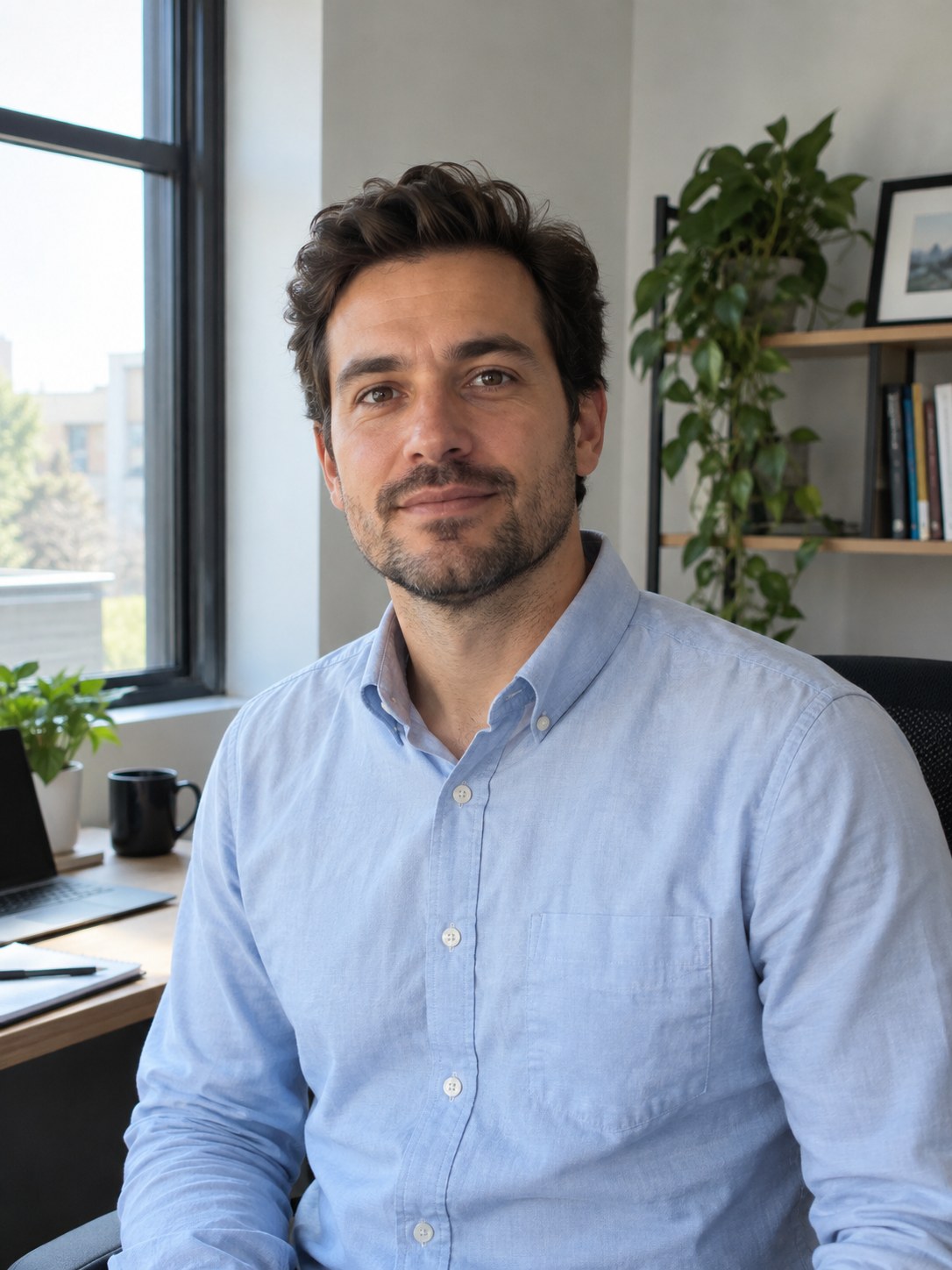 Before
 After
AfterWant to combine the best parts of several photos into one image? Try OC Maker's AI image combiner makes it easy with multiple reference images. Upload a portrait, a clothing reference, and a background photo, then describe how you want everything to come together.
Our AI photo editor uses your references and text prompts to create a new composition, taking lighting, colors, and perspective into account. Whether you're trying on different outfits, combining people and backgrounds, or creating product visuals, you can explore new combinations without manually cutting and merging images.
 Before
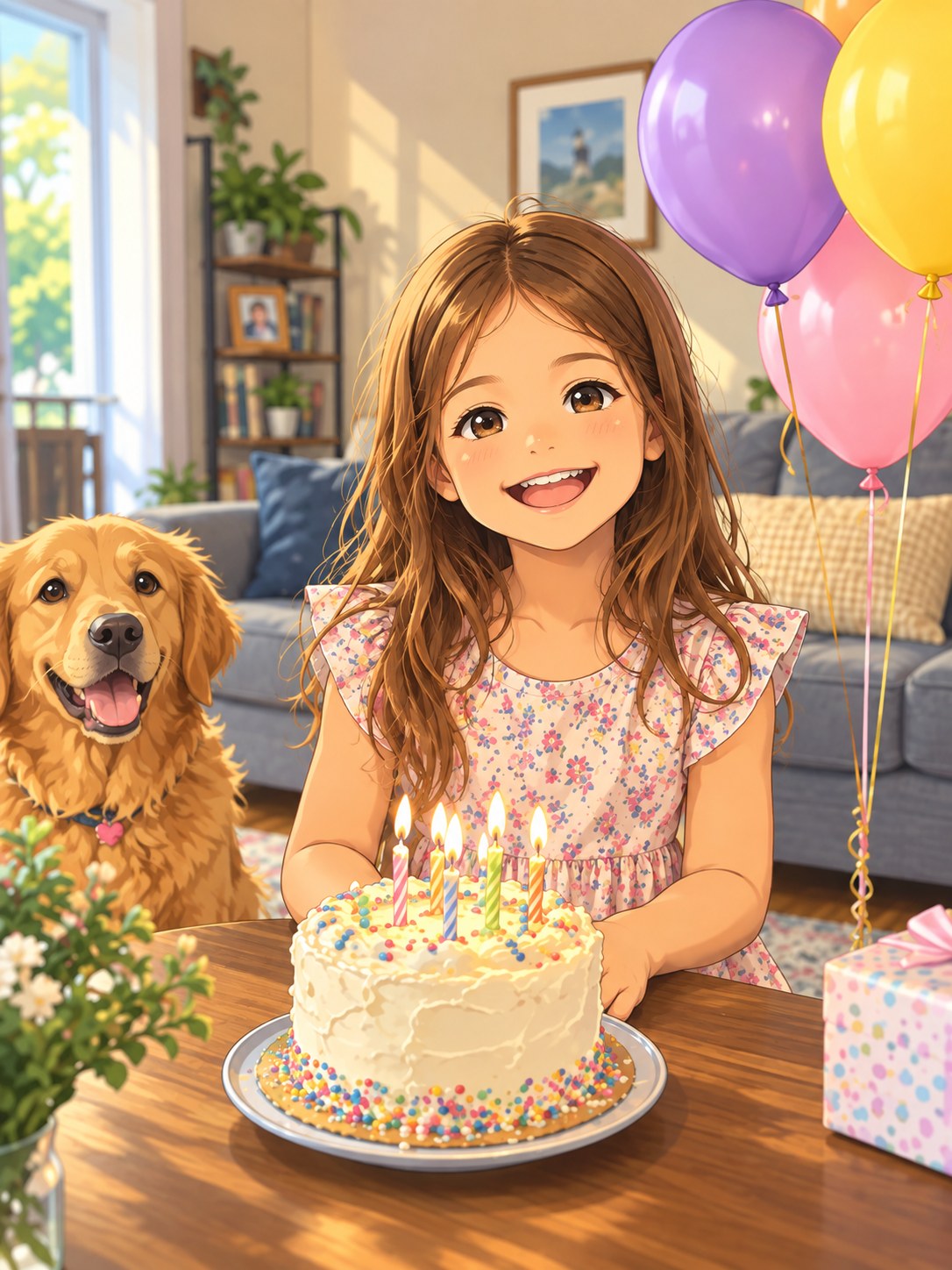 After
AfterWant to give your photos a completely different look without drawing anything yourself? Try OC Maker's AI image editor lets you turn ordinary photos into anime art, 3D cartoons, watercolor paintings, pencil sketches, pixel art, and more. Simply upload your image, describe your preferred style, and let AI create a new version.
You can also ask AI to keep recognizable details, such as your hairstyle, facial expression, or outfit, while changing the overall art style. Create personalized cartoon avatars, artistic portraits, and unique illustrations for social media, storytelling, or creative projects.

 After
AfterIs your photo cropped too tightly or missing space for text? Try OC Maker's AI image editor lets you uncrop images and extend backgrounds with AI outpainting. Simply upload your photo, choose your preferred aspect ratio, and describe what you want to appear beyond the original frame.
Turn a square photo into a widescreen cover, extend the sky above a landscape, or add more room around a product for promotional text. Our AI image extender generates new surroundings based on your original photo, helping you create better compositions without stretching the image.

 BeforeAfter
Want more control over your AI photo editing results? Try OC Maker's AI image editor lets you describe exactly what to change and what to preserve. Specify the colors, lighting, pose, or background you want, or give detailed instructions like "Change the jacket to beige while keeping the face, hairstyle, and original background unchanged."
Choose from AI models like Nano Banana Pro, Seedream 5.0 Pro, GPT Image 2, and Flux 2 Pro to explore different editing results. Refine your prompts, switch models, and compare variations until you find the look you want.


For online sellers, preparing product photos is an essential part of every new listing. You may need a clean white background for a marketplace, a lifestyle setting for an ad, or a wider composition for a store banner. Try OC Maker's AI image editor makes these edits easier without expensive photoshoots or complicated editing software. Simply upload your product photo and use text prompts to remove distracting backgrounds, change settings, or add more space around your product. Create product visuals for Shopify, Etsy, social media ads, and promotional campaigns with less manual editing.
A professional-looking portrait doesn't always require a studio photoshoot. Turn your everyday selfies into polished headshots with Try OC Maker's AI photo editor. Simply upload your photo, replace distracting backgrounds, improve lighting, or refine your appearance while guiding AI to preserve your facial features. Whether you need a professional headshot for LinkedIn, a resume, a portfolio, or personal branding, our AI image editor helps you create attractive portraits without complicated retouching or expensive photography sessions.
Editing photos after a shoot can take just as much time as capturing them. Try OC Maker's AI image editor helps photographers simplify time-consuming tasks like removing unwanted objects, correcting lighting, replacing backgrounds, and improving image composition. Simply upload your photos and describe the changes you want, without complicated masking or layer adjustments. Whether you're working on portraits, events, landscapes, or commercial photography, our AI photo editor helps you refine images faster and spend more time on your creative work.
Open Try OC Maker's AI image editor and click "Upload reference images" to upload one or multiple photos. Make sure your images are clear and in a supported format, such as JPEG, PNG, or WebP.
Type your instructions in the prompt box. Clearly describe what you want to change and what should stay the same. For example, "Remove the people in the background, but keep the main subject, outfit, and lighting unchanged."
Choose an AI model, select your preferred resolution, and set the output aspect ratio. Check the credit cost, then click "Generate image" to start editing your photo.
Review the edited image and check whether your requested changes look right. If needed, refine your prompt and generate another version. Once you're satisfied, download your final image.
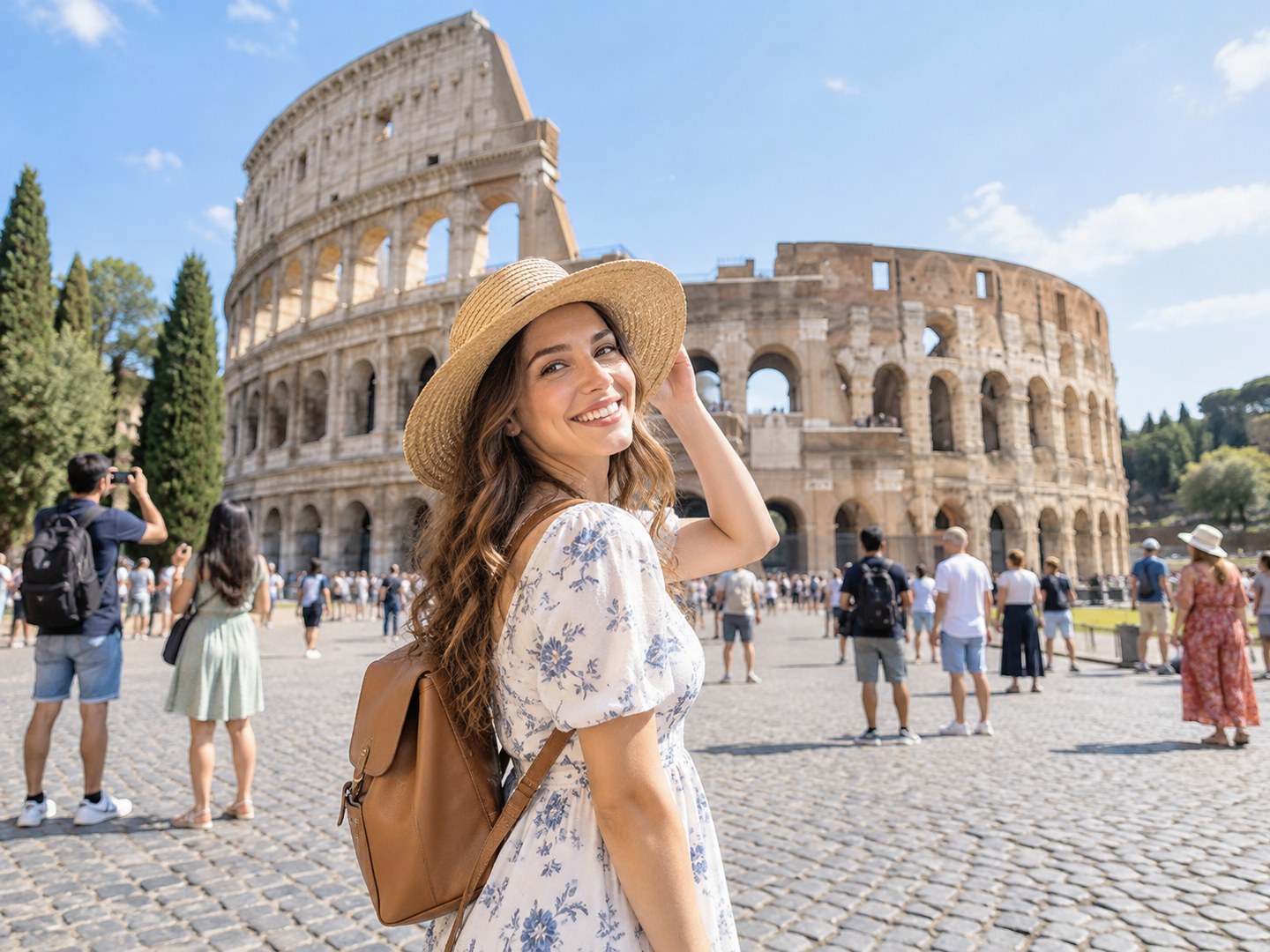
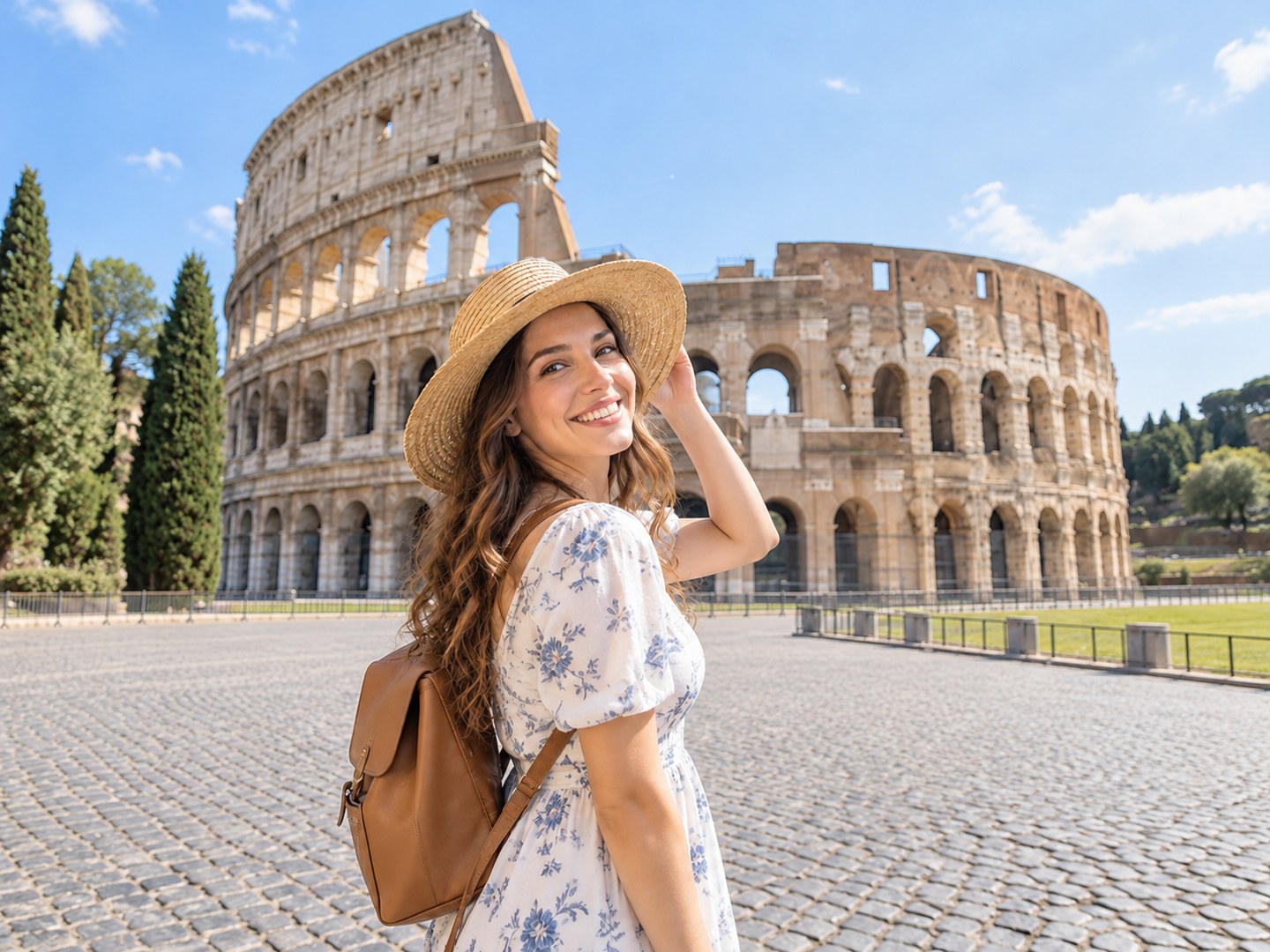
Edit photos quickly and easily with Try OC Maker's AI image editor. Simply upload your image, describe the changes you want, and let AI handle the editing. No complicated software or photo editing skills needed.

Choose from leading AI models, including Nano Banana Pro, Seedream 5.0 Pro, GPT Image 2, and Flux 2 Pro. Try different models to compare editing results, explore creative styles, and find the look you want—all in one place.

Upload multiple reference images to guide your edits. Use one photo for a person, another for an outfit, and a third for the background. Tell AI which details to take from each image to create a new composition.

Make precise editing requests with simple text prompts. Change an outfit while keeping the same face, or replace a background while preserving the subject's pose. Adjust your instructions and regenerate until you get a result you're happy with.

Choose from popular image ratios like 1:1, 3:4, 4:3, 9:16, and 16:9. Adjust your image composition to fit square profile pictures, vertical social posts, widescreen banners, and more, with no complicated manual resizing.

Generate and download your AI-edited photos in high resolution. Choose from available 1K and 2K output options for clear, detailed images. Perfect for social media, marketing graphics, presentations, and other creative projects.
Yes. New users get 40 free credits to try the AI image editor. For example, a 1K edit with Flux 2 Pro currently uses 5 credits, giving you up to eight generations with your starting balance. Each new version uses credits, so refining an image several times counts as several generations. You can purchase more credits when you need them.
You can browse the editor without an account. Signing in is required to generate edited images and download your results.
Yes. Upload your photo and describe the change as a clear instruction. Instead of “improve this product photo,” try: “Replace the cluttered background with a plain cream wall and add a soft shadow beneath the bottle.” Name the object, the change, and the result you want. Your uploaded image provides the starting point, so you don’t need to describe the entire scene again.
You can request outfit or background changes while asking AI to retain your facial features. Keep the instruction focused: “Change my shirt to a black sweater. Keep my face, expression, and hairstyle the same.” If the result changes your appearance, retry from the original photo rather than editing the altered face again. When comparing versions, look closely at your eye shape, smile, and jawline—not just whether the result looks attractive. Exact facial preservation isn’t guaranteed.
You can target a specific object through your prompt. For example, “Remove the red bag on the chair beside the window” is clearer than “remove the bag,” especially when several bags appear in the photo. Try OC Maker uses text-guided editing and currently has no selection brush to lock the surrounding area. If you need every pixel outside the edited object to remain unchanged, that requires a mask or layer-based workflow.
You can select 4K output with supported models, including Nano Banana Pro and Seedream 5.0 Lite. Choose the resolution before generating, then download the resulting file. Selecting 4K creates a larger output; it does not restore missing detail from a blurry original or guarantee that small text stays identical. For banners or images you plan to crop closely, a higher-resolution output gives you more room to work. For small online graphics, a lower-resolution option may use fewer credits.
Choose based on the kind of change you want to make. Try OC Maker is a good fit for describing a new outfit, replacing a background, combining references, or turning a photo into an illustration. For exposure correction and detailed skin retouching, look for dedicated adjustment controls. For precise object removal with the surrounding image untouched, prioritize selection brushes and layers. A prompt-based editor is most useful when you want to create a new version of a photo without manually building each change.
Effortlessly remove backgrounds, erase unwanted objects, enhance photos, or generate new visuals with Try OC Maker's AI image editor. Get your professionally retouched, enhanced, or creatively transformed images for diverse projects in just a few clicks.