
Easy to Use
No animation skills required. Upload your character image, describe how you want it to move, and let our AI animation generator create the animation for you.
Generate AI animations from text prompts or reference images online for free. Bring your OC to life with multiple AI video models for better motion, consistency, and control.
Your latest creations, grouped by local date.
Sign in to view your animation history.
No animation skills required. Upload your character image, describe how you want it to move, and let our AI animation generator create the animation for you.
Turn character images into animated videos in minutes. Create more animations in less time without drawing frame by frame or using complicated software.
Add natural facial expressions, body movements, hair motion, and more. Turn a still OC into an animated character that feels alive.
Animate your OC while keeping its face, hairstyle, outfit, colors, and other important details consistent throughout the video.
Perfect for anime OCs, character stories, social videos, game characters, avatars, fan creations, and more.
Animate characters online in your browser on desktop or mobile without downloading animation software.
Choose from multiple AI animation models for image-to-video, text-to-animation, anime motion, talking characters, social clips, and cinematic OC scenes.
Director-level multimodal generation
Longer image animation with optional sound
Fast cinematic video generation
High-fidelity cinematic realism
Premium image and audio guided generation
Cinematic motion with synchronized sound
Create from text or up to nine references
Cinematic video with synchronized sound
See what is possible
One still image can become a quiet portrait, a magical moment, or the beginning of a complete story.
No animation or editing experience required. Upload your image, describe the movement, and let the AI do the rest. Create animations online in your browser on desktop or mobile, with no frame-by-frame editing or software download.
Create an AnimationAnimate an anime OC, game character, avatar, illustration, or digital artwork. Make your character smile, blink, turn, walk, dance, or interact with the scene without drawing every frame or learning traditional animation tools.
Animate a CharacterChoose character motion, animation style, camera movement, and scene options to personalize your video. Upload your own OC, illustration, or artwork to create original animations, fan edits, character stories, music edits, and social videos while staying true to your design.
Create an AnimationBrowse creative anime images and videos across a wide range of characters, stories, and animation styles. Find ideas for OC animations, fan edits, anime shorts, character stories, and personalized videos. Explore 3D, cartoon, shonen, shojo, chibi, manga, retro, fantasy, and cyberpunk styles, then turn your inspiration into an animated video in minutes.
Create an AnimationUpload an image to the AI animation generator, then continue in Image to Video mode to start creating your animation.
/w1440.webp)
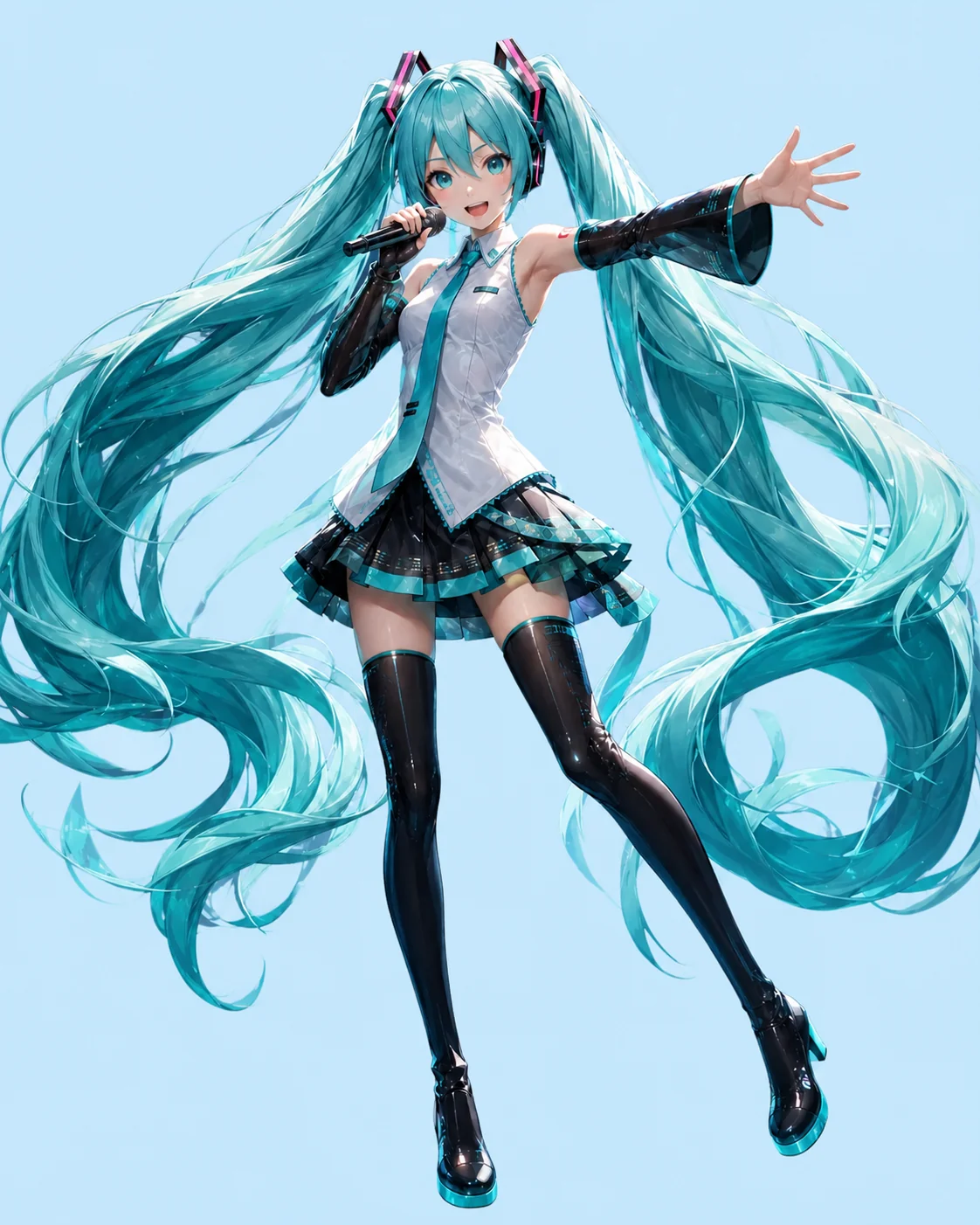
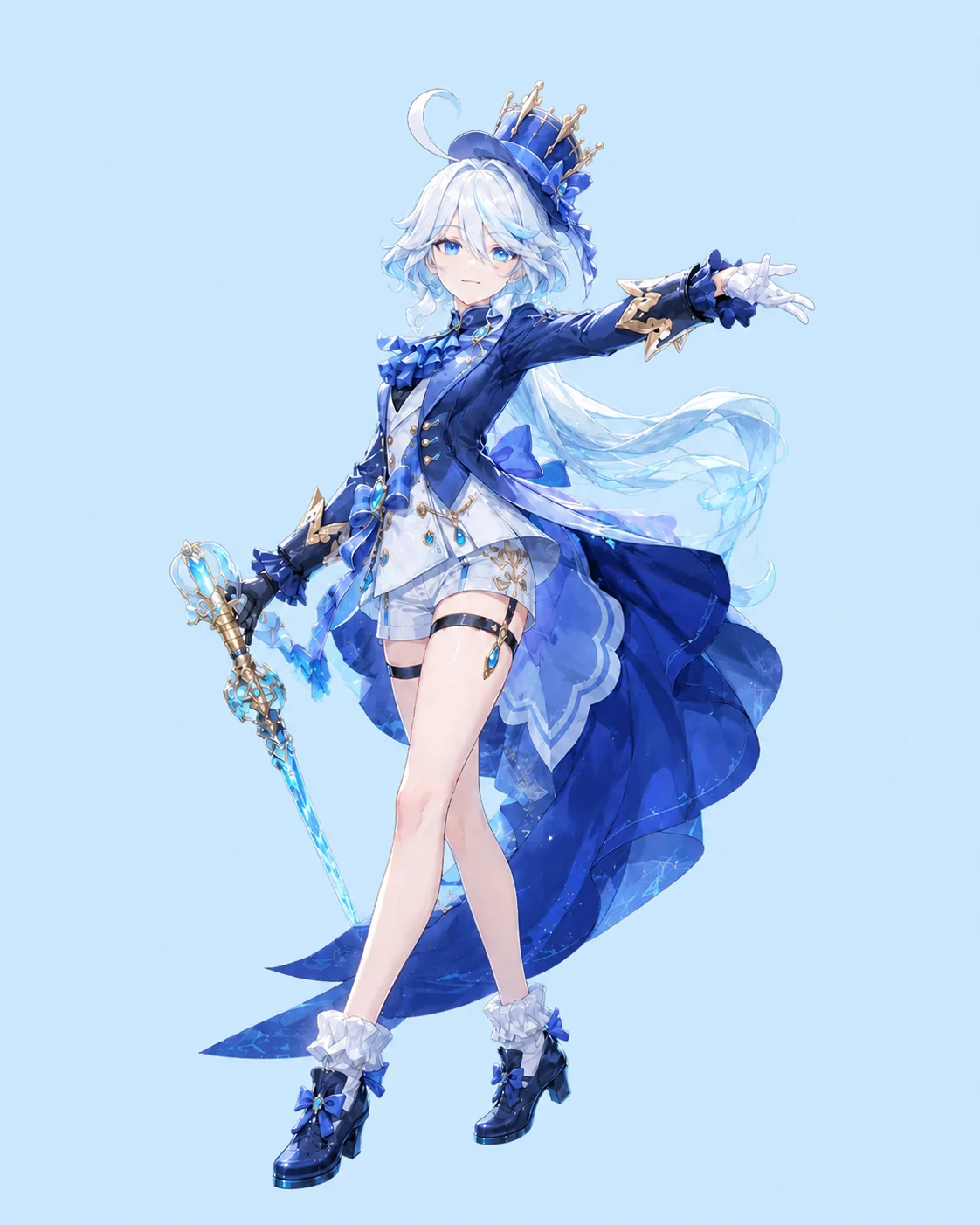
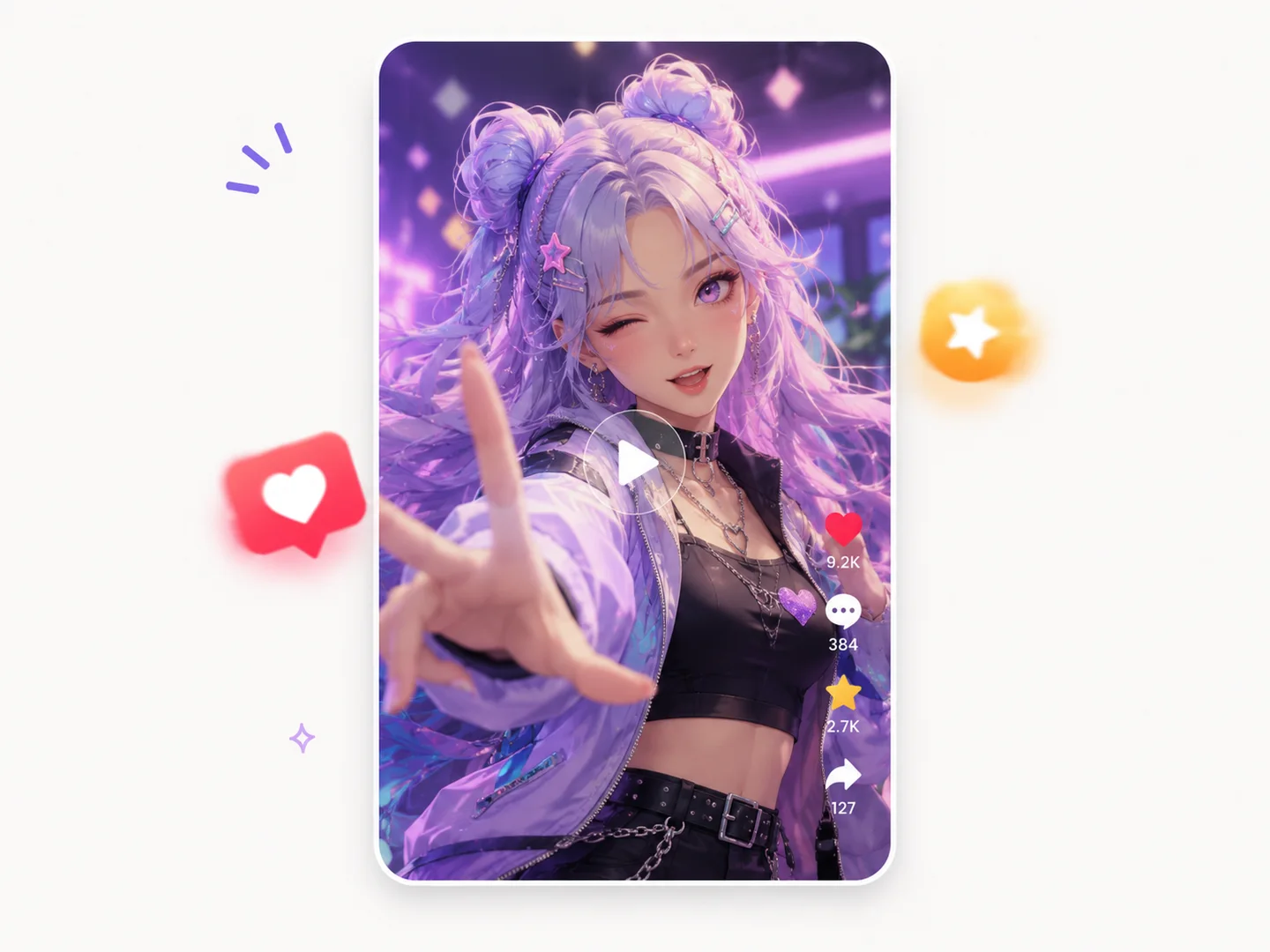
Turn your OC into smooth anime animation with expressive motion and a polished anime feel.
/w1440.webp)
Transform your OC into cute chibi animation with playful movement, adorable expressions, and kawaii charm.
/w1440.webp)
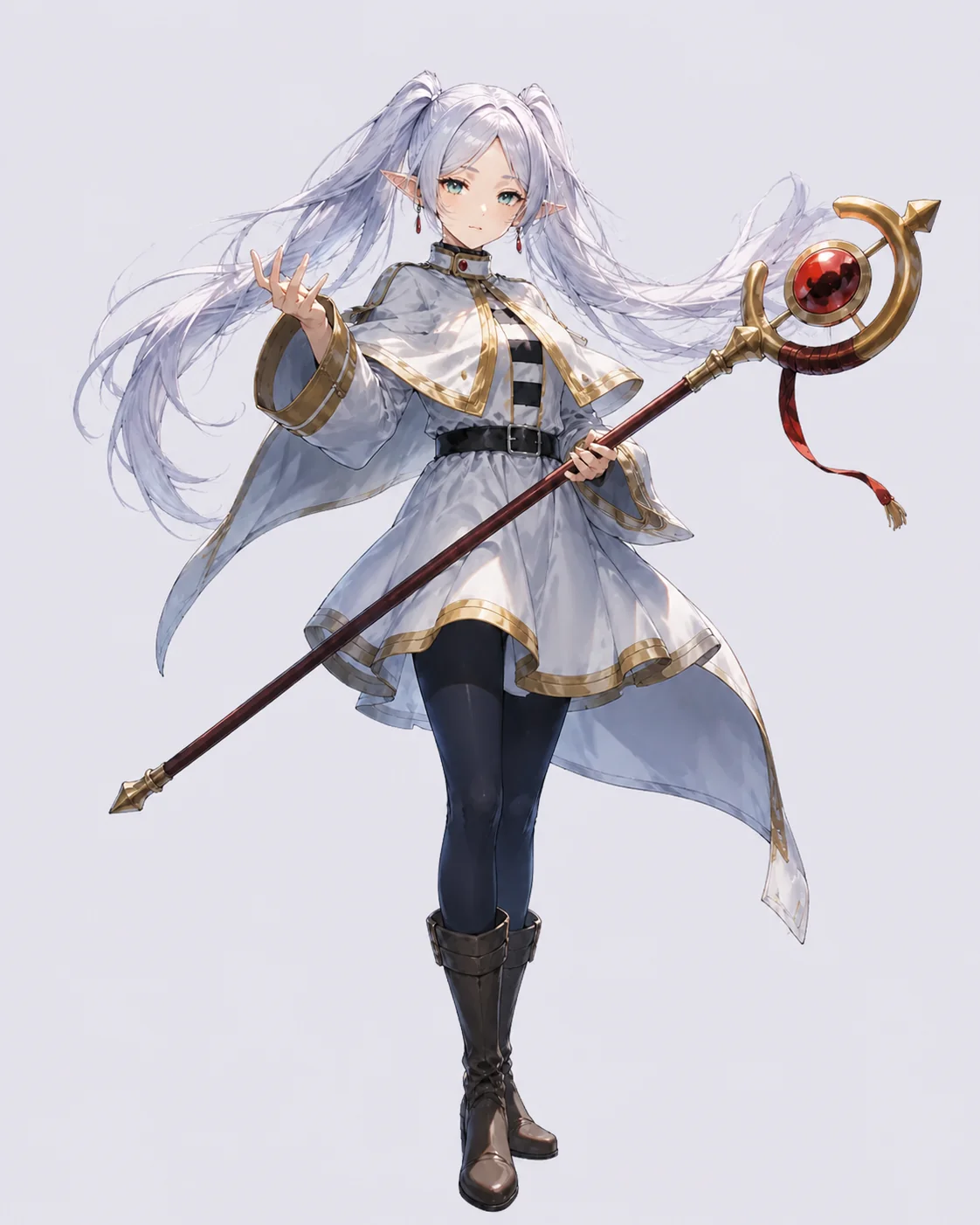
Bring a fantasy OC to life with glowing spells, magical effects, and flowing motion.
/w1440.webp)
Create futuristic animation with neon lights, cyberpunk effects, and dynamic motion.
/w1440.webp)
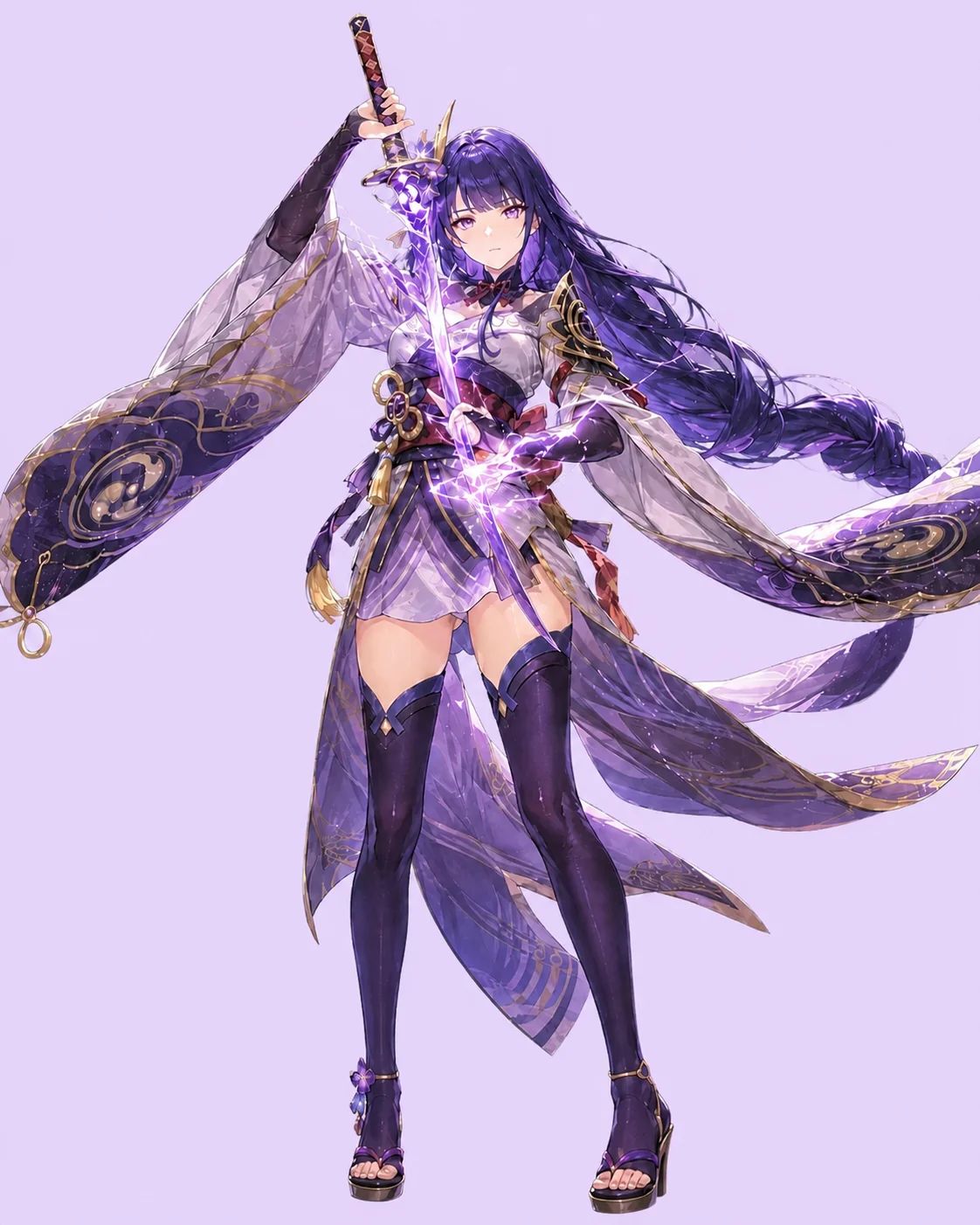
Turn your OC into an action scene with fast combat moves, weapon effects, and high-impact energy.
/w1440.webp)
Give your OC a retro anime look with nostalgic visuals, cinematic motion, and atmospheric effects.
/w1440.webp)
Turn OC artwork into animated profiles with natural expressions and subtle motion for profile pages, character showcases, or sharing online.
Good to know
Everything you need before bringing your first image to life.
Yes. Upload your OC image and describe how you want it to move. Clear images with a visible face, hairstyle, outfit, and accessories usually work best.
A useful AI animation generator should keep the character recognizable, support image-to-animation, and offer simple motion controls. Try OC Maker is designed to turn still anime and OC images into short animated videos.
You can start with free credits and test image-to-animation and text-to-animation before upgrading. Watermark rules may depend on your plan, so review the current export settings before downloading a final video.
Yes. Create short AI animation clips scene by scene, starting from an OC image or a text prompt, then connect the clips into a longer story with your preferred editor.
Yes. You can share your AI animation videos on YouTube, TikTok, Instagram, and other social platforms.
Copyrighted characters, official artwork, and fan art can have usage restrictions. For commercial work, animate original OC characters or images you own or have permission to use.
Try OC Maker is designed to preserve details such as hairstyle, face shape, outfit, colors, accessories, and overall style. Start with a clear anime image or OC reference for the best results.
Yes. Describe blinking, smiling, turning toward the camera, waving, walking, camera motion, or background movement in the prompt. Clearer instructions usually produce more accurate motion.
Yes. Depending on the model, you can create facial expressions, hair and body movement, camera zooms, scene motion, and anime-style action.
Audio-driven animation depends on the selected model. Some models, such as Seedance 2.0, can support talking characters, singing clips, or synchronized motion; others focus on image-to-animation or text-to-animation.
Upload a favorite character image, describe the motion, and turn it into an AI animated video that still feels like your OC.
Animate Your Image





/w1440.webp)
/w1440.webp)
/w1440.webp)