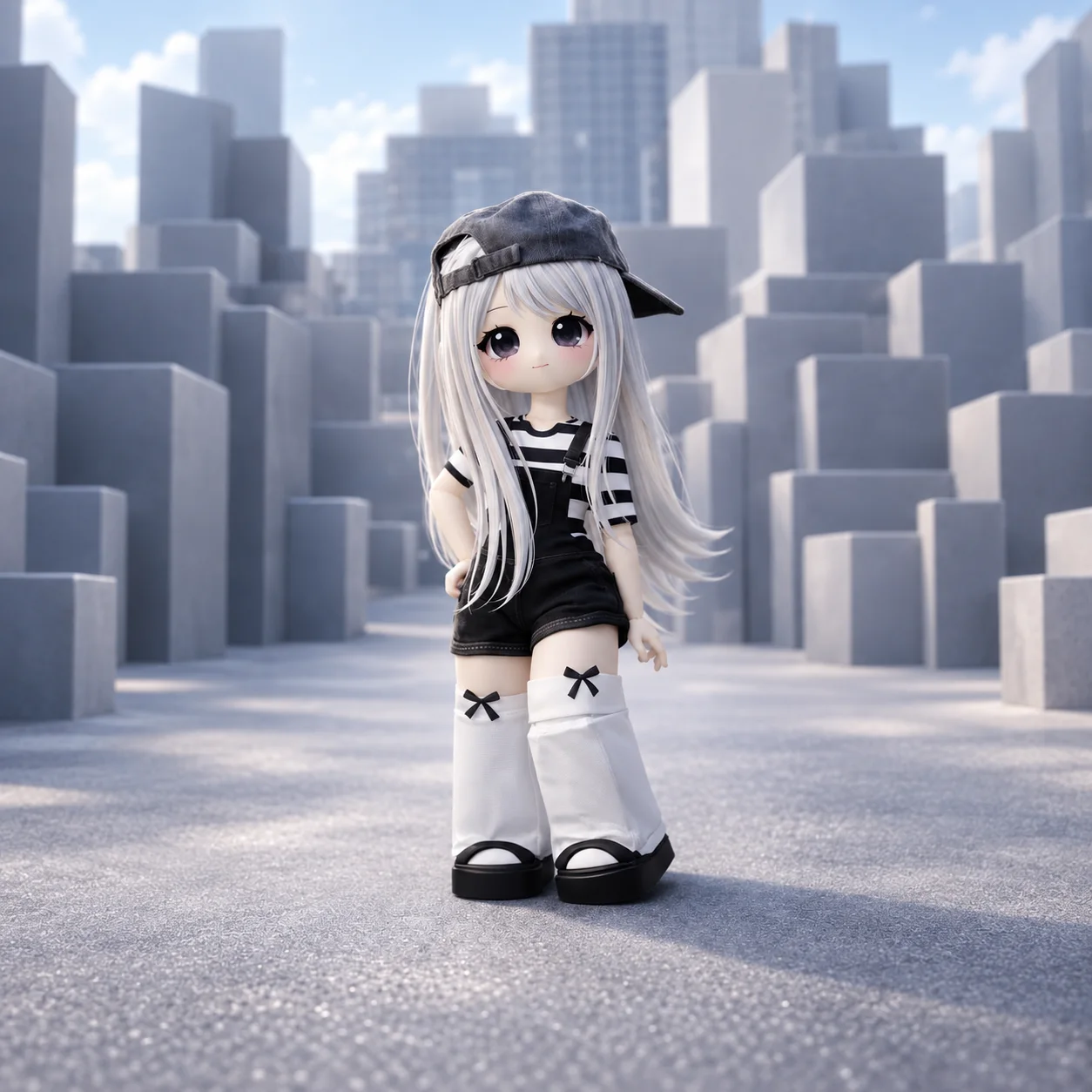
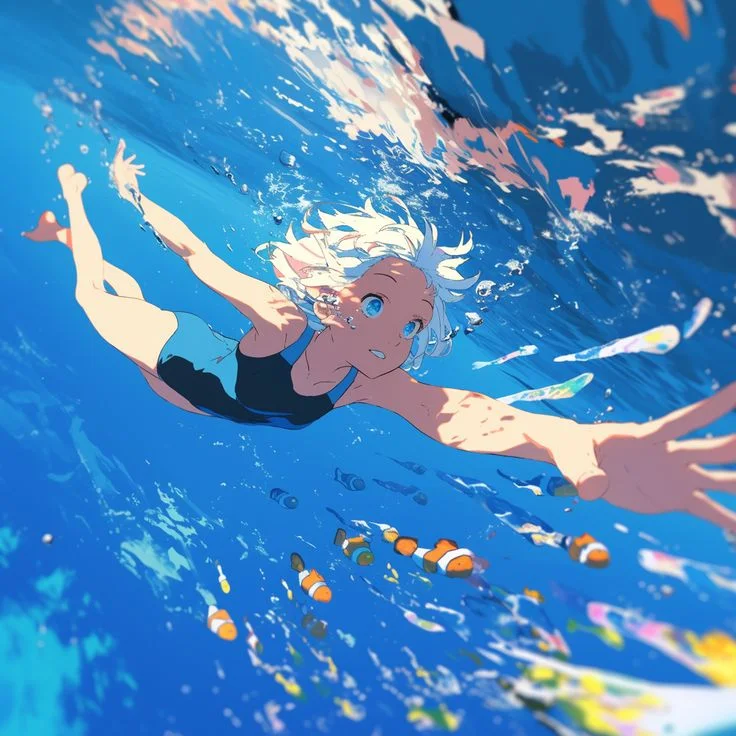
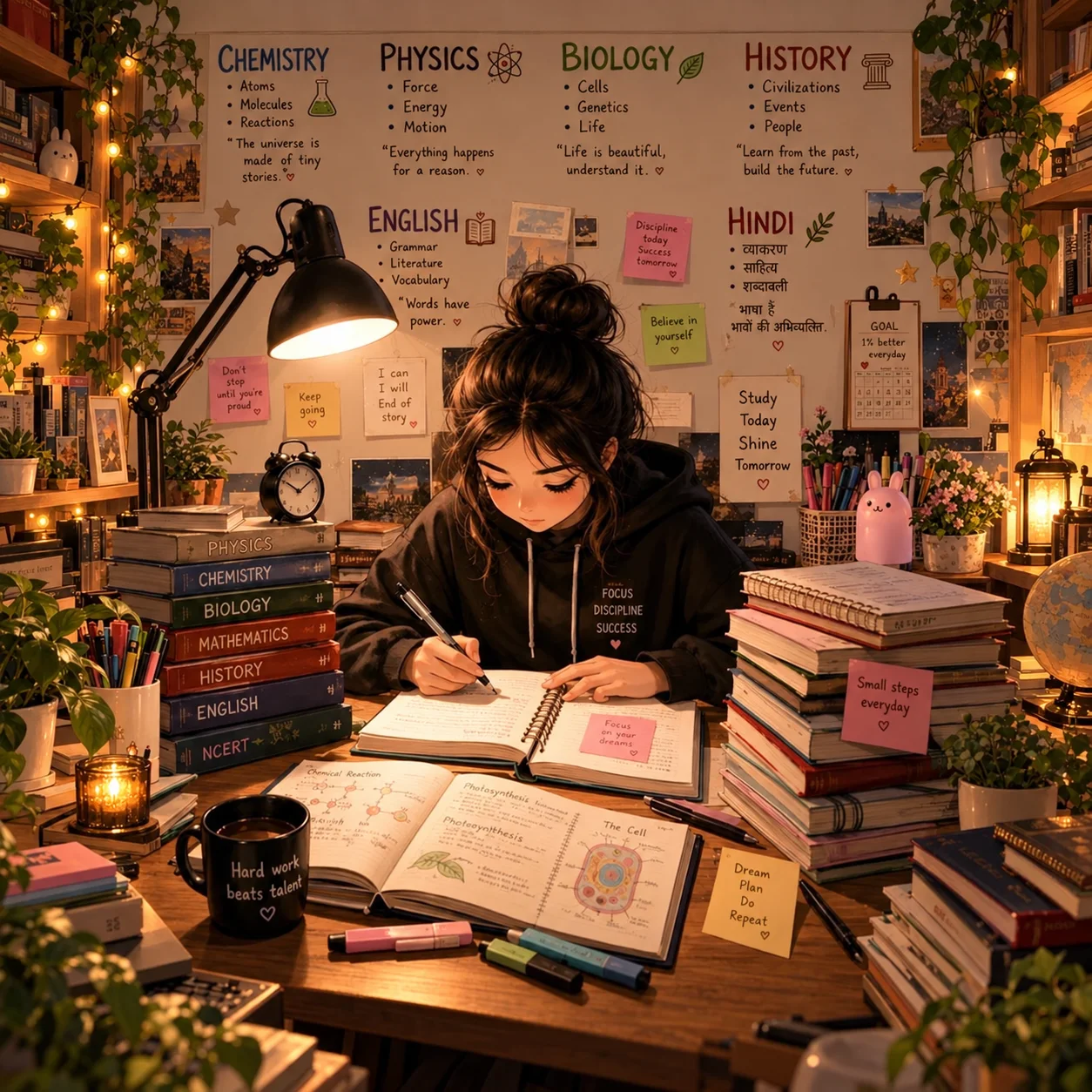
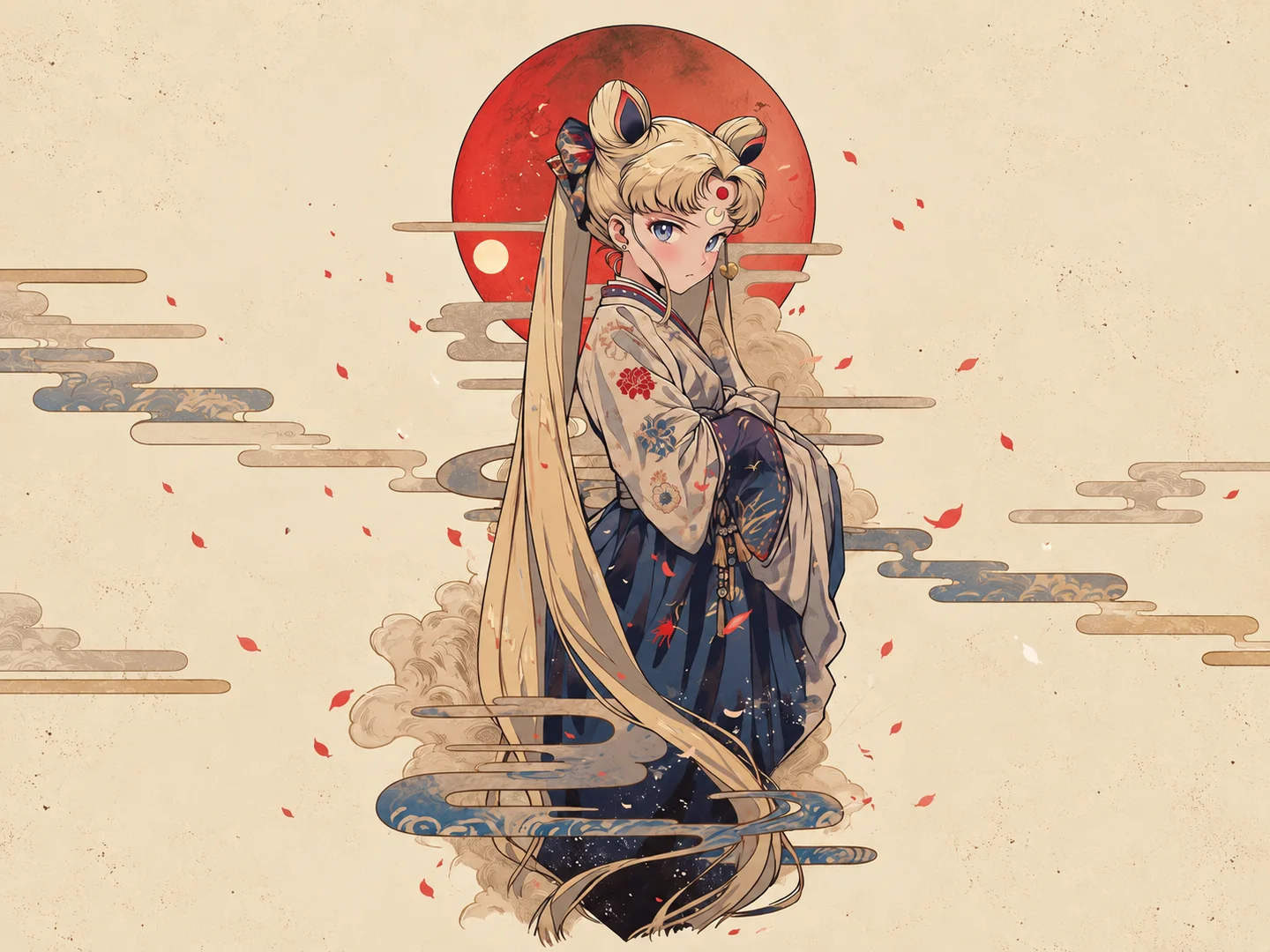
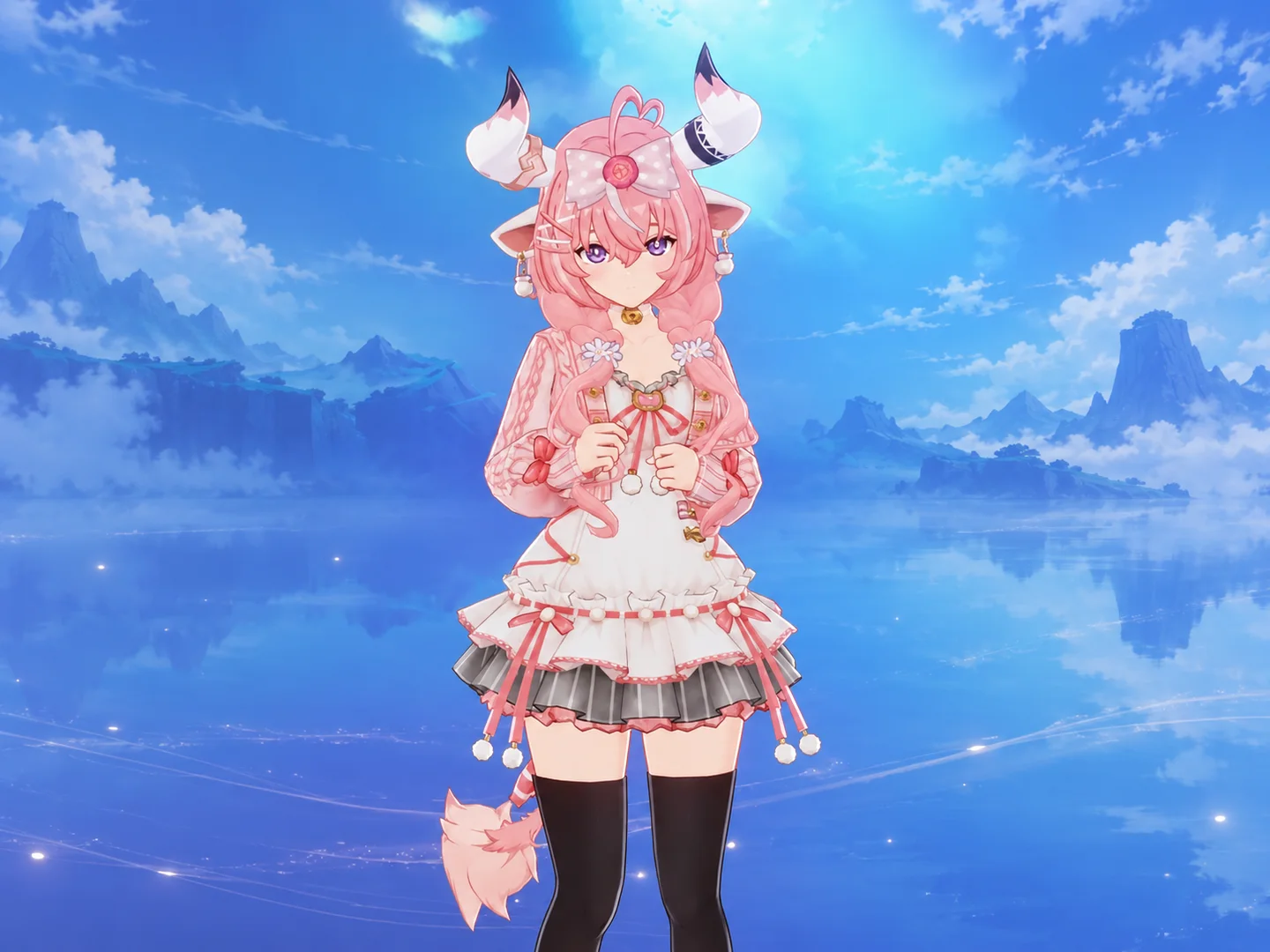
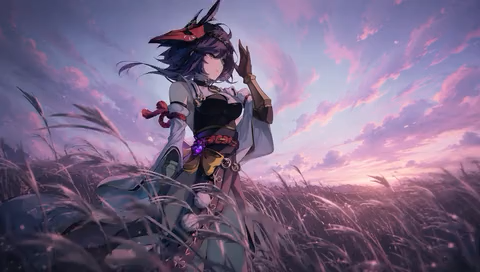
Easily turn text prompts and anime images into videos online with Try OC Maker’s free AI anime video generator. Quickly create anime videos, cartoons, Disney-inspired animations, and more. Make your first video now.
Generated Results
Your latest creations, grouped by local date.
Sign in to view your animation history.
AI Anime Video Generator Online for Free
Let our free online AI anime video generator do the work for you right now. Just upload an anime image or tell AI about your characters, the scene, and what happens. Then, you’ll get a dynamic anime video.
Create More with Our AI Anime Video Generator
Animate your artwork, turn a story idea into an anime scene, make your OC talk, and create short clips to share online with Try OC Maker’s AI anime video generator.
Reference
Turn Anime Art into Video with Ease
Have you ever wanted to see your anime artwork move? With our AI anime video generator, you can turn a still image into a short video. Whether it’s an OC portrait, a character illustration, a manga panel, or a full scene, simply upload your image and describe what you want to happen. Watch your character blink, turn, walk, or move through the scene.
Reference
AI Anime Video Generator from Text Prompts
Want to turn an idea in your head into an anime video? With our AI anime video generator, you can create a scene from a text prompt without drawing or animating it yourself. Simply describe the characters, setting, and action you have in mind, and our AI will turn your words into a short anime video.
Reference
Create AI Anime Talking Videos
Want to turn your anime character into a virtual host? With our AI anime video generator, you can create a talking video from your OC image. Whether you’re introducing a character, explaining a topic, or telling a story, add your dialogue or voice recording and choose a model that supports audio. The character’s mouth moves in sync with the voice, giving you an anime host for your videos without filming yourself.
Reference
Make Anime Videos for Social Media
How can you share your OC in a way that shows more of their personality? With our AI anime video generator, you can turn character art and story ideas into short videos for TikTok, Instagram Reels, and YouTube Shorts. Create a character introduction, an outfit reveal, a transformation, or a quick action clip, then share the finished video with your friends or followers.
5 Tips for Better AI Anime Video Prompts
A good AI anime video prompt tells the generator what should happen on screen. Start with the action, then add the details that matter most to your shot.
1. Give Your Character One Clear Action
Instead of writing “make the girl move gracefully,” try “the girl looks up at the sea and catches a falling flower petal.” For a short AI anime video, keep the action focused. Too many scene changes or style shifts in one prompt can make the result hard to follow.
2. Describe Character and Camera Motion Separately
Tell the AI anime video generator what the character does and what the camera does. For example: “The swordsman steps forward and draws his sword. The camera stays still.” If two characters appear, identify them by position so it is clear who performs each action.
3. Make the Anime Style Specific
If your video looks too realistic, describe the details you want to see: “hand-drawn 2D animation, clean ink outlines, flat cel shading, and a painted background.” When animating an image, start with artwork that already has a clear anime style.
4. Reuse References for the Same OC
To feature your OC in several shots, use the same clear character reference each time. If your model accepts multiple images, give each one a job: “Image 1 shows the character’s appearance; Image 2 shows the bamboo forest.” References help the AI anime video generator keep your character recognizable across clips.
5. Change One Thing at a Time
Start with a simple prompt and check the character’s main action. Then adjust the detail that needs work, such as the hair movement, expression, or camera angle. For a talking anime character, choose a model that supports dialogue or audio input if you need the speech and lip movements to match.
Why Choose Us?
Easy to Use
No animation skills or complicated steps needed, it’s easy to create AI anime videos on Try OC Maker.
Fast Generation
Try OC Maker AI can turn your anime image or text prompt into a short video in minutes. And it follows your prompt to animate the characters and scene.
No Watermark
After generating your anime video, you can download the finished clip without a watermark when your plan supports watermark-free exports.
Security & Privacy
The files you upload are encrypted in transit. And Try OC Maker protects your privacy: private uploads and generated videos are not used to train AI models.
Online
No installation required, you can use Try OC Maker’s AI anime video generator online in your browser.
Constantly Updated Features
Try OC Maker will continue to improve its AI anime video generator and add new models and creative options over time.
How to Use Try OC Maker’s AI Anime Video Generator
01
Choose a Model
Switch to your preferred AI video model on the Try OC Maker AI anime video generator page.
02
Add Your Image or Prompt
Upload your anime image and tell us what you want to happen. A few words are fine, or you can add more detail.
03
Generate
Tap Generate to bring your prompt to life with a high-quality anime video.
Bring Your Characters to Life in Any Style
Japanese Anime
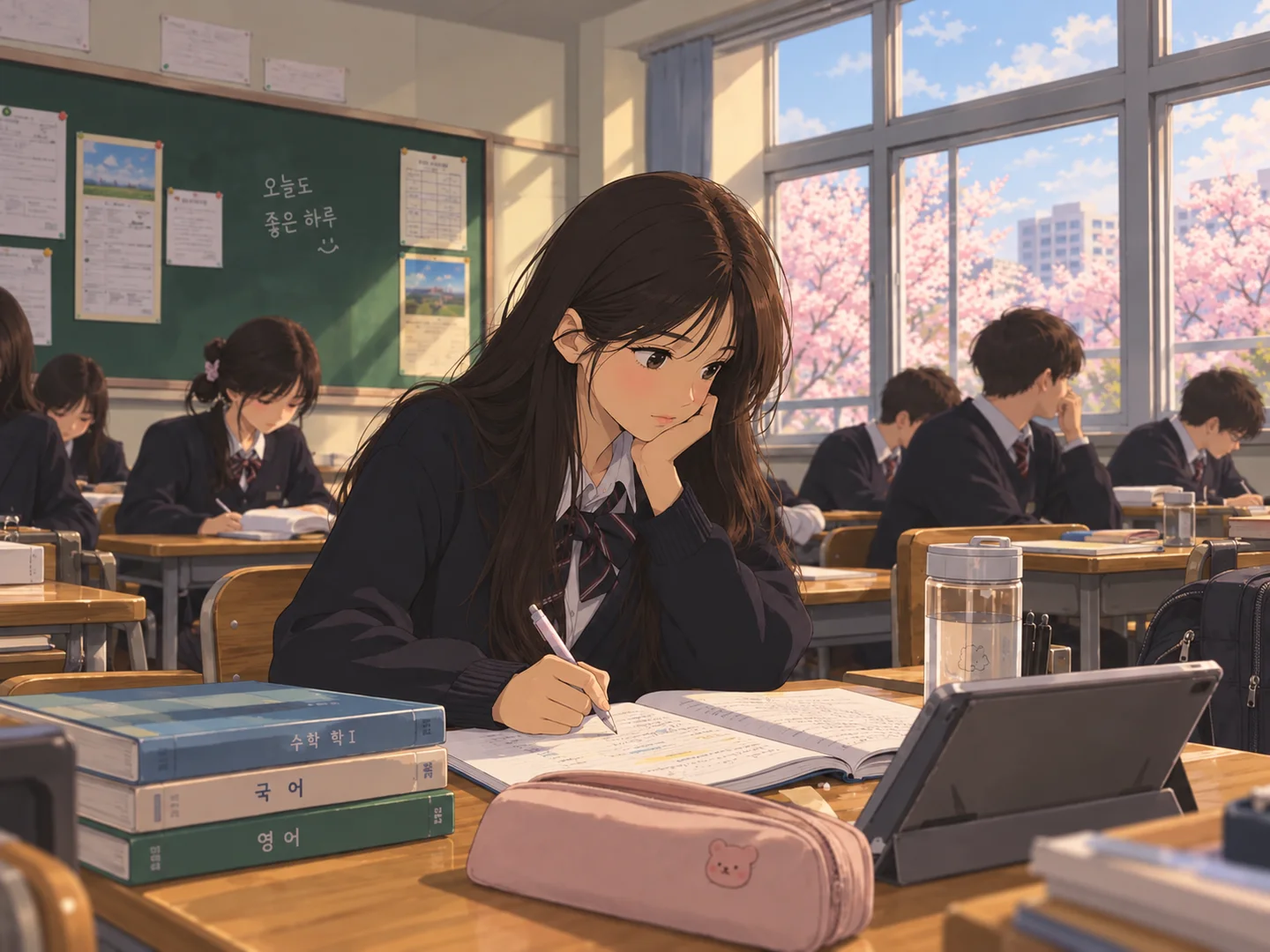
Bring your OC drawings to life by animating them into short anime videos—perfect for introducing your character or showing a moment from your story.
Korean Animation
Animate webtoon-style drawings into romantic or dramatic videos that are perfect for sharing your characters and stories online.
American Cartoon
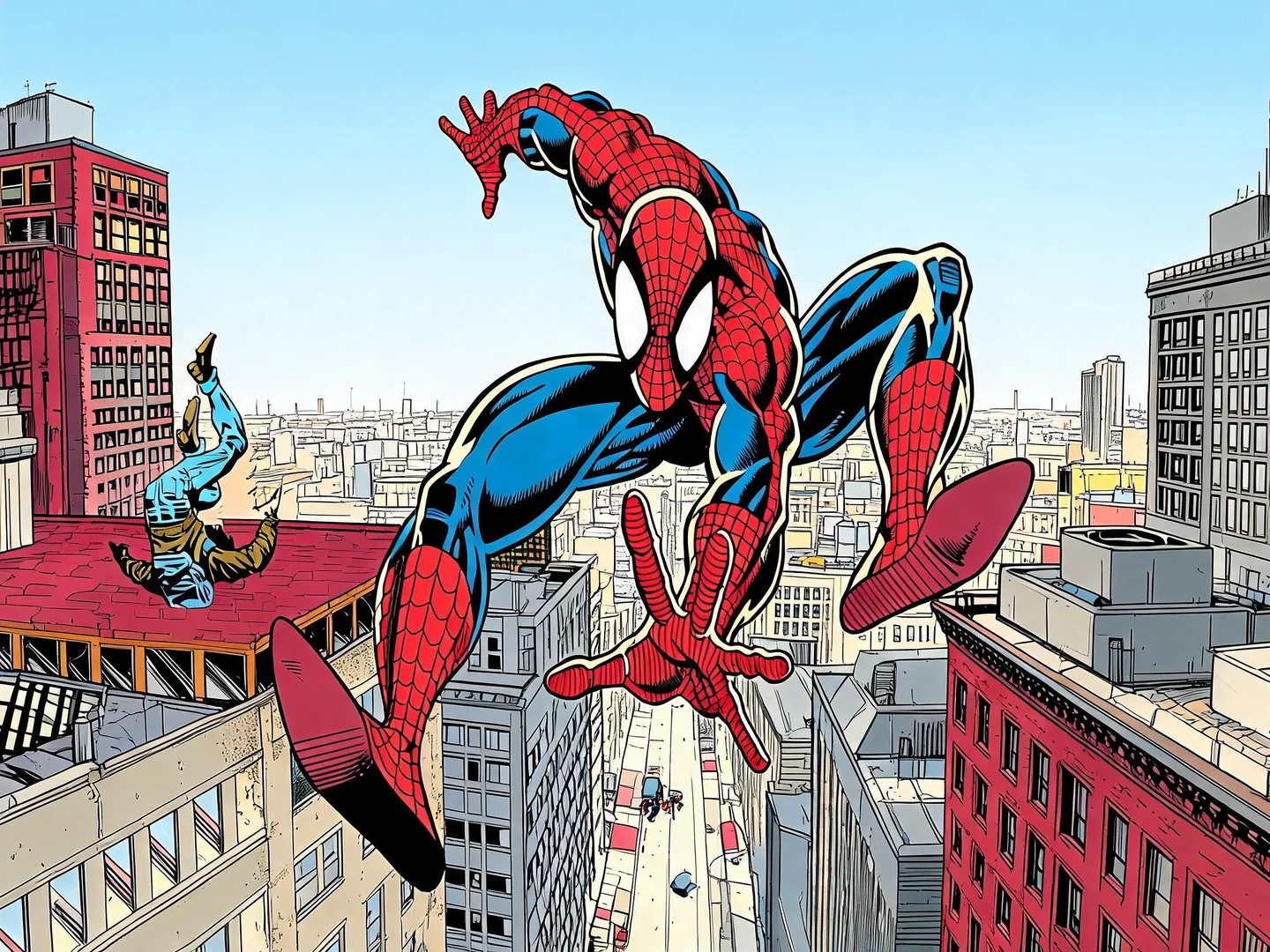
Turn character drawings or text prompts into colorful cartoon clips that show off funny reactions, playful movement, or wild chases.
Disney Animation
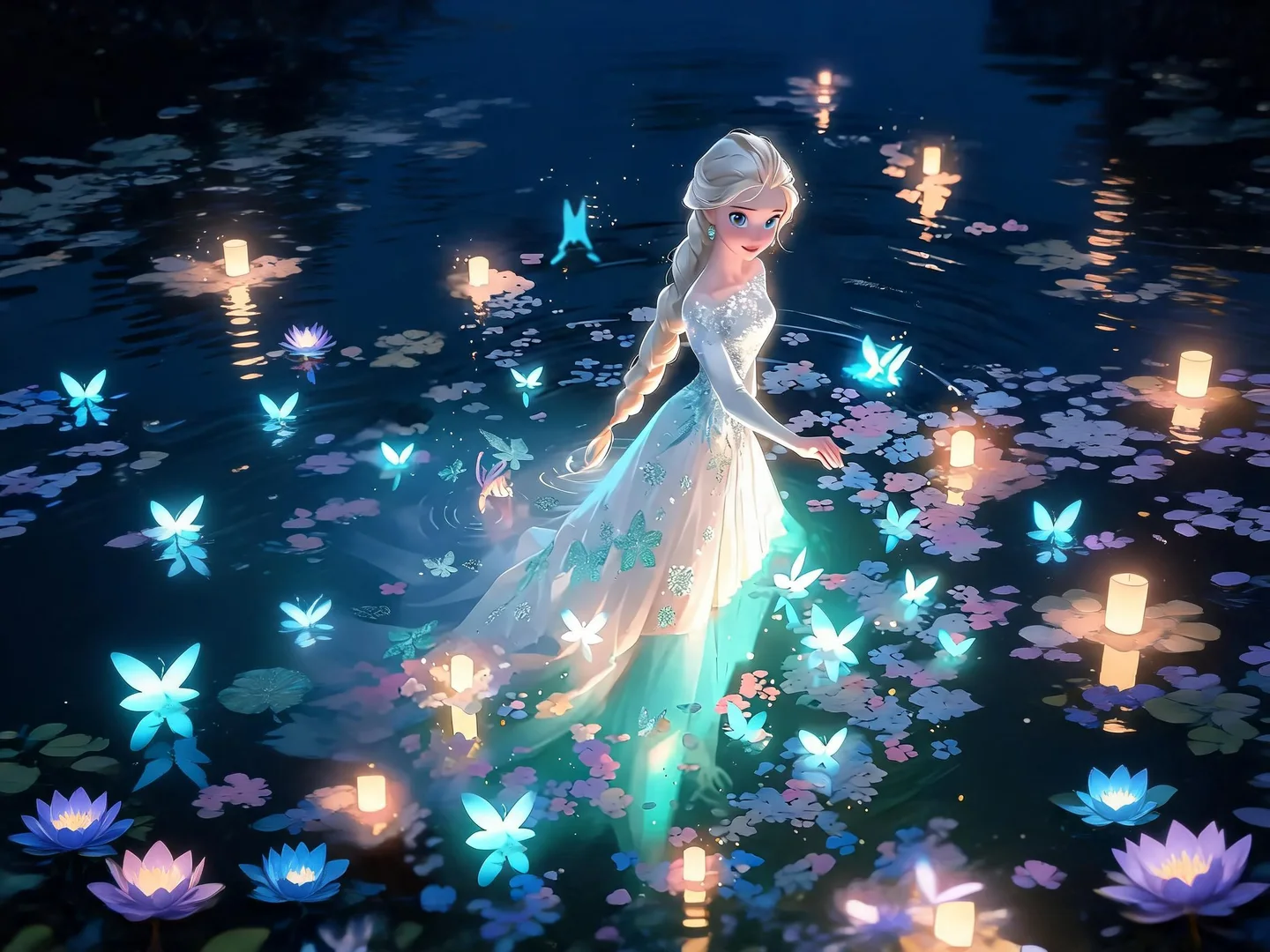
Transform your character art into Disney-style videos for personal projects, storytelling, or just for fun. You can even use a simple sketch to create a short animated scene.
3D Cartoon
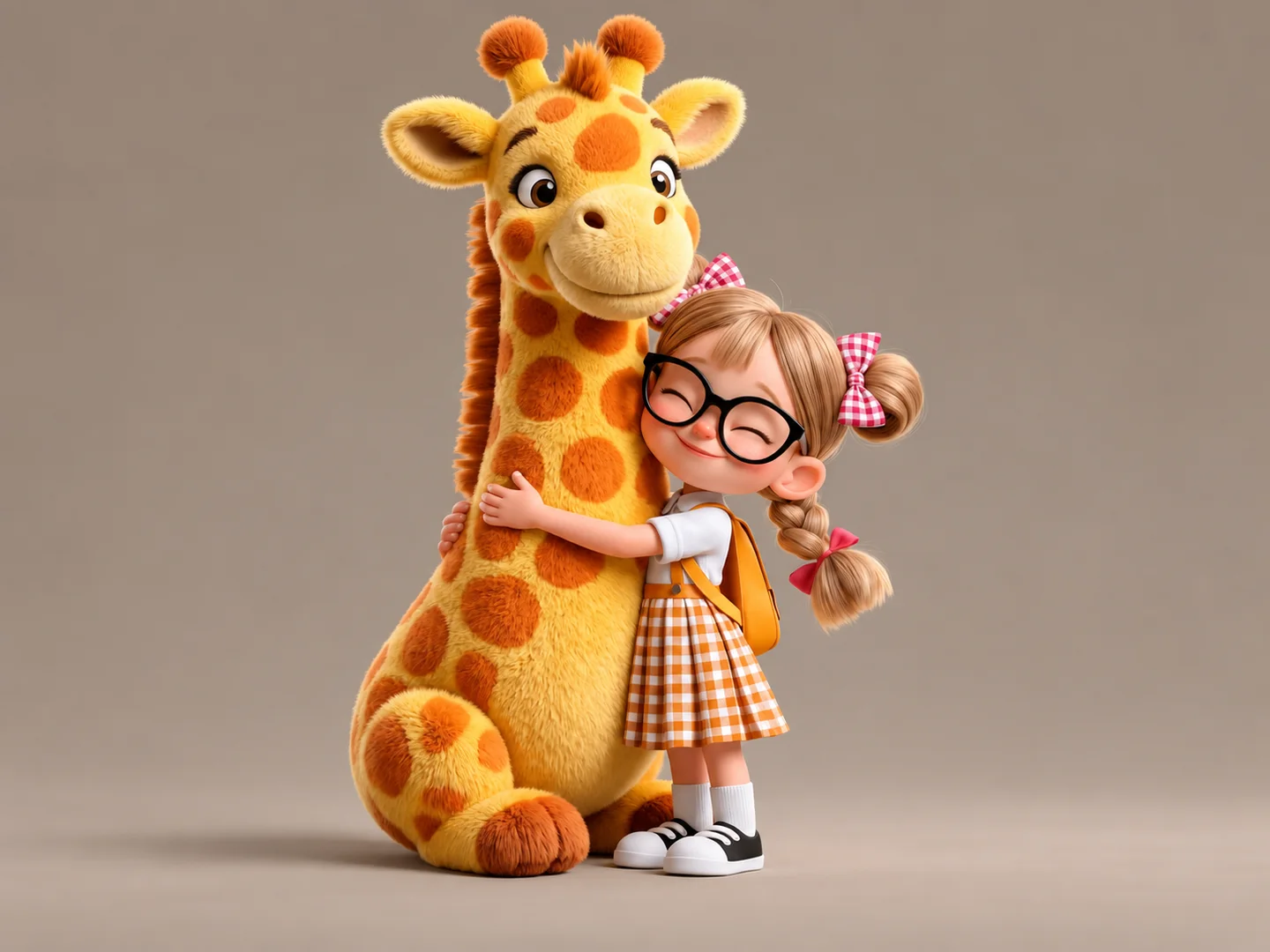
Convert character portraits, drawings, or text prompts into short 3D cartoon videos that show your characters walking, dancing, or exploring a scene.
VTuber Videos
Animate your anime avatar into a talking video with lip movements that match your voice—perfect for introductions, commentary, or virtual host clips.
Discover even more features.
AI Anime Video Generator FAQs
What is an AI anime video generator?
An AI anime video generator turns a text prompt or anime image into a short animated video. With Try OC Maker, you can describe a character, action, setting, mood, and camera movement, then choose a compatible video model to generate the scene.
Can I create an anime video from text?
Yes. Switch to Text to Video, choose a model that supports text prompts, and describe the anime scene you want. Include the subject, action, environment, visual style, and camera movement so the model has a clear direction.
Can I animate an anime image or my own OC artwork?
Yes. Upload your anime image or original character artwork in Image to Video mode, then describe how the character and scene should move. A clear source image and a focused motion prompt can help the model preserve visible details such as the face, hairstyle, outfit, and accessories.
How do I write a good anime video prompt?
Start with one clear action, then add the setting, mood, and camera direction. For example: “An anime swordswoman turns toward the camera as cherry blossoms drift past, dramatic sunset lighting, slow push-in.” If the first result is too busy, simplify the prompt and focus on the most important movement.
Which AI video model should I use for anime videos?
The best model depends on your input and the scene you want to create. Some models support text to video, while others offer image references, first and last frames, multi-shot scenes, or audio. Open the model selector to compare the currently available capabilities and generation cost.
Can an AI anime video include dialogue or sound?
Some available models support generated audio or spoken dialogue. When the selected model offers sound, describe the voice, dialogue, music, or scene audio you want. Capabilities vary by model, so check its controls before generating.
Is Try OC Maker’s AI anime video generator free?
You can start with free credits. Each anime video uses credits, and the amount depends on the model and settings you choose. The generation cost is shown before you start, while watermark-free export availability depends on your current plan.
Are my uploaded anime images and generated videos private?
Try OC Maker uses transport encryption and access controls to help protect your files. Private uploads, prompts, and generated content are not used to train our own or third-party generative AI models. Review the Privacy Policy for complete processing and retention details.
AI Anime Video Generator
Unleash limitless creativity with Try OC Maker’s free online AI anime video generator. From animating your OC artwork to creating anime scenes from text, this AI tool delivers short videos ready to share. Create faster, and turn your ideas into anime videos that bring your stories to life.

/w1440.webp) Reference
Reference