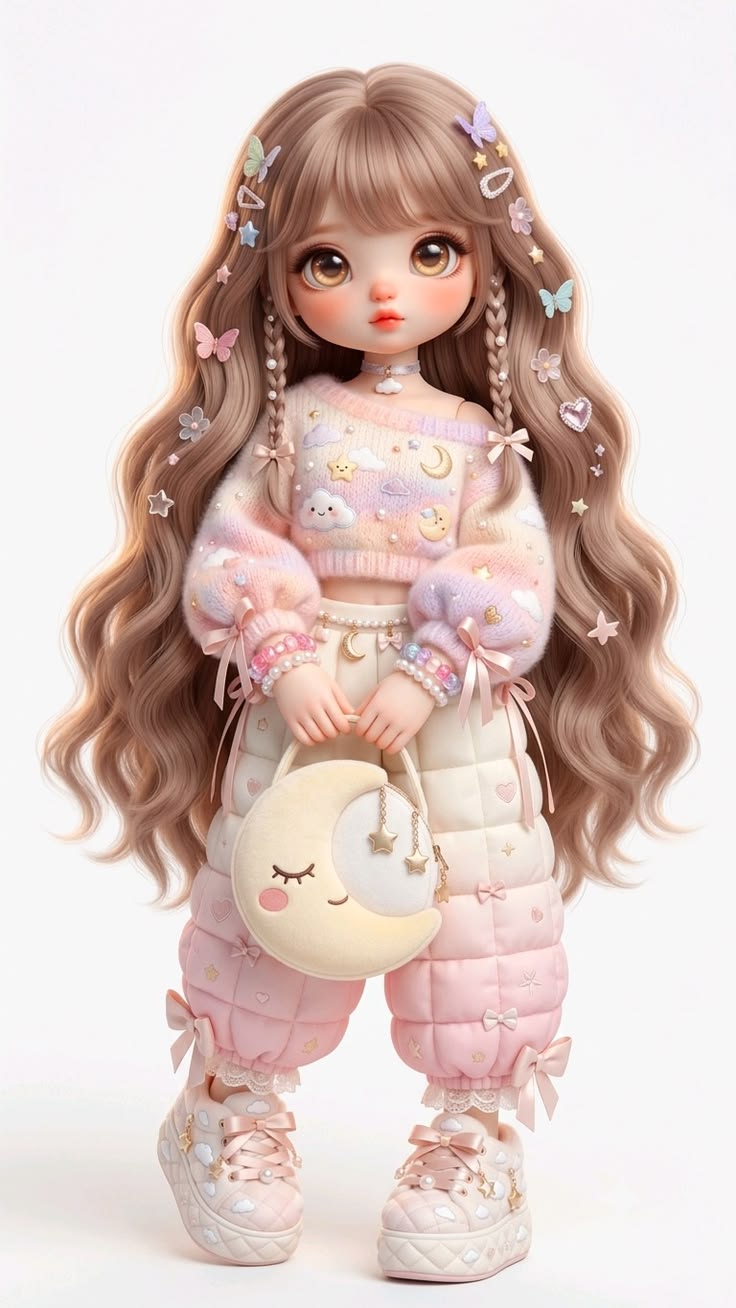
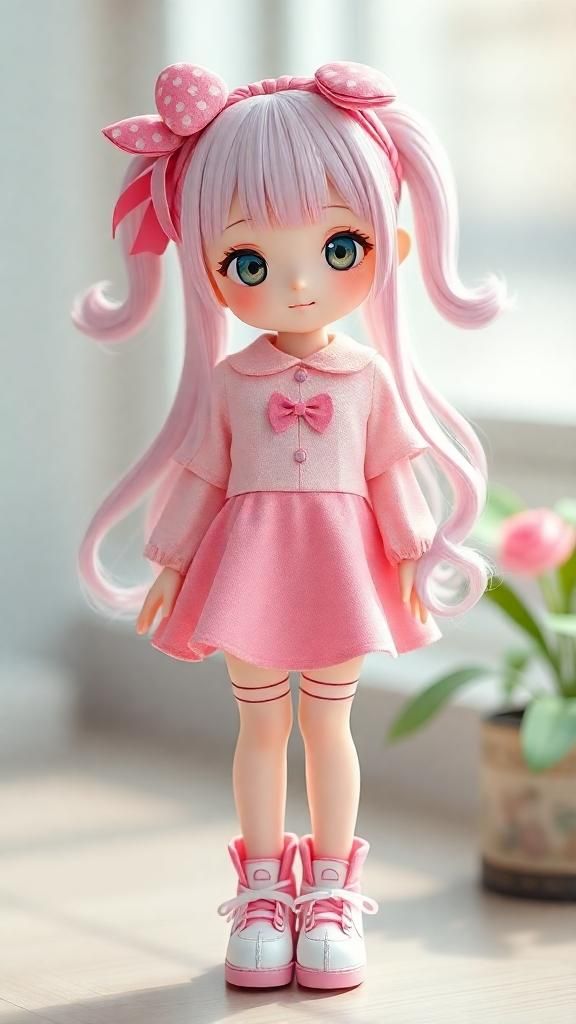
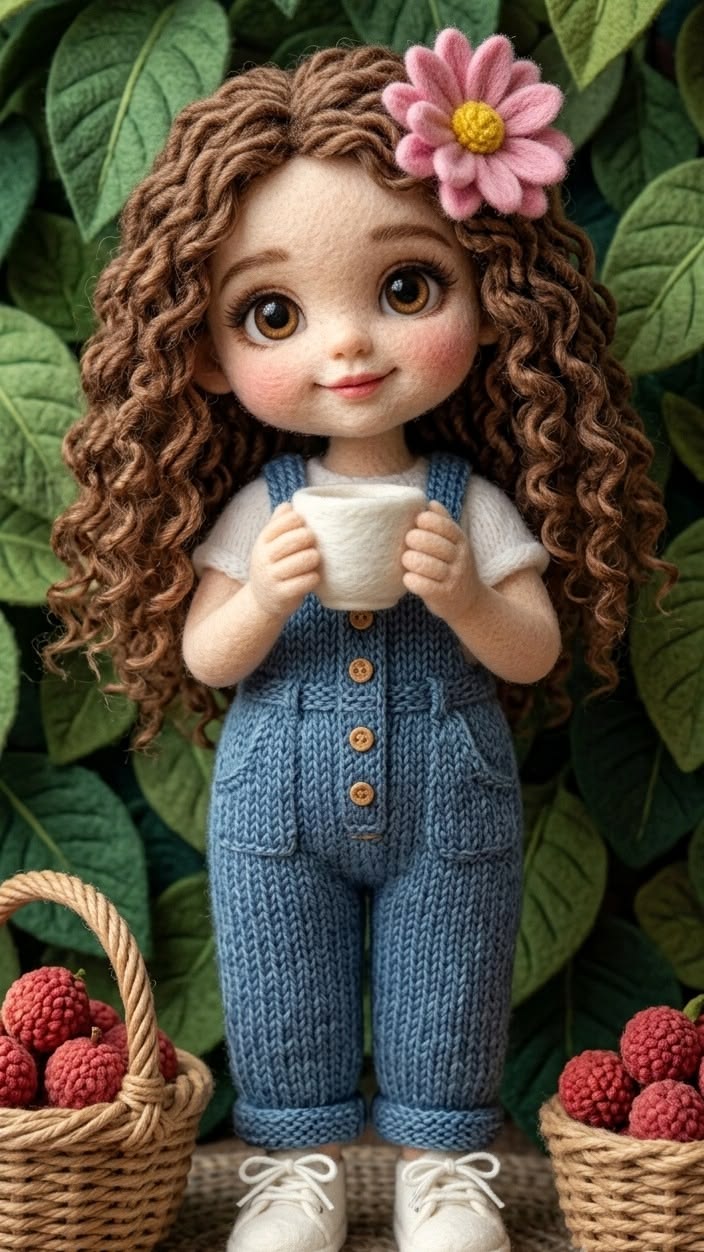
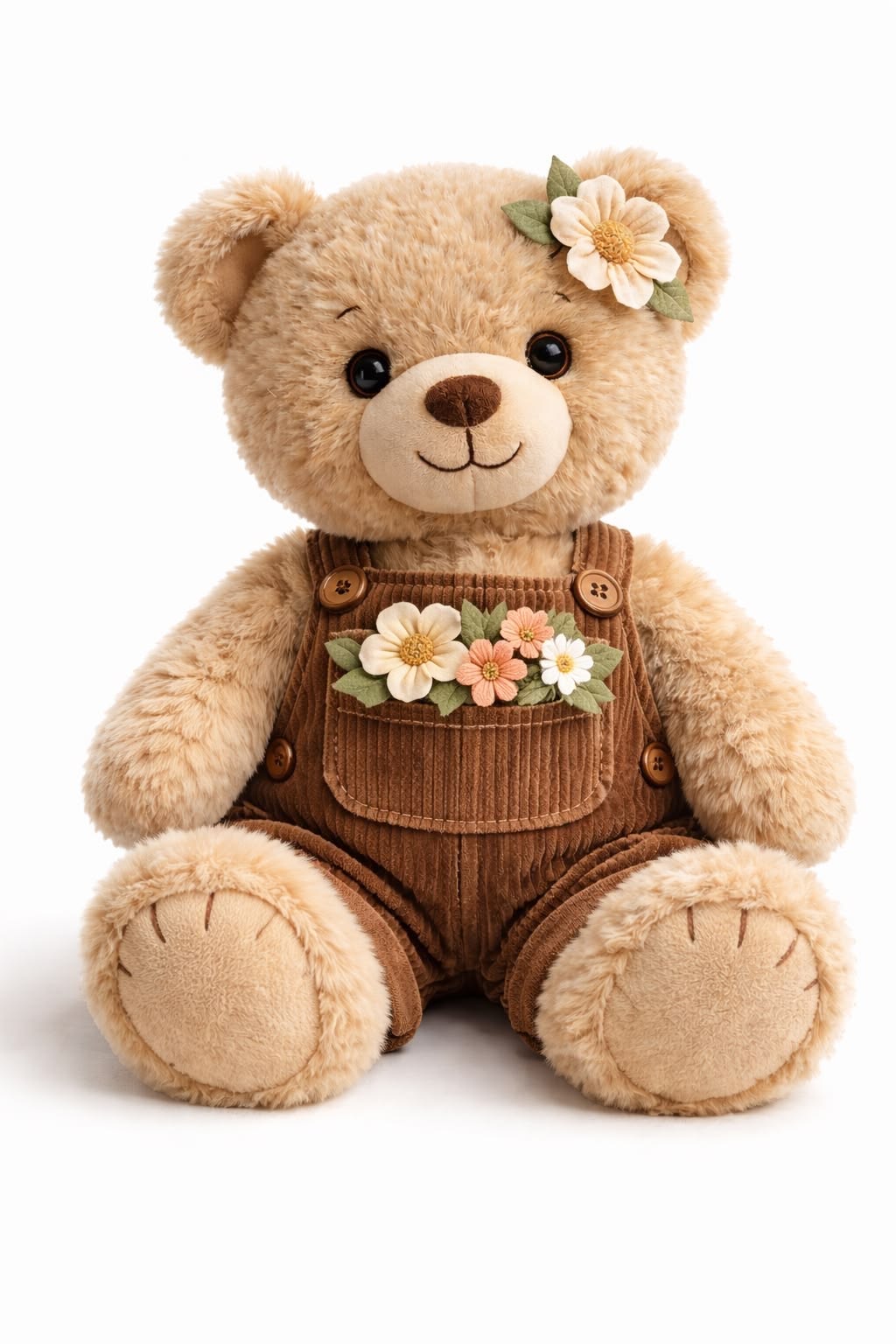
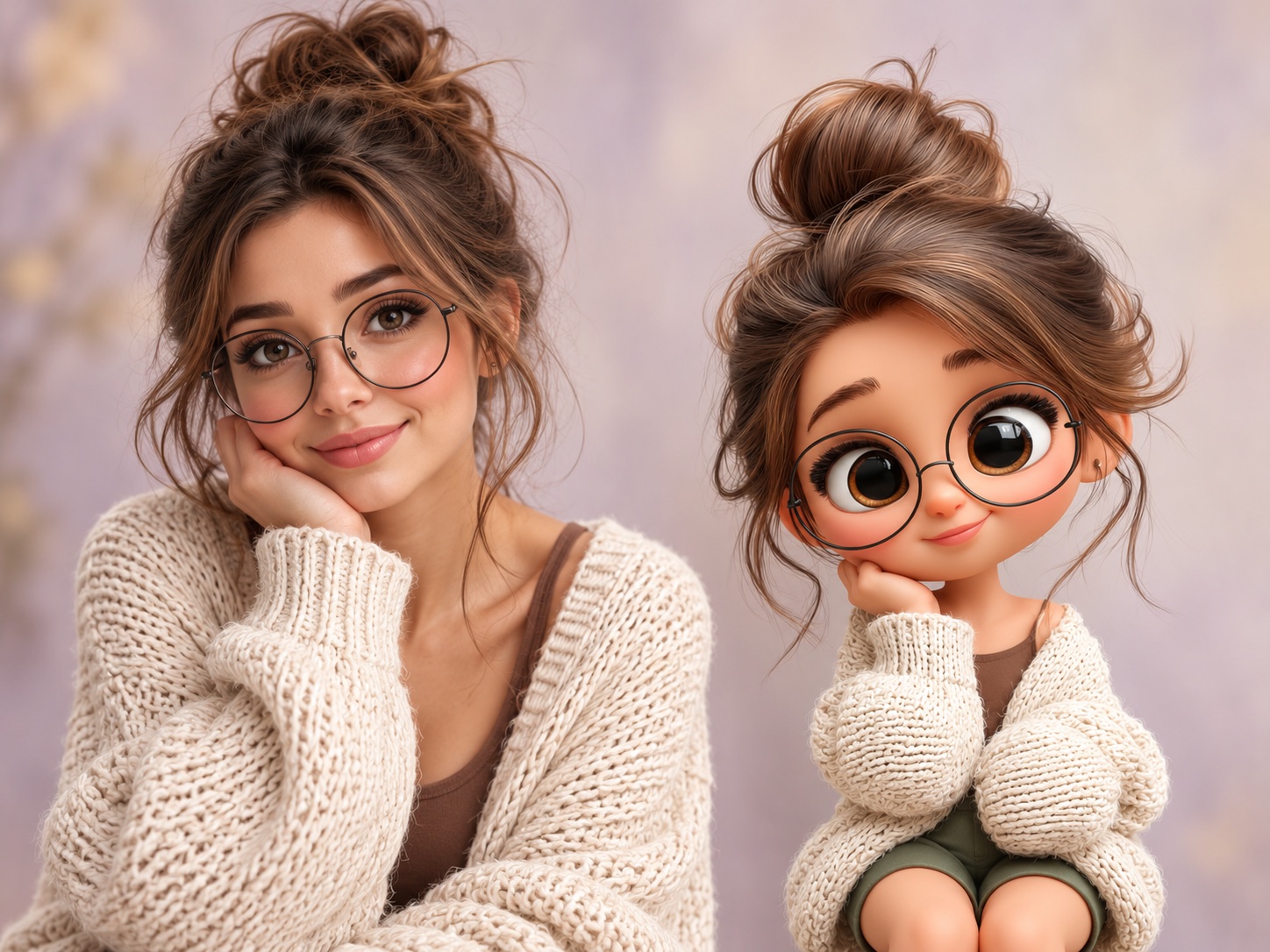
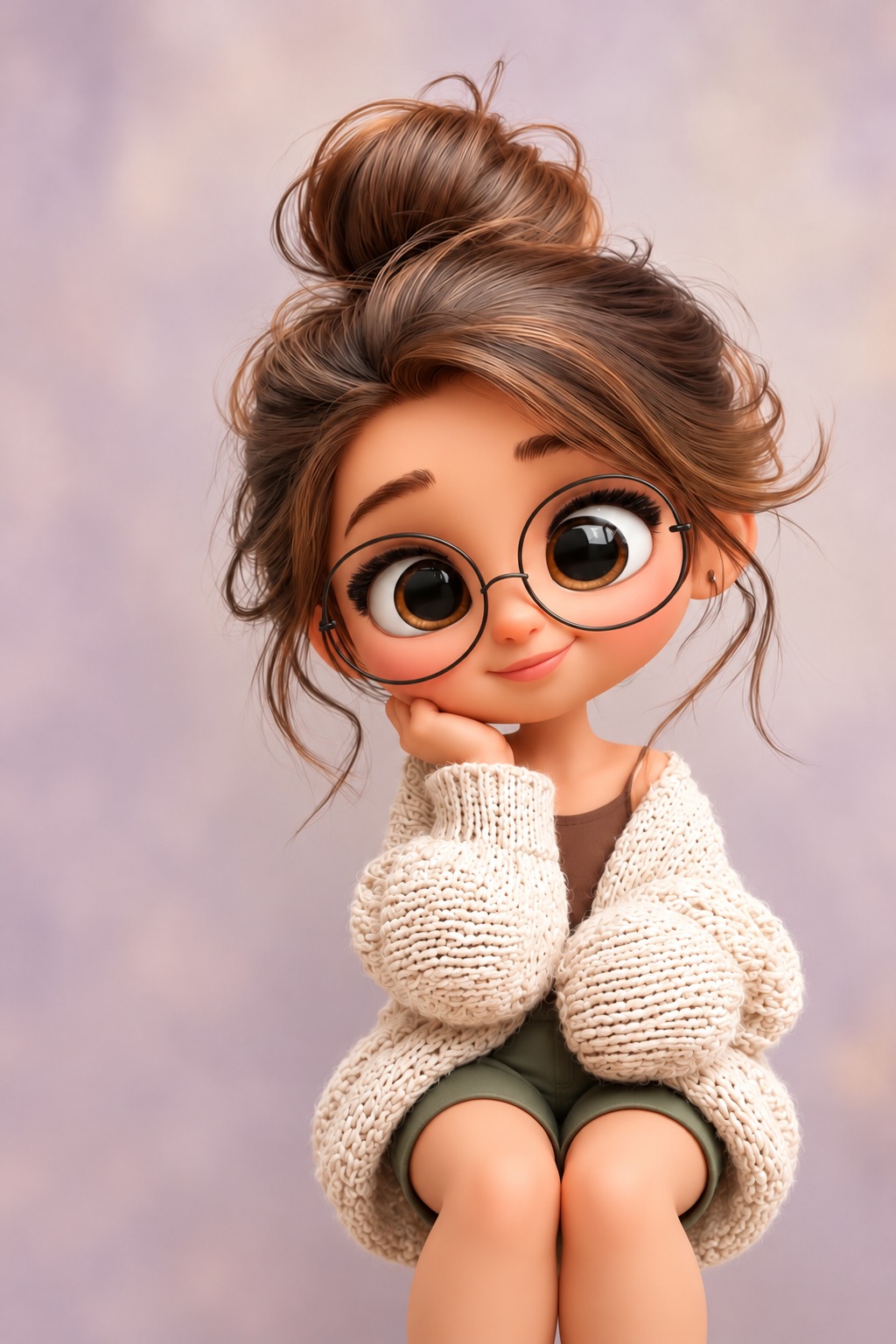
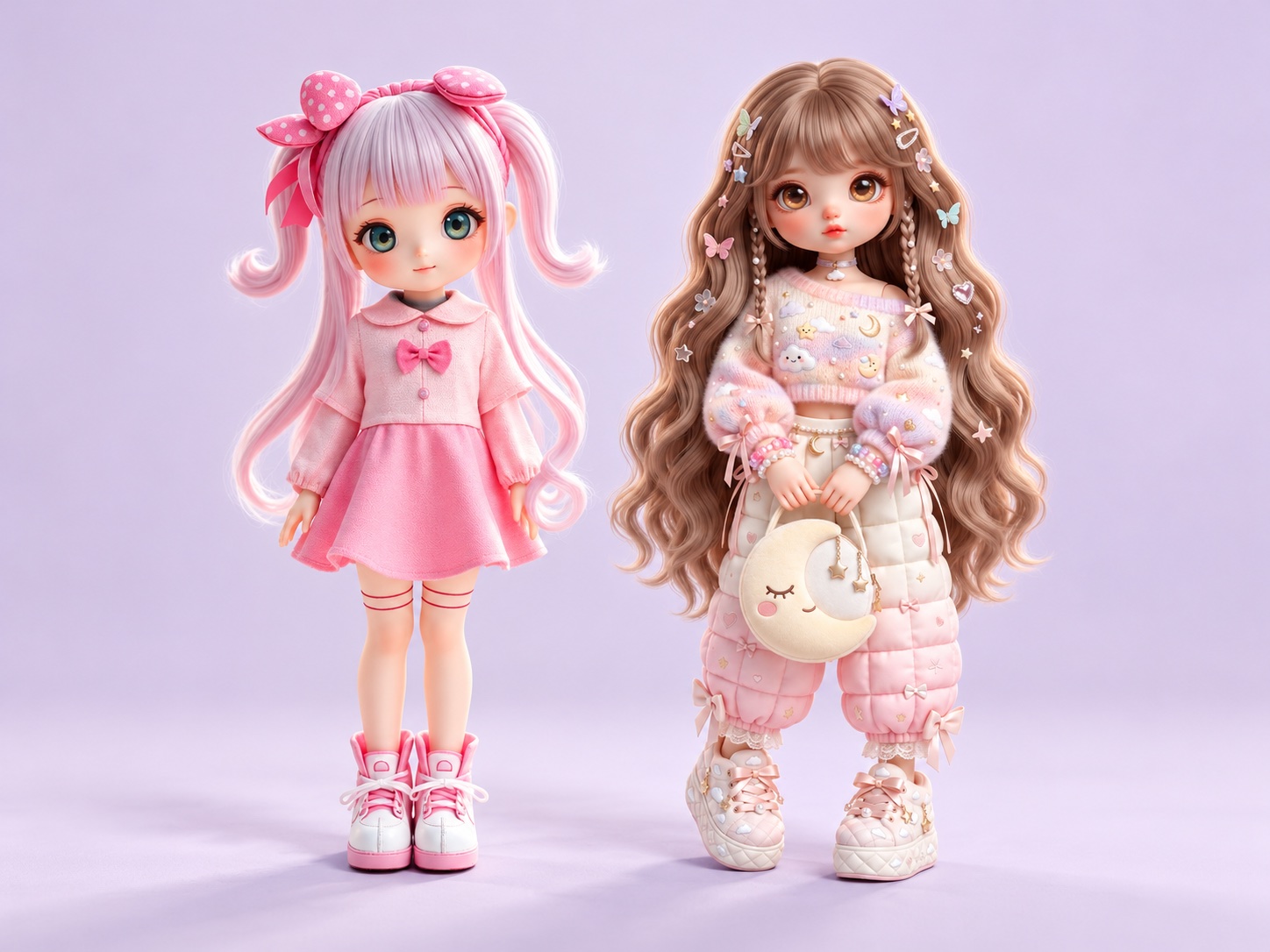
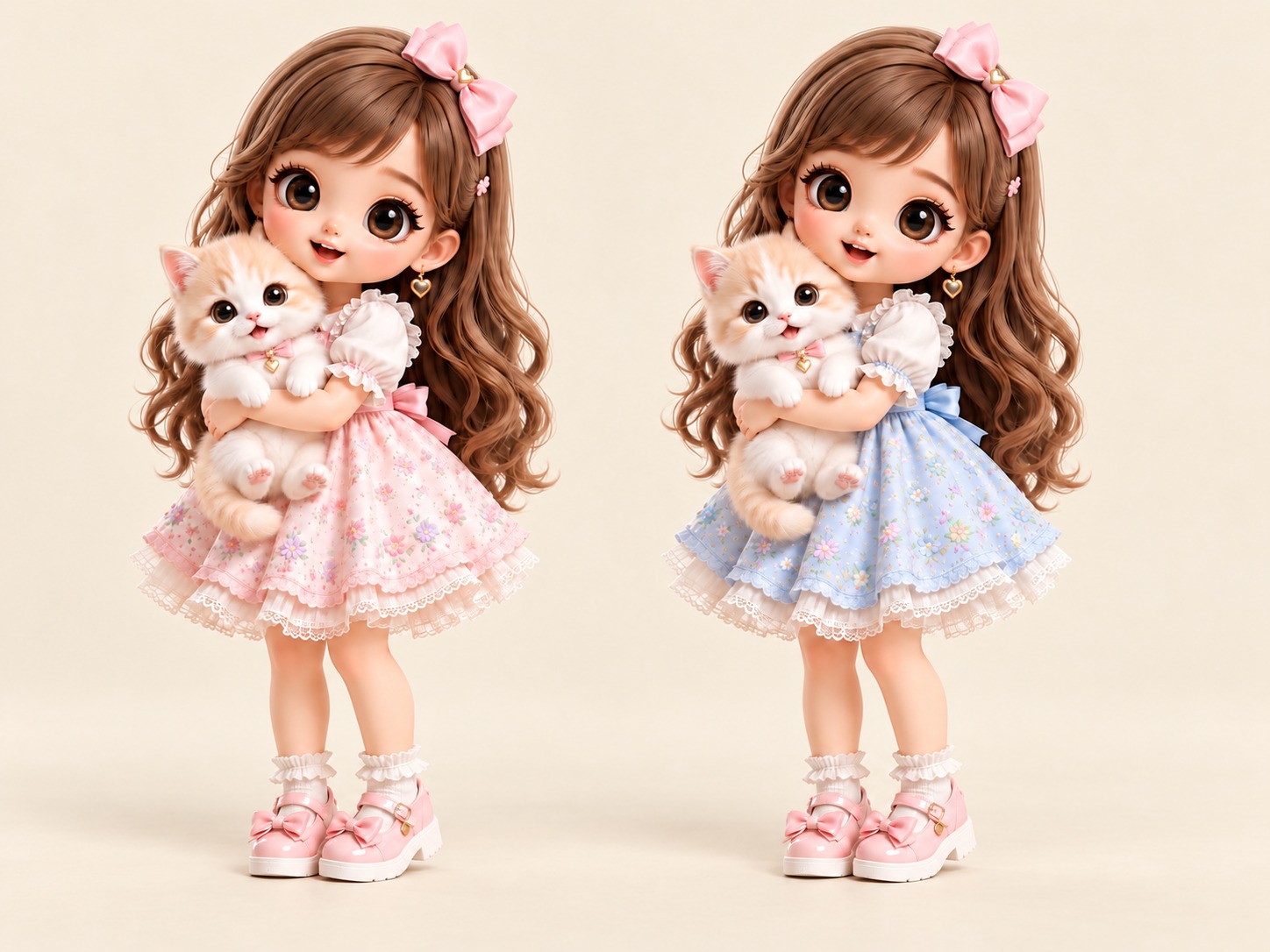
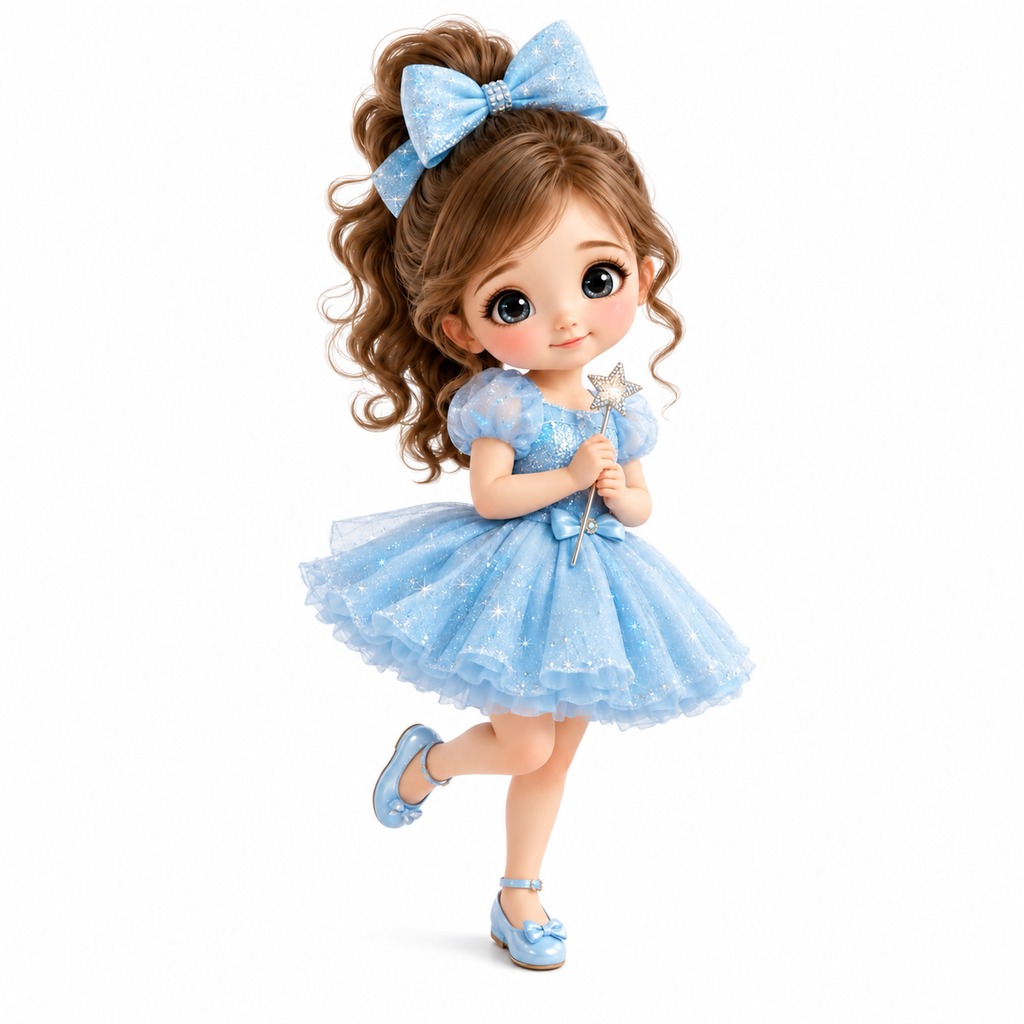
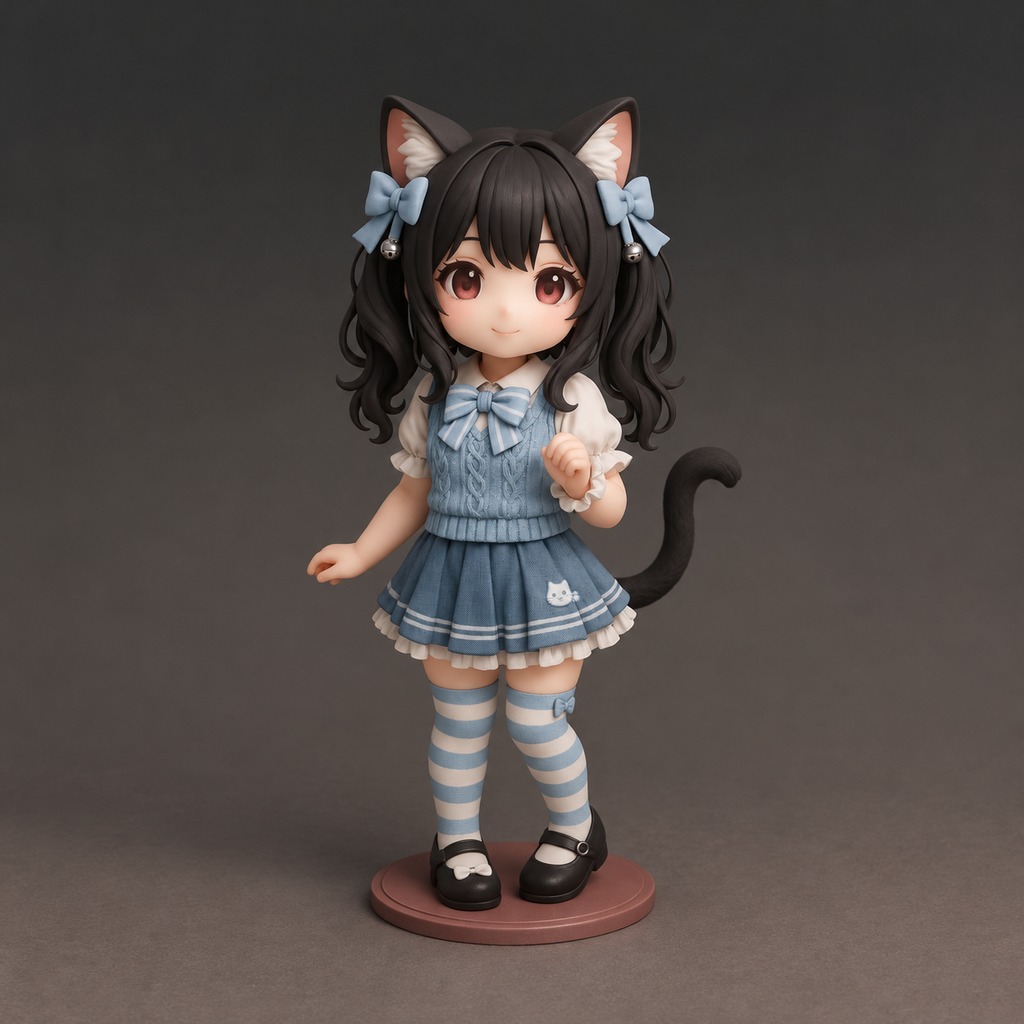
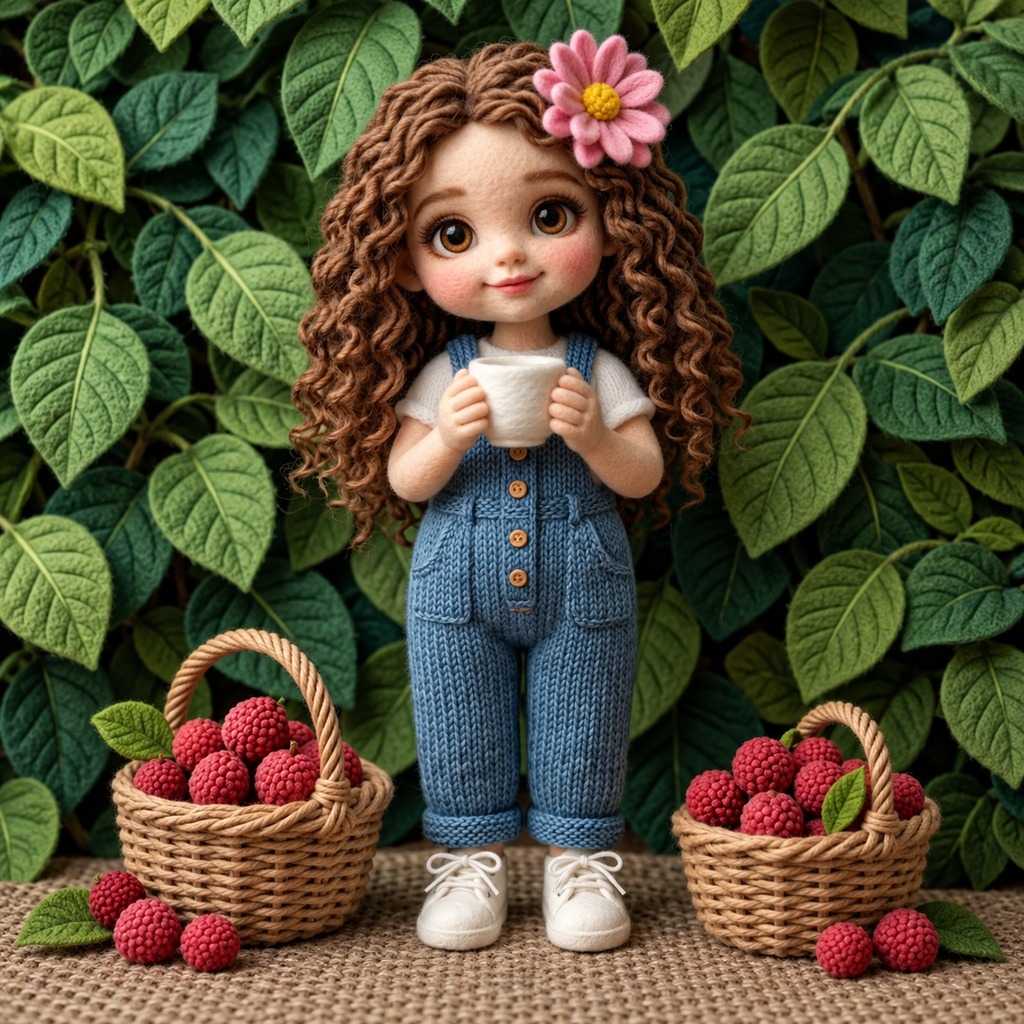
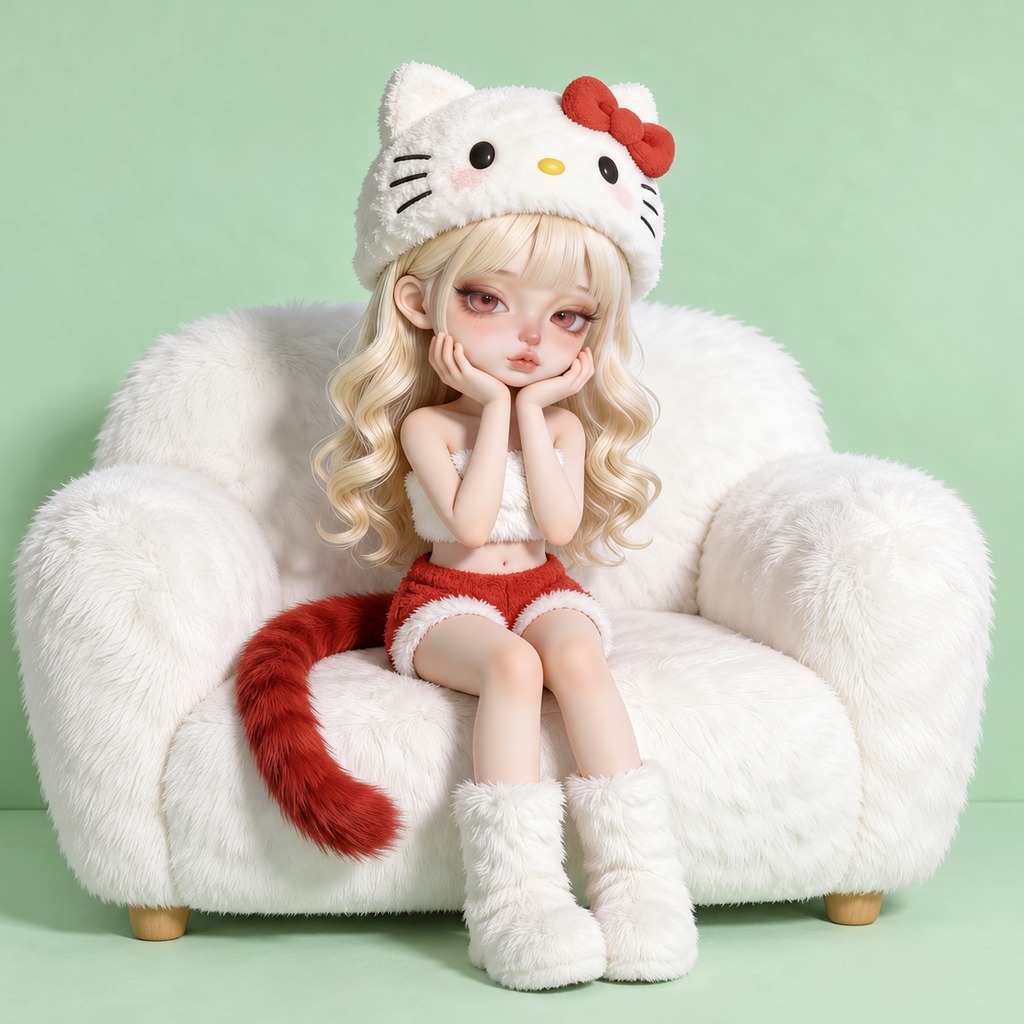
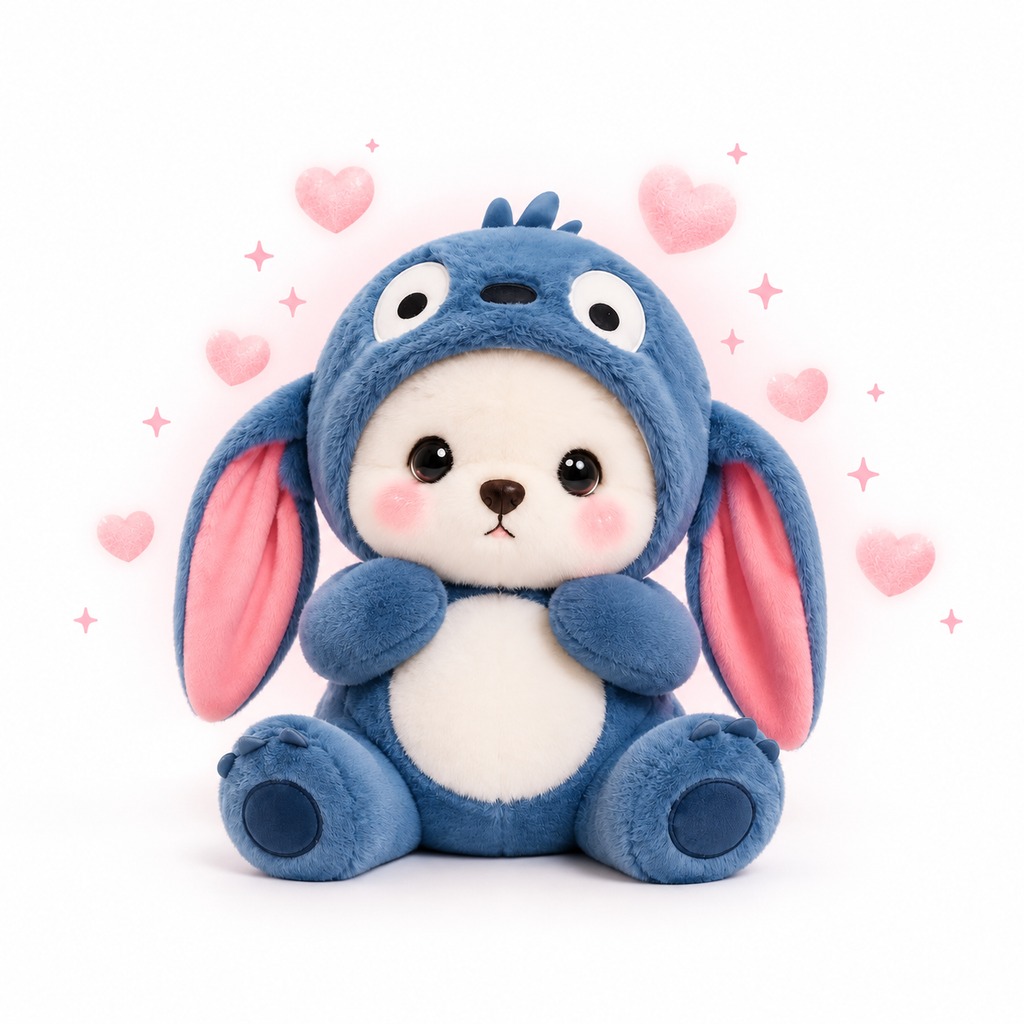
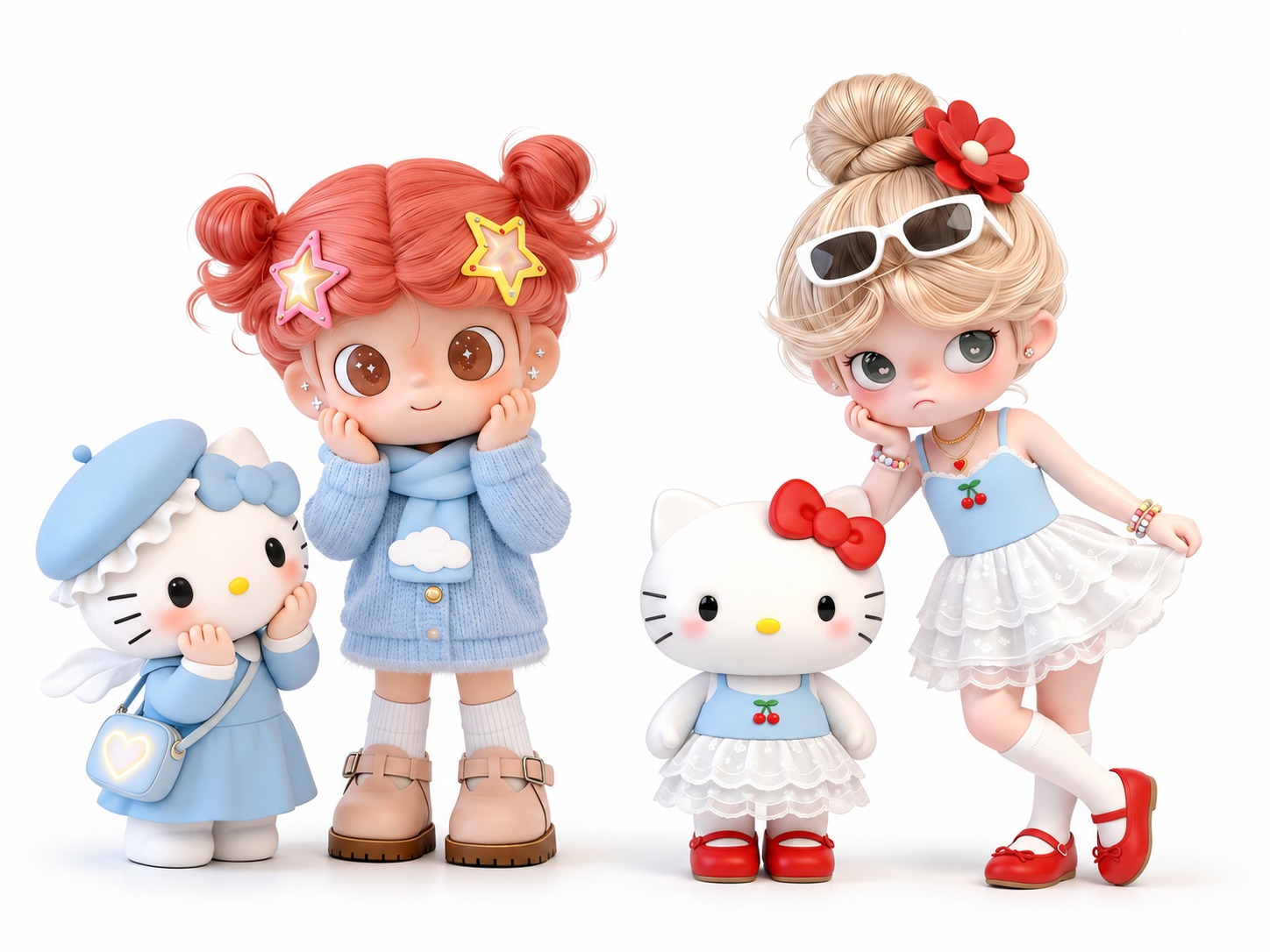
Create custom dolls with Try OC Maker's AI doll generator online for free. Make your own dolls for free. Try creating personalized doll designs from text or photos in a few clicks with AI. Get high-quality AI doll images ready to download.
Experience an easy, fast, and fun way to create human and animal dolls with Try OC Maker's AI doll generator.
With advanced AI models, our AI doll maker understands your text prompts or reference photos and quickly creates personalized dolls that match your ideas. From cute animal dolls to lifelike human dolls, the whole process is simple, creative, and enjoyable. No design skills or complicated software needed.
How to Make Your Own Doll with AI?
1. Describe your doll design in a prompt
Enter a prompt to describe the AI doll you want. Specify the doll type, hairstyle, outfit, and key details such as materials or accessories. You can also upload a reference photo to create a personalized doll.
2. Generate your AI doll in seconds
Hit the "Generate" button, and our AI doll generator will create your custom doll in seconds. Our advanced AI models understand everyday language, so you can design your doll with simple instructions.
3. Download your AI doll
When you're satisfied, download your AI doll image. Edit the result through a text prompt. Just tell the AI the change you want, like hairstyle, clothing, doll material, or background color.
Have a doll idea in mind but don't know how to draw it? Try OC Maker's free AI doll generator turns your descriptions into detailed doll images. Picture a little girl with curly hair and a floral dress, or a teddy bear wearing a tiny yellow raincoat. Just enter your idea, add a few details about the material, colors, and accessories, and let AI take care of the design. It's a fun way to try new doll ideas without picking up a pencil.
Ever wondered what you or your pet would look like as a doll? With Try OC Maker's AI doll maker, an ordinary photo can become a plush toy, a crochet figure, or a collectible-style doll. Your hairstyle, favorite outfit, or your pet's distinctive fur markings can help guide the new design.
Turn a family portrait into a set of matching dolls, make a miniature version of your best friend, or see your cat as a cuddly plush toy. Each photo gives you a different starting point.
Create AI Dolls with Different Materials and Textures
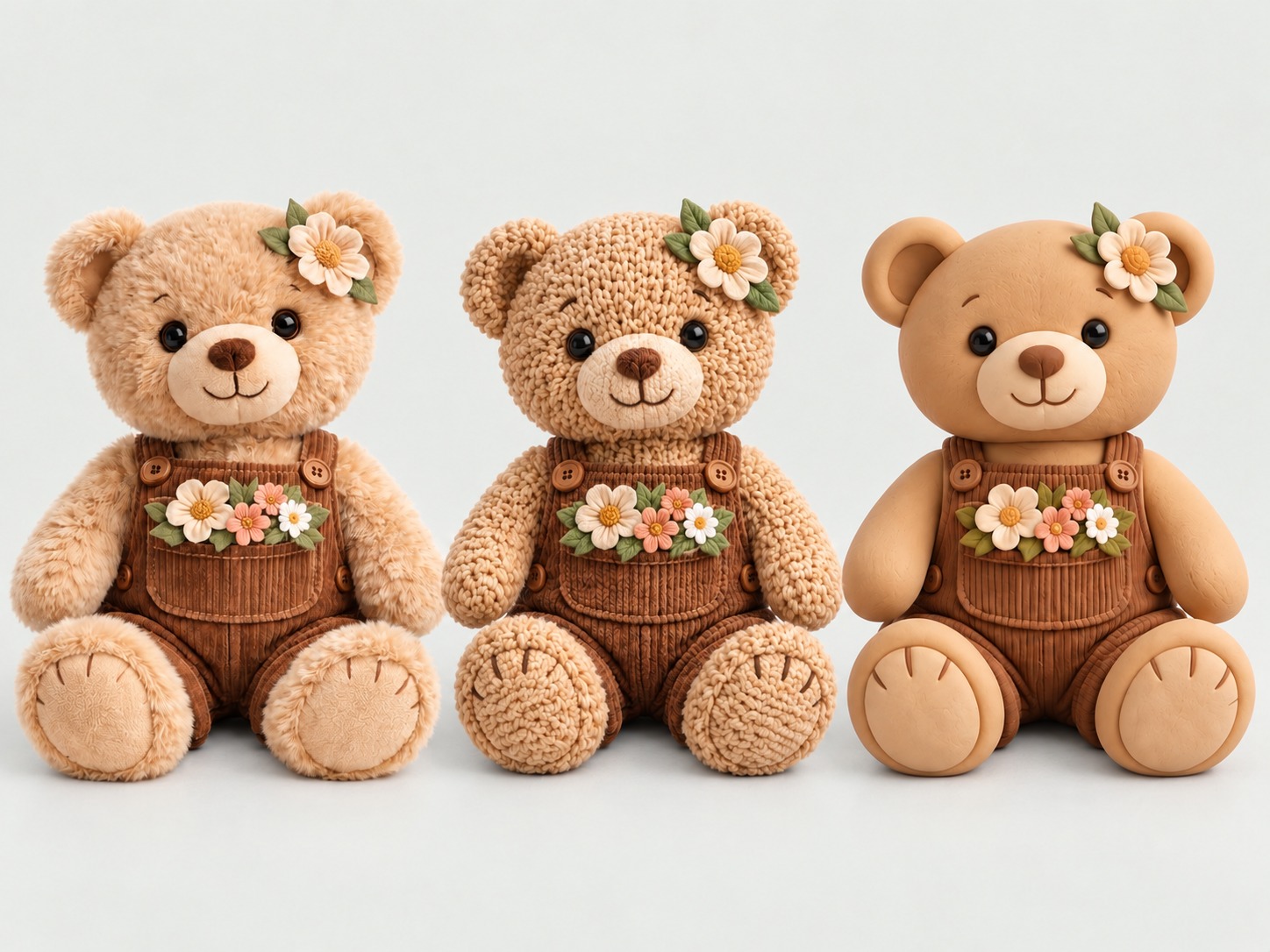
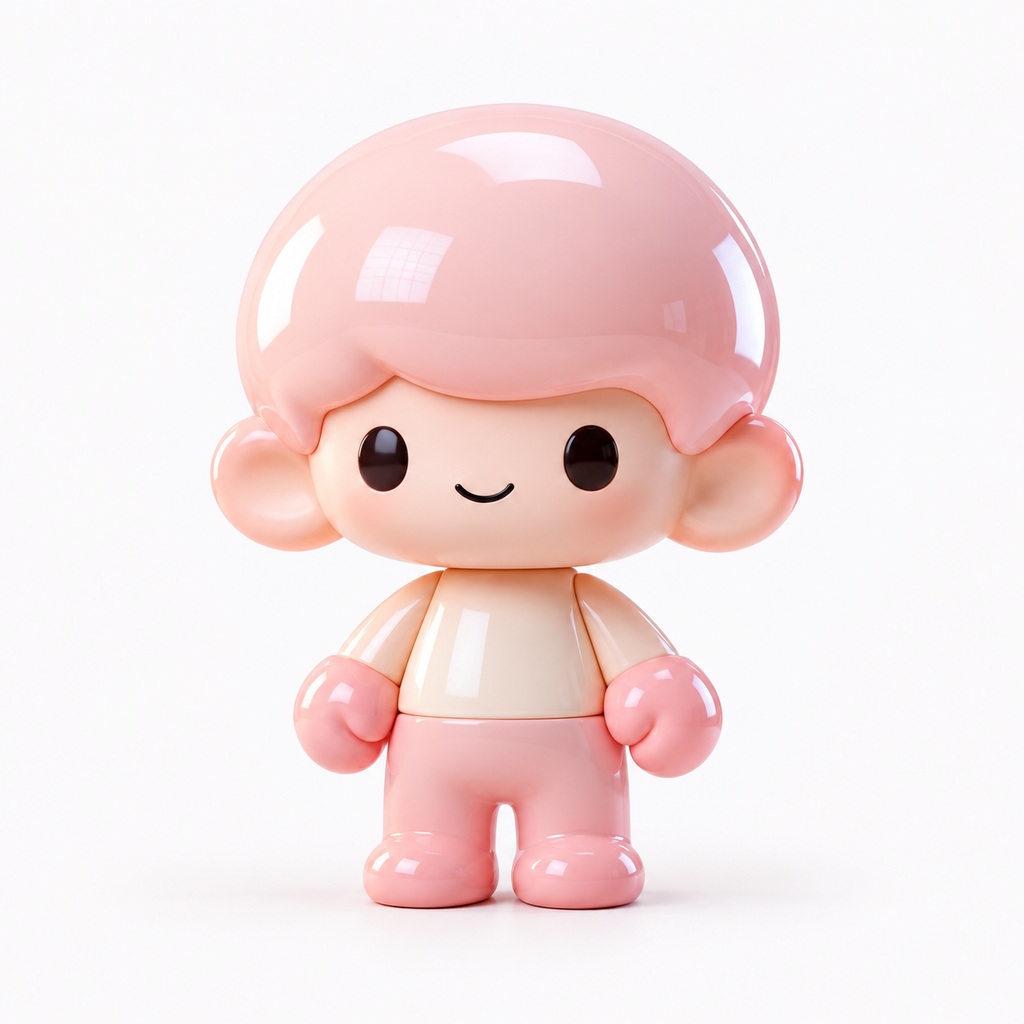
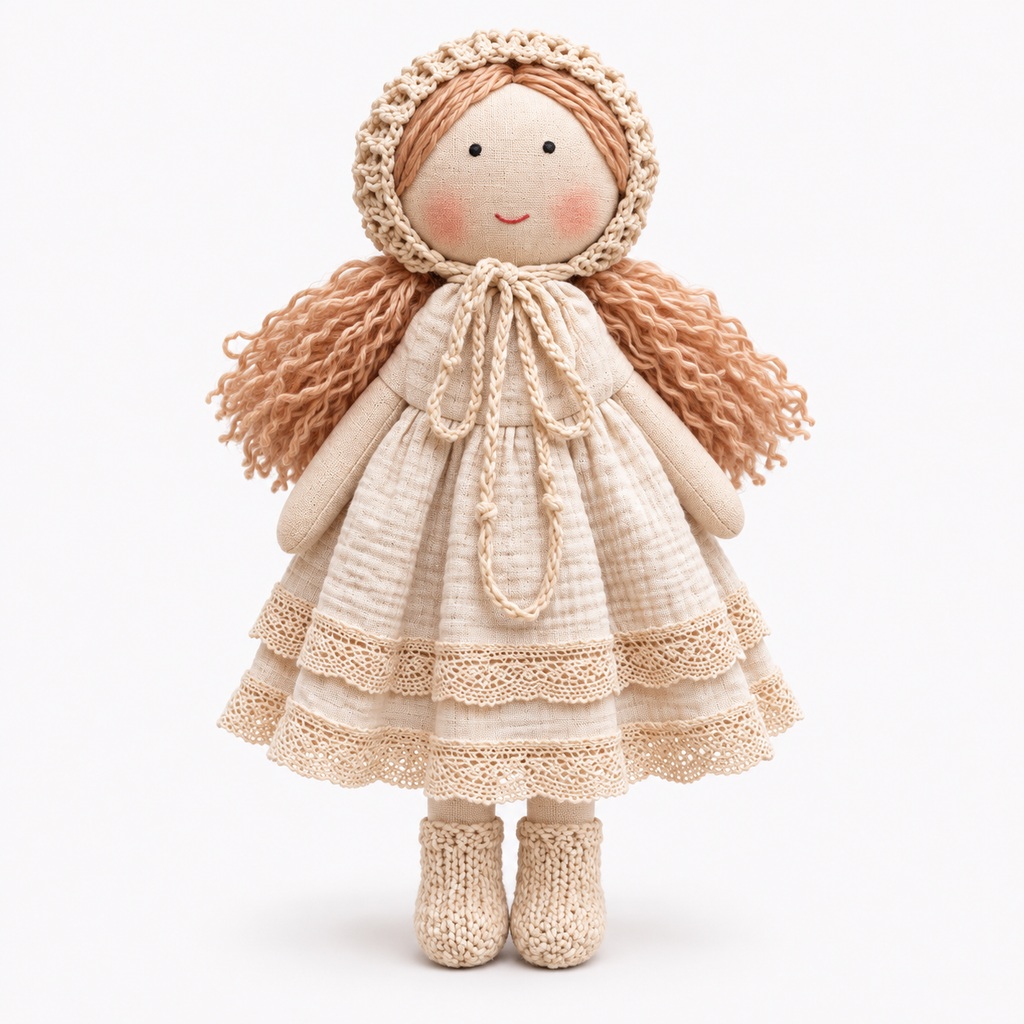
The material can completely change how a doll looks. A needle-felted doll has a fuzzy, fibrous surface, while a crochet doll shows the individual yarn stitches. Acrylic plastic gives collectible figures a smooth, polished finish, and fabric dolls have visible seams and soft cloth bodies.
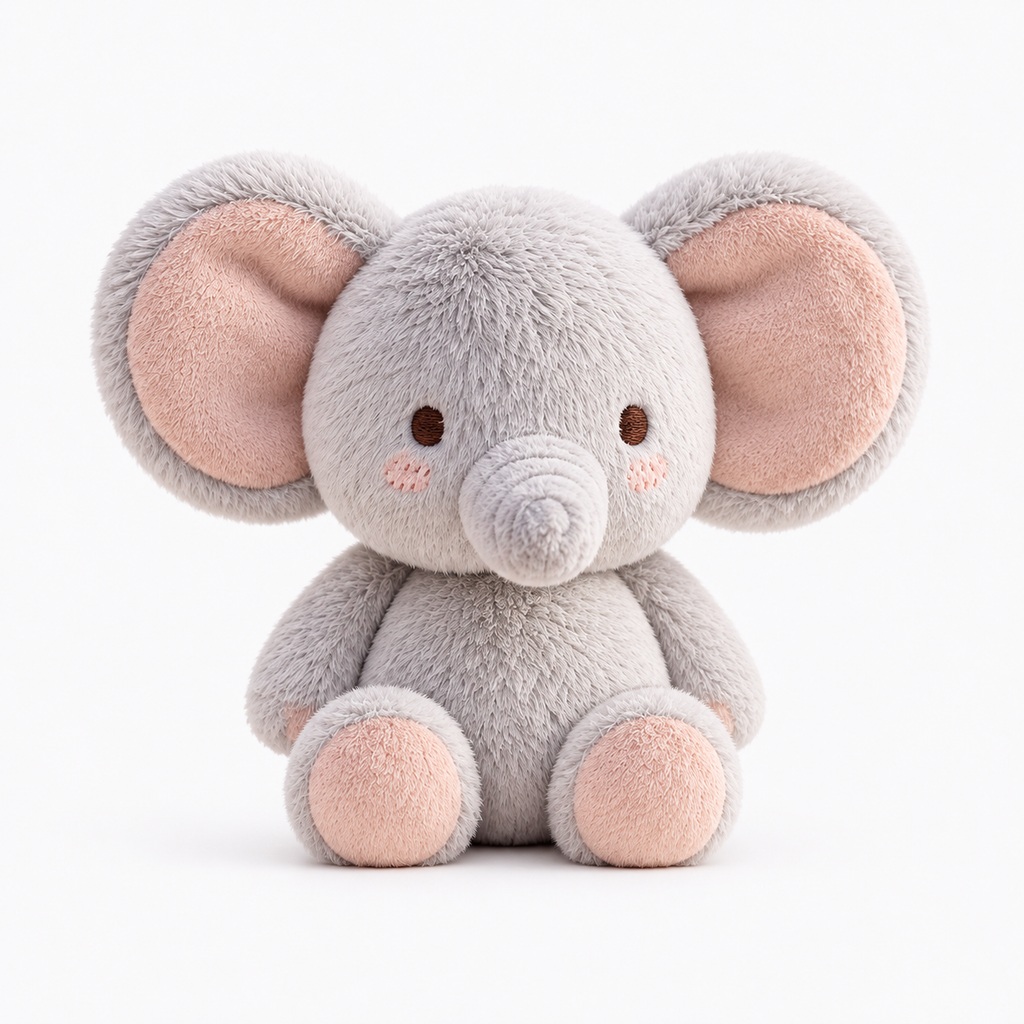
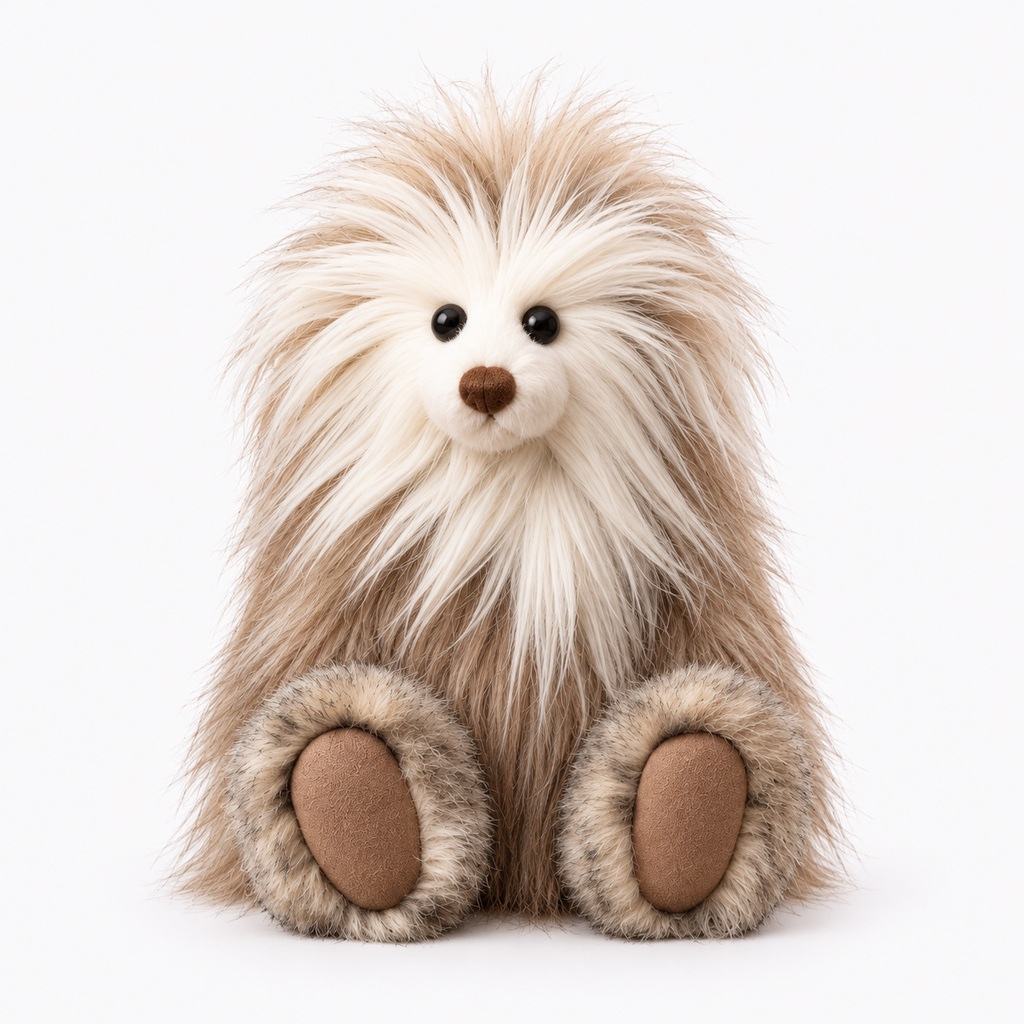
For an extra cuddly look, try short-pile plush with its smooth, velvety texture or long-pile faux fur with fluffy, shaggy fibers. Try OC Maker's AI doll generator lets you experiment with all six materials to see which best suits your design.
Sometimes the smallest details make a doll memorable. A pair of embroidered eyes, rosy cheeks, a crooked smile, or a tiny ribbon can give even a simple design its own character.
Try OC Maker lets you adjust these details through text prompts and image editing. Give your doll button eyes instead of painted ones, change a stitched smile into a sleepy expression, or add a bow to its hair. Work on the details you care about until the design feels right.
Have the perfect character photo but prefer the outfit or toy style from another image? You don't have to start a new design from scratch. Try OC Maker's AI image editor lets you use multiple reference images with supported AI models to guide a new doll design.
For example, use one photo for the character's face, another for a knitted sweater, and a third for the doll's plush texture. Tell AI how to combine the references, then review the result and adjust anything that doesn't look right.
Use AI Doll Maker to Create Dolls in Different Materials
Create unique dolls with Try OC Maker's AI doll maker. Try stitched fabric, soft plush, or long-pile faux fur for different textures and finishes. Simply describe your preferred material, and let AI turn your ideas into adorable doll designs.
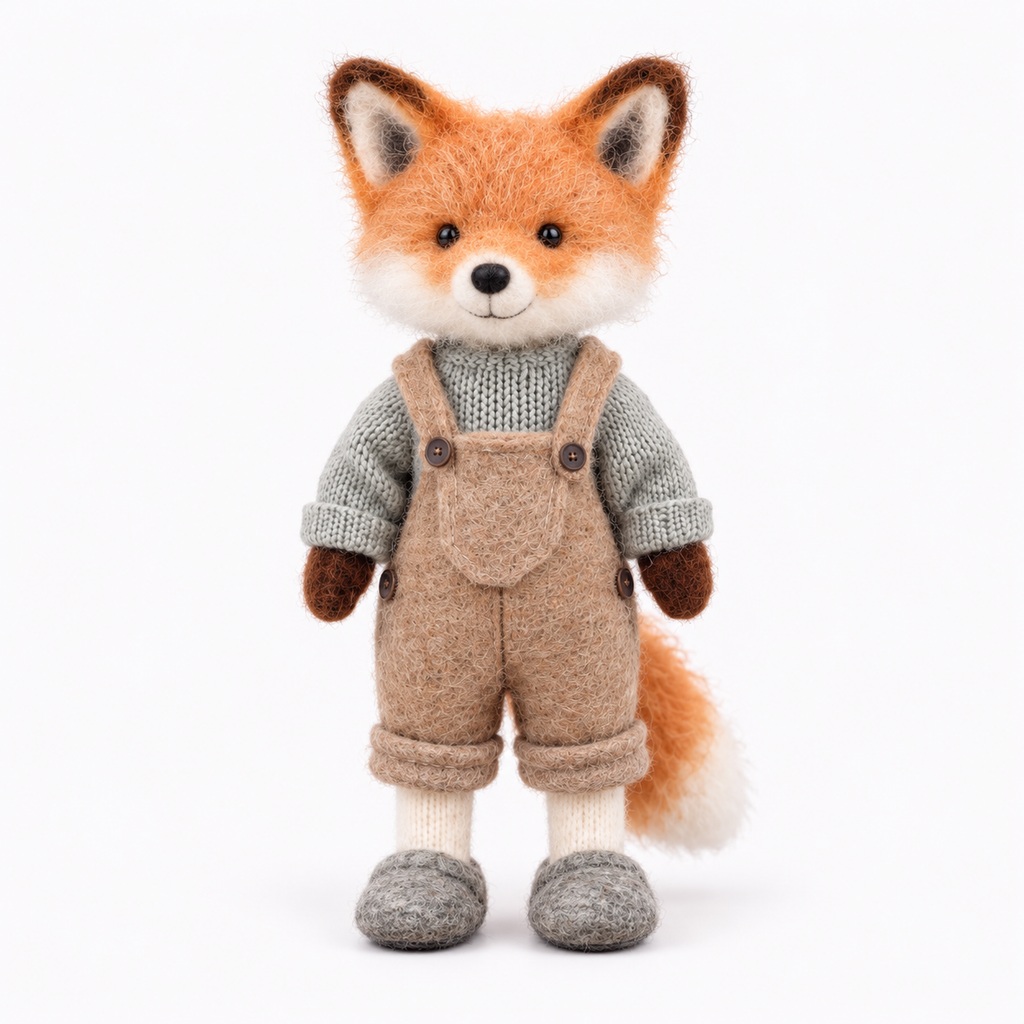
Needle-Felted Wool Doll
Fluffy yet compact wool fibers, with a fine needle-felted texture on the surface and a distinct handmade feel.
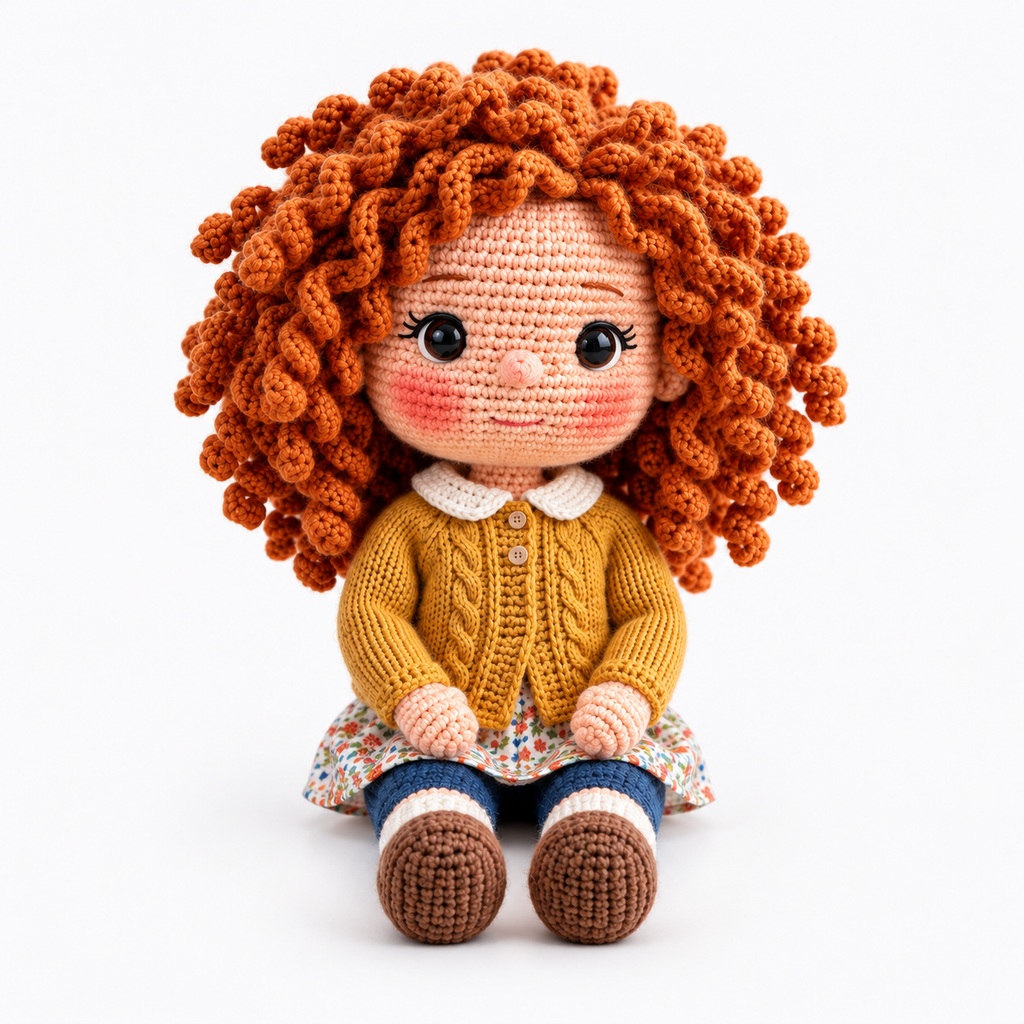
Crochet Doll
Clear yarn stitches, crochet textures, and a rounded doll shape highlight the handmade crochet texture.
Acrylic Plastic Doll
Hard and smooth, with clear reflections, showing a glossy or translucent plastic texture.
Fabric Doll
Cotton or linen fabric, with visible woven textures, patchwork, and stitching details.
Short-Pile Plush Doll
Short, dense plush, soft and full, with a relatively even surface and a typical plush toy texture.
Long-Pile Plush Doll
Noticeably longer, fluffier plush, with rich layers of hair, a shaggy appearance, and an airy feel.
Turn your everyday selfies into cute, personalized doll portraits with your signature hairstyle and favorite outfit—perfect for profile pictures or digital keepsakes.
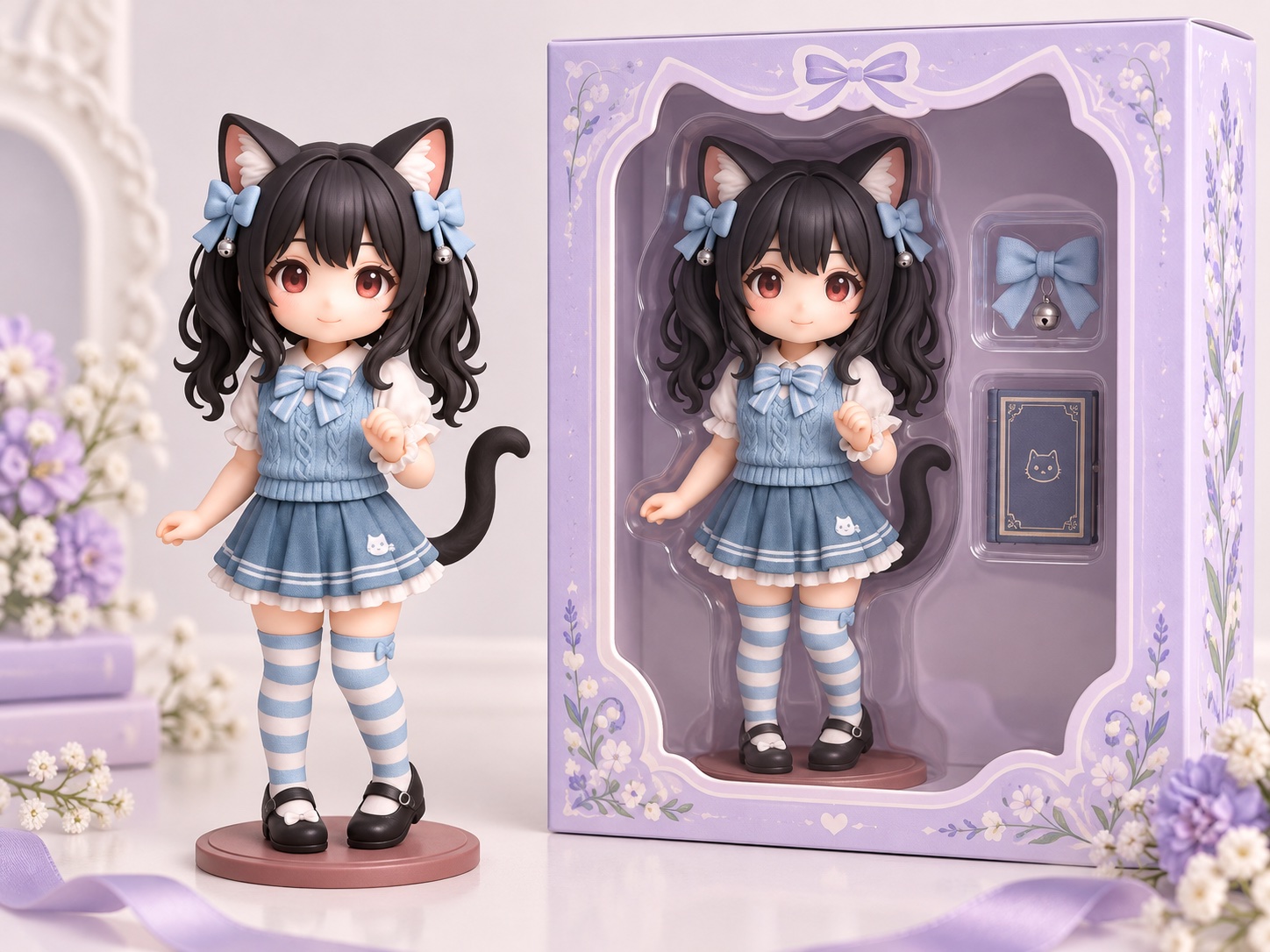
Turn photos of yourself, friends, or favorite characters into boxed collectible dolls with custom name tags, themed accessories, and toy-store-style packaging—perfect for personalized gifts and social media posts.
Bring your original OCs or favorite anime characters to life as adorable dolls. Create personalized toy designs for fan art, character showcases, or collectible figure ideas.
Give your brand mascot a cute doll makeover to create eye-catching visuals for product launches, social media campaigns, or branded merchandise. Make your brand more memorable with custom mascot doll designs.
Create and customize your own dolls directly from your phone or tablet, with no app download required. After AI generates your doll, you can preview, refine, and download the results right from your mobile browser. This makes doll creation easy and convenient, letting you turn selfies, pet photos, or creative ideas into personalized dolls wherever you are.
Bring Your AI Dolls to Life with AI Video Generator
Try OC Maker's AI image to video generator brings your doll creations to life with playful movements, such as waving hands, blinking eyes, walking steps, and head turns. Combined with our AI doll generator, it lets you turn static doll images into short, animated videos. Watch your plush toys, crochet dolls, and collectible figures come to life in a fun, creative way, perfect for social media, storytelling, or sharing with friends.
Our AI doll maker is simple and intuitive, letting anyone create personalized dolls from text prompts or photos quickly.
Free to Try
Enjoy free starter credits to create your own AI dolls online, with no upfront payment required.
No Watermark
Download your AI-generated doll images without any distracting watermarks on eligible paid plans.
Mobile Available
Use our AI doll generator anytime, anywhere, directly from your phone or tablet.
AI Doll Generator FAQs
Can I use the AI doll generator for free?
Yes. Try OC Maker offers free starter credits to try AI doll generation. The credits required depend on your selected model and settings. Check the displayed credit cost before generating; additional credits may require payment.
How can I create an AI doll from my photo?
Upload a clear photo in Image to Image and describe the doll you want to create. Include the material, outfit, and accessories, and specify which facial features or hairstyle to preserve. Review the result and refine your prompt if needed.
What prompt should I use for an AI doll generator?
Describe the doll’s appearance, material, clothing, pose, and background. For example: “A full-body crochet doll with curly brown hair, a yellow cardigan, blue overalls, and a plain cream background, facing forward.” If you upload a photo, also explain which details should stay the same.
How do I create an AI doll in a box with accessories?
Describe a full-body doll inside a display box with a clear front. Specify the packaging color and list the accessories you want in separate compartments. You can also request a name on the box. Check the generated lettering and accessory details before downloading.
Can I use the AI doll generator on my phone?
Yes. Open Try OC Maker in your phone or tablet’s browser. Enter a text prompt or upload a reference photo, generate your doll, and download the result. You do not need to install a separate design app.
Does an AI doll generator create a physical doll?
Try OC Maker creates digital doll images, not physical toys or production-ready 3D models. You can use the images as visual references, but making a physical doll requires a separate design and manufacturing process.
Turn your photo or idea into a doll with Try OC Maker. Choose the hairstyle, outfit, and little details that make it personal, then create a digital character you will want to keep.