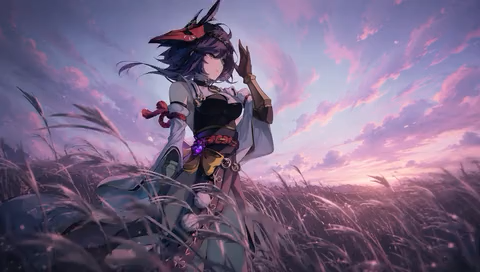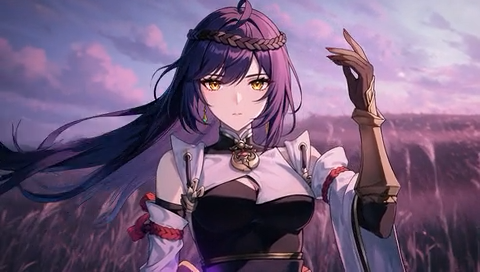
Work on Any Device
This AI photo to anime converter works on both PC and mobile, allowing you to turn photos into anime anywhere, anytime.
Upload a selfie, portrait, couple photo, pet picture, or travel shot and turn it into detailed anime art with Try OC Maker’s AI photo to anime converter. Choose your favorite anime style and make avatars, profile pictures, character art, thumbnails, and social posts in seconds—no drawing skills needed.
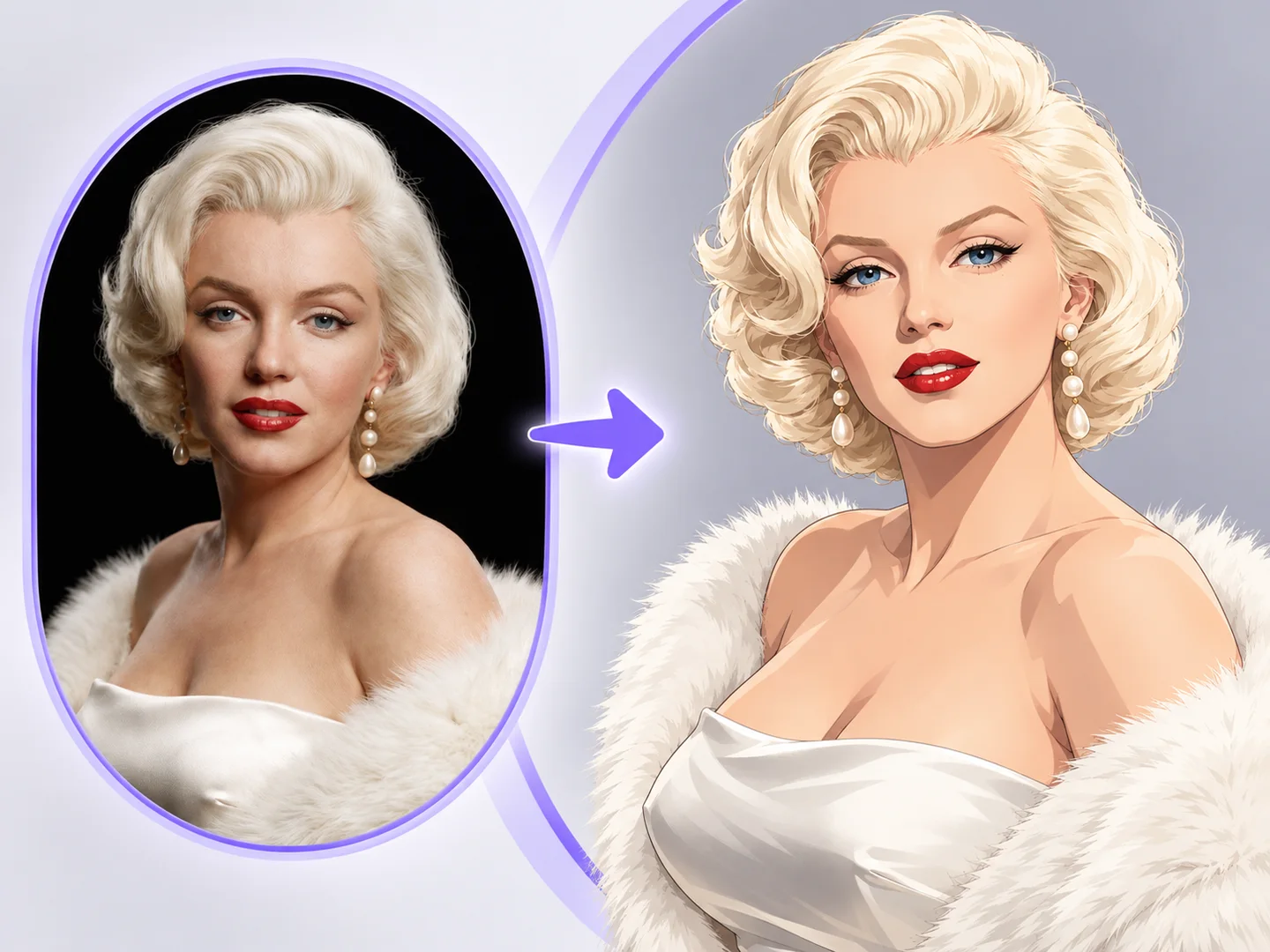
Choose a style and upload one photo to create your anime image.
Sign in to view your images.
This AI photo to anime converter works on both PC and mobile, allowing you to turn photos into anime anywhere, anytime.
No editing skills are needed. Convert your photo into anime art in just a few clicks once you’ve uploaded an image.
Our photo to anime converter generates clear, detailed anime images for profile pictures, social posts, printing, or sharing.
Try OC Maker gives new users 40 Credits, with more available through daily check-ins. Use your Credits to turn selfies, portraits, and pet photos into anime art.
With advanced AI technology, you can quickly transform a real photo into anime. The AI uses the original face, pose, outfit, colors, and composition as visual references.
You won’t need to worry about watermarks covering your finished anime images. Results generated with paid Credits can be downloaded without a watermark.
See Stunning Transformations Powered by AI
Browse our Photo to Anime Art Gallery and discover how your images can be transformed into captivating anime characters. Powered by AI, our image to anime tool brings your selfies and portraits to life with ease. Get inspired by these incredible examples!
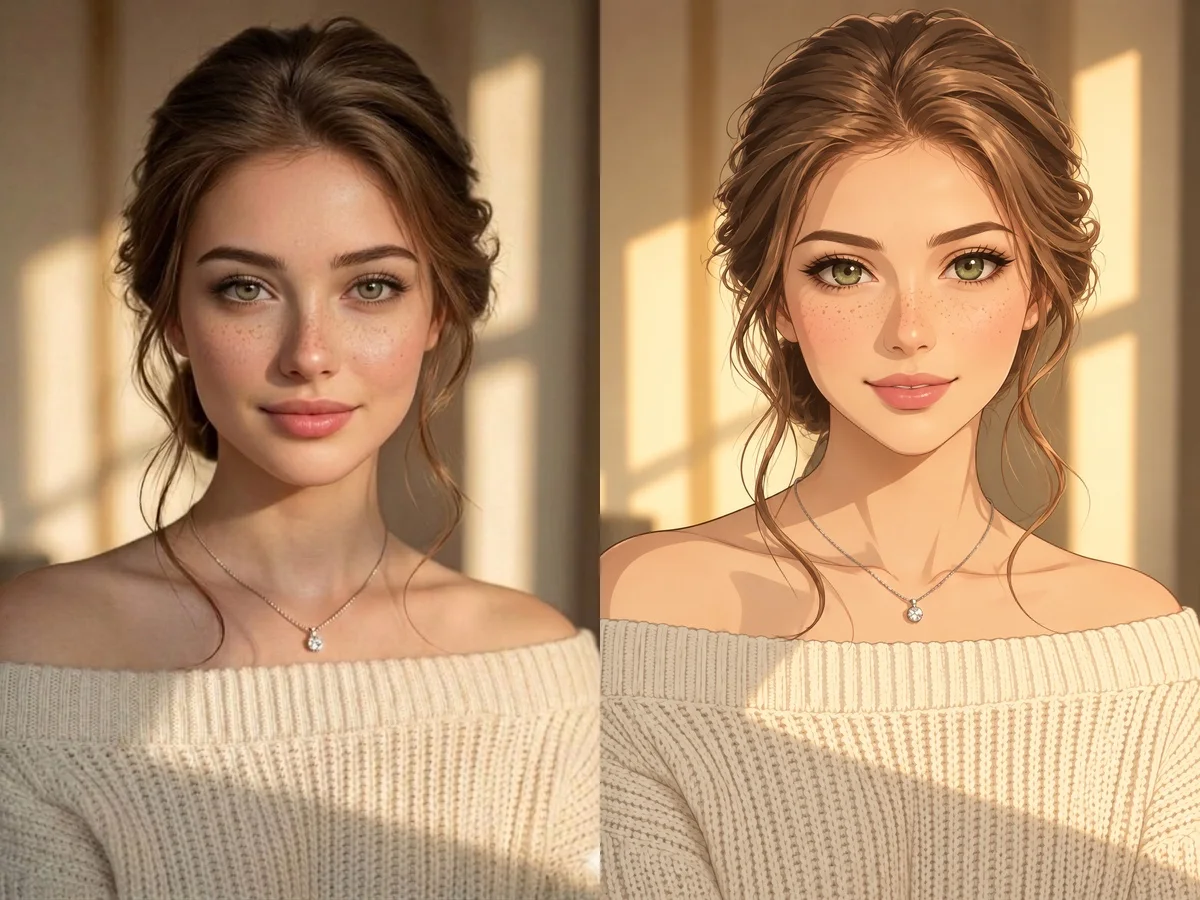
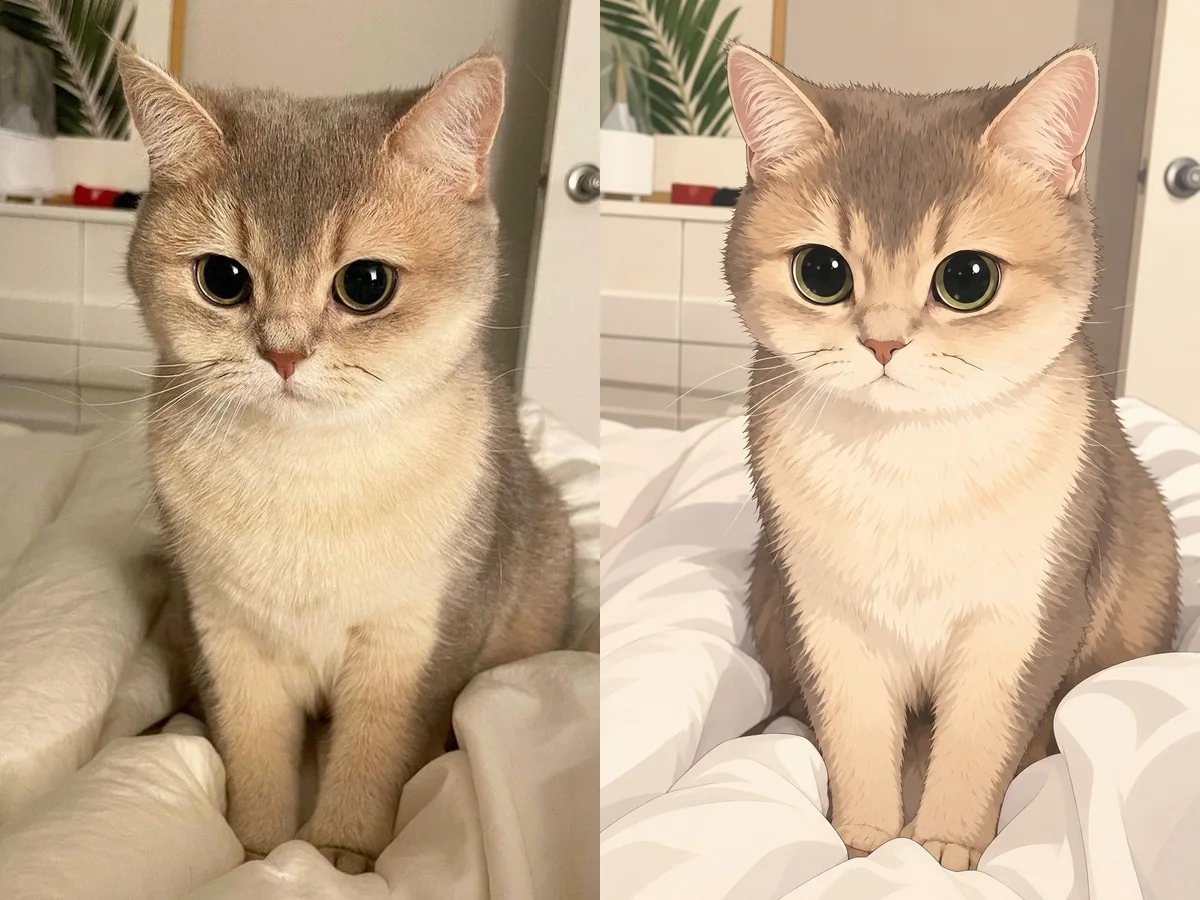
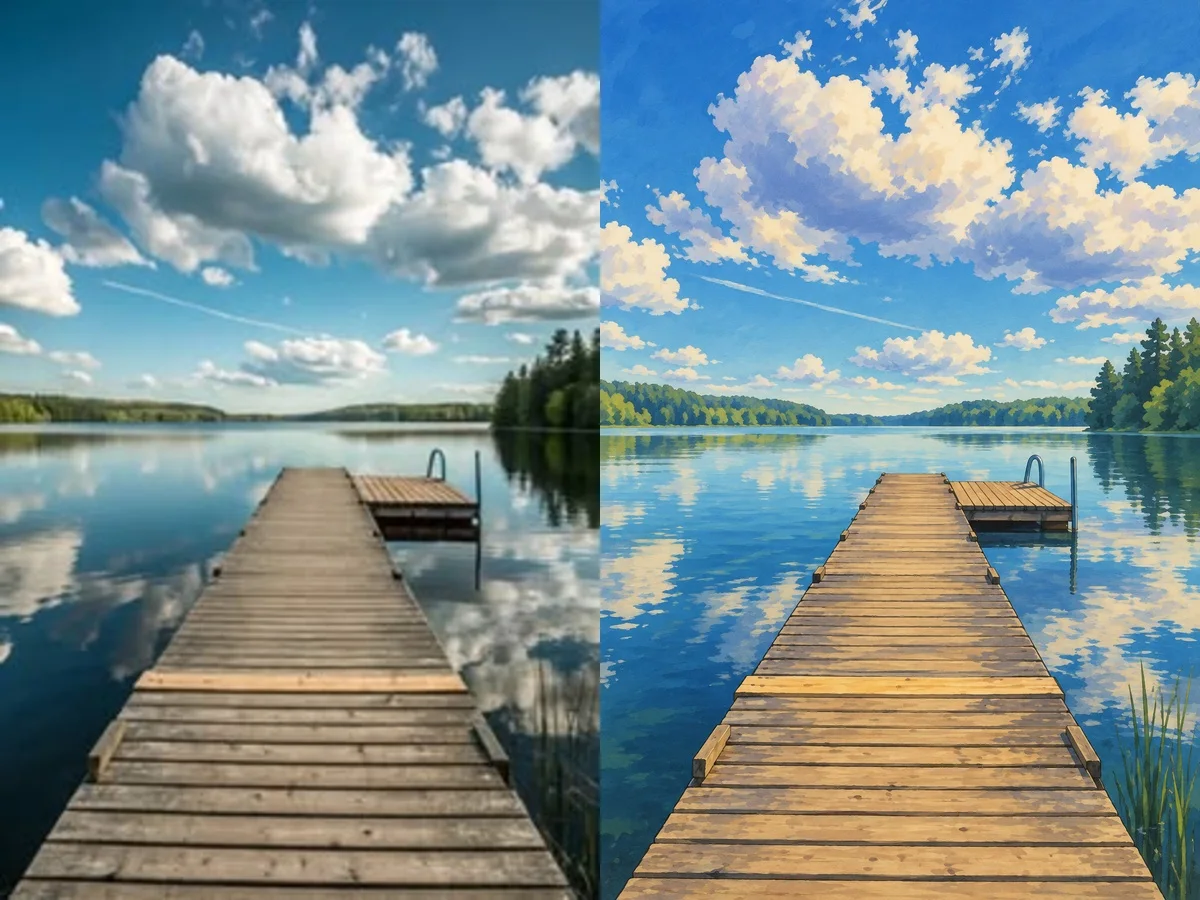
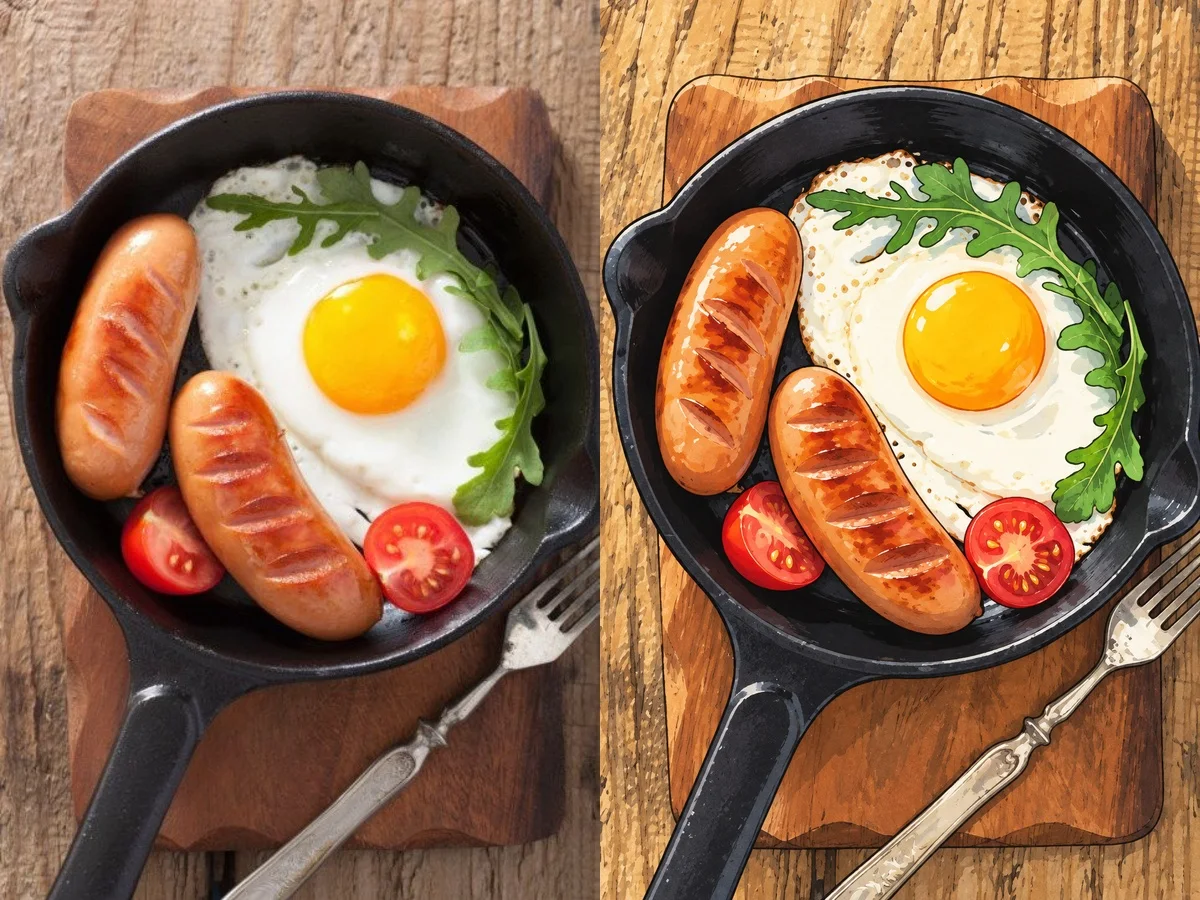
Try OC Maker’s photo to anime converter does more than apply a simple anime filter. Keep the face and other recognizable details from your original photo, try different anime styles, and turn selfies, couple photos, group pictures, or pet images into avatars, gifts, and social media content.
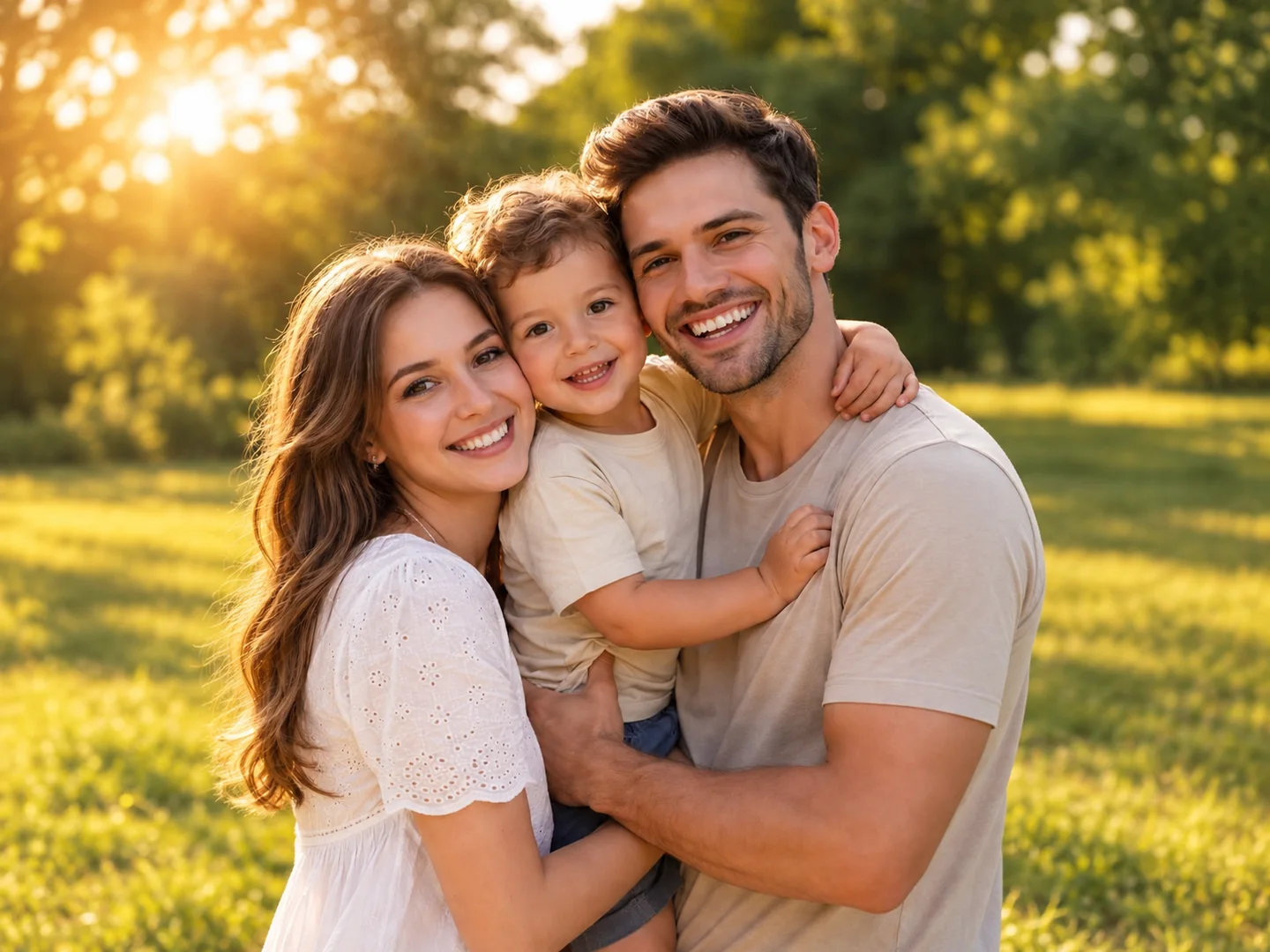
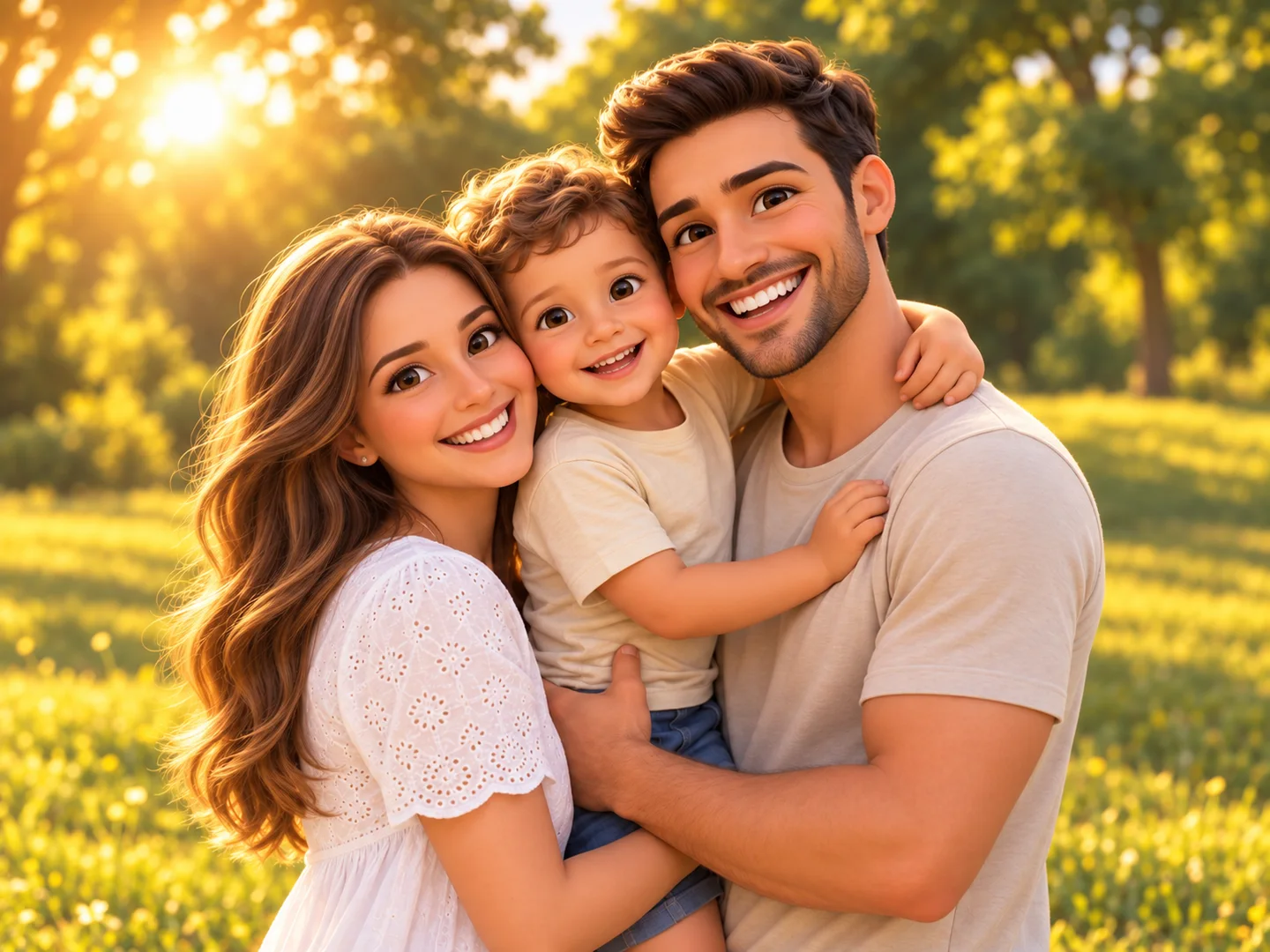
Use Try OC Maker’s photo to anime converter to turn an ordinary picture into anime art without drawing or manual editing. Simply upload your photo, choose an anime style, and generate your new image in a few clicks. No long prompts or editing experience are needed.
Try the Photo to AnimeYour anime version should feel like you, not a random character. Our AI photo to anime tool keeps the face, hairstyle, expression, pose, and outfit from your original picture while adding anime lines, colors, and shading. The result has a clear anime look while staying close to the person in the photo.
Try the Photo to Anime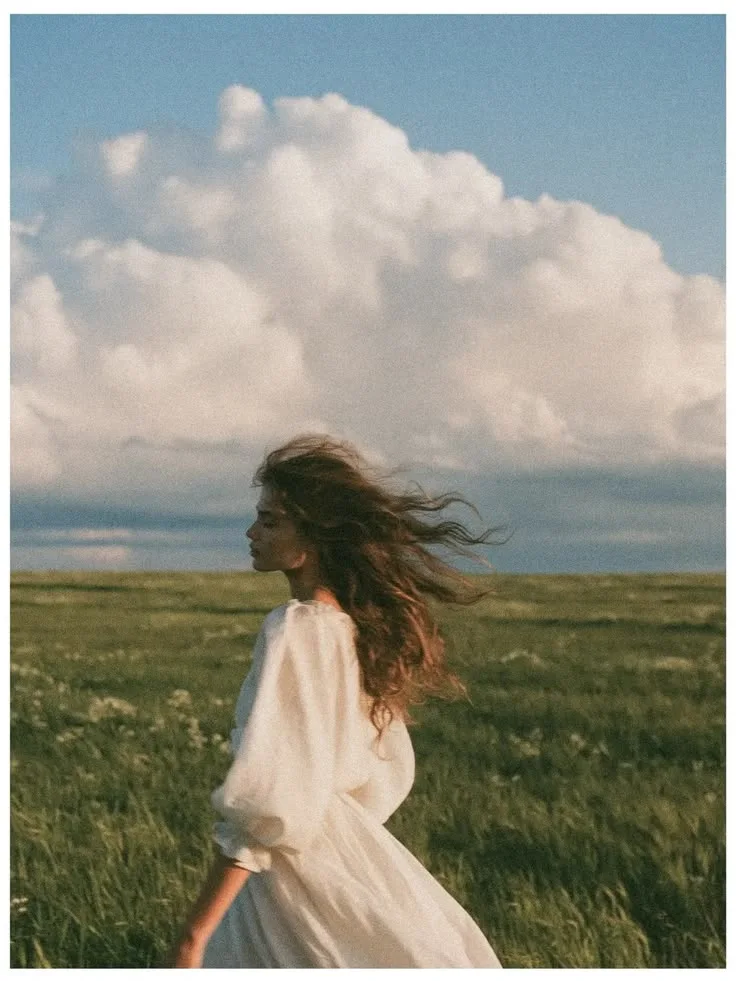
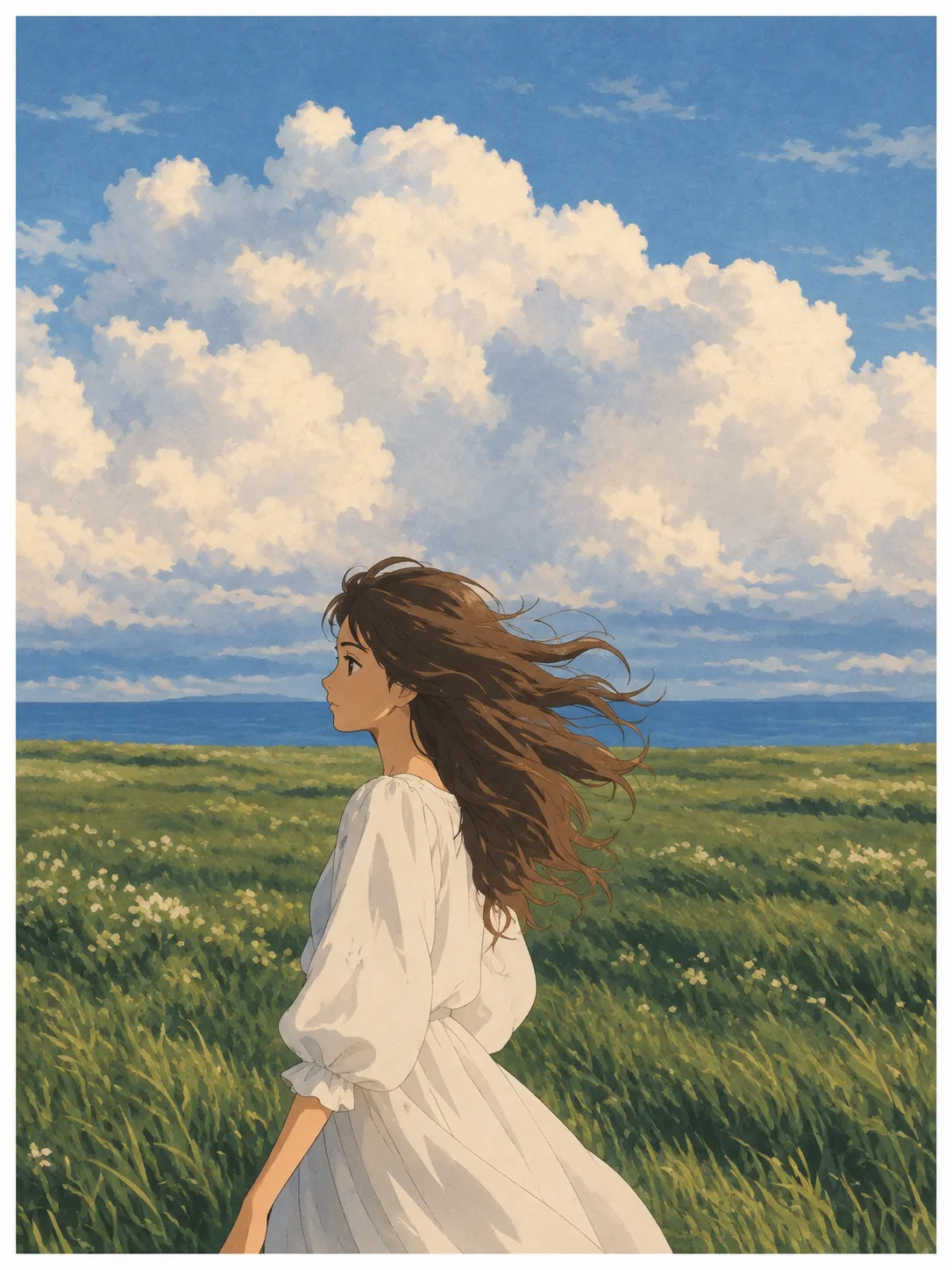
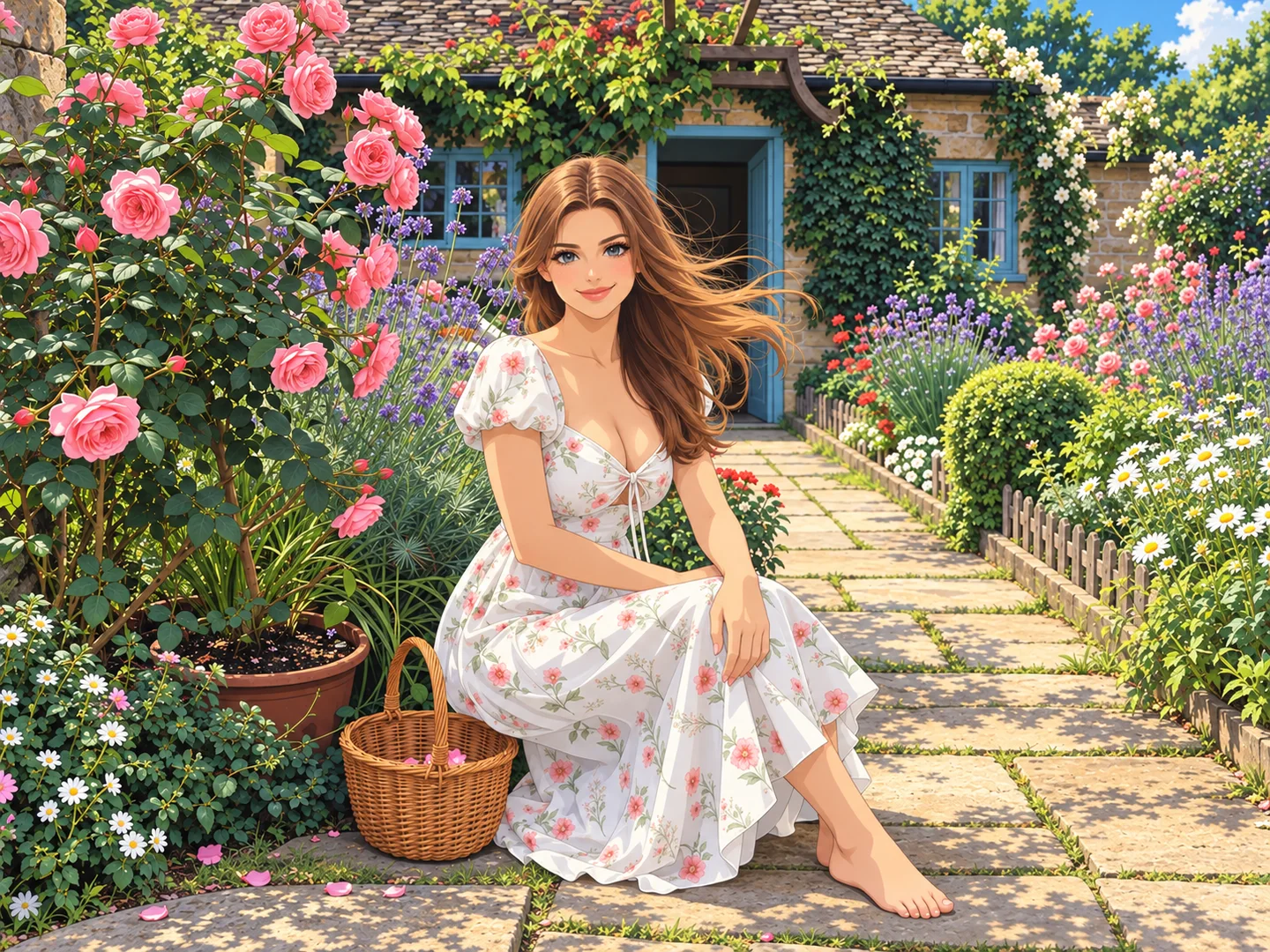
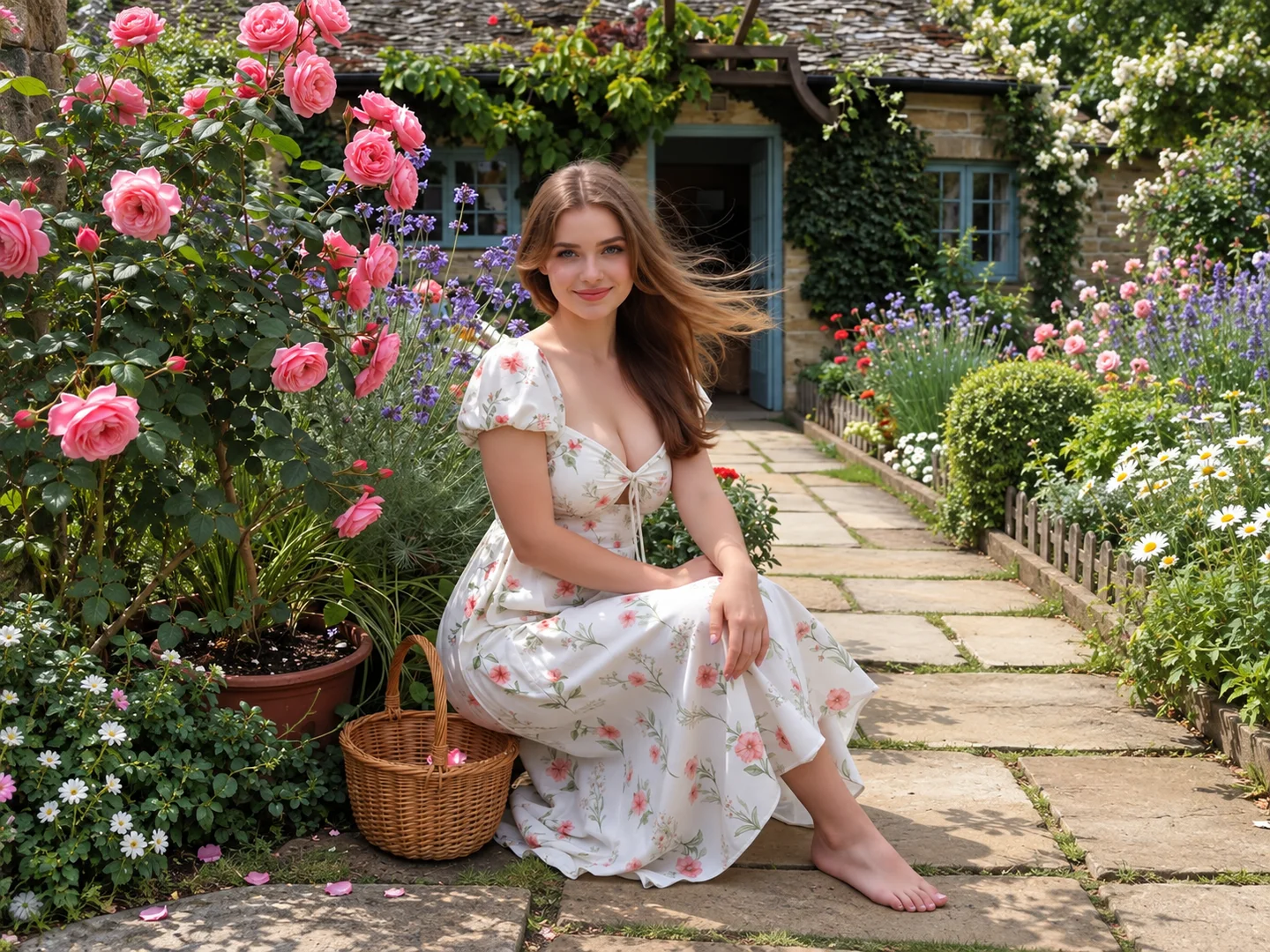
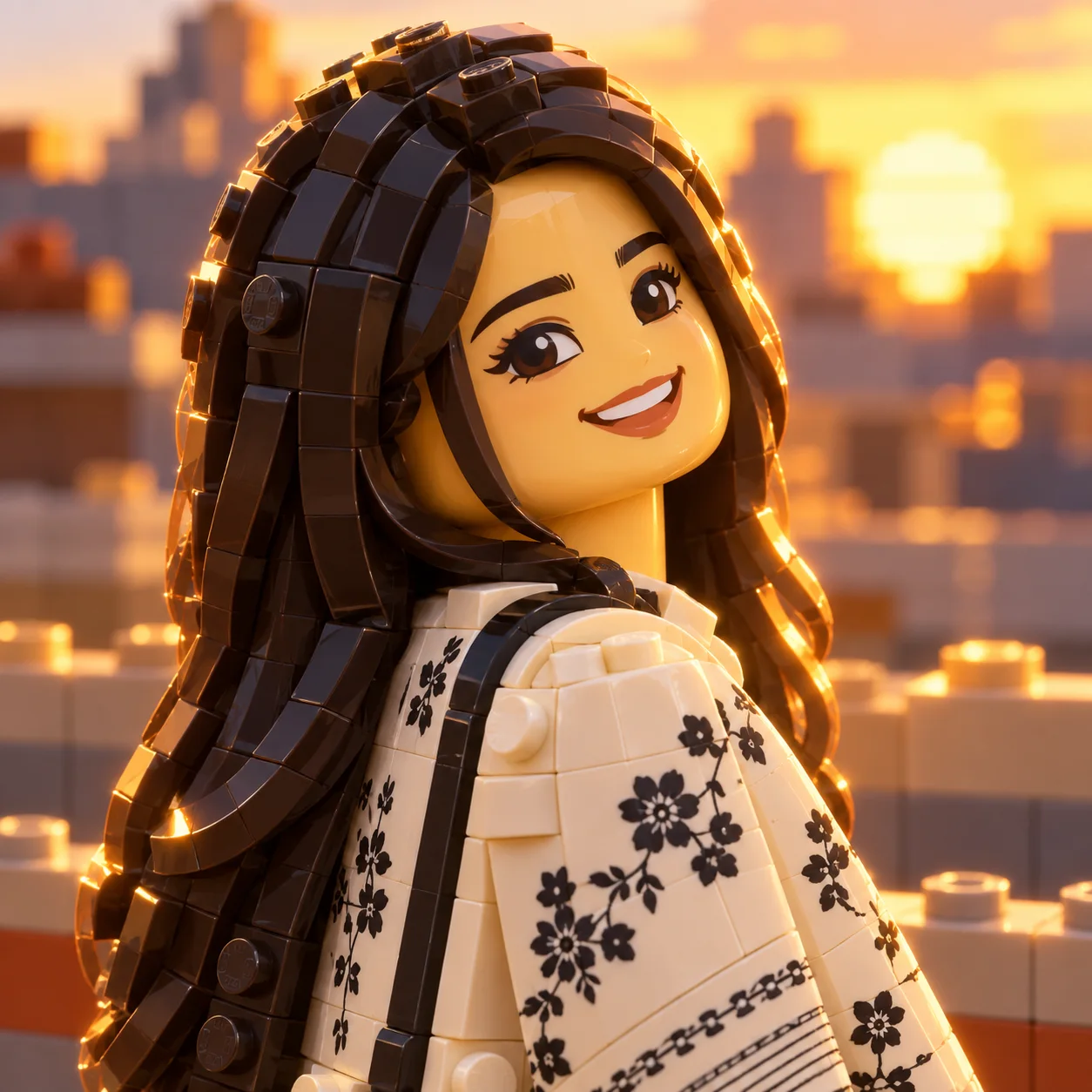
See your photo in modern anime, retro anime, manga, chibi, webtoon, and other popular looks. Each style changes the lines, colors, and mood in a different way. Generate several versions with the same picture and choose the anime style you like best.
Try the Photo to Anime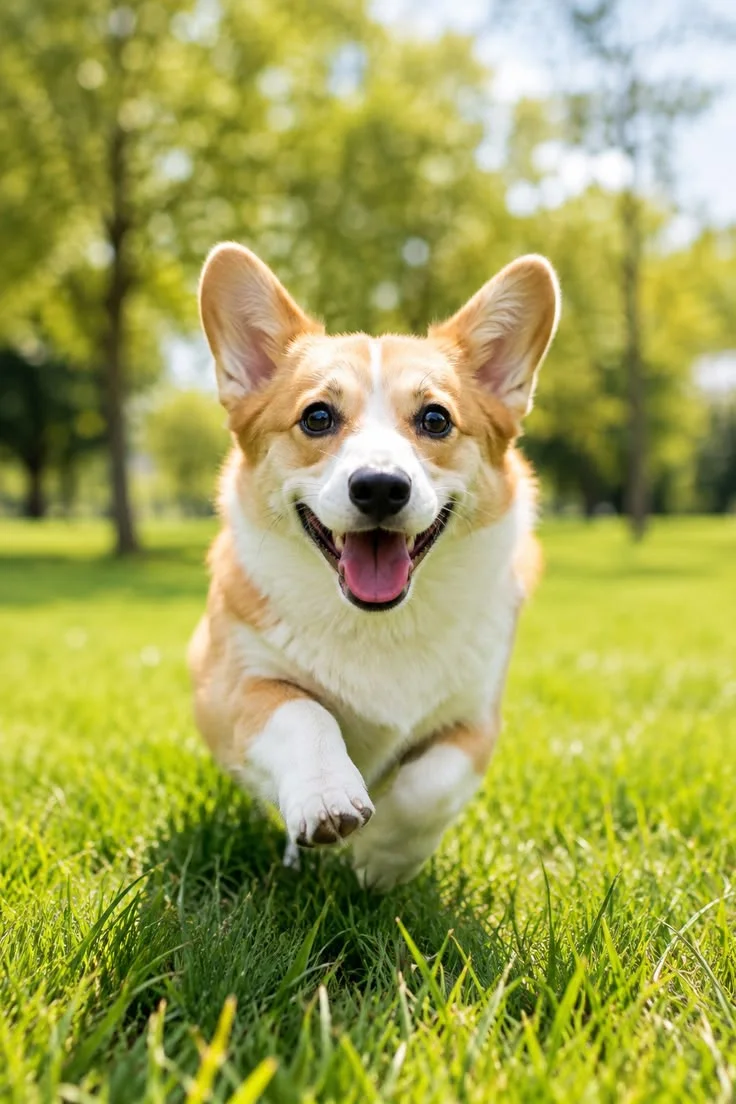
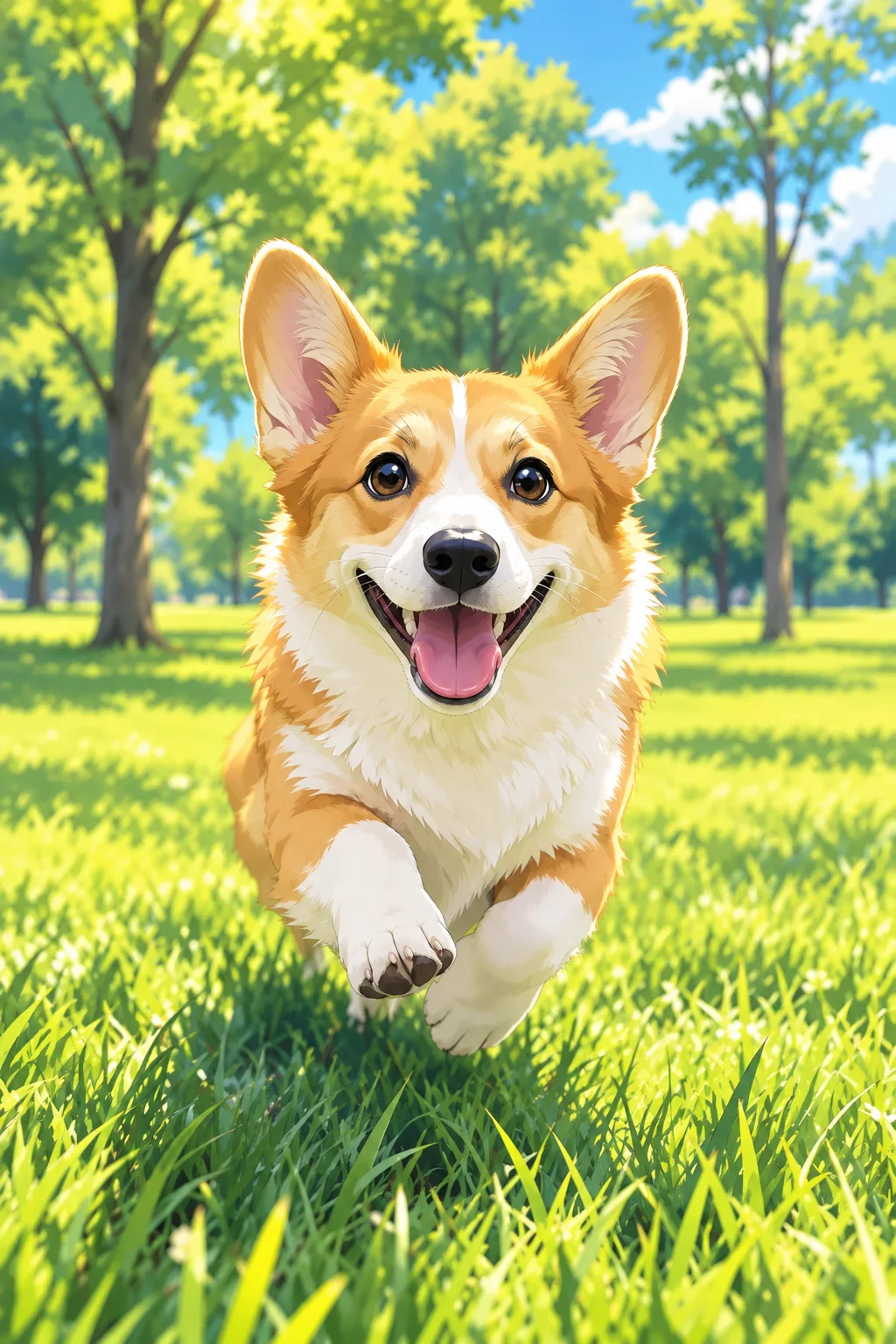
Turn selfies into anime profile pictures, couple photos into matching portraits, group pictures into anime artwork, or pet photos into cute characters. Download your photo to anime images for Instagram, TikTok, Discord, wallpapers, gifts, and fan art. You can also change the background, adjust the colors, or animate the finished image for a new project.
Explore these examples for inspiration. The style selector in the converter shows the styles currently available for generation.
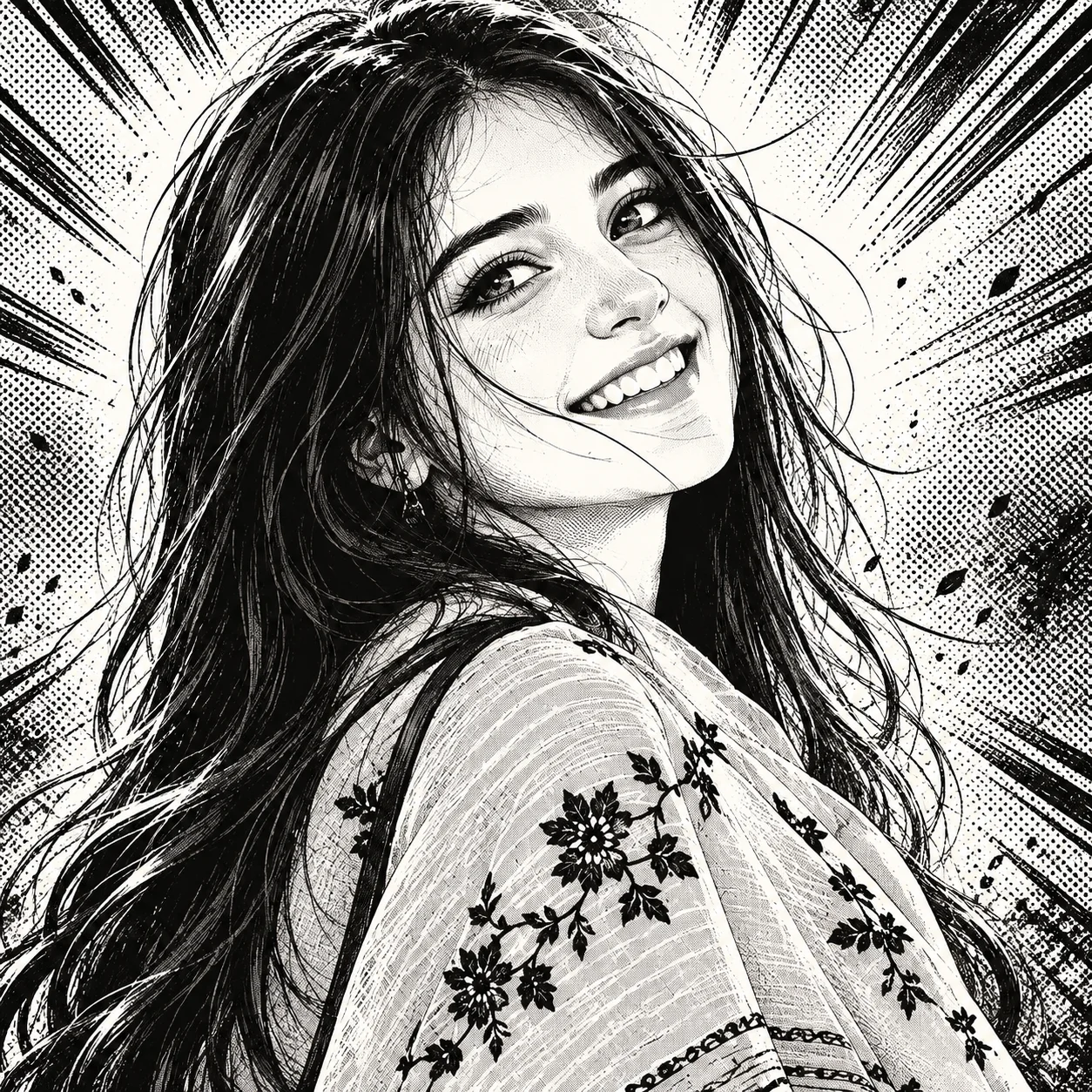
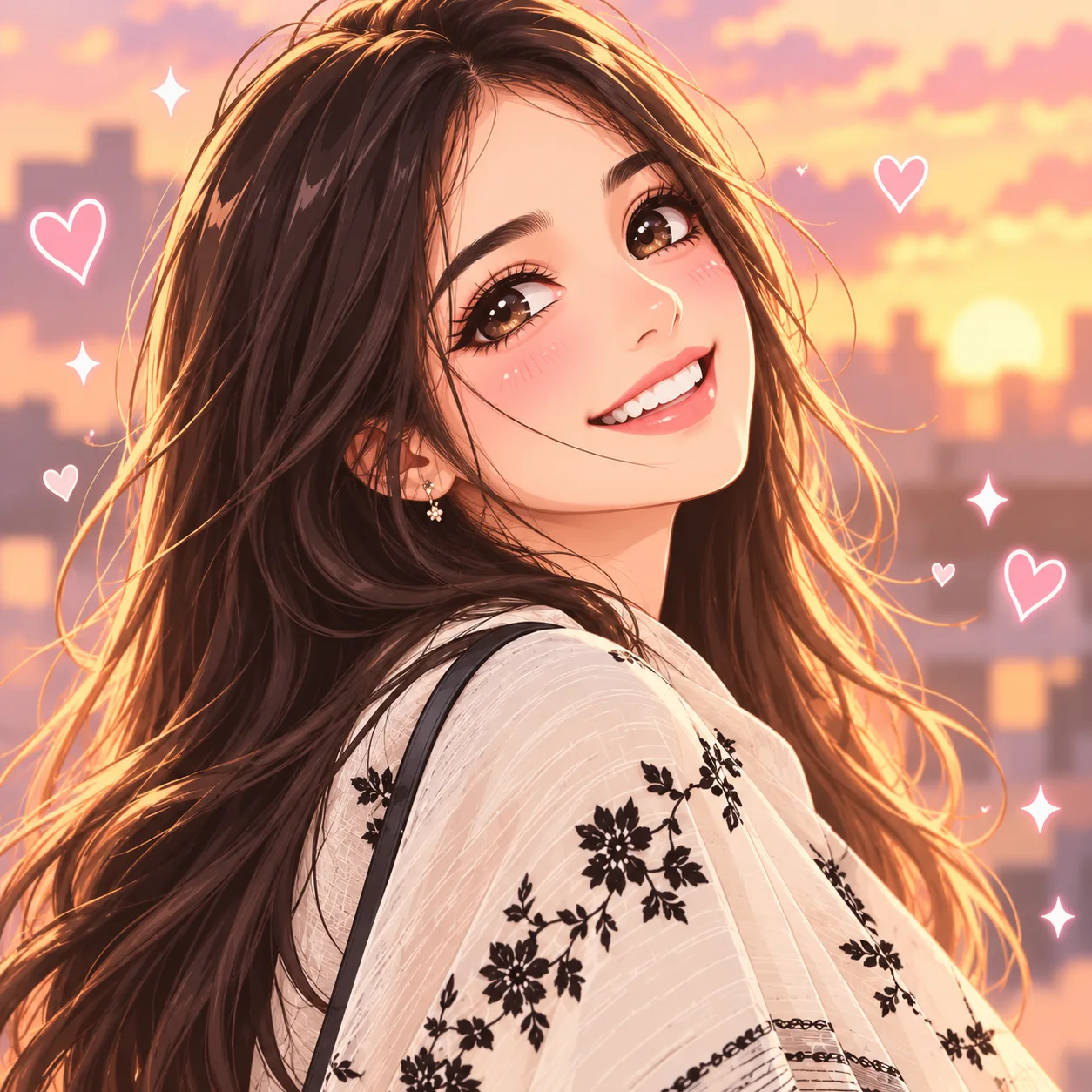
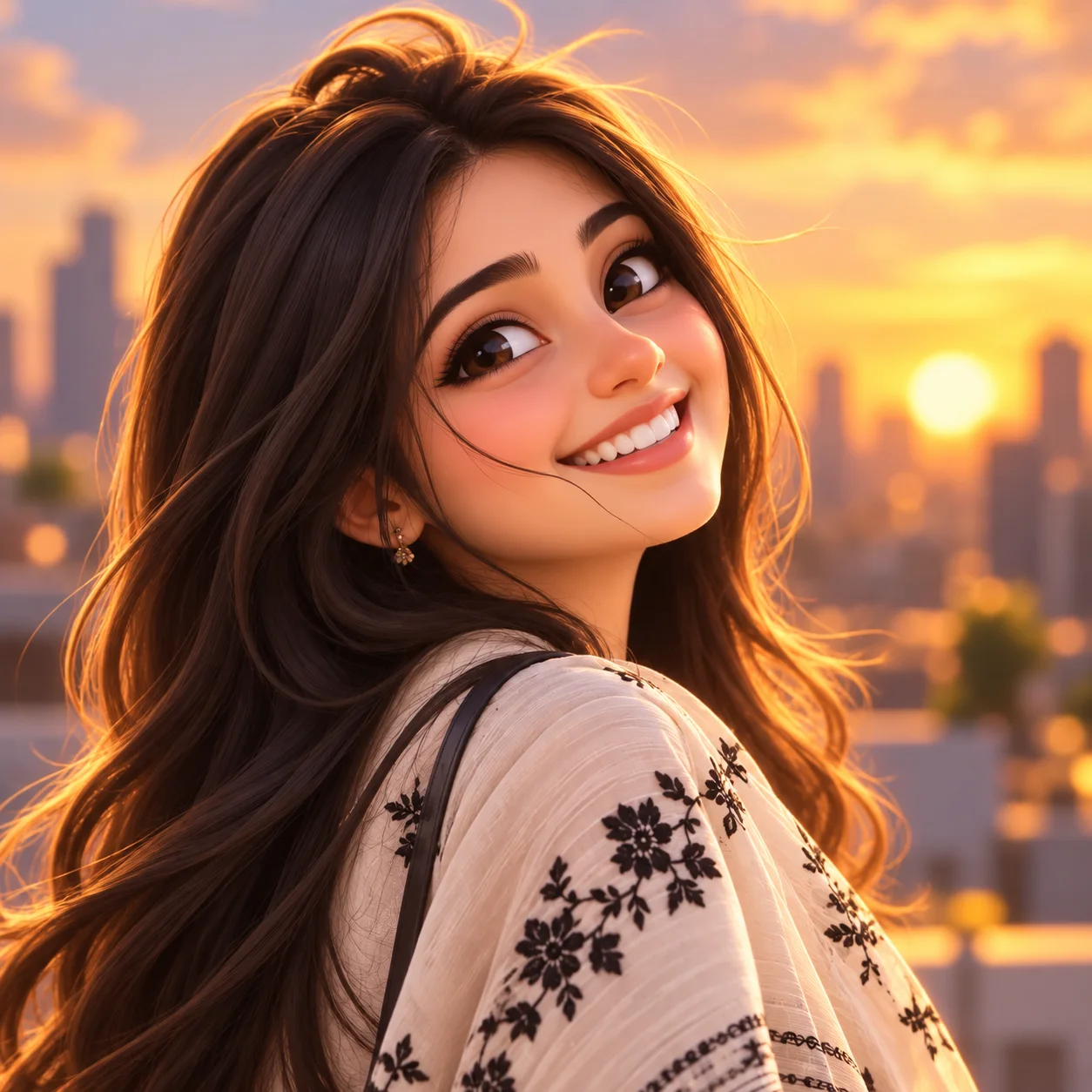
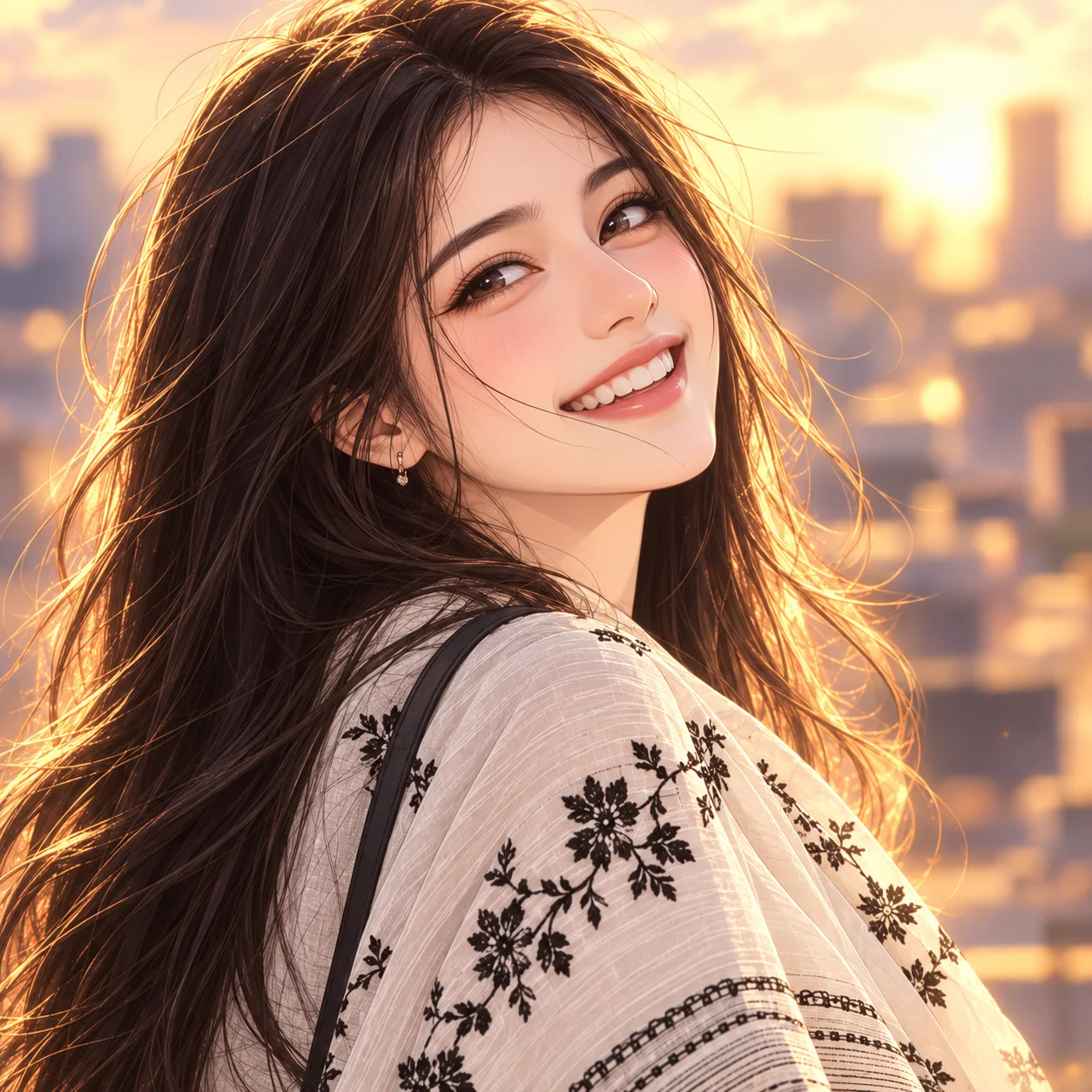
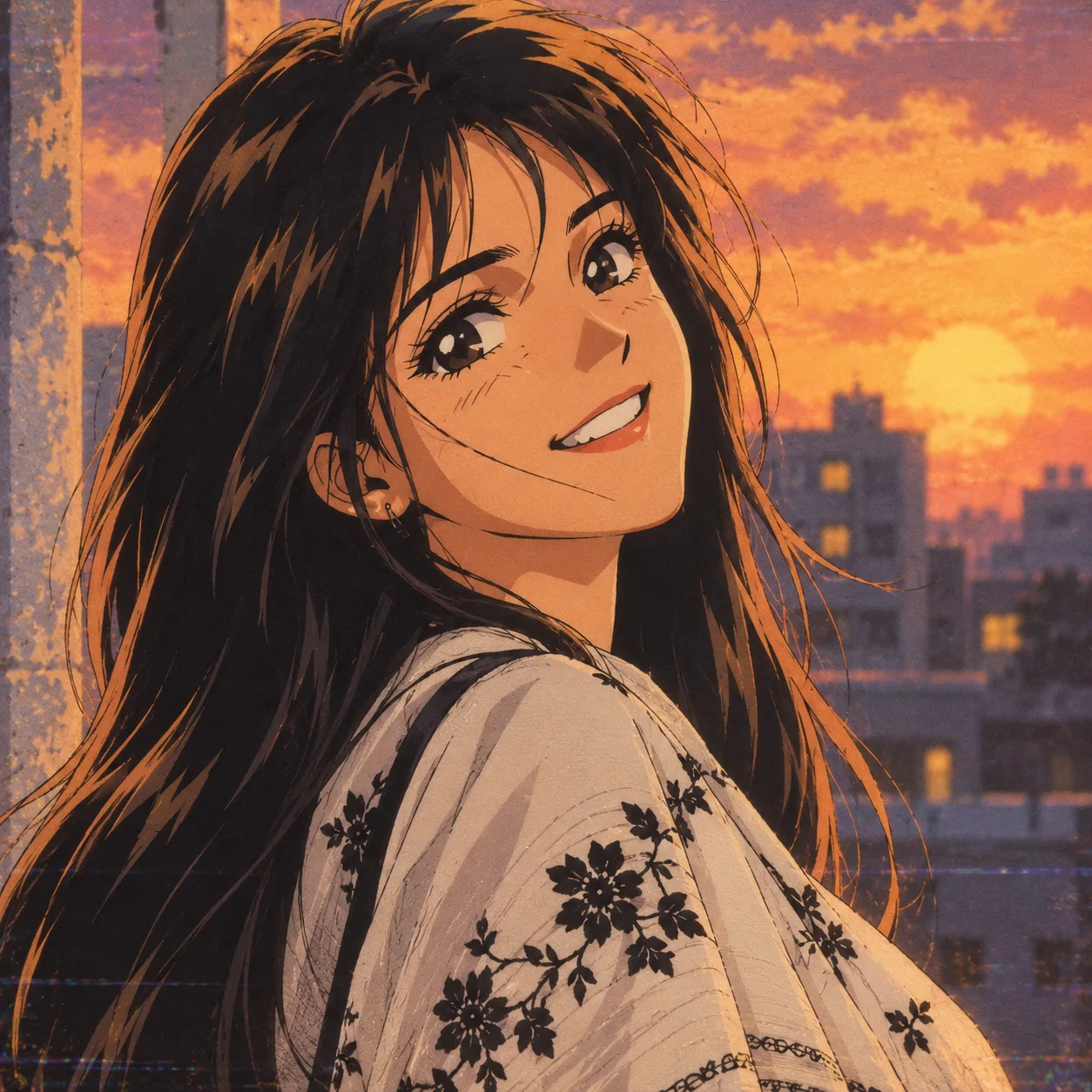
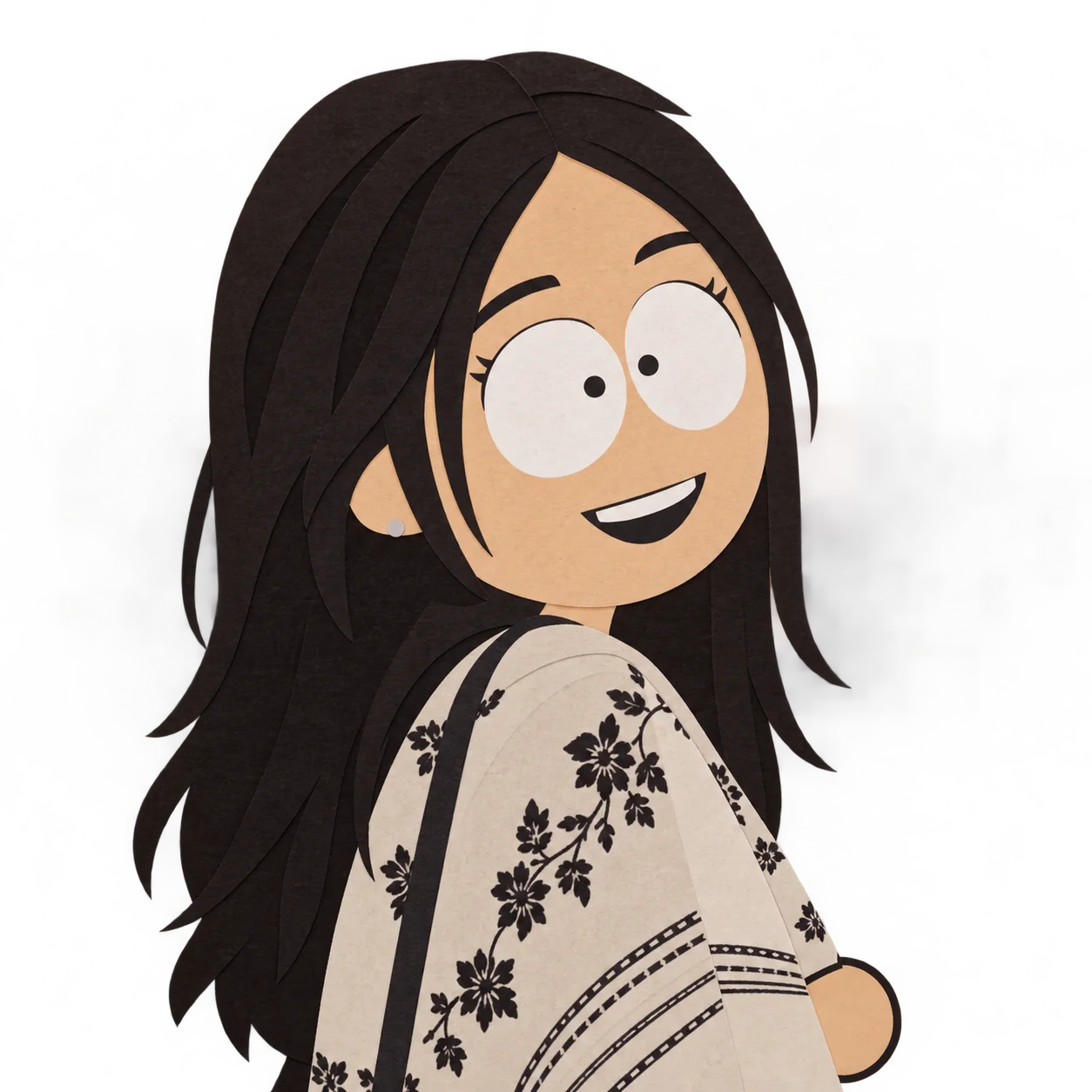
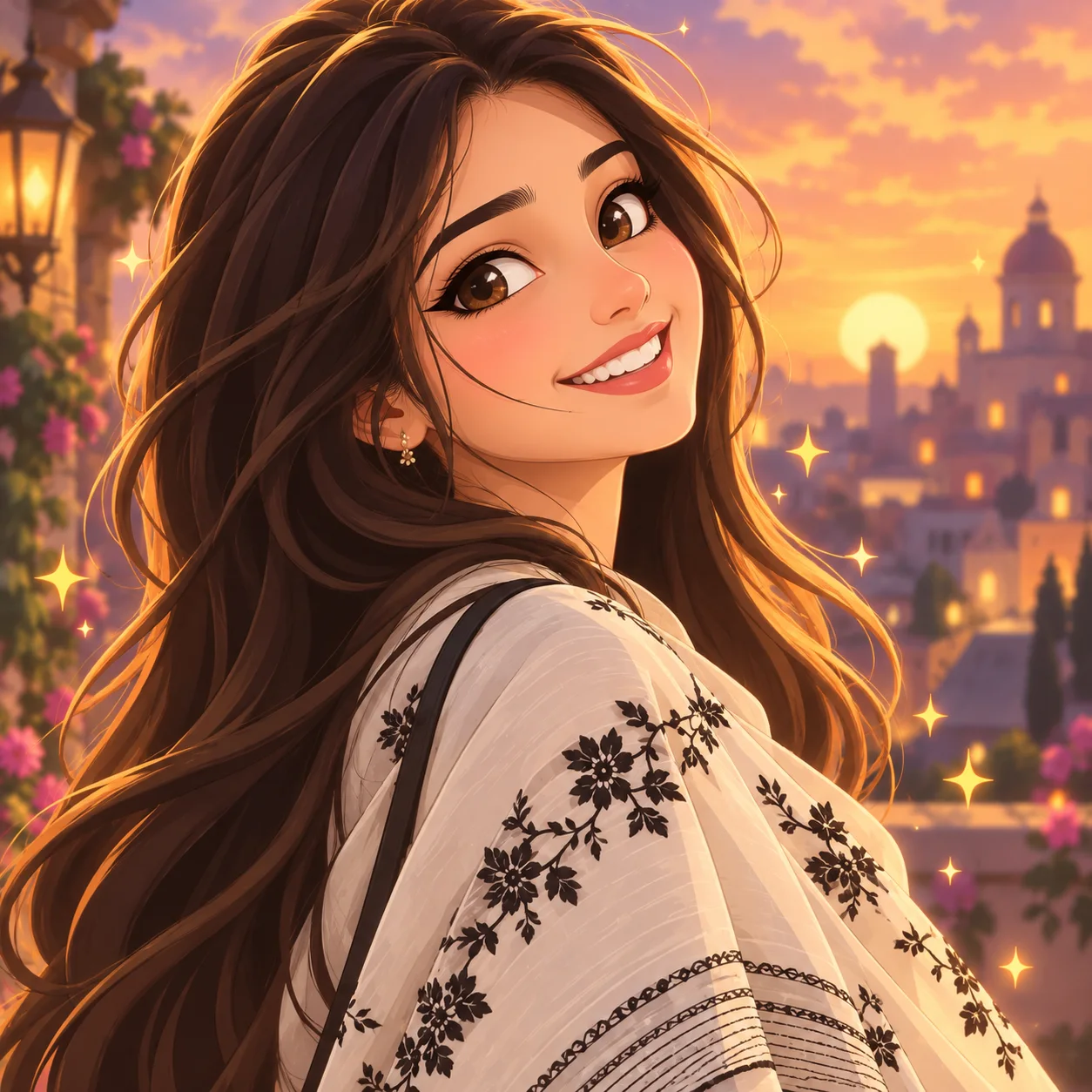
Click any button on the page to open Try OC Maker’s photo to anime converter.
Upload the selfie, portrait, pet photo, or other picture you want to turn into anime.
Choose your preferred anime style from the available options.
Click the “Generate” button and download your anime image in high quality. If you are not satisfied, adjust the style and generate it again.
Upload a clear selfie or portrait and use our AI photo to anime converter to create an anime version that still looks like you. Keep your facial features, hairstyle, and expression recognizable, then use the result as a profile picture for Instagram, TikTok, Discord, WhatsApp, gaming accounts, or other online communities.
Turn Photo into AnimeTurn selfies, travel shots, daily moments, or photos with friends into eye-catching anime content. Our photo to anime converter gives familiar pictures a fresh illustrated look, ready for Instagram posts, Stories, TikTok content, community updates, and fun before-and-after shares.
Turn Photo into AnimeUpload a couple photo, wedding picture, family portrait, or group photo and turn it into a matching anime scene. Photo to anime conversion redraws everyone in the same style while keeping their hairstyles, outfits, expressions, and relationships easy to recognize. Use the finished portrait as an anniversary keepsake, family card, or special memory to share.
Turn Photo into AnimeConvert portraits, couple photos, family pictures, or pet photos into anime artwork made for someone special. With an AI photo to anime converter, you can prepare personalized images for birthday and anniversary gifts, posters, canvas prints, greeting cards, mugs, and other keepsakes.
Turn Photo into AnimeTurn a portrait into a recognizable anime character for your streaming or gaming presence. Use the same photo-to-anime look across your profile picture, YouTube thumbnail, channel banner, stream overlay, emotes, and intro graphics to give your content a more consistent visual identity.
Turn Photo into AnimeUpload a clear selfie, portrait, pet photo, or other image to Try OC Maker’s AI photo to anime converter. Choose an anime style, generate the image, and compare the face, hair, clothes, pose, and background with your original photo.
The best photo to anime converter should do more than apply a basic filter. It should keep the person recognizable, preserve the pose and composition, offer multiple anime styles, and output a clear image without distorted faces, hands, or clothing.
Sign in to upload a photo and generate an anime image. New users receive 40 free Credits, and each photo conversion uses 10 Credits.
Yes. Anime images generated with paid credits can be downloaded without a watermark.
The AI photo to anime tool uses your photo as a visual reference, so it can preserve your important details, such as your face shape, hairstyle, expression, outfit, pose, and colors.
Yes. Choose from the styles currently listed in the converter. The example gallery offers inspiration; available styles may change.
Yes. You can convert couple photos, small group photos, and pet pictures to anime style. For couples and groups, choose a photo where every face is clear, front-facing, similar in size, and not covered by another person.
Turn selfies, portraits, pet photos, and travel pictures into detailed anime art online. Pick an anime style and generate anime avatars, profile pictures, character art, and social posts in seconds with Try OC Maker.