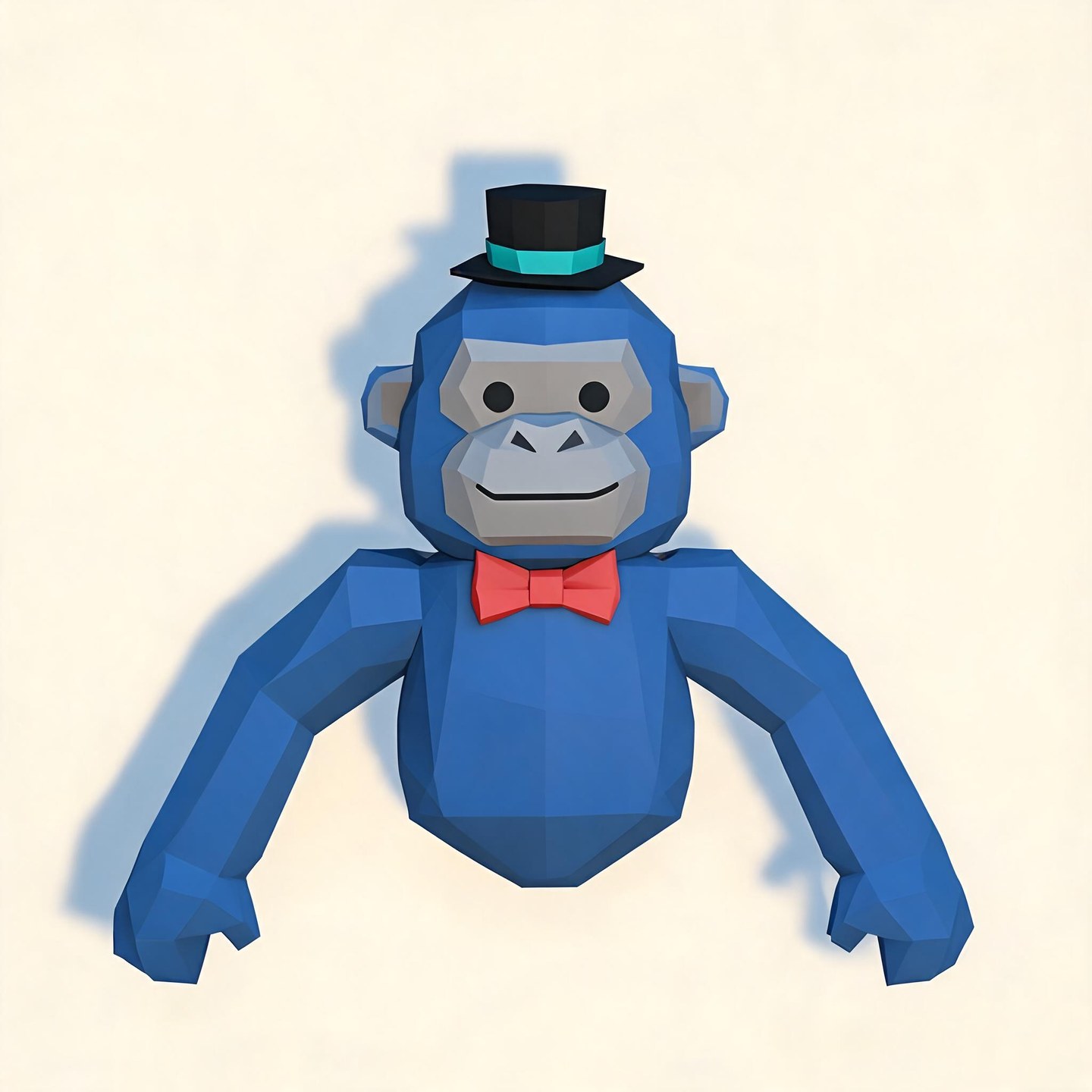
1. Classic Blue Monke
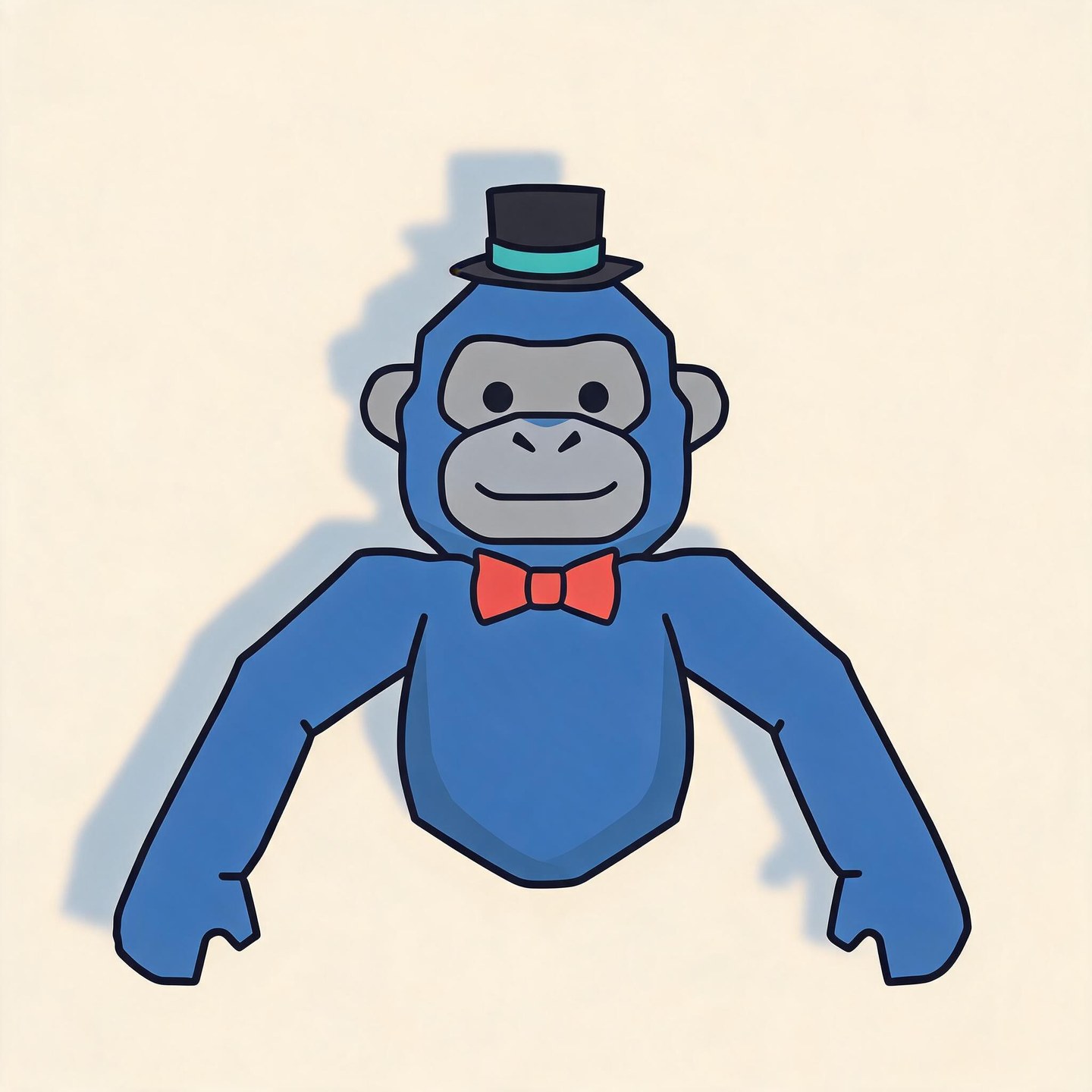
Cobalt blue, a black top hat, and a coral bow tie. Simple low-poly shapes keep the familiar details easy to spot.
Your monke’s color, favorite hat, and familiar expression belong in your profile picture. Describe your look or upload a character screenshot to create a Gorilla Tag-inspired PFP for Discord, YouTube, or TikTok. Start with your monke, then choose the pose and art style in your prompt.
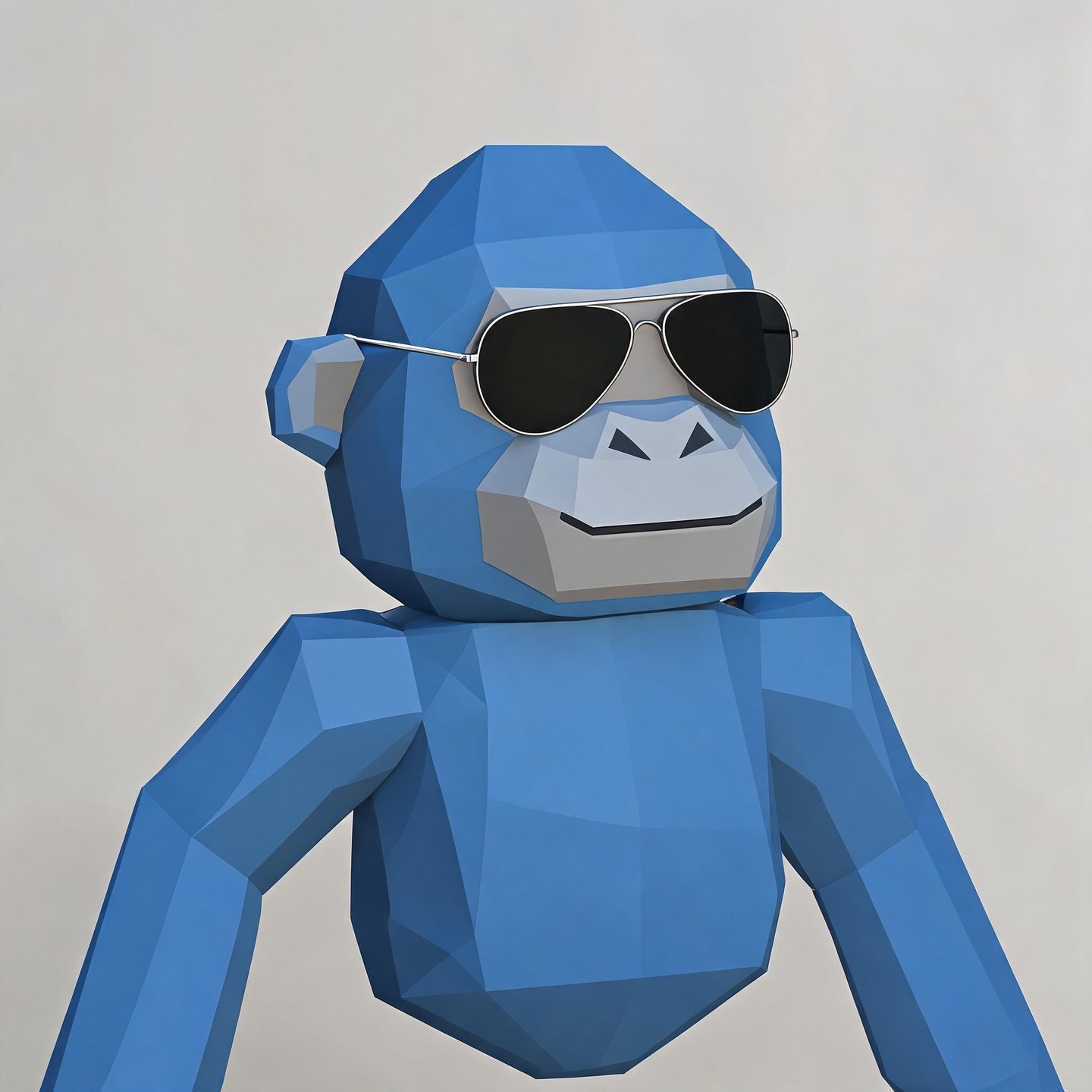
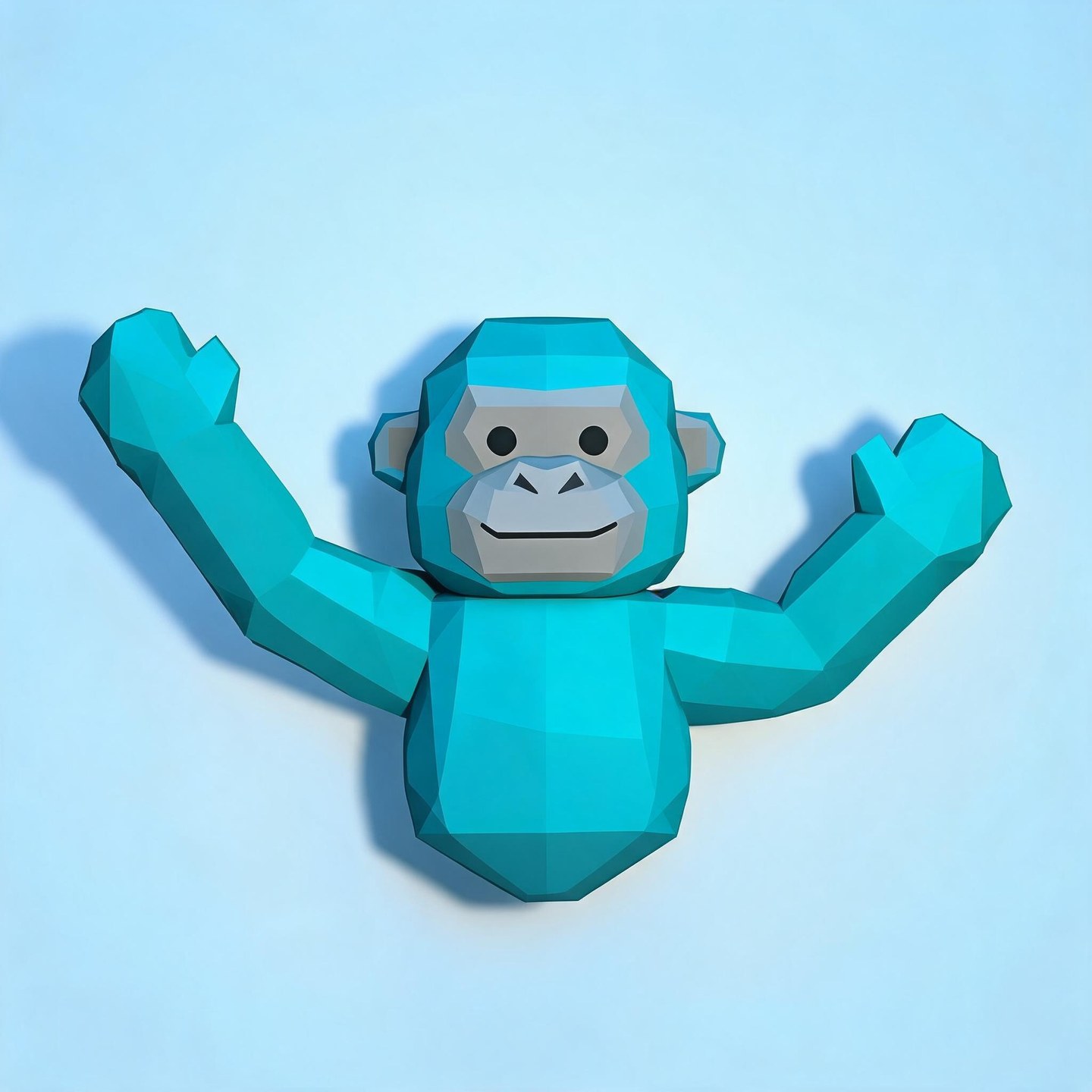
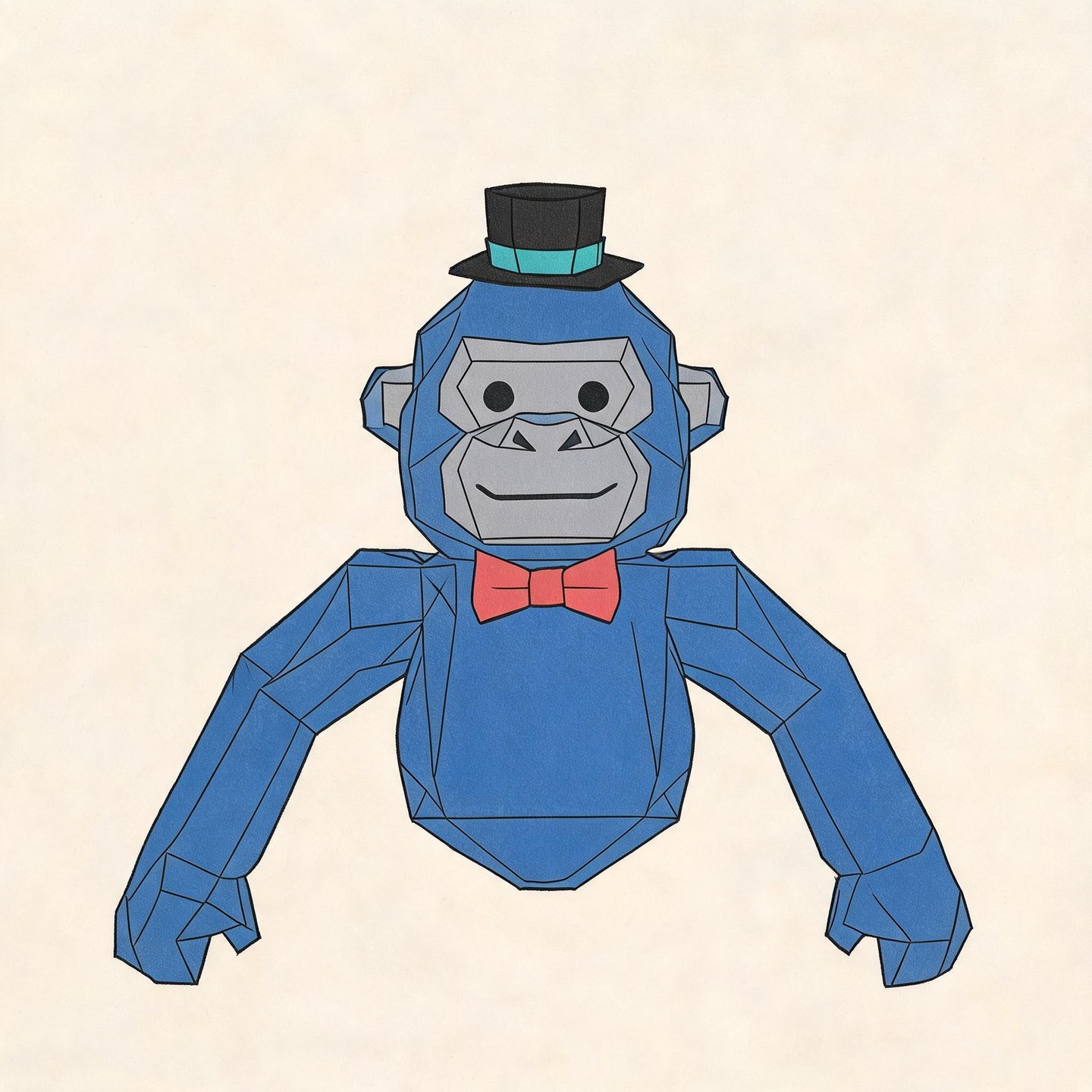
Your latest creations, grouped by local date.
Start with the detail that makes your monke yours: a top hat, a favorite color, or a pair of headphones. Explore these AI-generated Gtag PFP ideas, load a matching prompt, and change the details before generating your own version.
Cobalt blue, a black top hat, and a coral bow tie. Simple low-poly shapes keep the familiar details easy to spot.
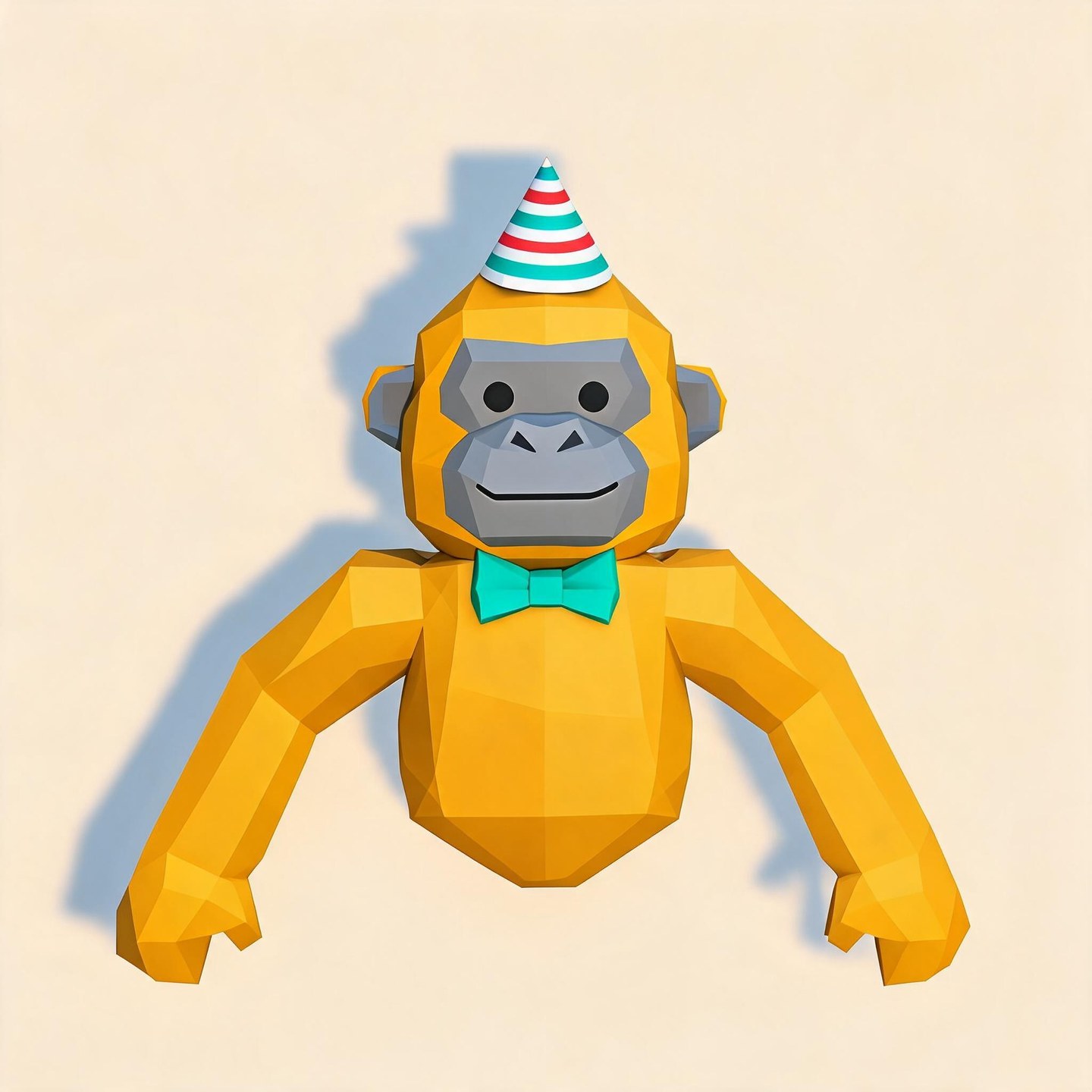
A golden yellow monke with a striped party hat and teal bow tie, framed against a soft apricot background.
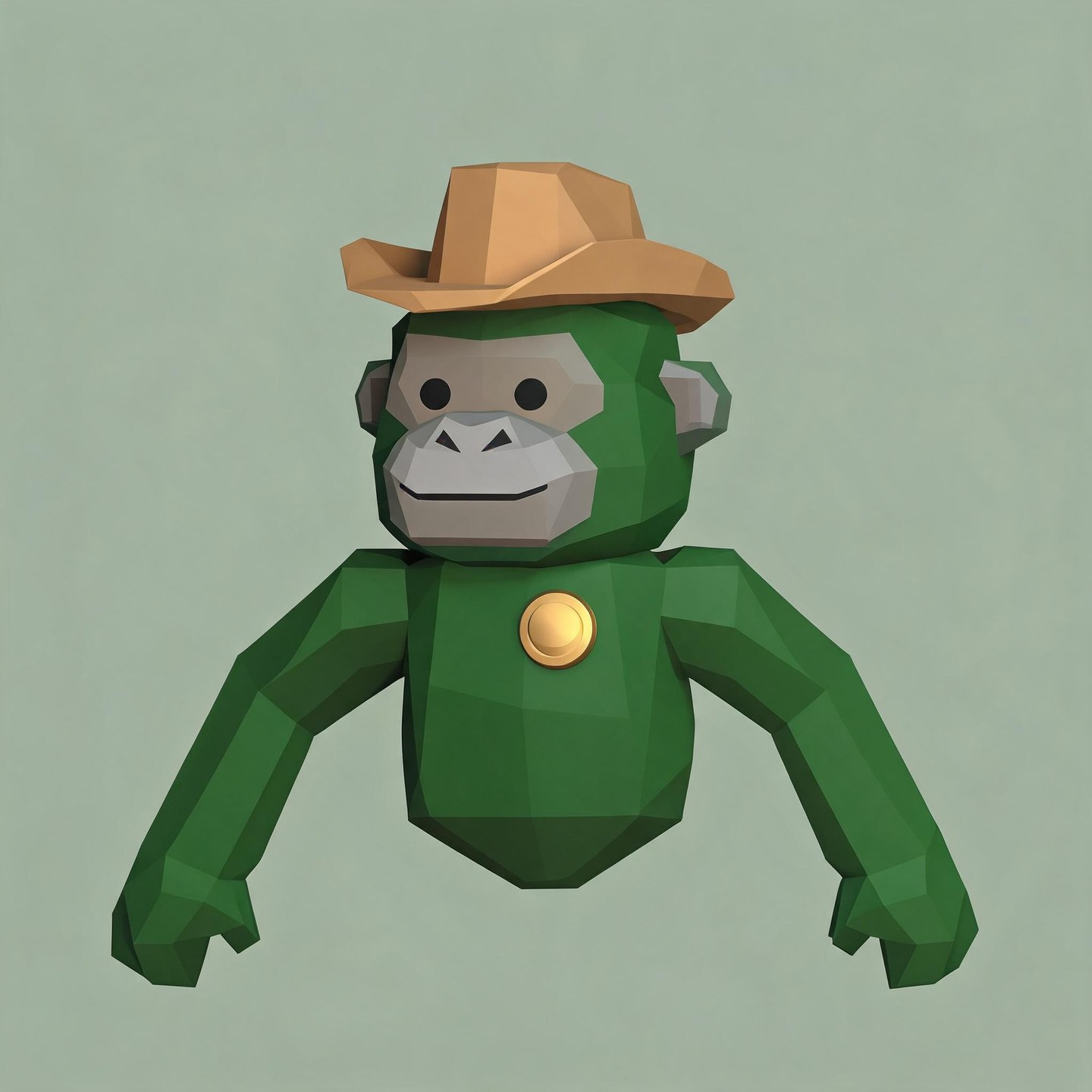
Forest green with a tan cowboy hat and a small brass badge. A quiet sage background lets the outfit stand out.
An ice blue monke in dark aviator glasses. A slight turn adds character without hiding the face.
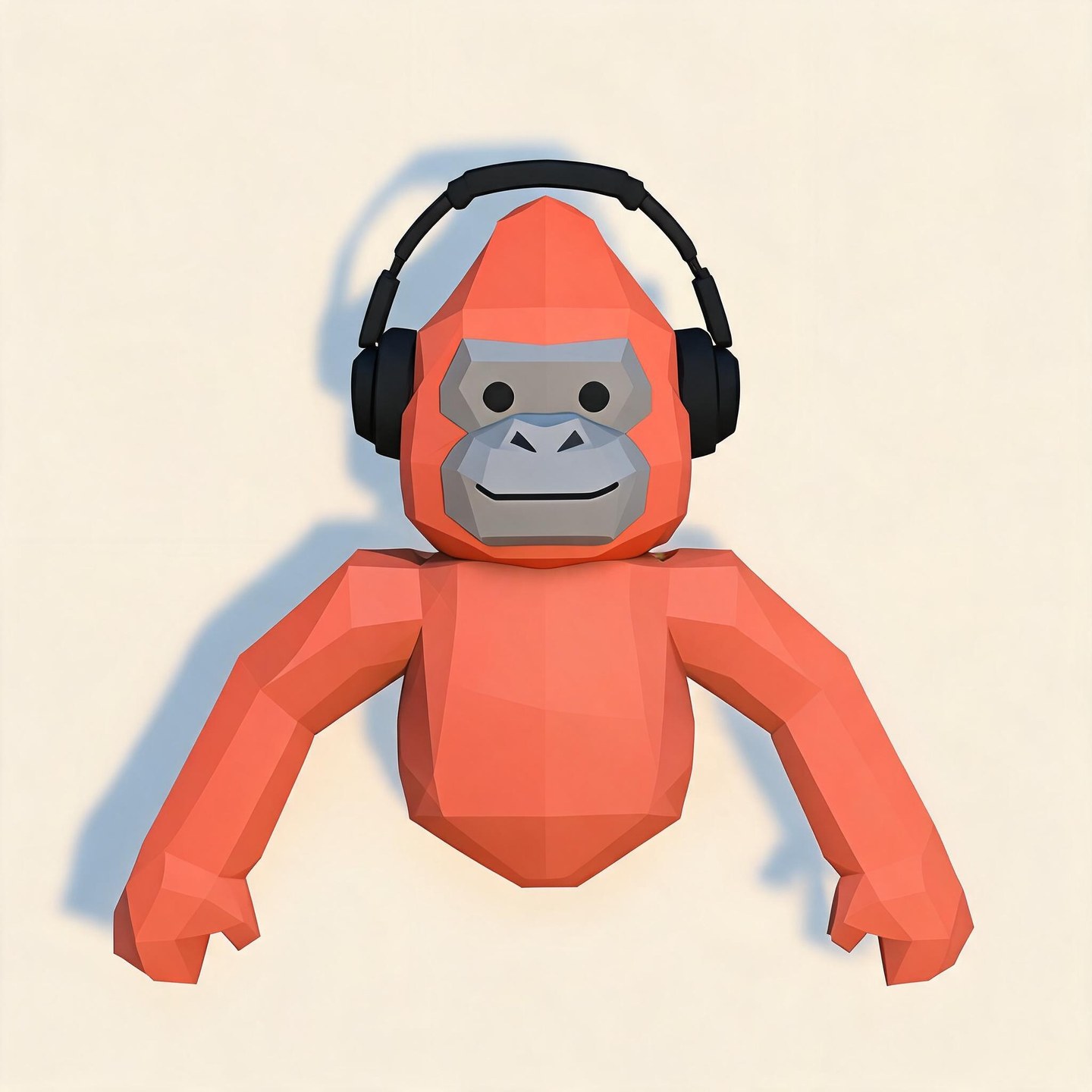
Coral orange and black headphones on a warm cream background. A simple look for a gaming profile.
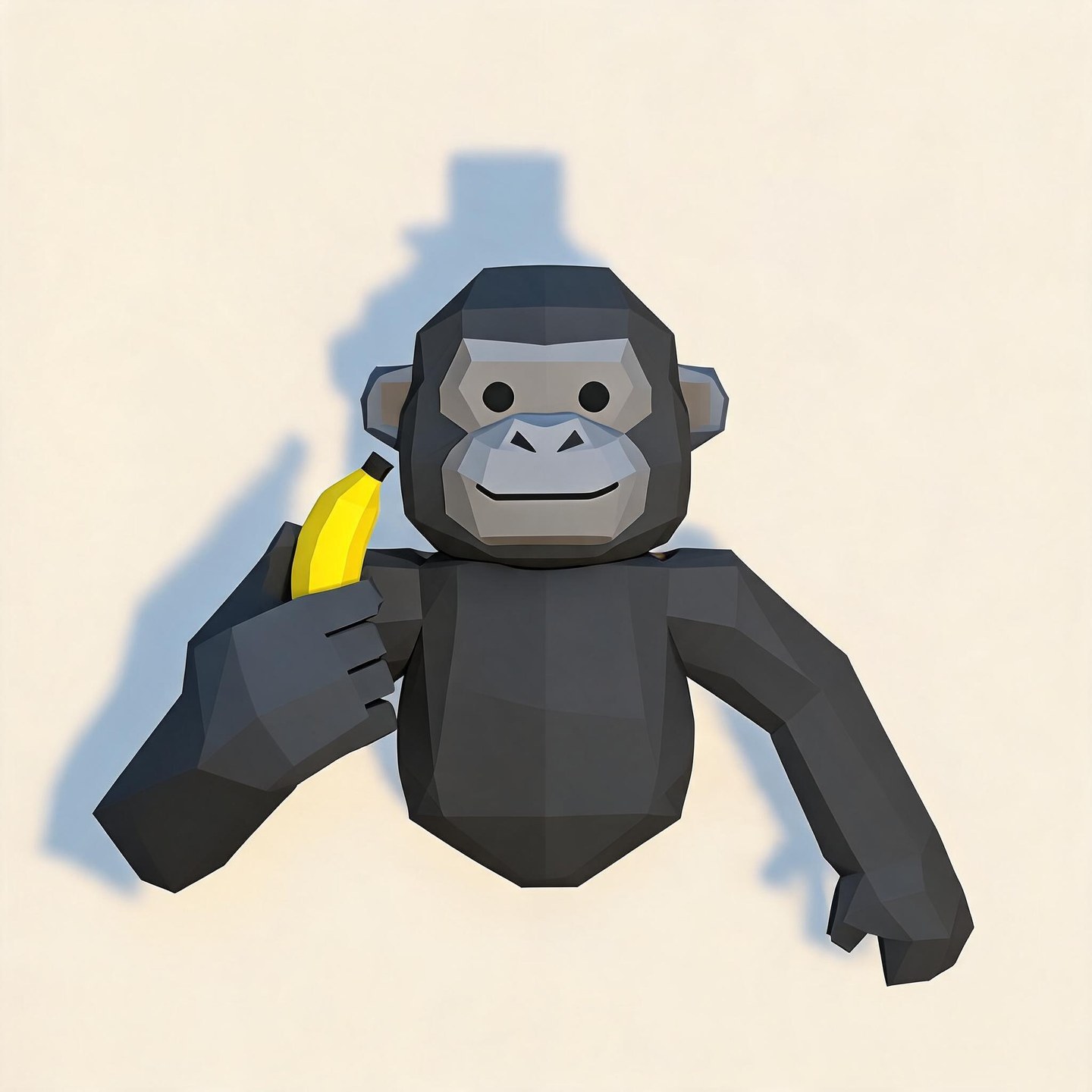
A charcoal monke holding a yellow banana beside its shoulder. One bright detail gives the portrait its personality.
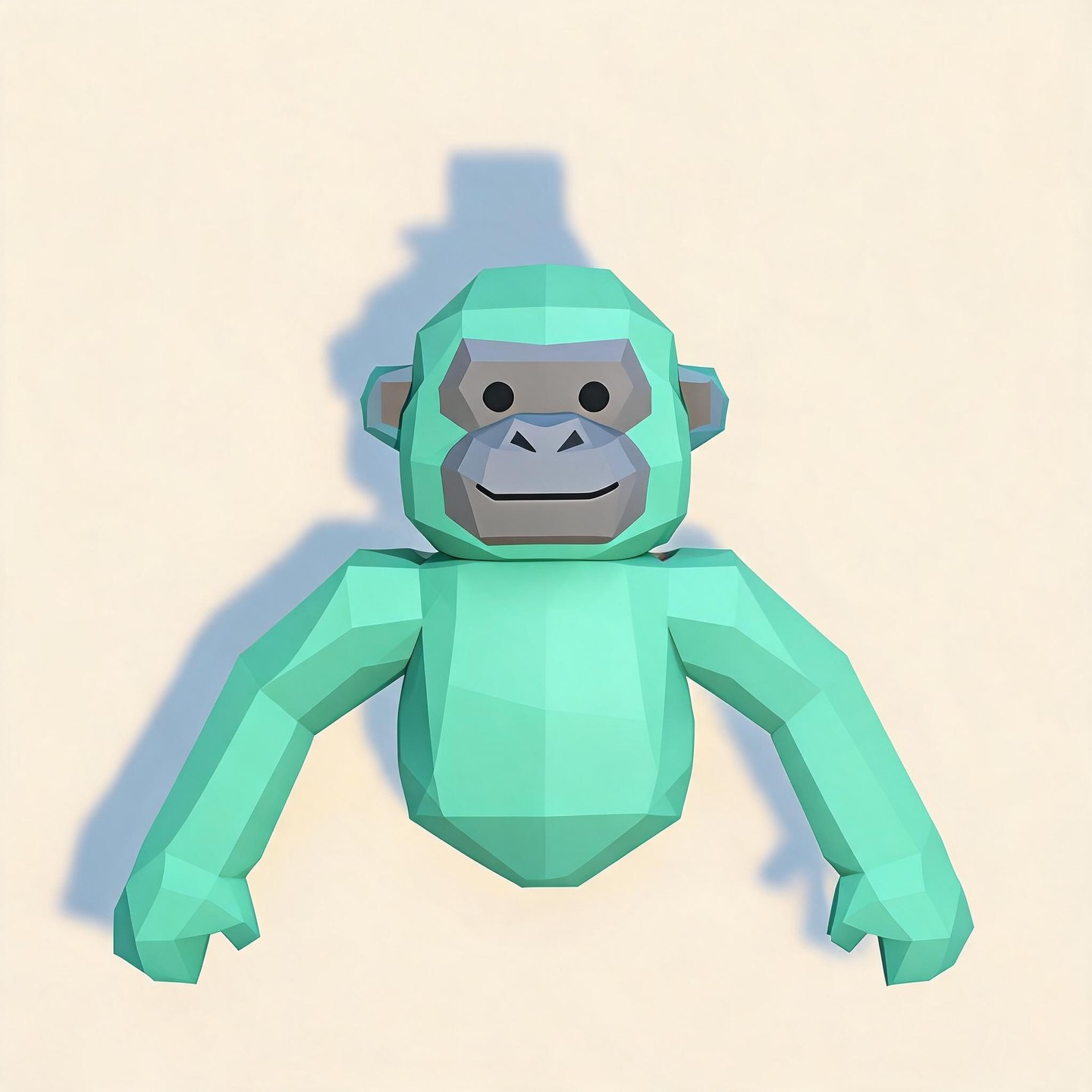
A turquoise monke with long arms raised in an energetic reach. Leave room around both hands for the full pose.
Mint green, a gray face, and no accessories. A clean silhouette for players who prefer their color to do the talking.
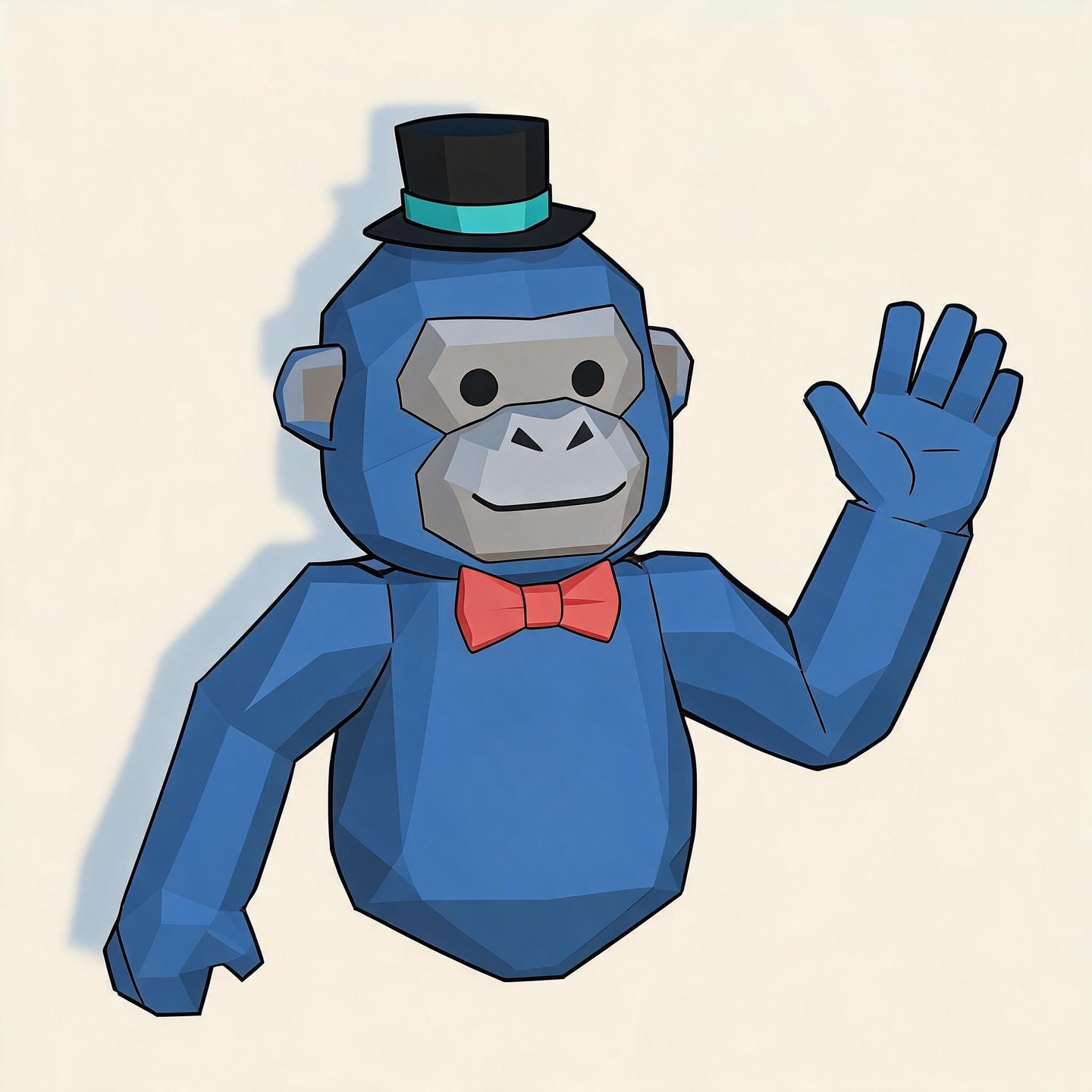
A blue monke in a top hat and coral bow tie, waving in a hand-drawn portrait on cream.
Blue monke.
Black top hat.
Coral bow tie.
Your color and favorite cosmetics make your monke yours. Switch to Image to Image and upload a clear character screenshot as a reference, then describe the portrait you want to make.
Name the details that matter most: the hat shape, face accessory, body color, and camera angle. A reference guides the result, but small details can change, so check the finished portrait against your screenshot.
Add Your Character ReferenceA party hat, cowboy hat, or pair of aviators can make a monke instantly recognizable. Describe the body color and accessories together, including the hat shape, glasses, badge, or holdable you want to show.
Use ordinary color names alongside any in-game color code. The generator works from your description; it does not import an inventory or offer a catalog of official cosmetics.
Describe My Monke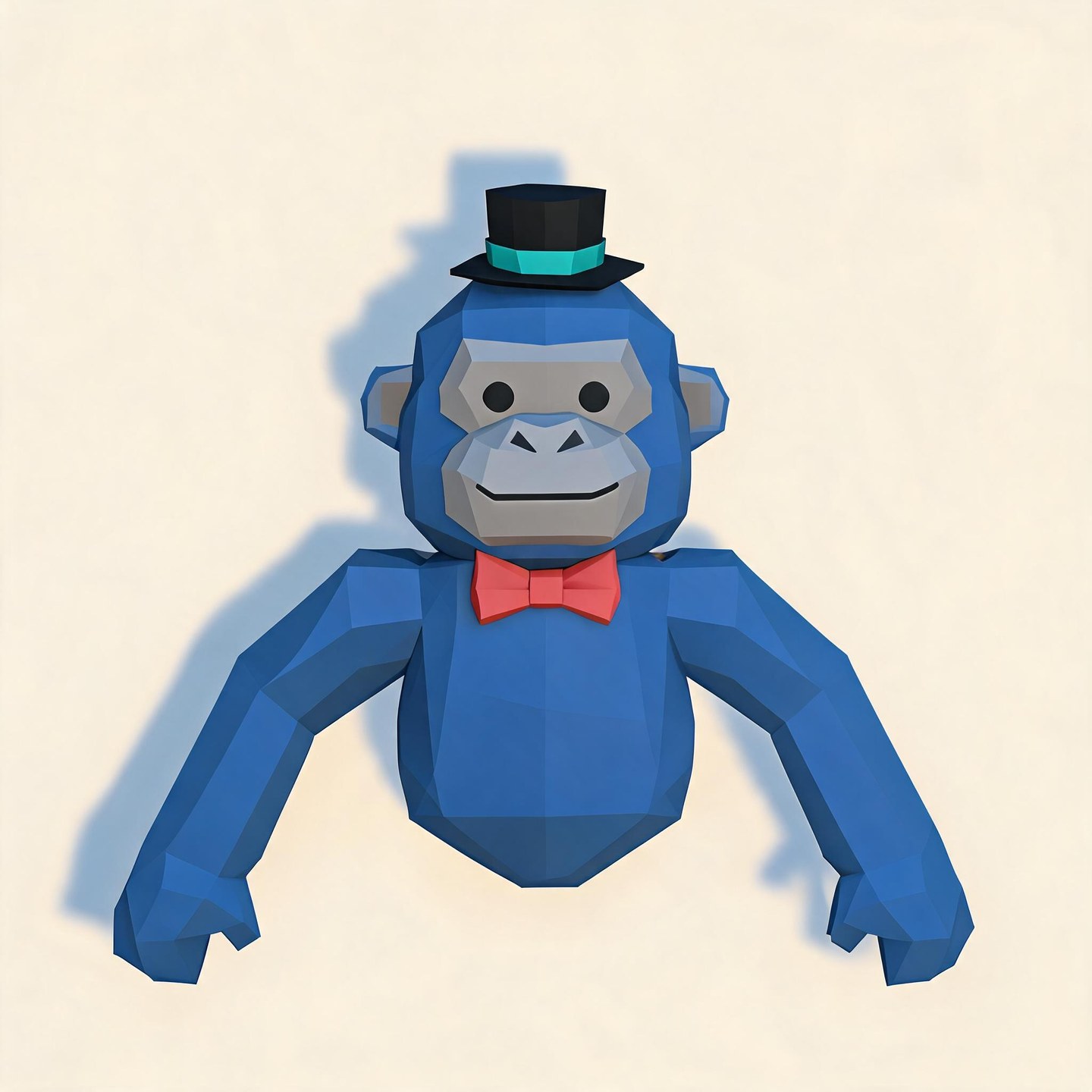
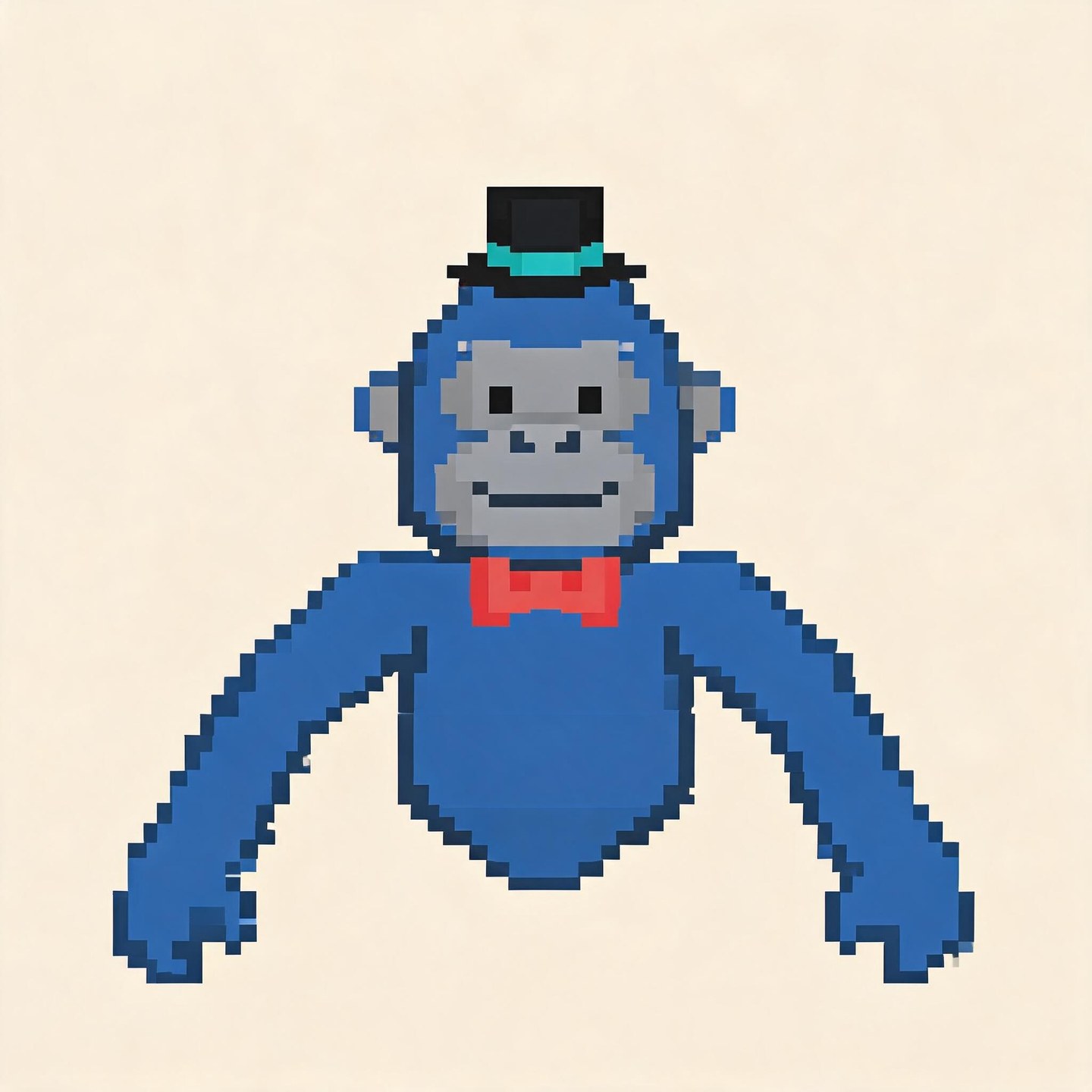
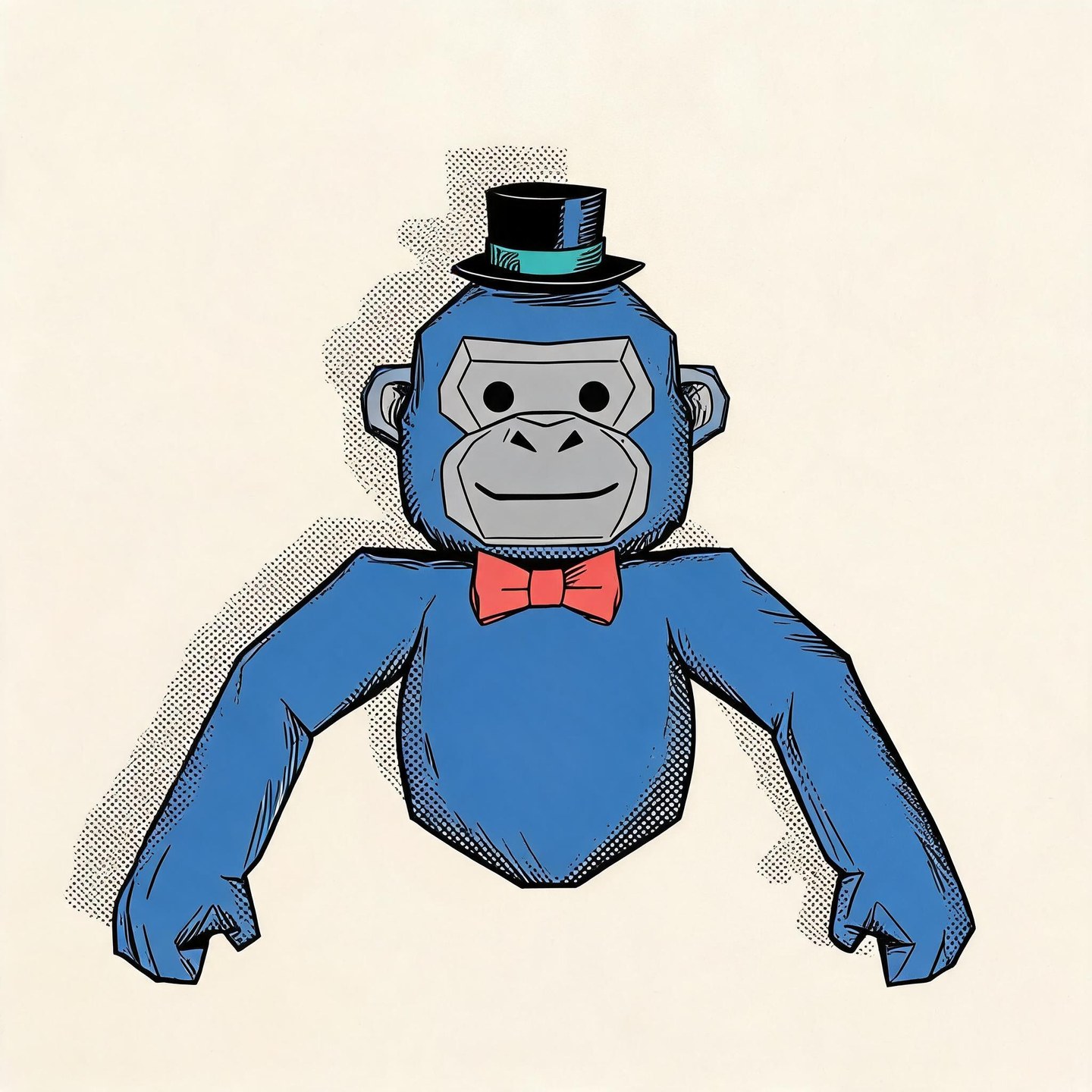
Ask for flat cartoon colors, a hand-drawn outline, or low-poly shapes with studio lighting. Each direction gives your Gorilla Tag-inspired avatar a different feel while keeping your chosen color and accessories in the description.
Compare the same monke in the style examples below, then name your preferred finish in the prompt. You can request a 3D-rendered look without setting up a Blender scene; the output is a still image.
Choose a Portrait DirectionA giant background or a cropped-off hat can hide the details people recognize. Request a centered face, space around the head, and a simple contrasting background, then choose a square aspect ratio when available.
Before using your PFP on Discord, YouTube, or TikTok, check it in the destination app’s avatar preview. Keep the hat and face inside the crop; if the pose feels crowded, request more space around your monke and generate another version.
Compose My Profile PictureBlue, with a black top hat
and a coral bow tie…
Enter the body color, cosmetics, pose, and background. For a screenshot reference, switch to Image to Image and upload your character image.
Pick an available model and a square aspect ratio when offered. Review the displayed credit cost before starting; style directions belong in your prompt.
Generate your portrait, then check the face, hat, and colors. Download the result you like, or revise the description and generate another version.
Compare the same blue monke, top hat, and coral bow tie across six visual treatments. For your own PFP, describe the finish you like in the prompt alongside your character’s colors and cosmetics.
Describe your monke in words and use the image generator to explore a portrait, without building a Blender scene.
A character screenshot gives you a concrete starting point when a color name and an accessory list are not enough.
Load an idea into the editor, then change its color, hat, or background before deciding to generate.
Inspect completed results and download your chosen portrait for the profile you are preparing.
PFP means profile picture, and Gtag is a common abbreviation for Gorilla Tag. This maker uses AI to turn a description or reference image into a Gorilla Tag-inspired portrait for a social profile. It creates an image, not an in-game avatar or cosmetic item.
Yes. Switch to Image to Image and upload a clear screenshot. Describe the pose and background you want, and point out the accessories to keep visible. The image guides generation, but exact reproduction of every cosmetic is not guaranteed.
Include a plain-language color, such as bright blue or dark green, alongside your code. A screenshot is helpful when the exact shade matters. There is no dedicated in-game color-code control here, and a number alone may not communicate the color you expect.
You can request hats, glasses, scarves, badges, and other visible accessories in the prompt. Describe their shape, color, and placement, or include a reference. This is prompt-based image generation, so it does not guarantee a match to every official item.
No. Asking for a 3D-style PFP creates a still image with depth, lighting, and a rendered appearance. It does not produce a rigged character, an editable 3D model, or a Blender project.
No. This is Try OC Maker’s AI image workflow. You describe the portrait or supply a reference rather than assemble a fixed set of Picrew illustration layers. The example prompts are starting ideas, not an official cosmetics or template library.
Check whether your prompt asks for too many details at once. Describe the missing accessory more clearly, simplify the background, or use a clearer reference image, then generate again. Revising one instruction can still change other parts of the image.
Generation uses credits. Check your account balance and the cost shown in the editor before submitting. Available models and settings can have different costs; this page does not offer unlimited free generation.
Choose a square output when available and ask for extra space around the head and accessories. Keep the face near the center. After downloading, check the circular crop in your profile app before saving it as your avatar.
Keep the color your friends know. Add the hat, expression, or pose that feels like you. Start with a prompt idea or your own character screenshot, then make a Gtag profile picture for your next upload, chat, or comment.
Make My Gorilla Tag PFP