Photo to Sketch
Converter
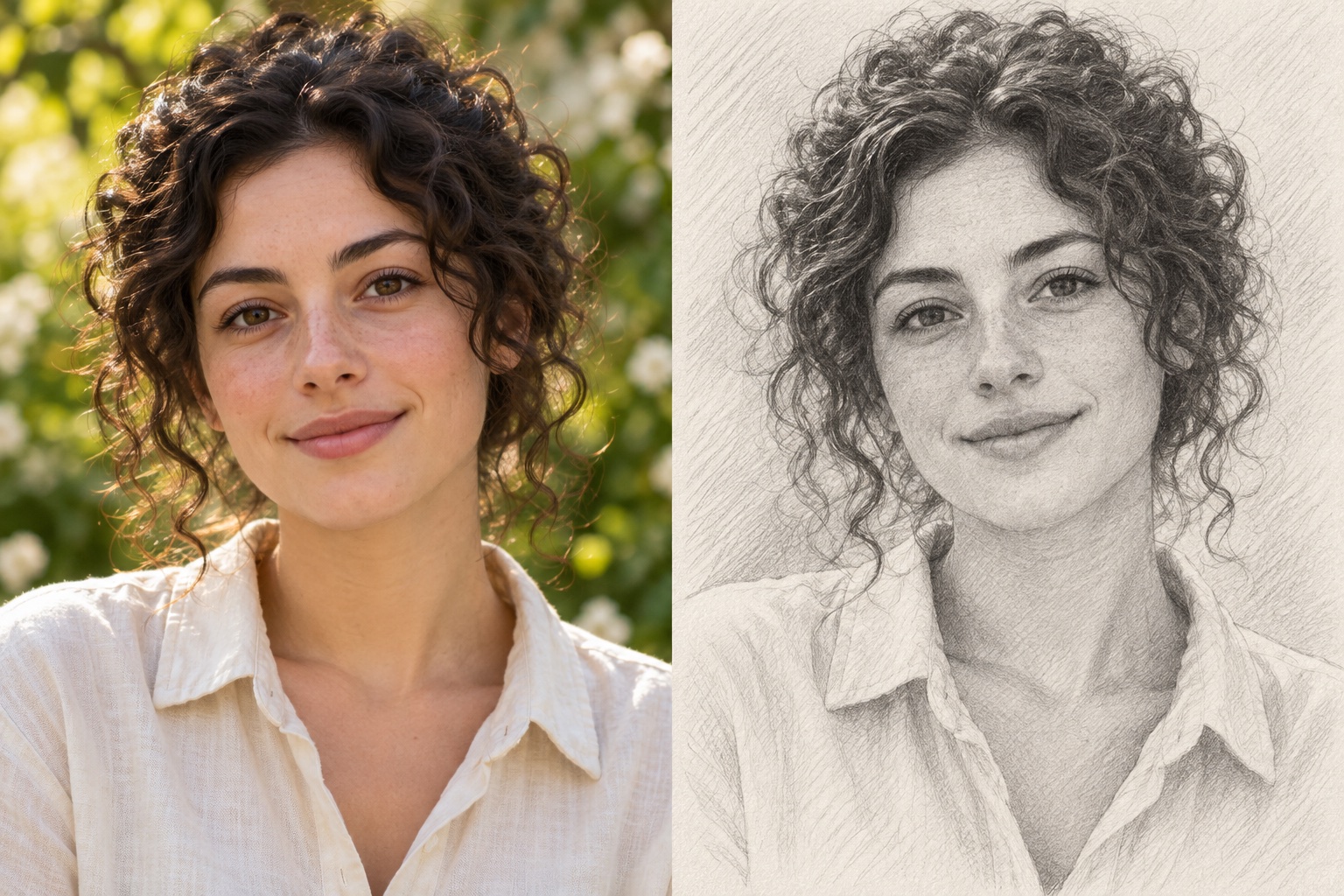
Turn your photo into a pencil sketch, fine ink drawing, or simple outline. Upload an image, choose a style, and download the result with our AI photo to sketch converter.
Generated Results
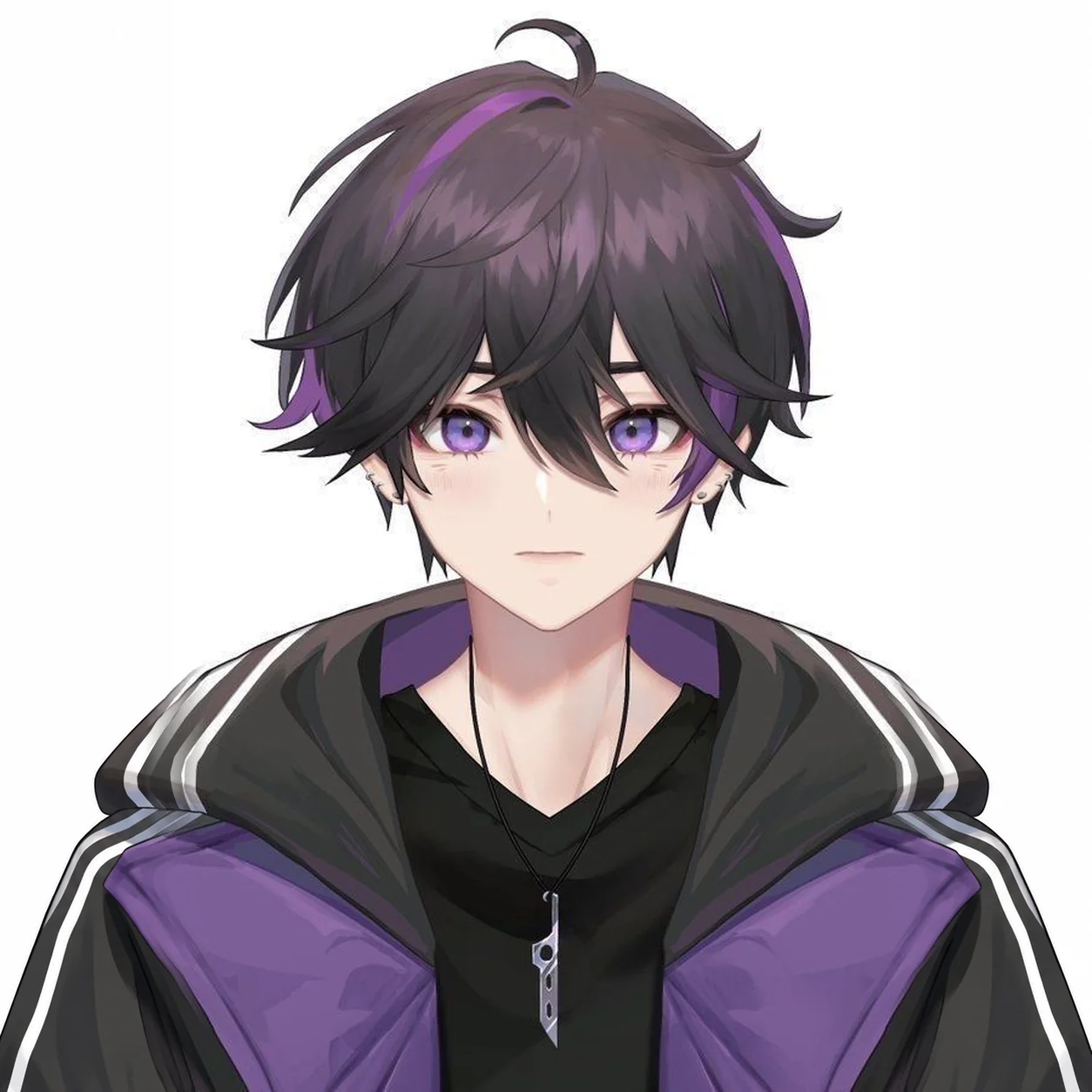
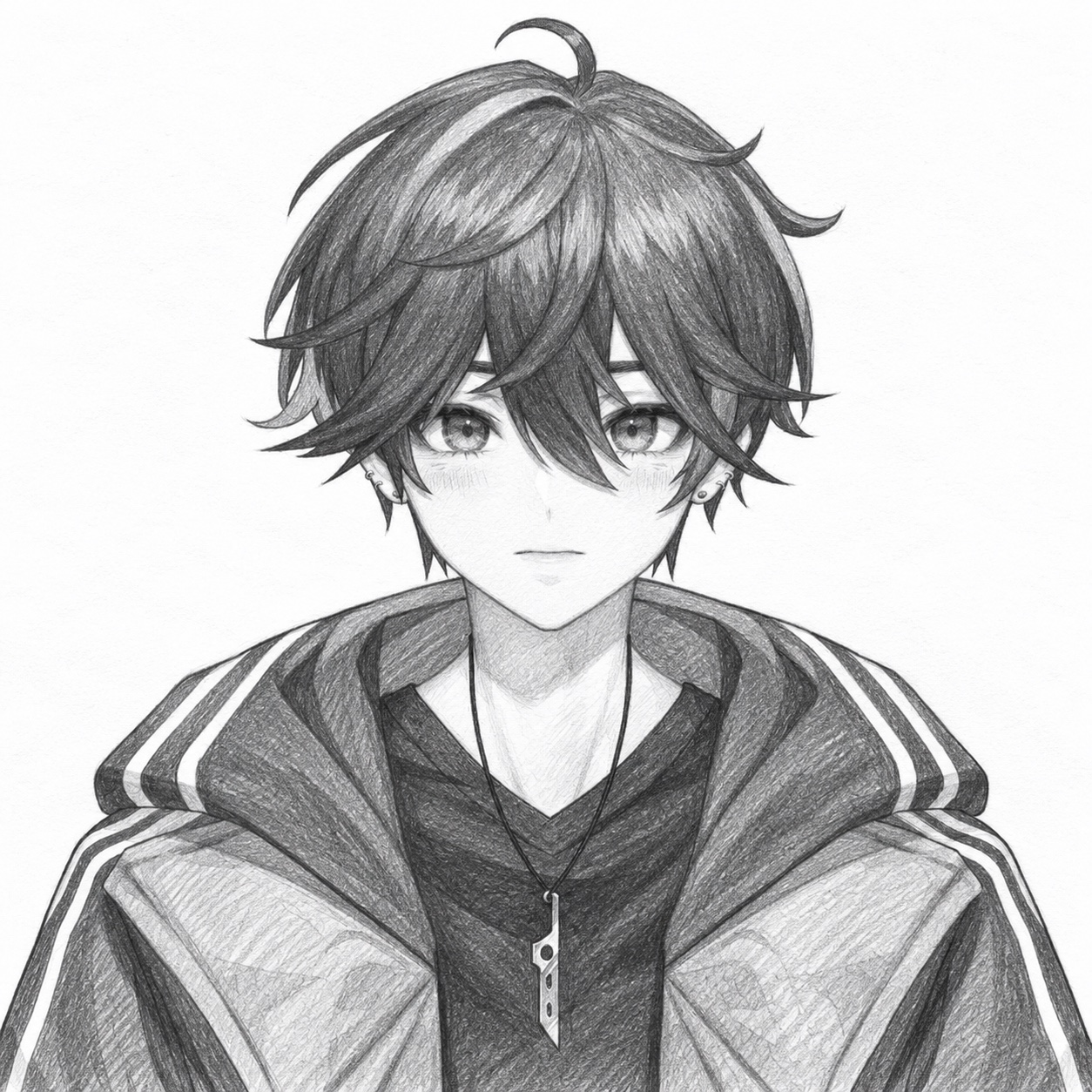
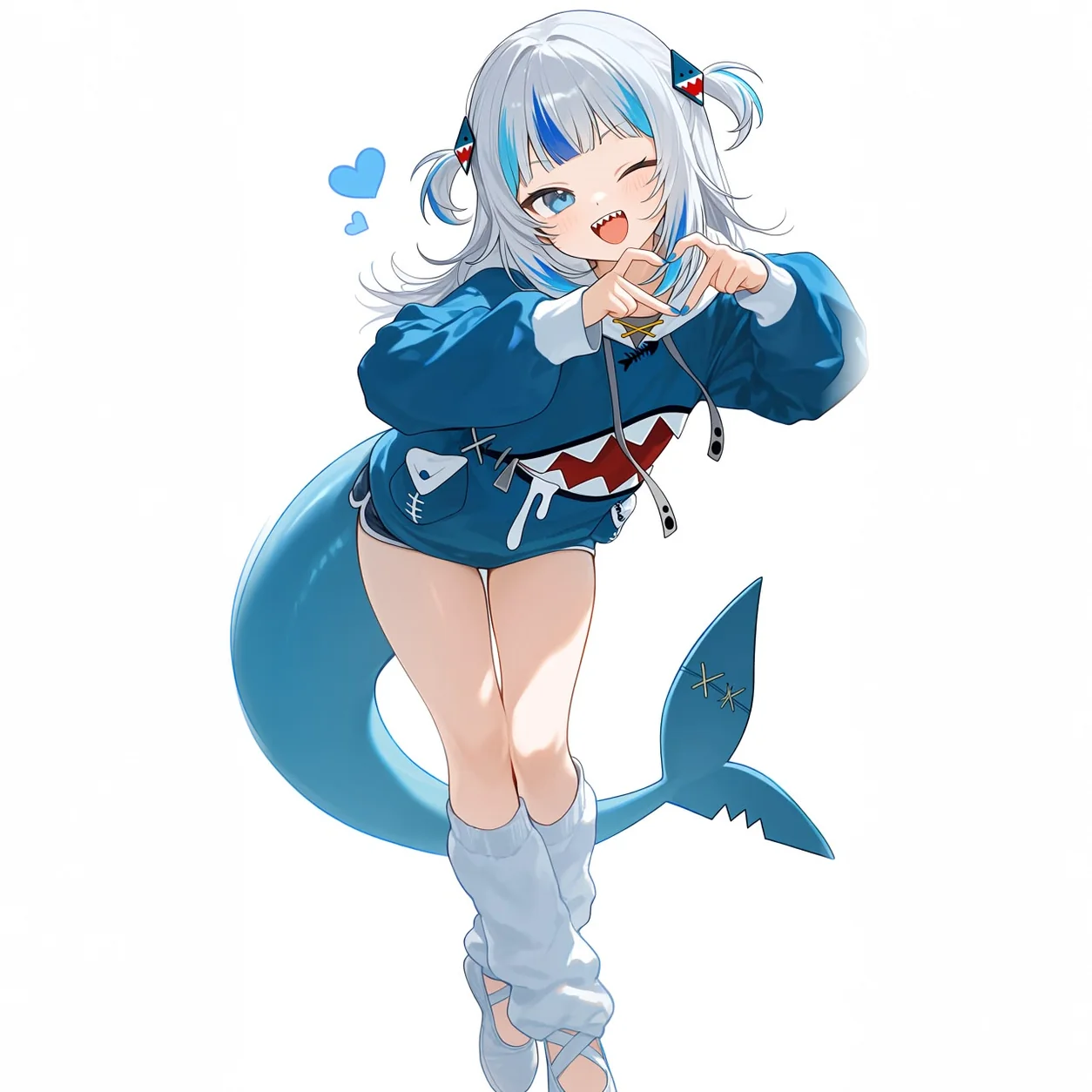
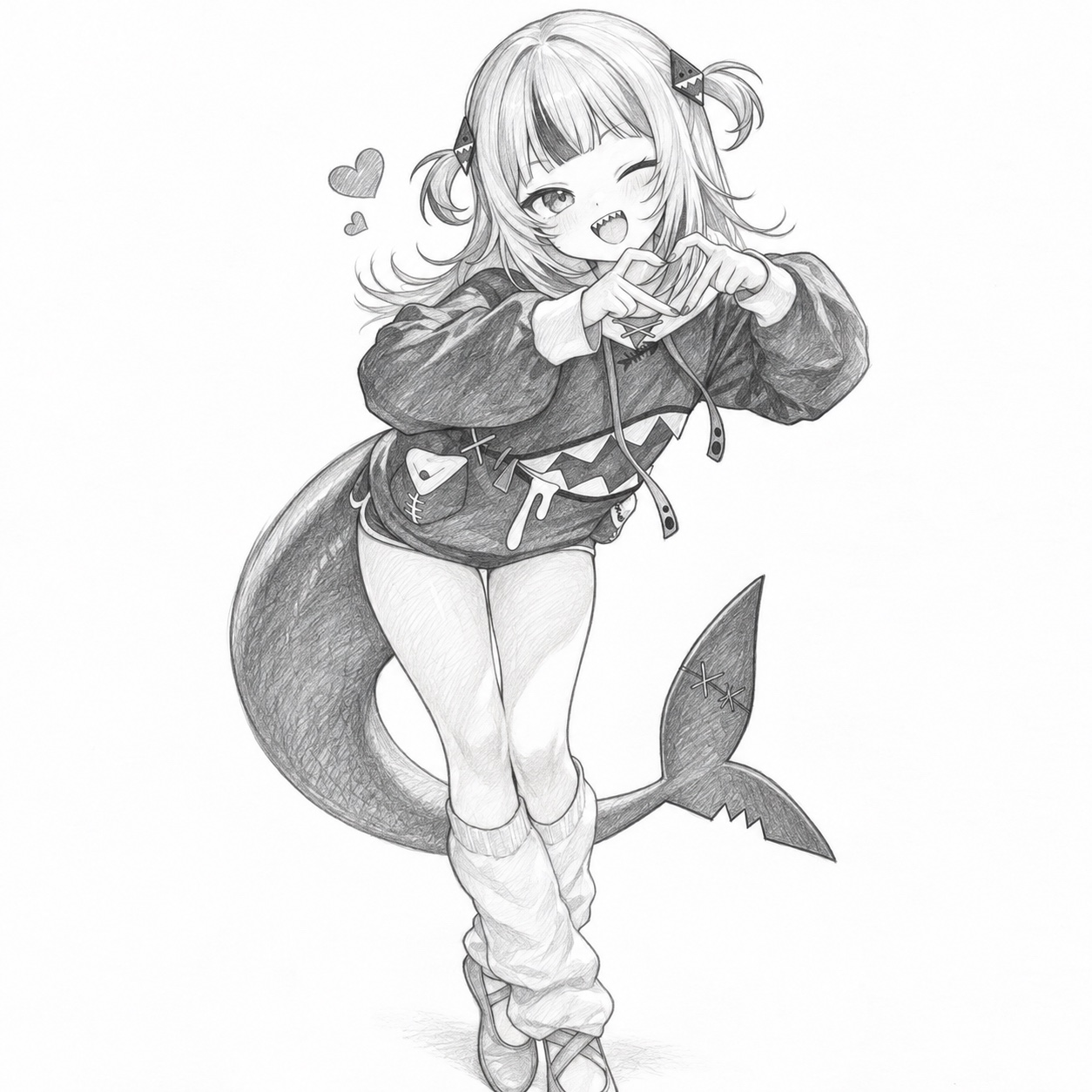
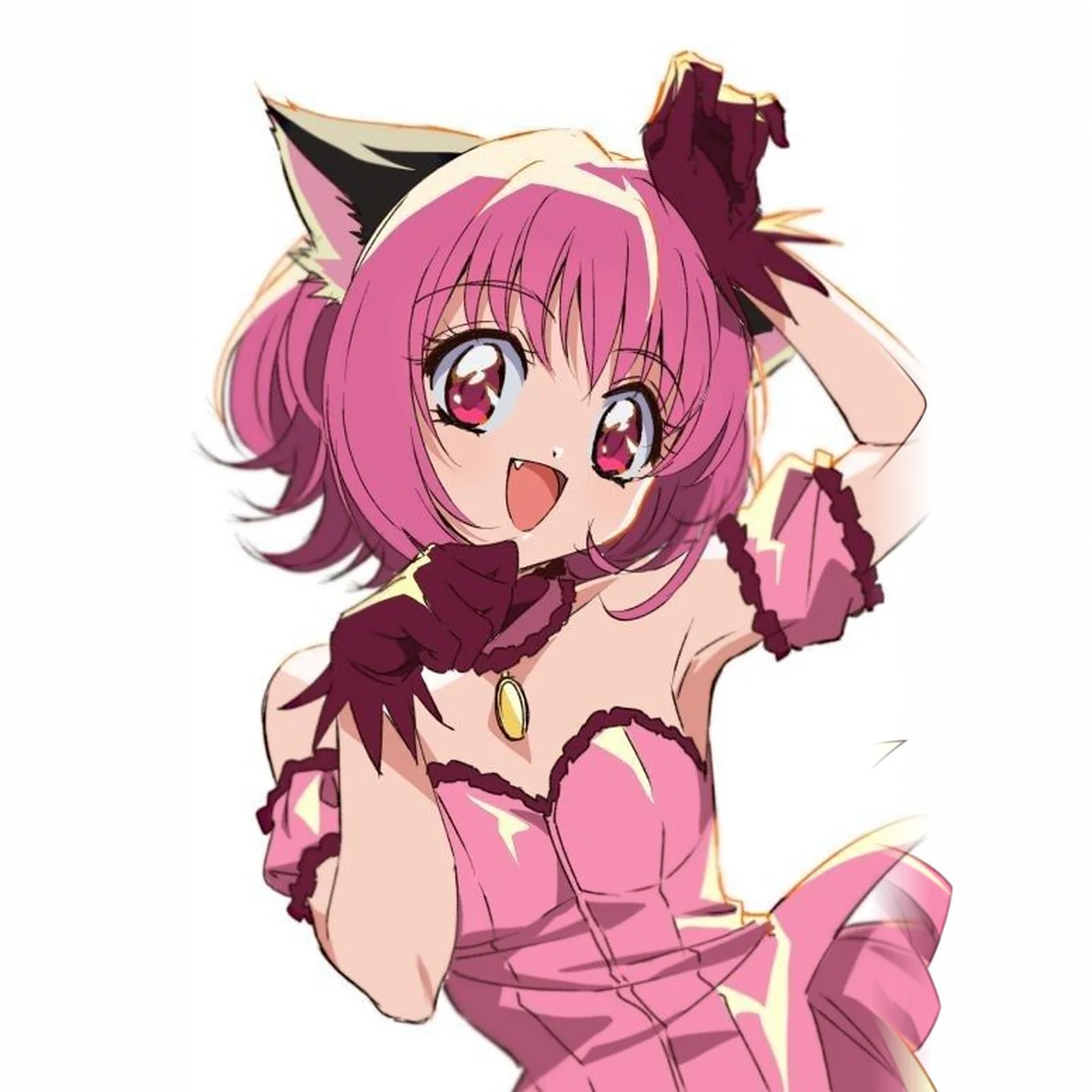
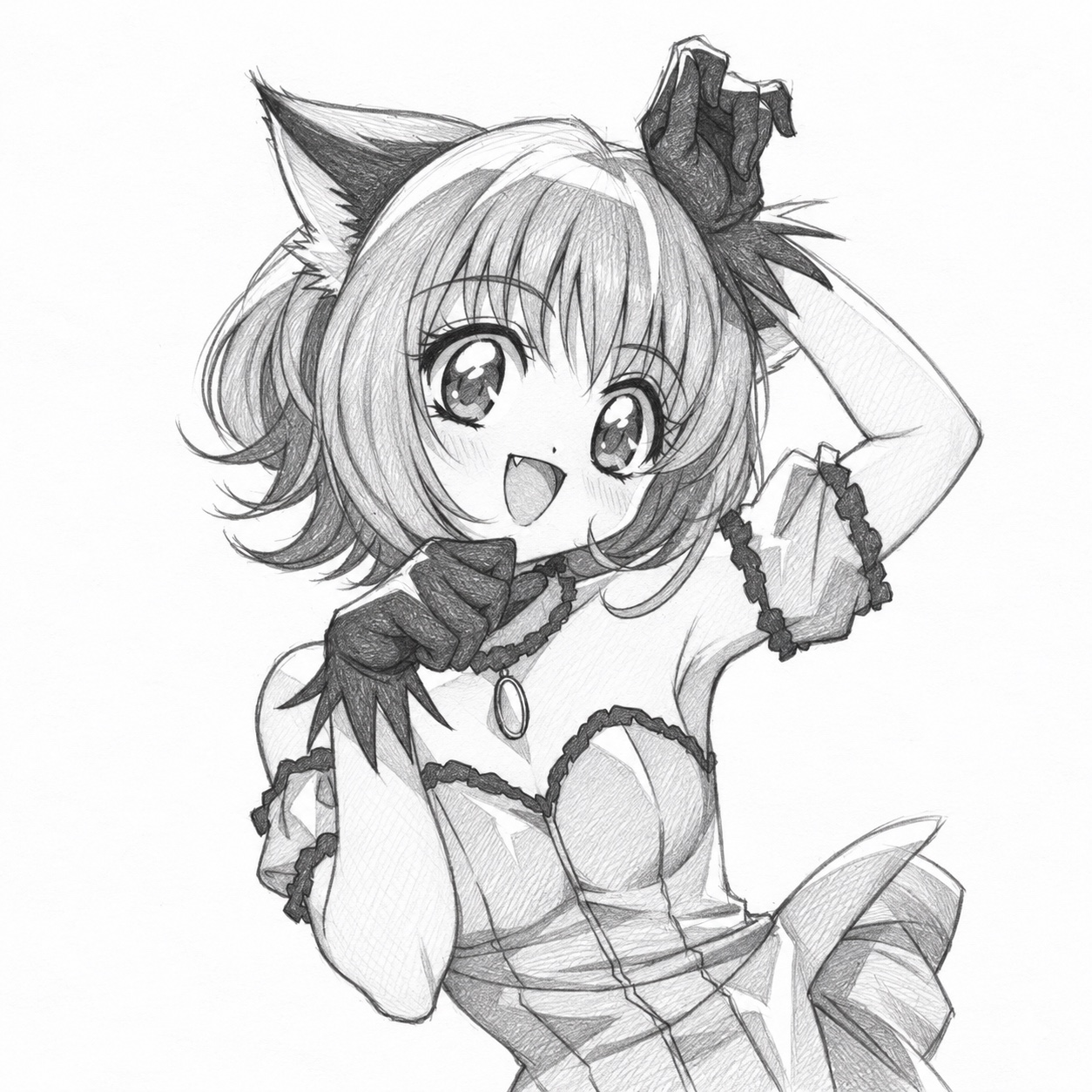
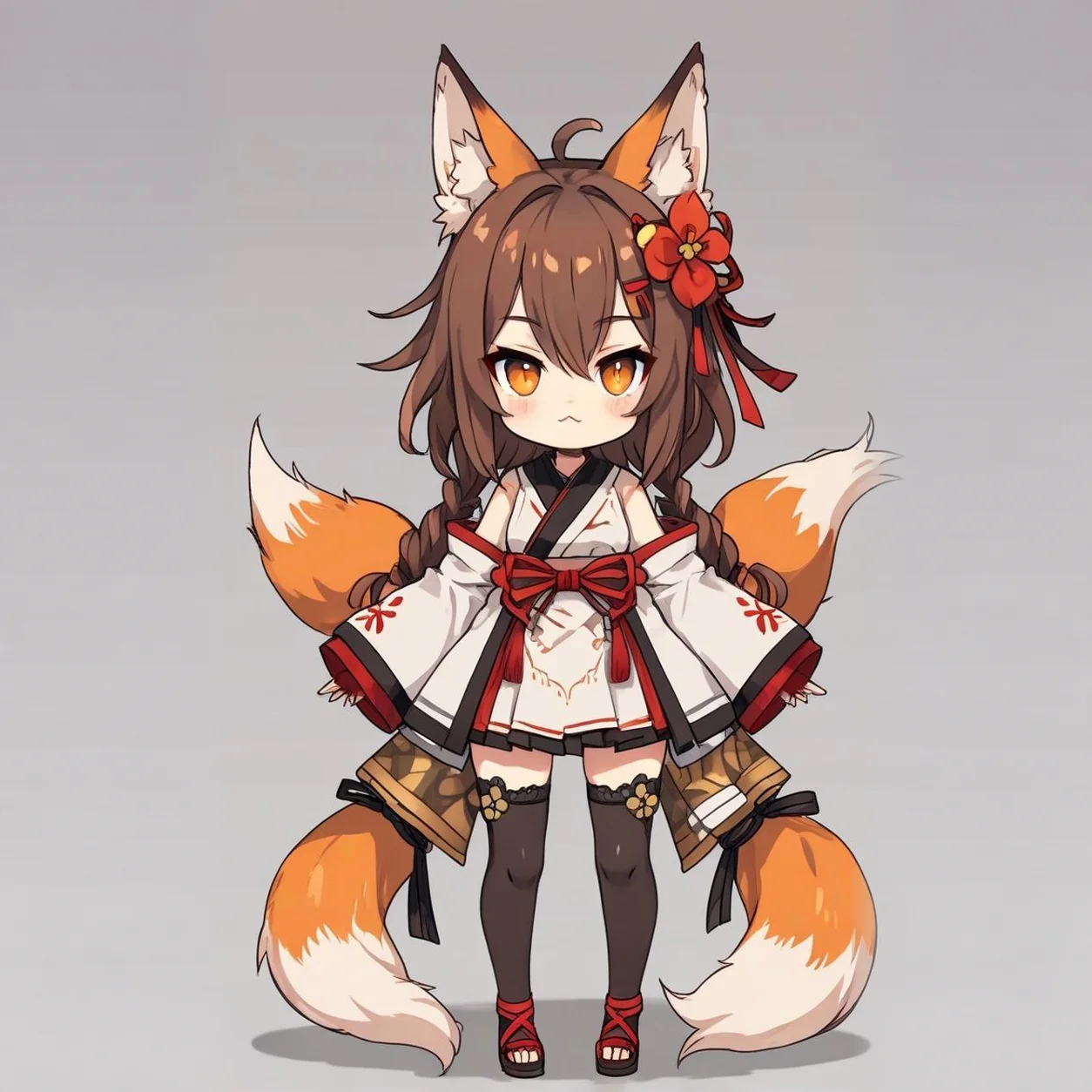
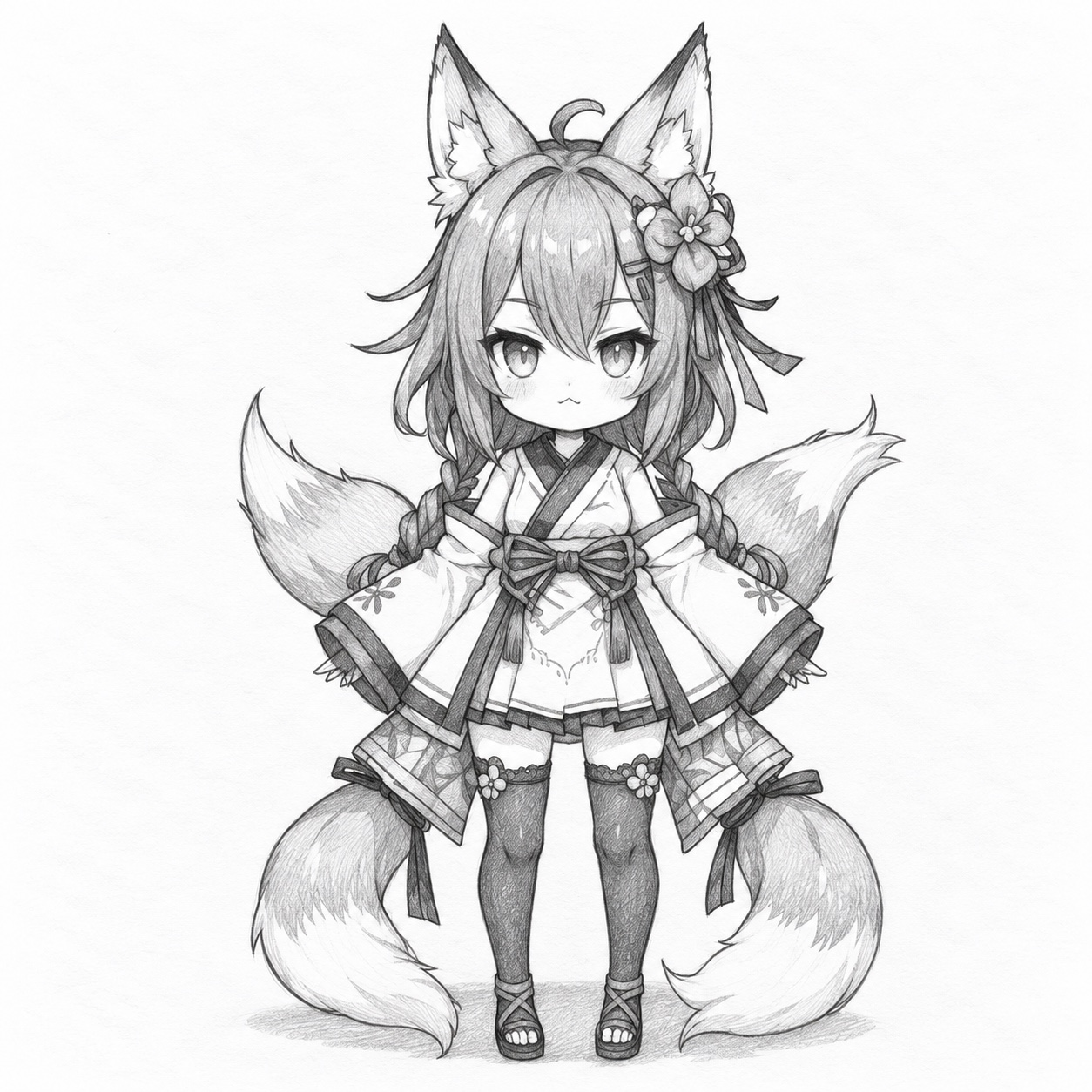
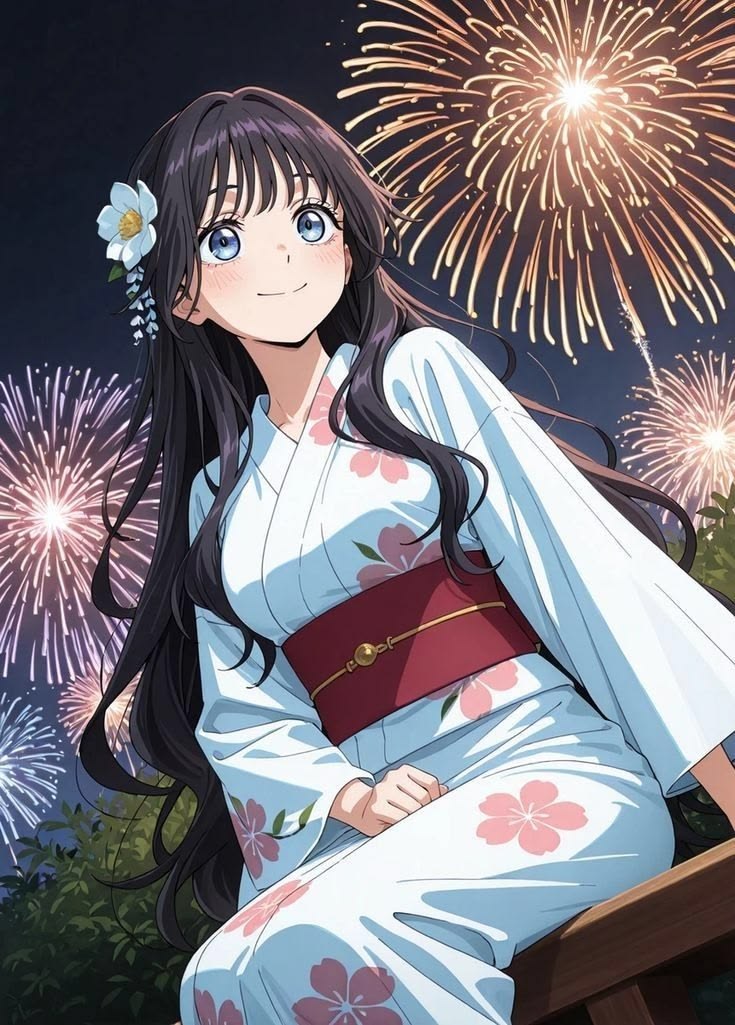
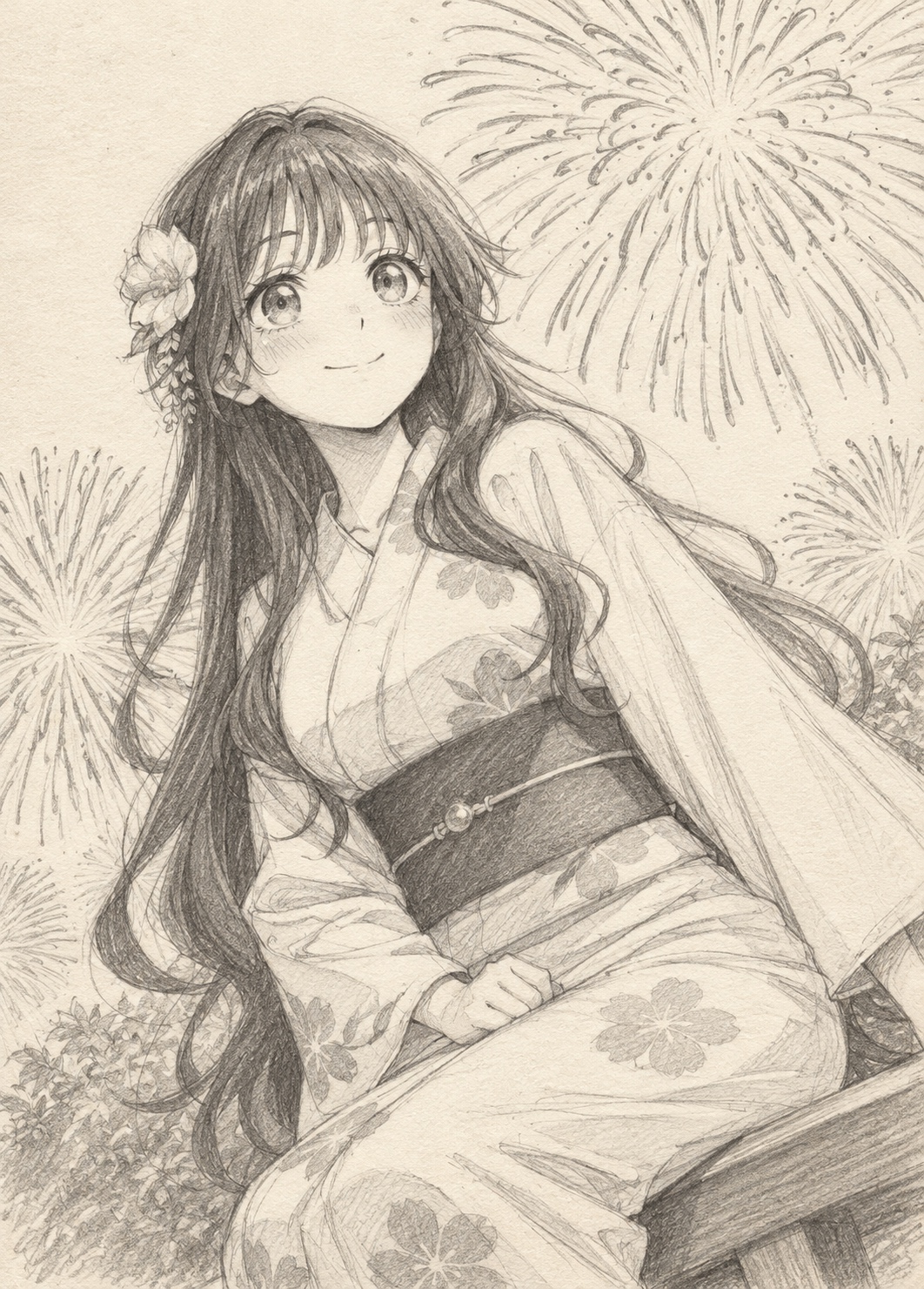
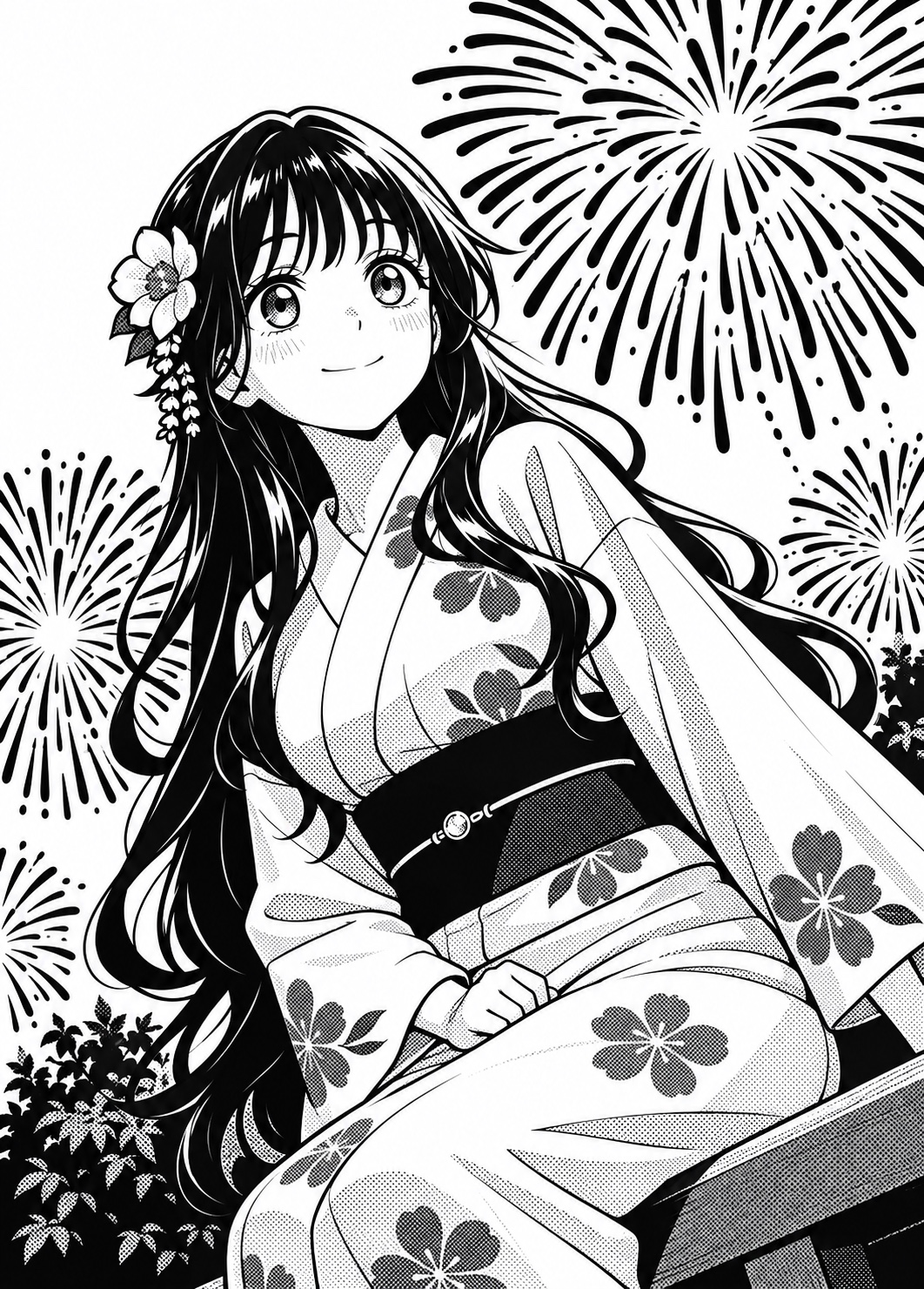
Turn Anime Images into Pencil Sketches
Pick a character and drag the slider to compare the color artwork with its pencil sketch.
Find the Right Sketch for Your Photo
Match the drawing to your subject and how you plan to use it.
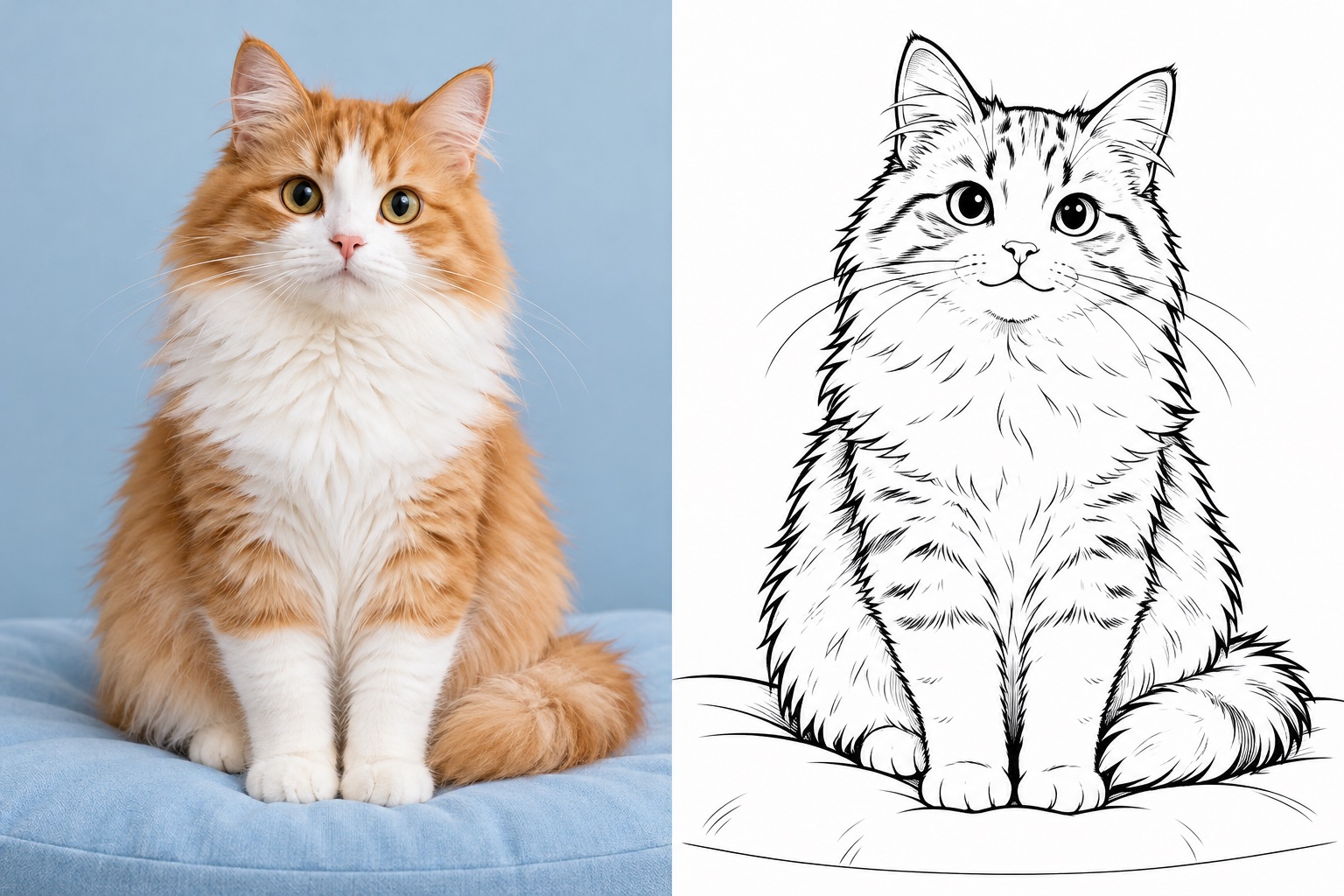
Simple AI Photo to Sketch Converter
Use our AI photo to sketch converter to easily turn your photos into drawings. Simply choose your desired style and upload a photo—preferably a clear image with a well-defined subject—so our AI can use the shapes and details in your image to create a sketch. No drawing skills needed—anyone can turn a photo into a sketch online!
Create Sketch Now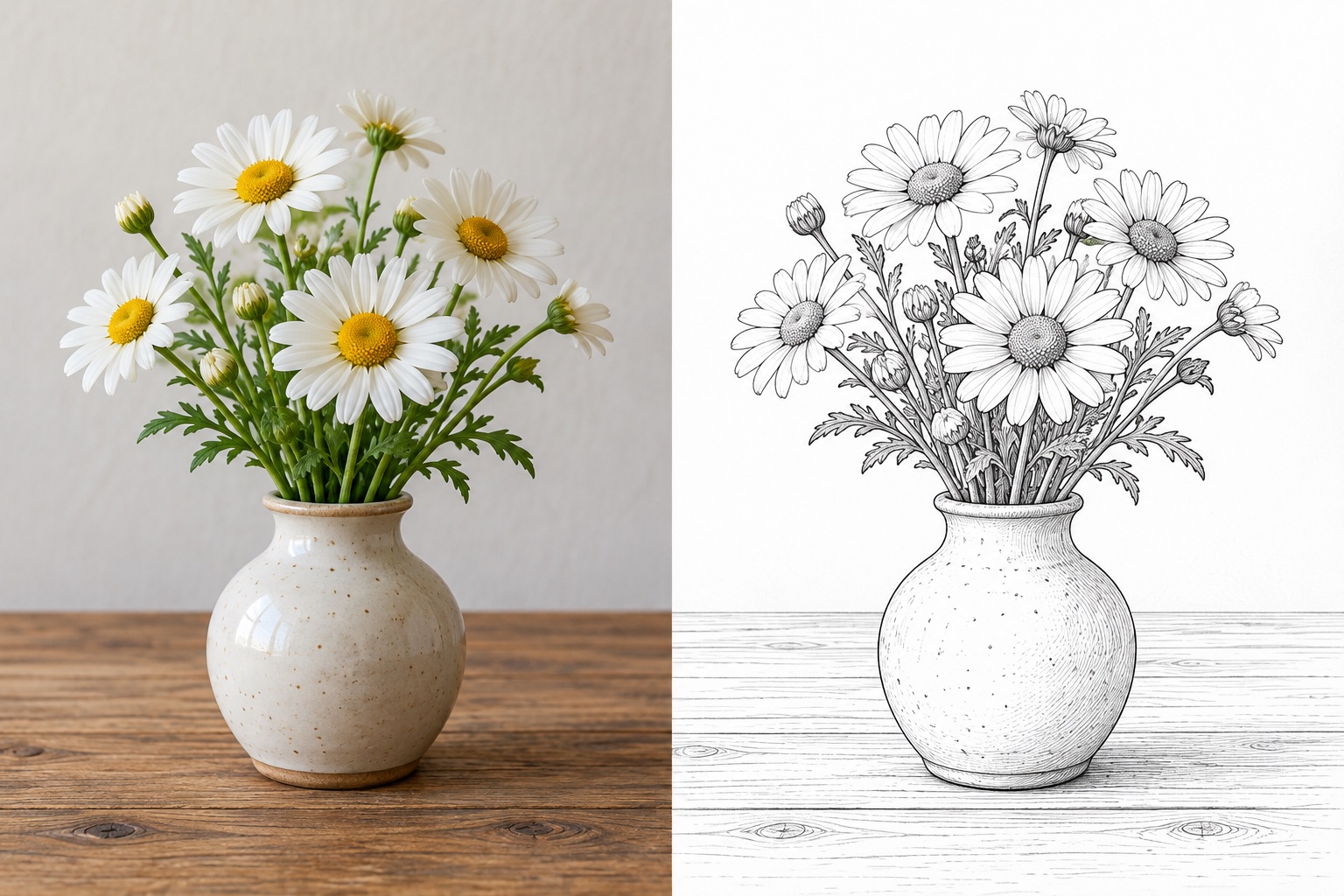
4K Sketches for Your Creative Projects
Upload a clear photo and choose an available sketch style. Each generation creates one 4K image, with an automatic aspect ratio guided by your photo, for 10 credits. Preview your drawing and download it for social posts, personal illustrations, or print projects after checking its pixel dimensions.
Choose Your Sketch Style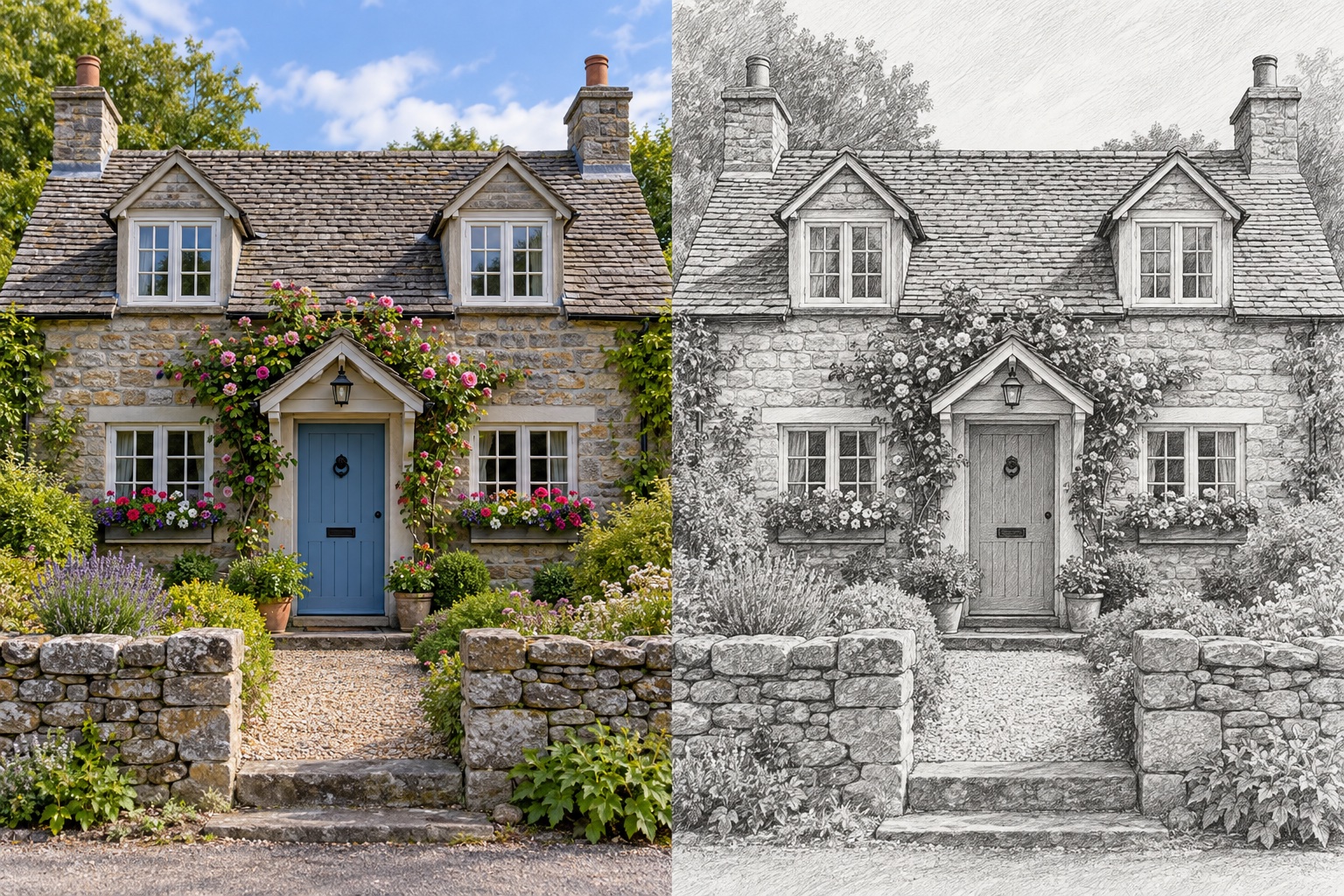
Convert Photos to Pencil Sketches in Your Own Style
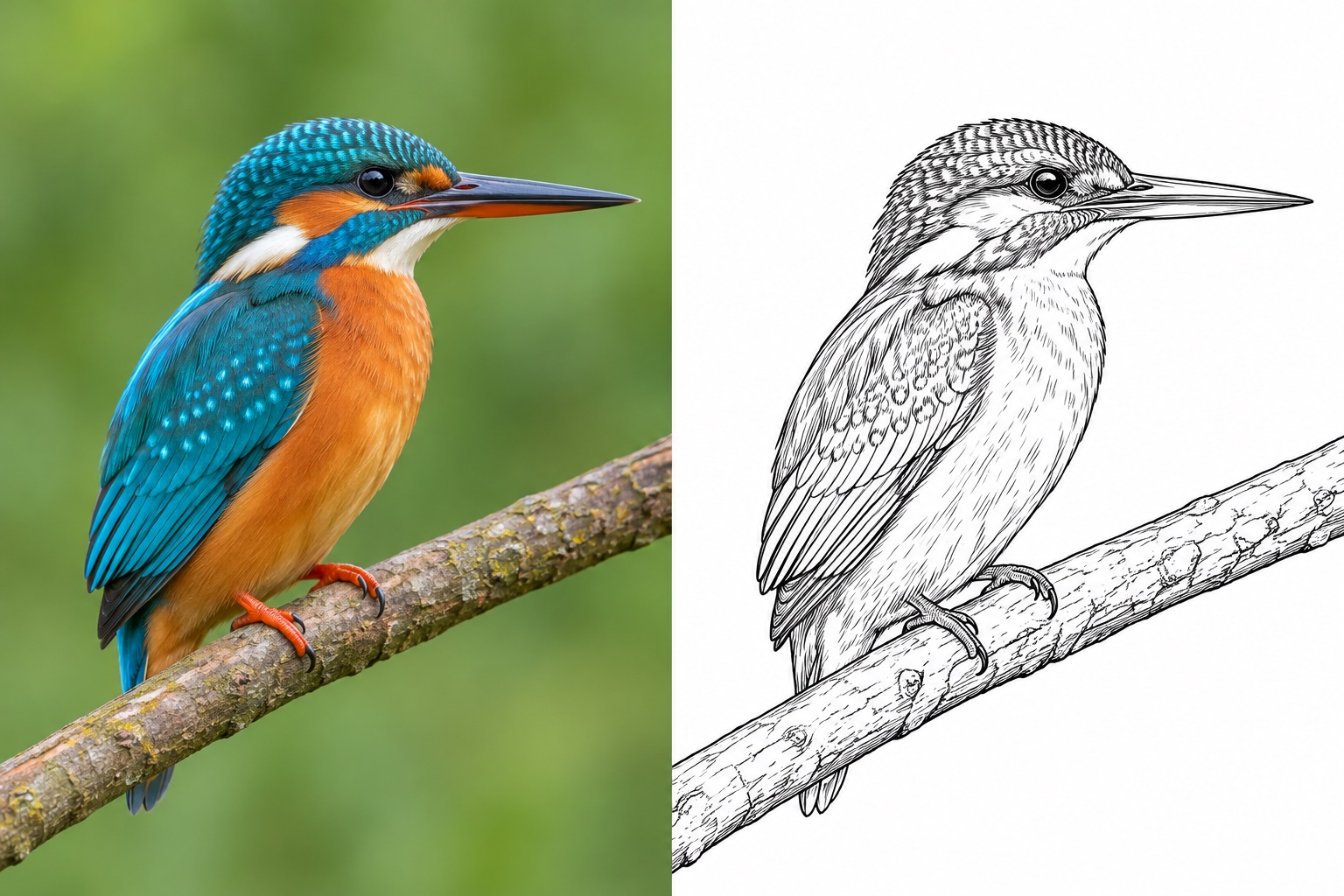
Turn an everyday selfie or snapshot into a drawing with our online photo to sketch converter. This tool gives ordinary photos a hand-drawn look, from shaded pencil sketches to delicate ink illustrations. With pencil, Fine Ink, and outline styles, you can choose soft shading, detailed linework, or simple contours to suit your image. No need to draw each line by hand—just upload your photo and explore different sketch styles.
Explore Sketch Styles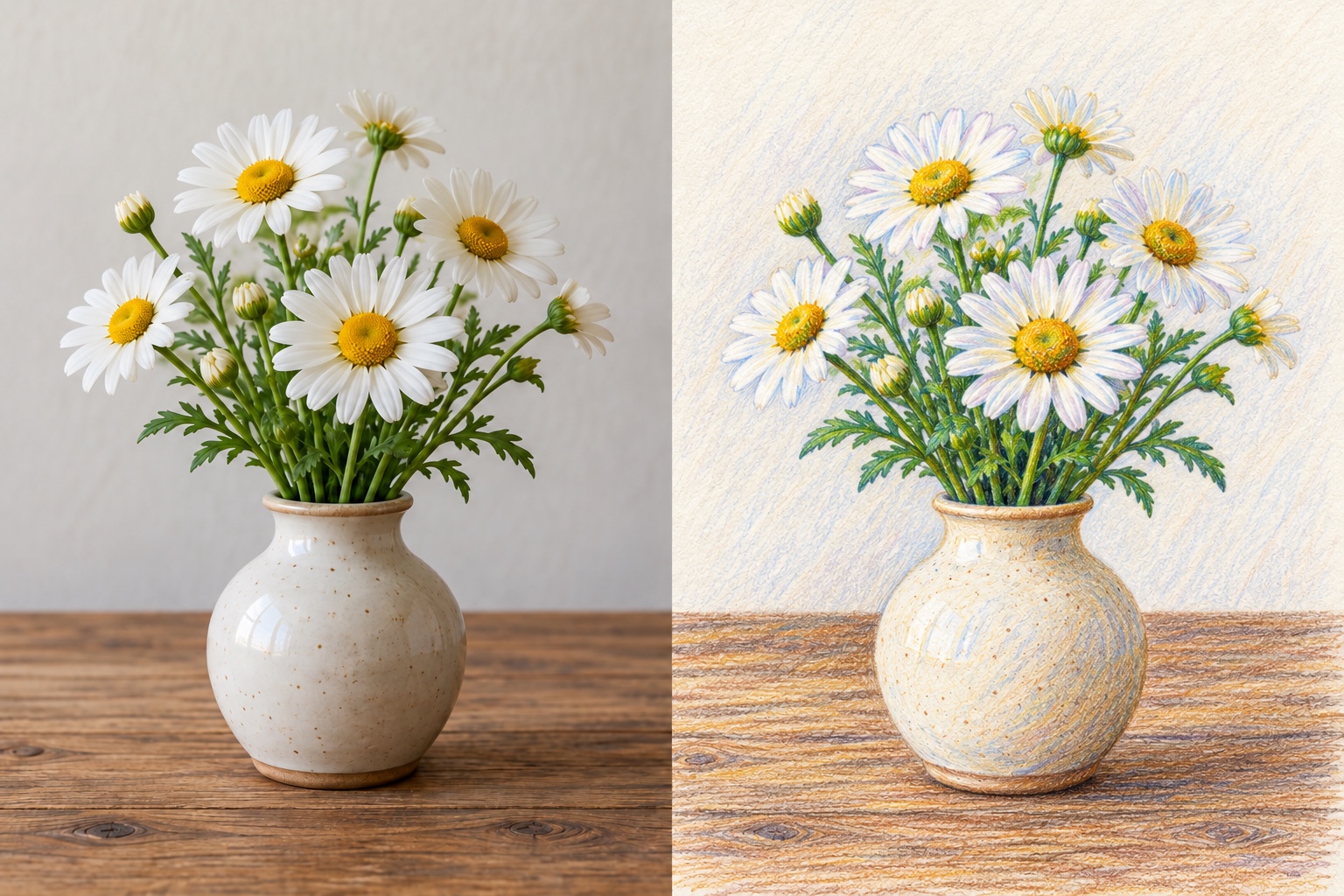
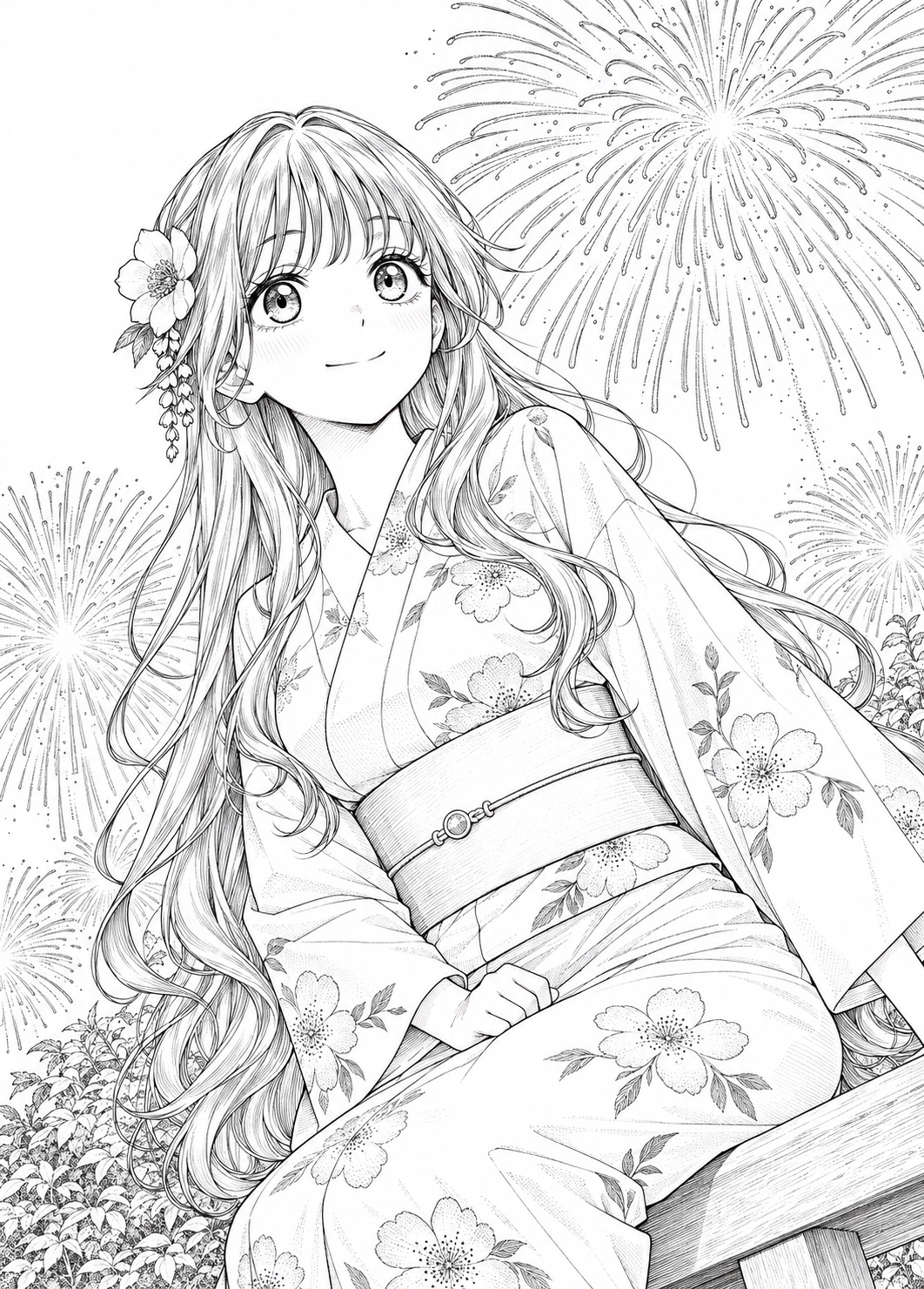
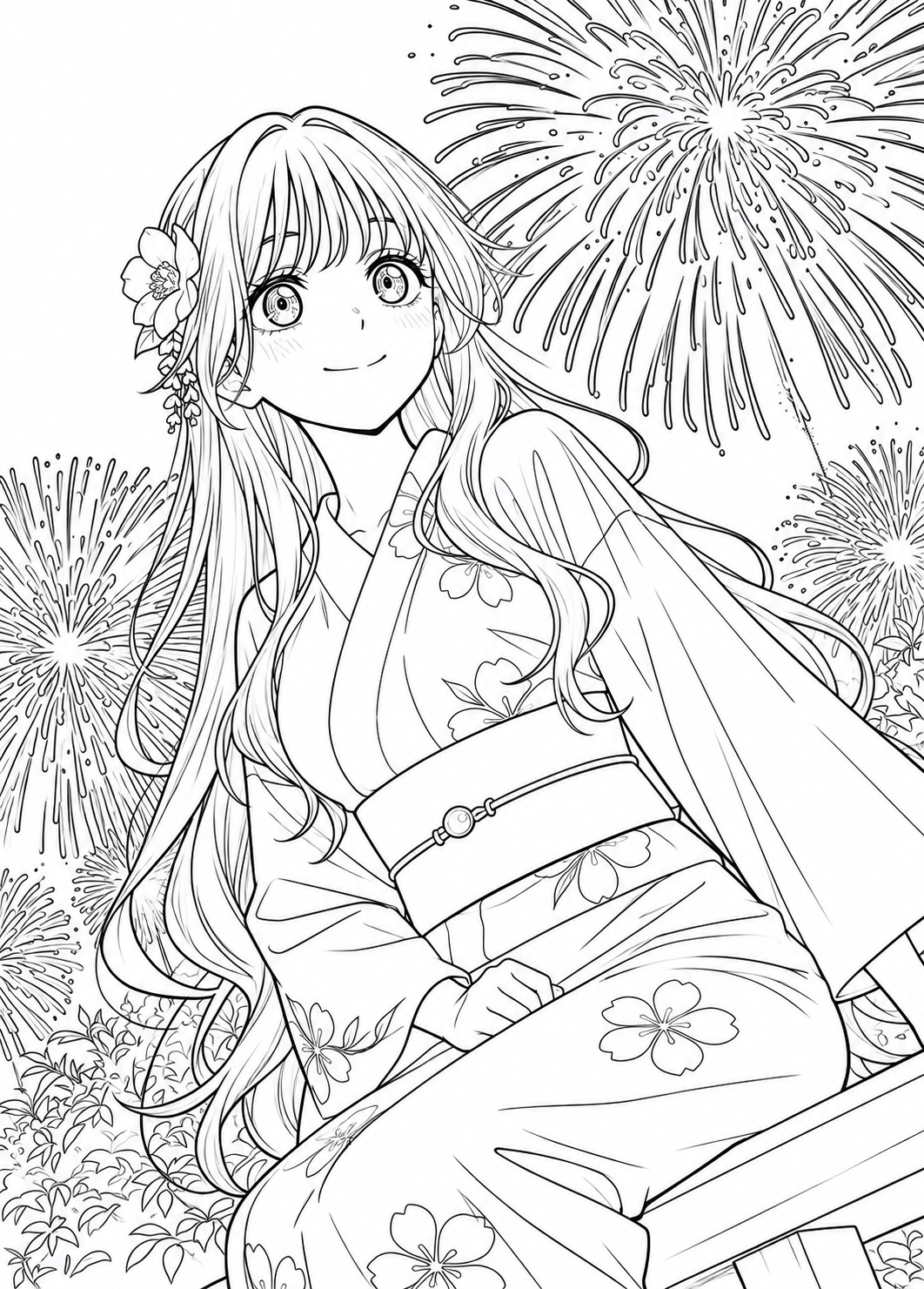
Explore Different Sketch Styles with One Photo
Try a different available sketch style with the same photo. Compare linework, shading, and color in your results, then download the version you prefer. Use again restores the original photo and style from a past result; each new generation costs 10 credits.
Customize Your SketchCompare Pencil Sketches and Other Styles
Use the same image to compare line weight, shading, and detail before choosing a look.
How to Convert a Photo to a Sketch with AI?
- 1
Upload Your Photo to the AI Sketch Converter
Upload your portrait, pet photo, scenic landscape, or any casual snapshot to the Try OC Maker photo to sketch converter. Our tool handles the drawing for you—no sketching skills required.
- 2
Customize Your Sketch Style
Choose a style from the available sketch previews. Each style applies its own treatment to linework, shading, and detail. Upload one photo and select the look you want before generating.
- 3
Generate and Download Your AI Sketch
Let the AI transform your photo into a sketch with rich pencil shading, delicate ink detail, or clean outlines. Preview and download your artwork, ready to use for personalized portrait gifts, greeting cards, and social media posts.
Keep Creating with Try OC Maker
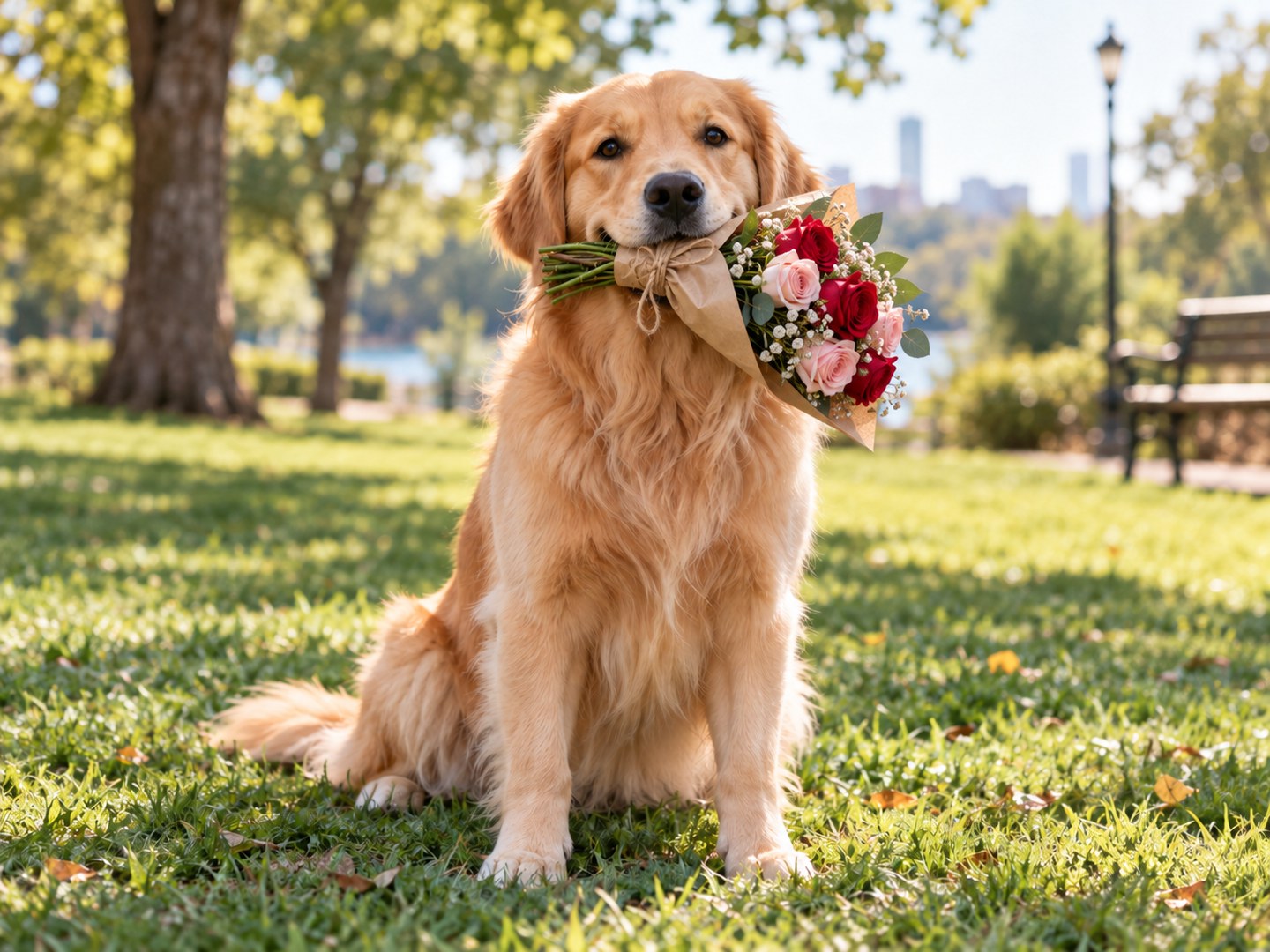
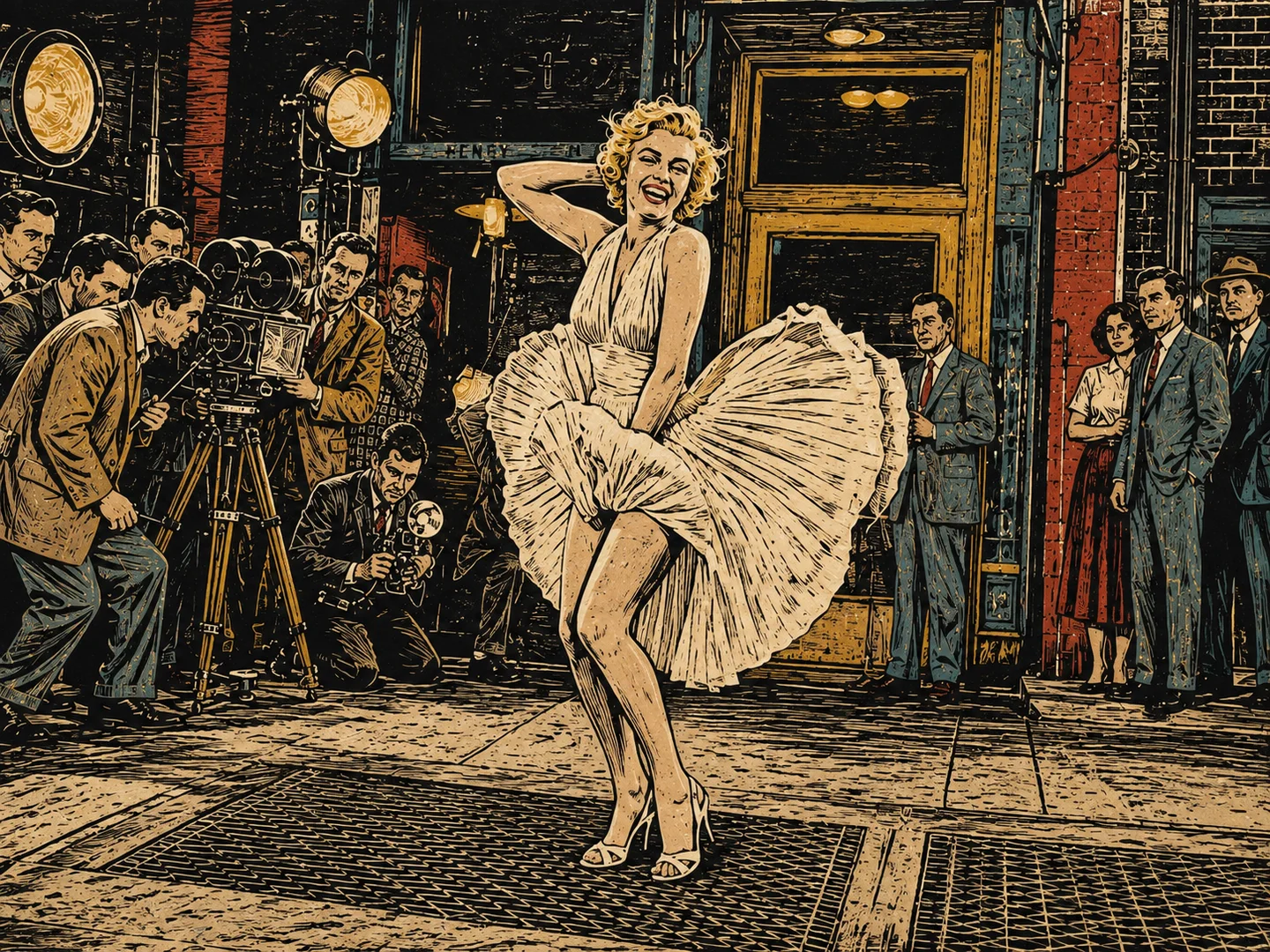
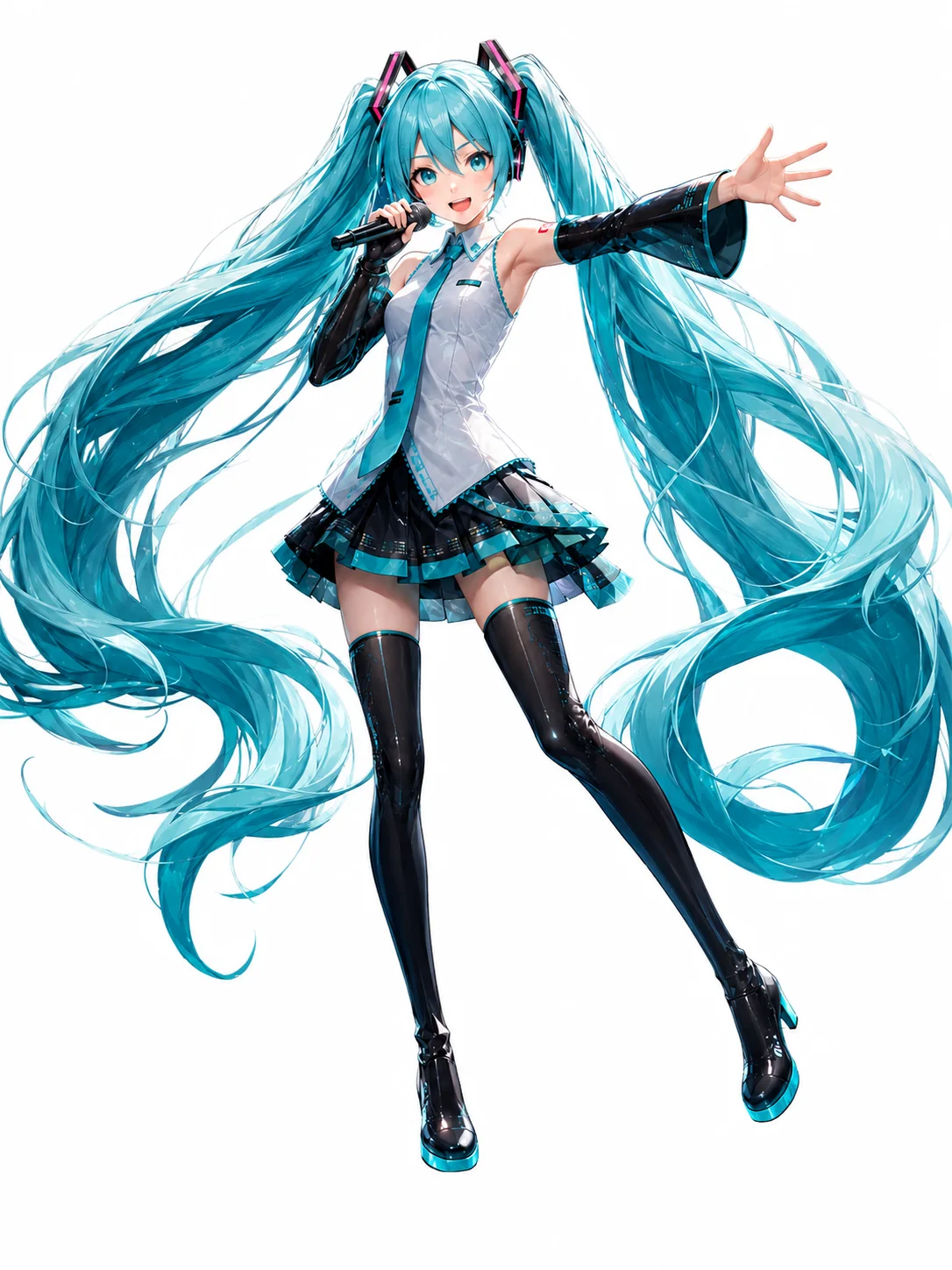
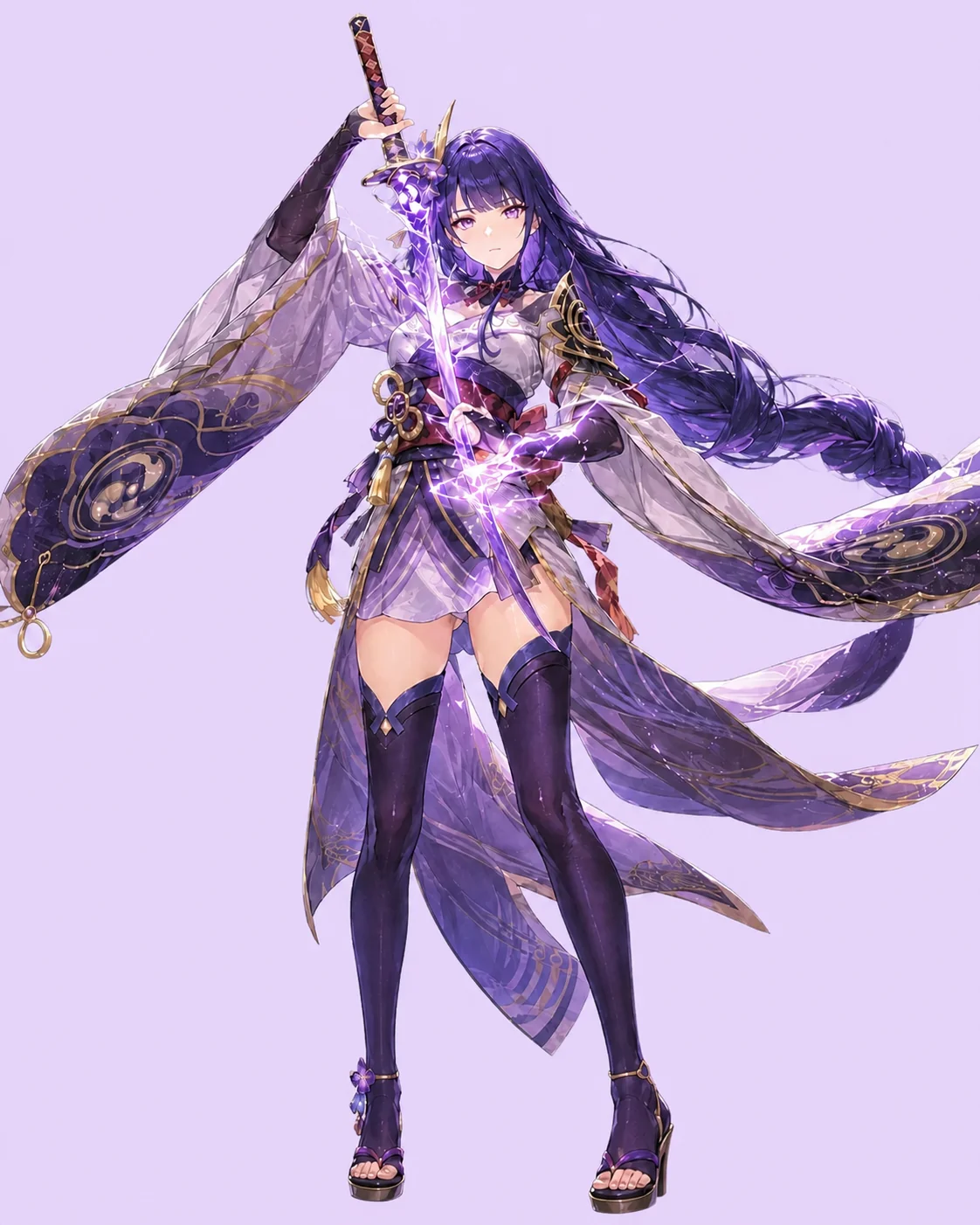
Photo to Sketch FAQs
What to know about photo quality, free credits, and your results.
Can I make a pencil sketch without a prompt?
Yes. Upload your photo, choose an available sketch style, and generate. No prompt is needed. Each generation creates one image for 10 credits.
What kind of photo works best?
Start with a sharp photo and a clearly visible subject. For portraits and pets, avoid distant faces or heavy blur. If the background draws attention away from the subject, crop the photo before uploading it.
Can I convert a photo to a sketch for free?
New users receive 40 free credits when they sign up for Try OC Maker. Each sketch costs 10 credits. The price appears beside Generate Sketch before you submit.
Will the sketch keep the details of my photo?
Your photo guides the drawing, but AI can change facial features, small objects, or background details. Start with a clear photo, choose your style, and check those features in the result.
What size will my sketch be?
Sketches are generated at 4K with an automatic aspect ratio guided by your photo. Download your sketch and check its actual pixel dimensions before choosing a print size.
Turn Your Next Photo
into a Sketch
Pick a photo worth keeping and turn it into a drawing you can save or share.
Create Your Sketch