User-friendly
No skills required. You can easily turn text into a Naruto OC in one click.
Imagine your shinobi’s village, outfit, and signature jutsu. Describe them to create a Naruto-inspired original character (OC), or begin with the available character options. Choose the style and framing, then refine your description to explore another version.
Your latest creations, grouped by local date.
No skills required. You can easily turn text into a Naruto OC in one click.
You can create Naruto OCs with AI wherever you are. Mobile or desktop.
No need to spend much time drawing your shinobi by hand. AI makes Naruto OC design easy and quick.
Create sharp, detailed character images suitable for profile pictures, fanfiction, and drawing references.
Download watermark-free Naruto OC images with a paid plan, ready for your personal projects.
In about 30 seconds, our AI can generate a Naruto-style character based on your description.
Study the outfits, colors, and accessories of these six characters from Naruto Shippuden. Use their designs as visual references when developing your own ninja.
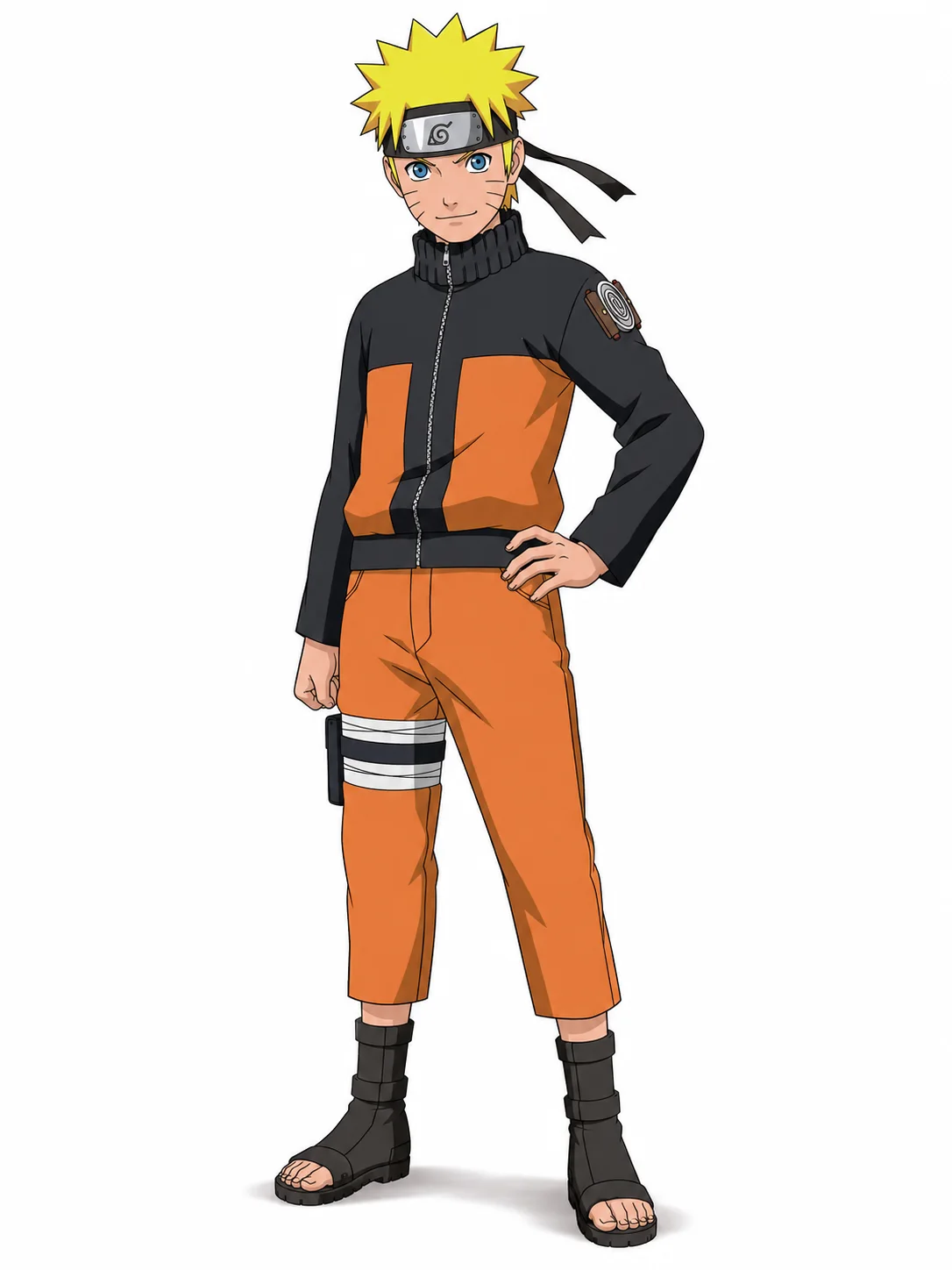
Identity: A shinobi from the Hidden Leaf Village and the jinchūriki of the Nine-Tailed Fox.
Naruto has bright blue eyes, spiky blond hair, and three whisker-like marks on each cheek. This Shippuden reference shows his black-and-orange jacket, orange pants, black forehead protector, and open-toed ninja sandals.
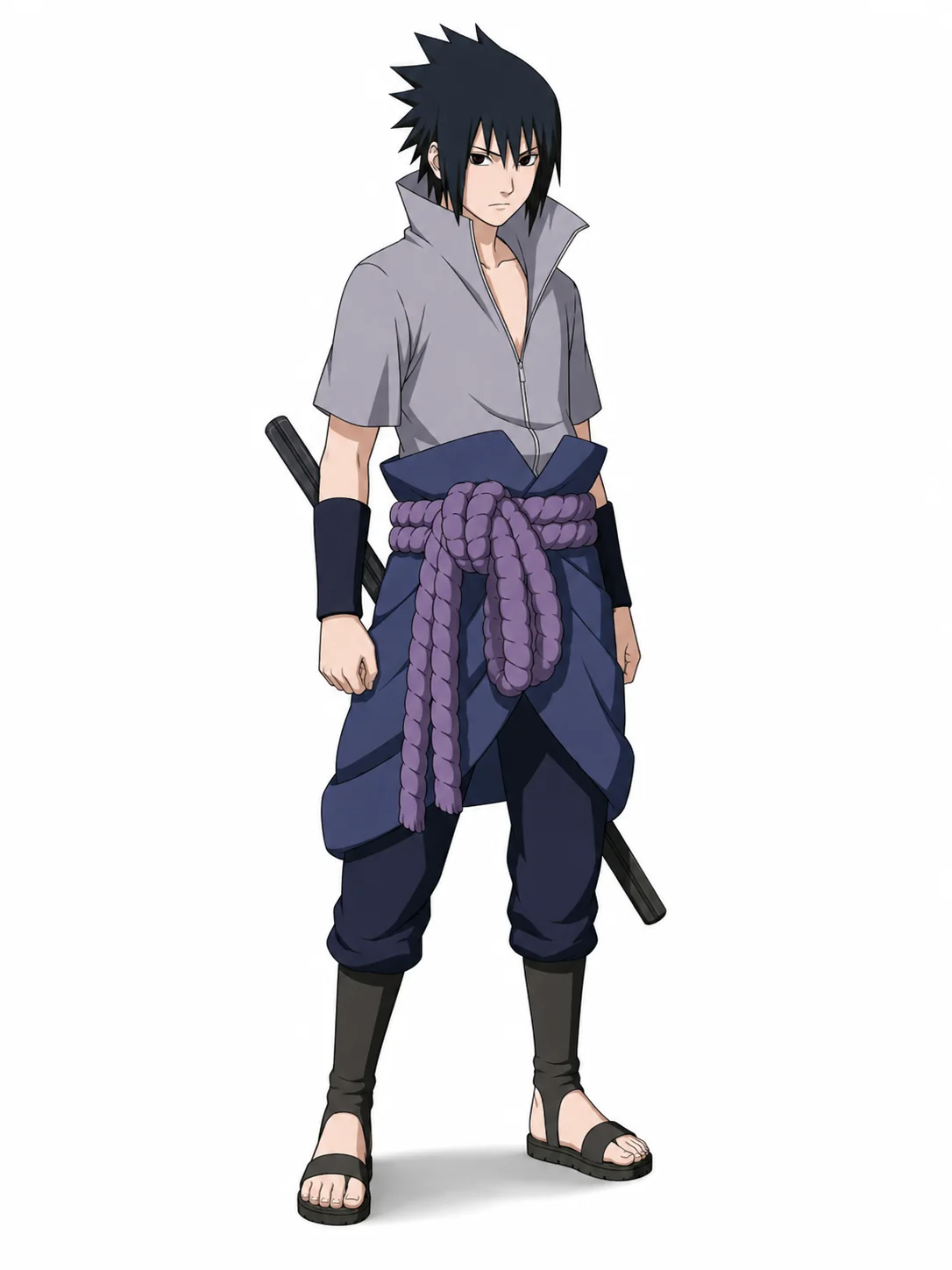
Identity: A member of the Uchiha clan, a former member of Team 7, and Naruto’s longtime rival.
Sasuke has pale skin, dark eyes, and black hair with long bangs framing his face. This Shippuden reference shows a light gray, high-collared shirt open at the chest, dark pants, forearm guards, and a thick purple rope belt. A sword rests at his waist.
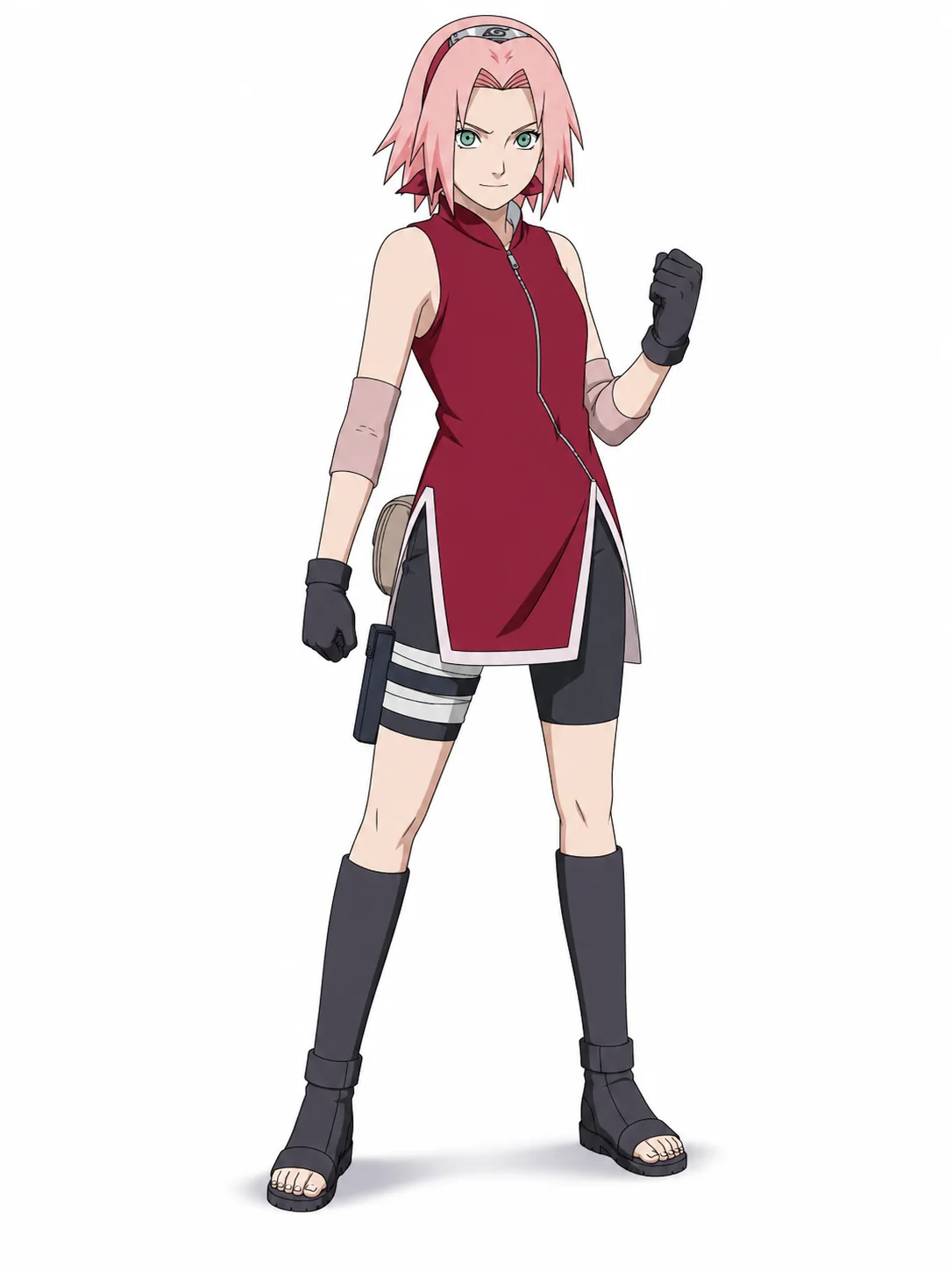
Identity: A kunoichi from the Hidden Leaf Village, a member of Team 7, and a skilled medical ninja trained by Tsunade.
Sakura has short pink hair and green eyes, with her forehead protector worn like a hairband. This Shippuden reference shows a long sleeveless red top with pale trim, black shorts and gloves, pink elbow guards, and dark open-toed boots.
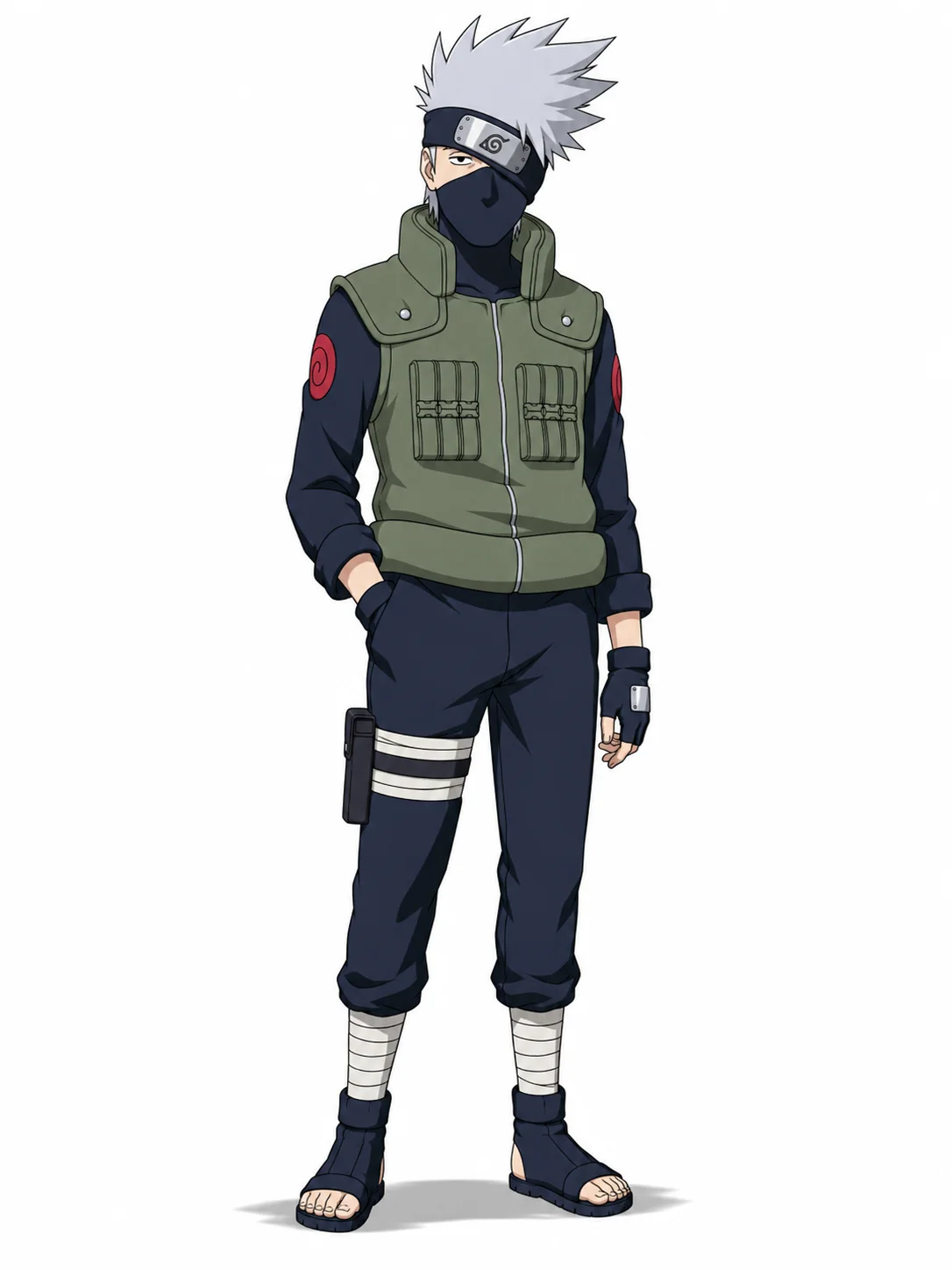
Identity: The leader of Team 7, an elite jōnin of the Hidden Leaf Village, and the ninja known as Kakashi of the Sharingan.
Kakashi has spiky silver hair, one visible dark eye, and a black mask covering the lower half of his face. His forehead protector is tilted over his left eye to hide his Sharingan. He usually wears a green tactical flak jacket over a dark blue ninja uniform, along with fingerless gloves and open-toed sandals.
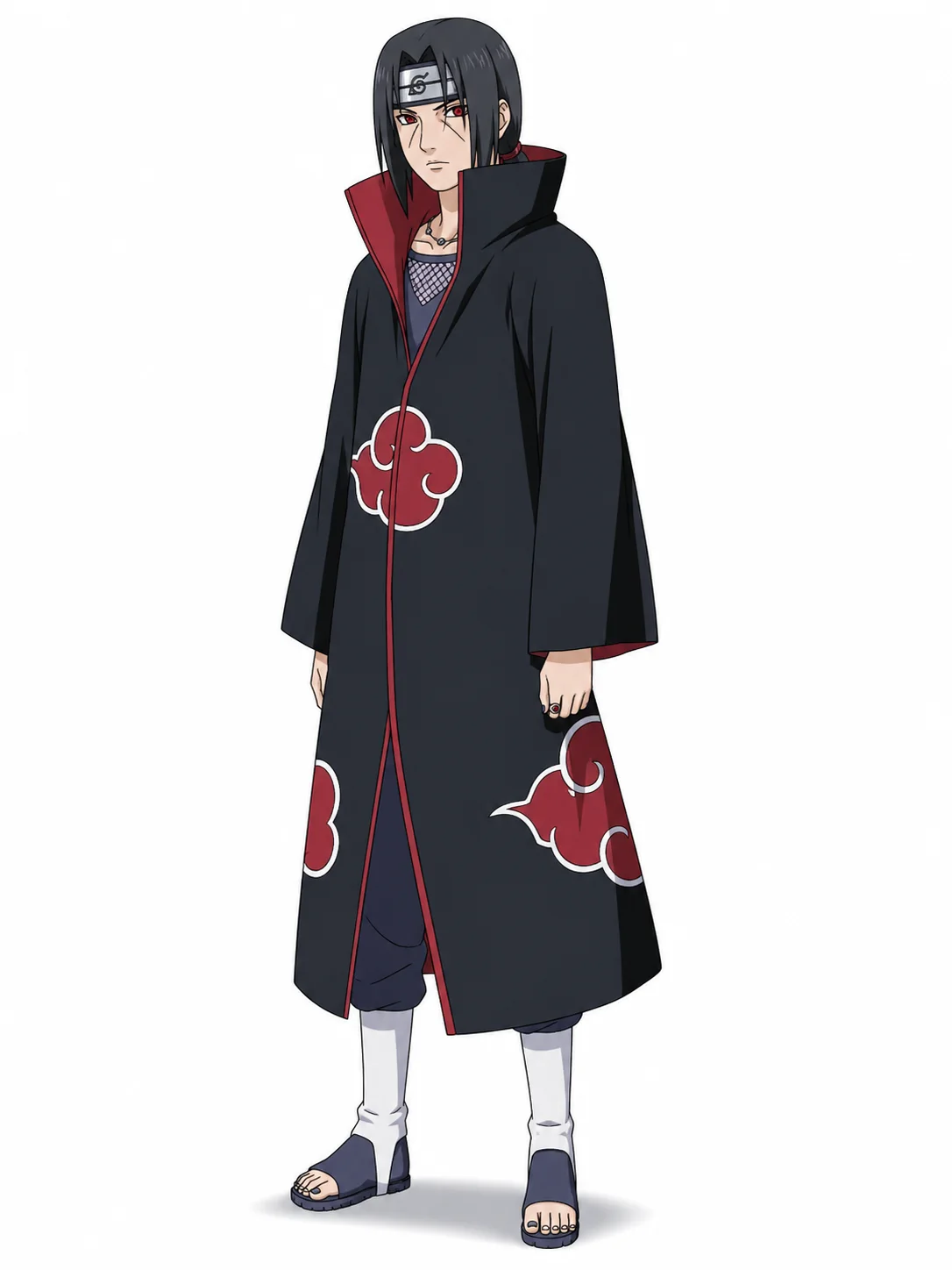
Identity: A gifted Uchiha shinobi, Sasuke’s older brother, and a member of the Akatsuki.
Itachi has long black hair framing his face, red Sharingan eyes, and visible lines beneath them. This reference shows the Akatsuki’s black cloak with red clouds and a high collar, pale leg coverings, and open-toed sandals. His Hidden Leaf forehead protector has a slash across its symbol.
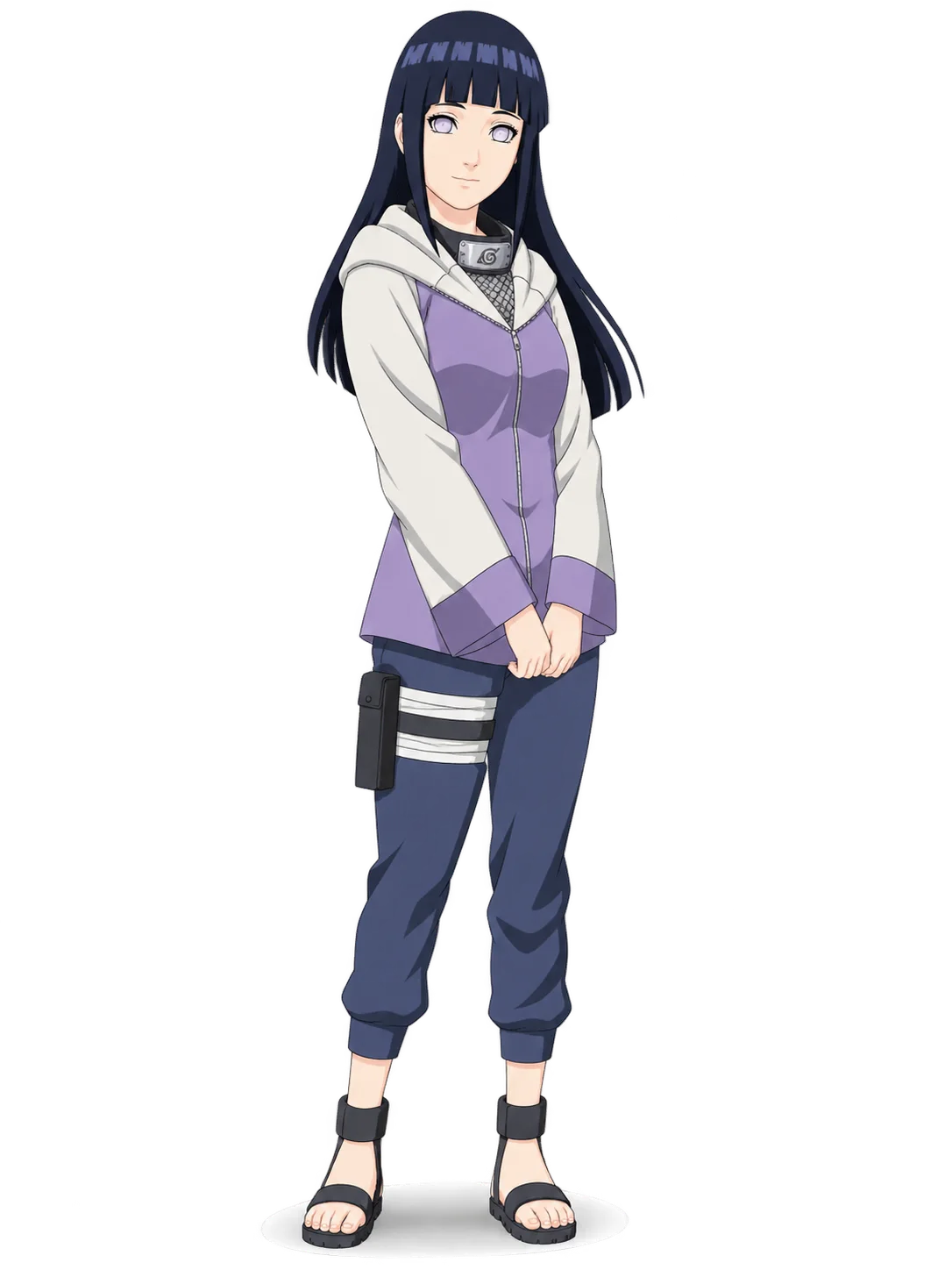
Identity: A kunoichi from the Hidden Leaf Village, a member of the Hyuga clan, and a user of the Byakugan.
Hinata has pale lavender eyes and long dark-blue hair with straight bangs. This Shippuden reference shows a lavender-and-cream hooded jacket, dark blue pants, and open-toed ninja sandals. Her Hidden Leaf forehead protector is worn around her neck.
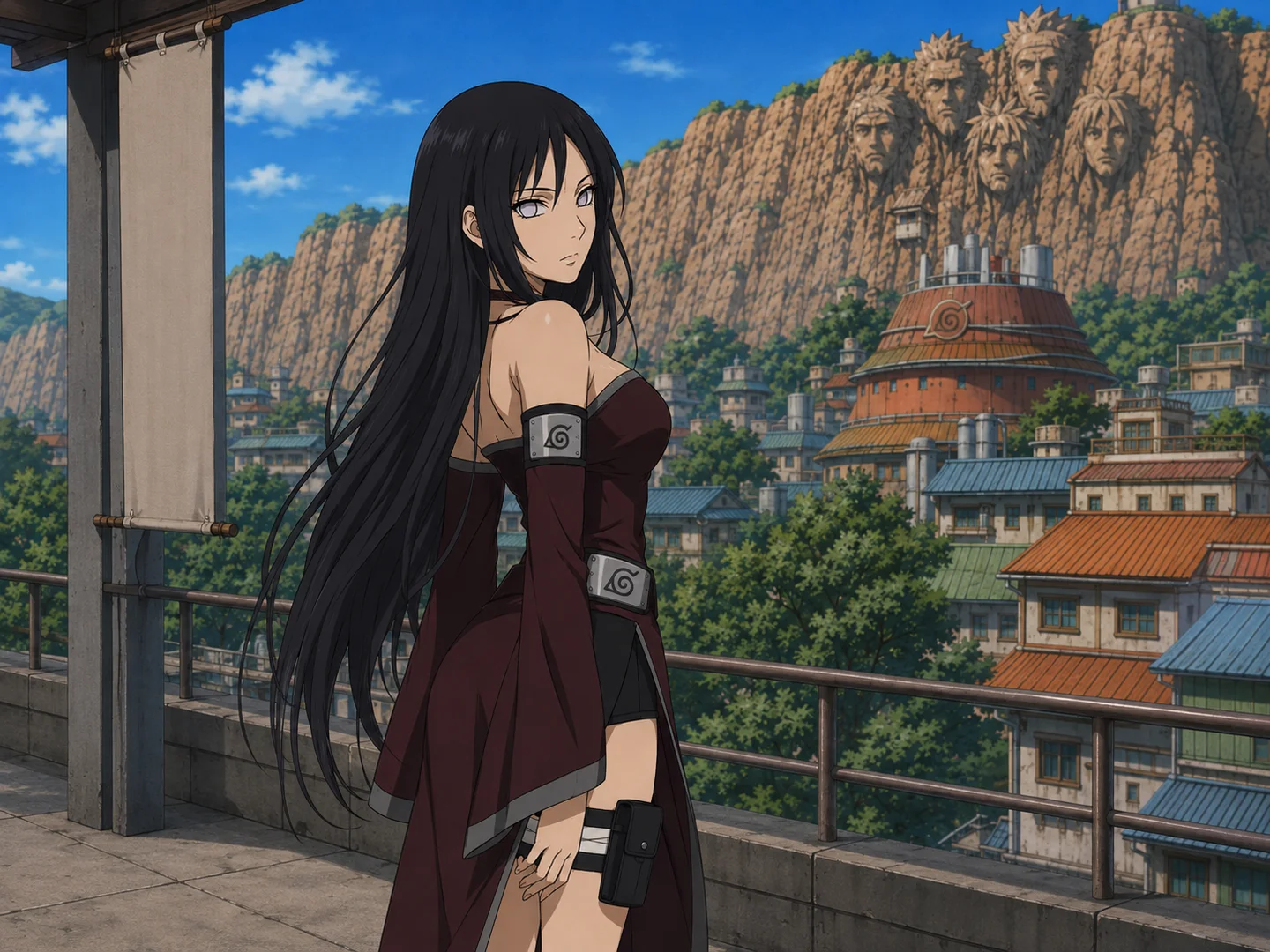
Ever wondered how you would look as a Naruto character? With our AI Naruto OC Maker, you can turn your photo into a shinobi-inspired character. You don't need to spend time learning how to draw. Simply upload a picture, and our Naruto OC creator will use it to guide your character’s appearance. Add a village headband, ninja outfit, and chakra effect to complete the look. Whether you see yourself as a Hidden Leaf ninja, an ANBU operative, or a missing-nin, make your Naruto character your own.
Create Your Naruto OC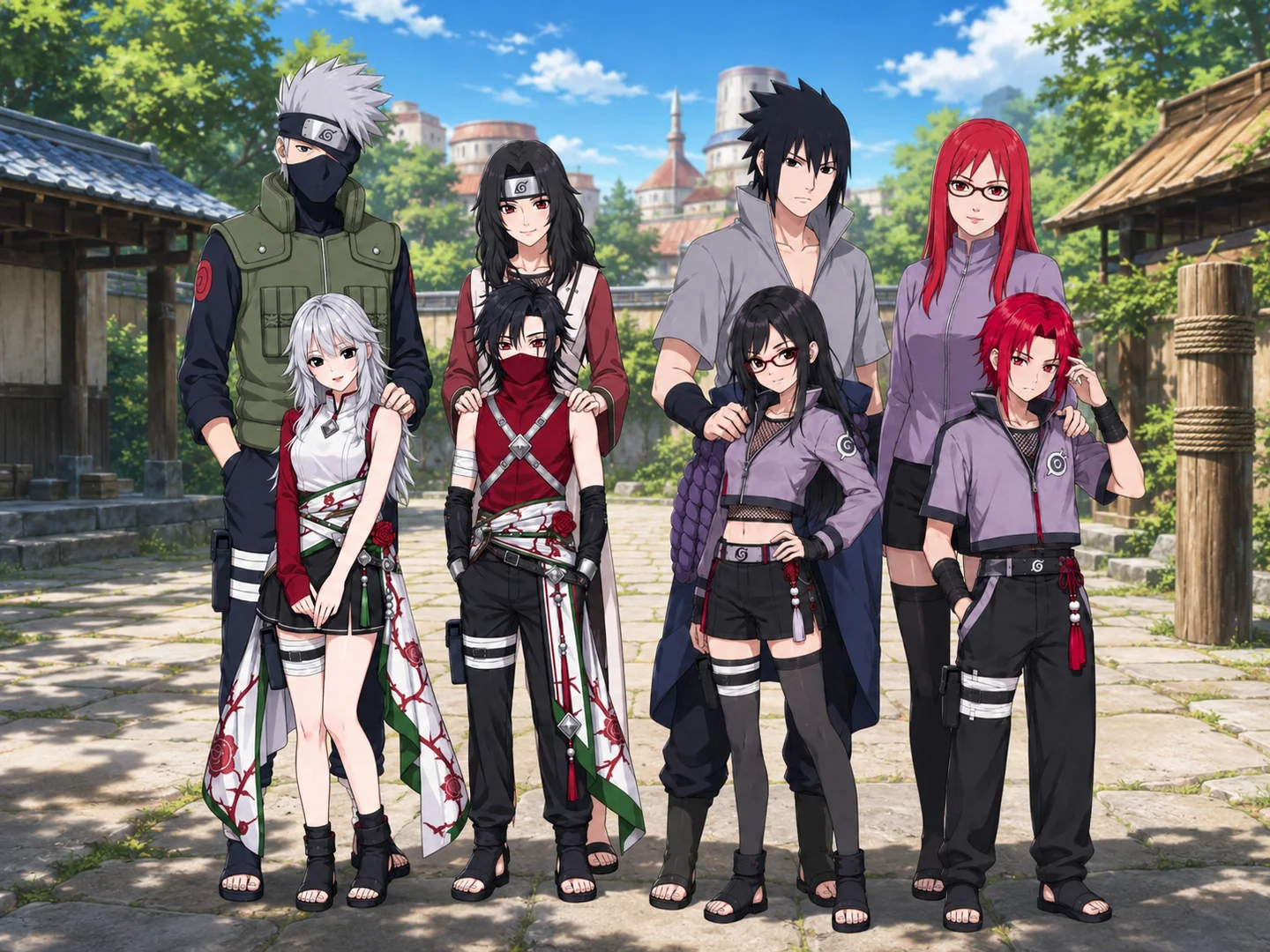
Create your own Naruto character with just a few words. Our Naruto OC generator turns text prompts into shinobi character art. Describe your OC’s hair, outfit, village, clan, signature jutsu, and pose, and let AI generate a character based on your idea. You can create a character Naruto fans would recognize as part of the shinobi world, from a young medical ninja to a seasoned swordsman.
Make a Naruto OC from Text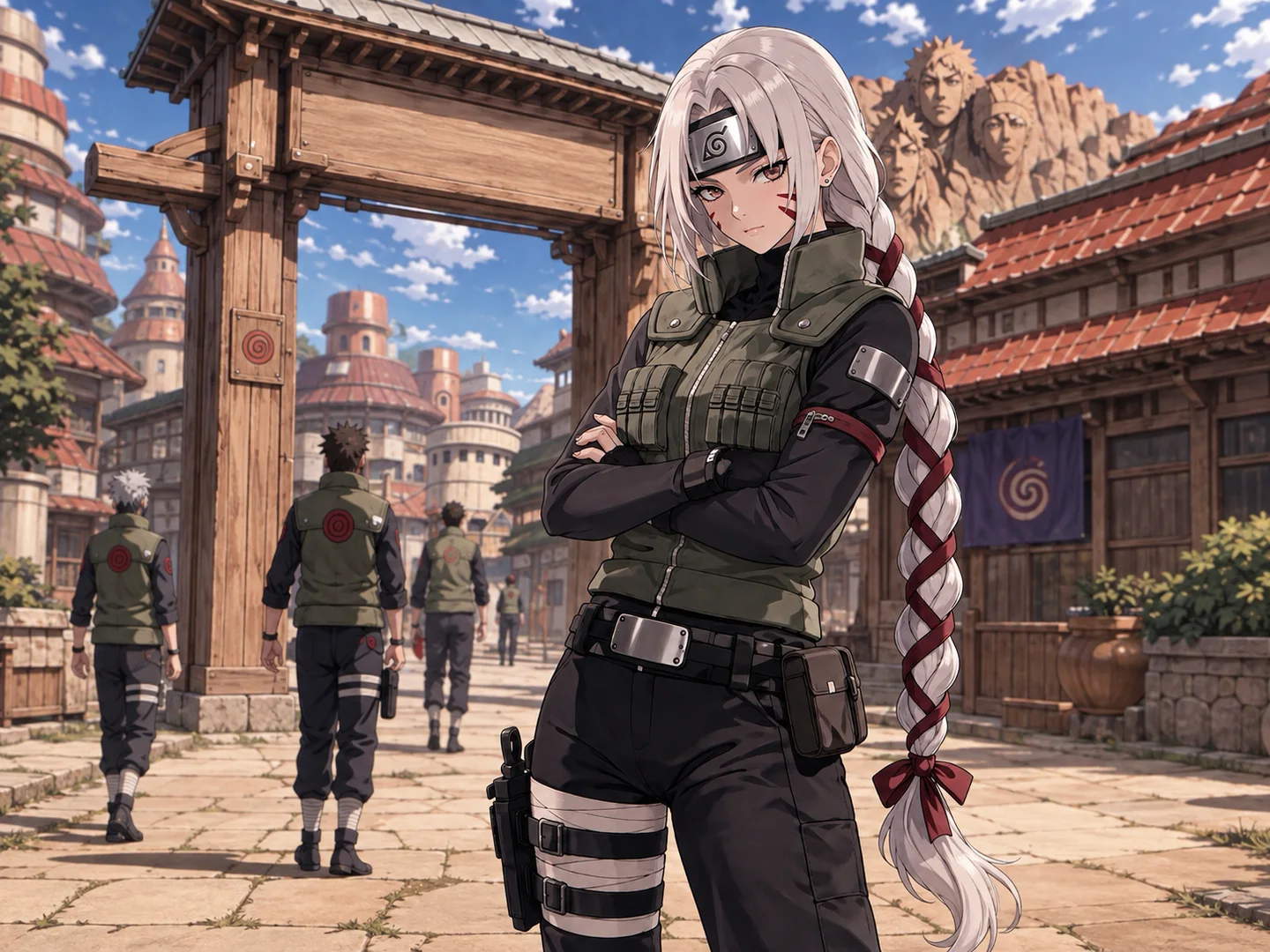
Generate a Naruto OC from a sketch or reference image with AI! Simply upload an image, and our Naruto OC Maker will use it to guide your new character’s appearance. Try it to turn a rough character concept into a ninja wearing the outfit, headband, and gear you describe. The Naruto OC creator also lets you revise your prompt and generate another version when you want to explore a different look.
Create a Naruto OC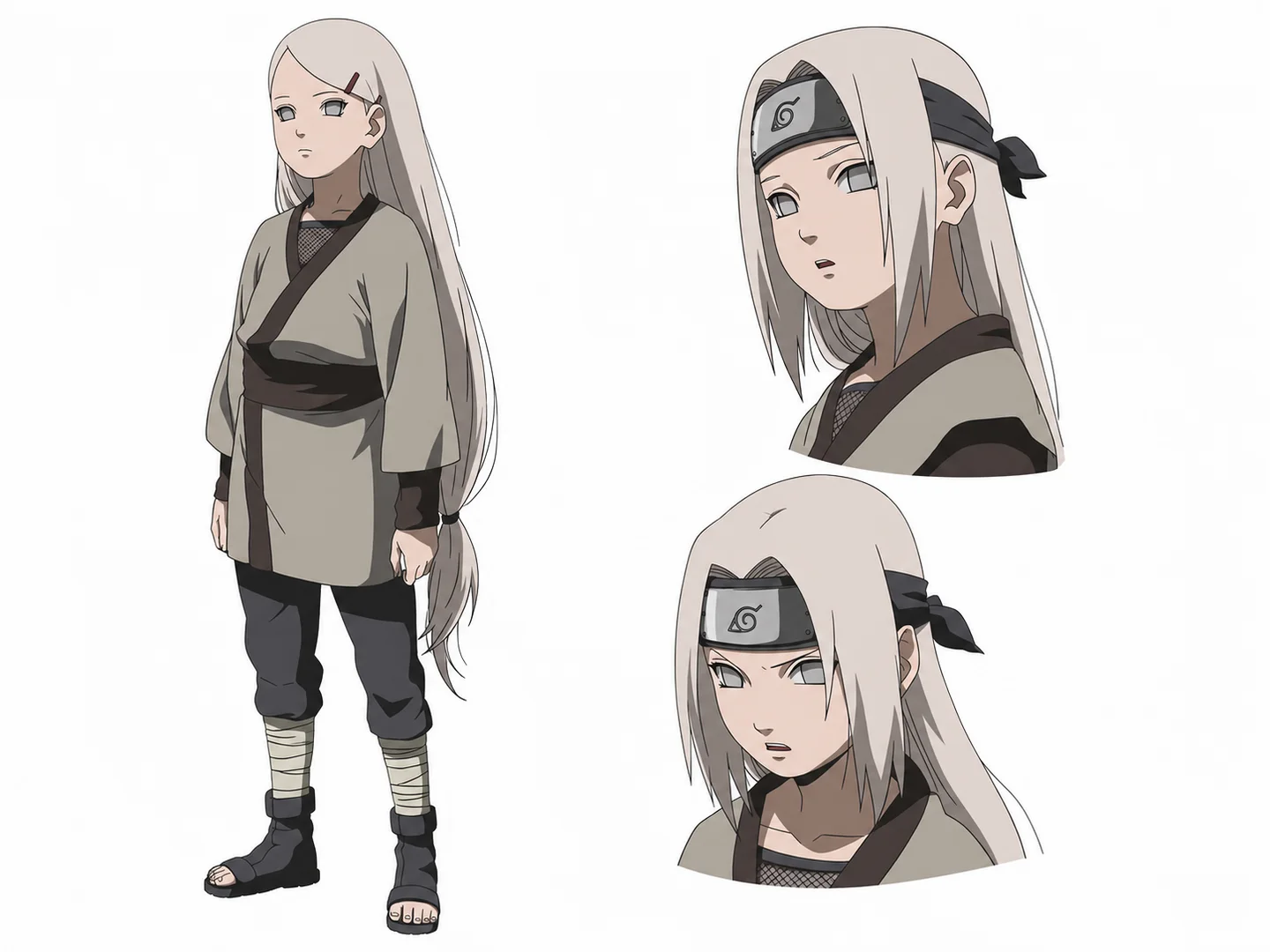
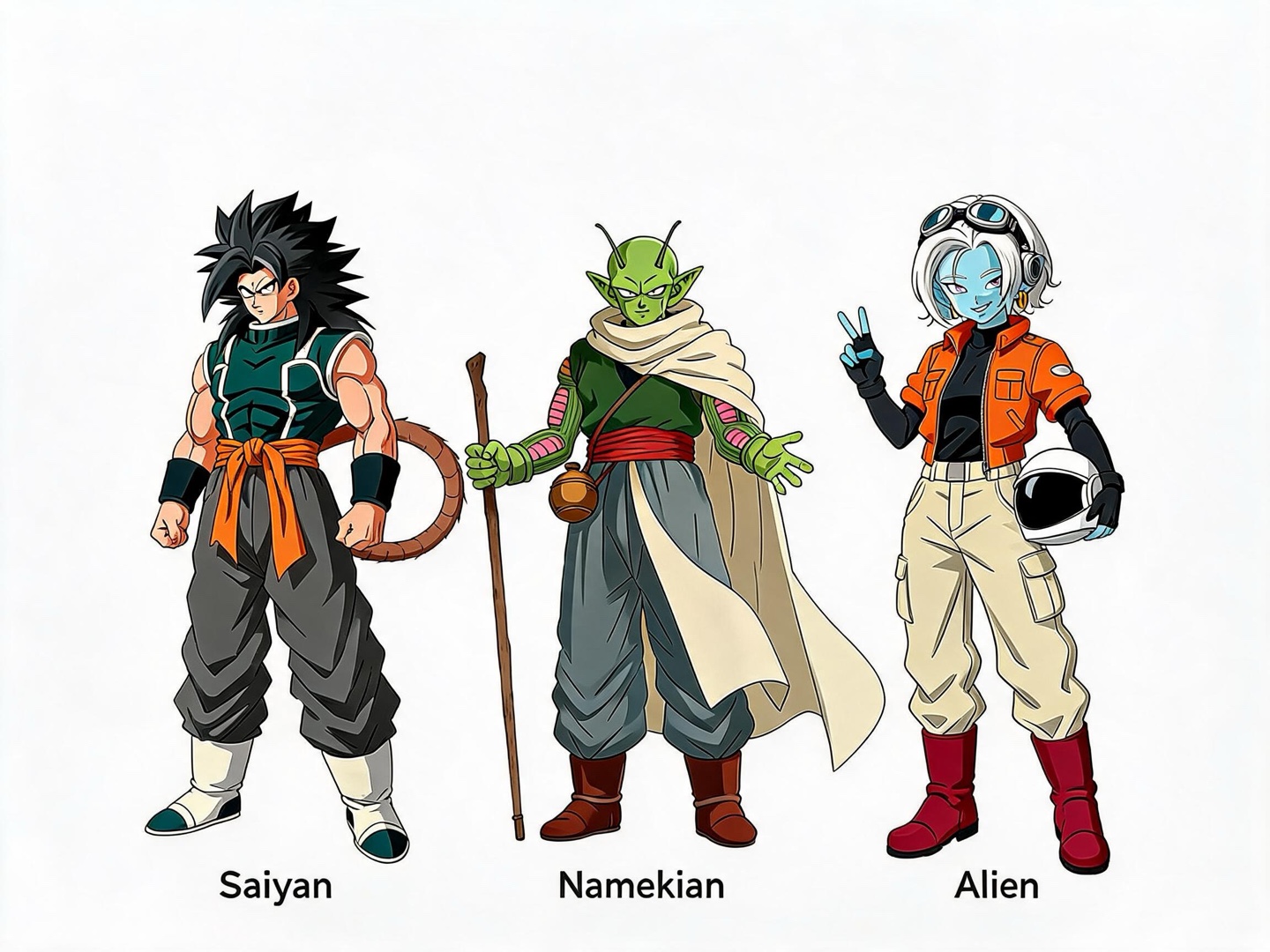
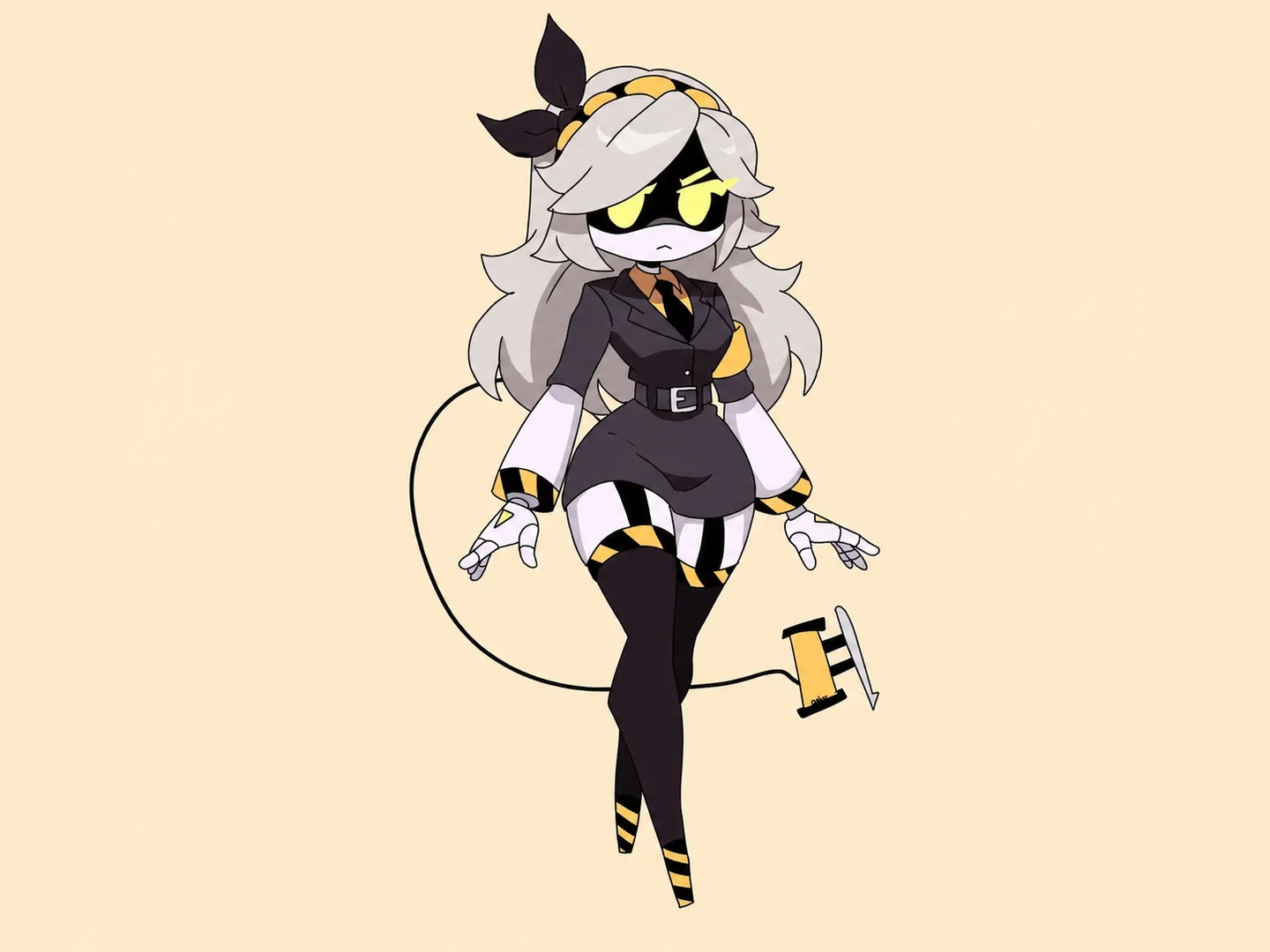
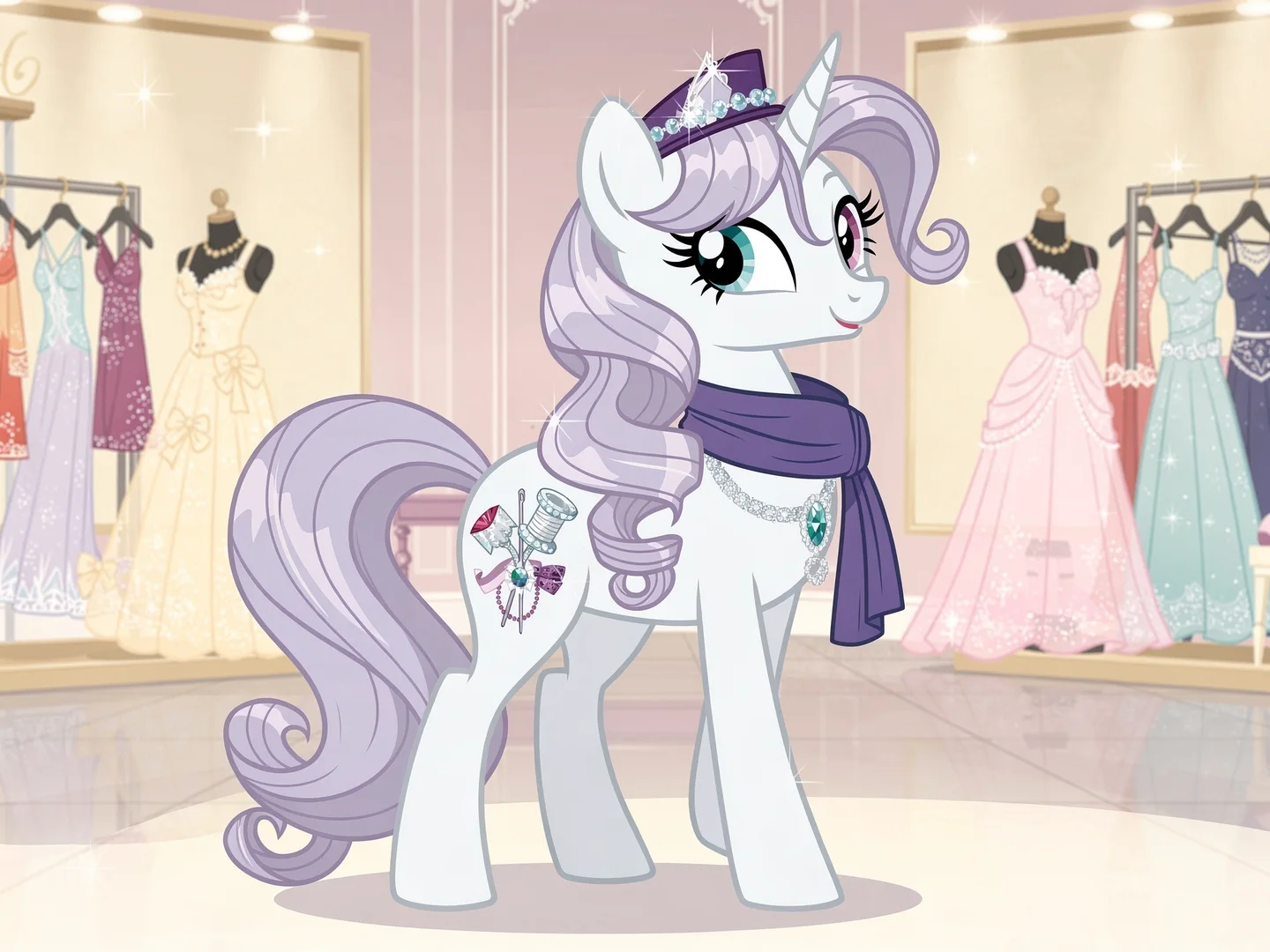
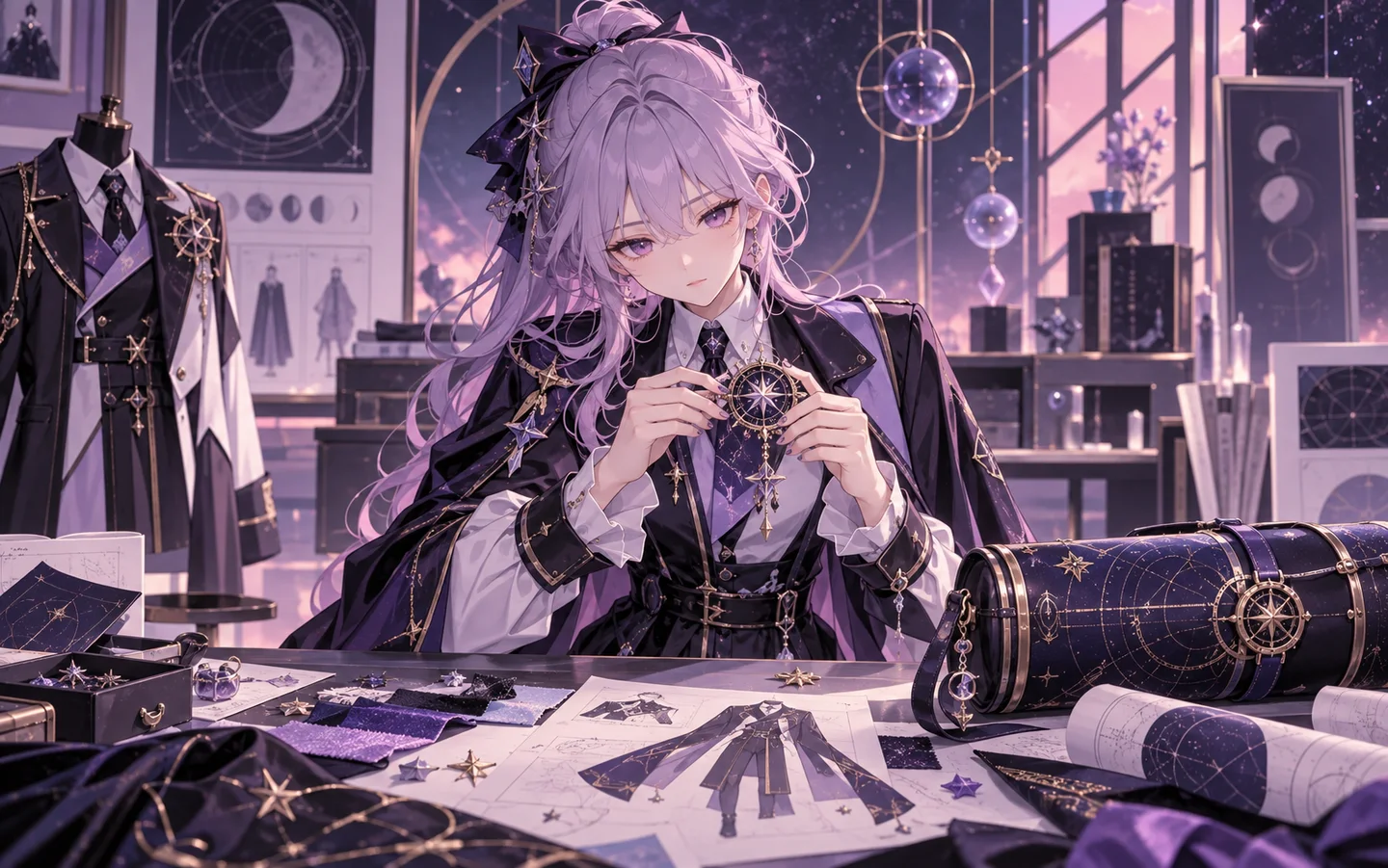
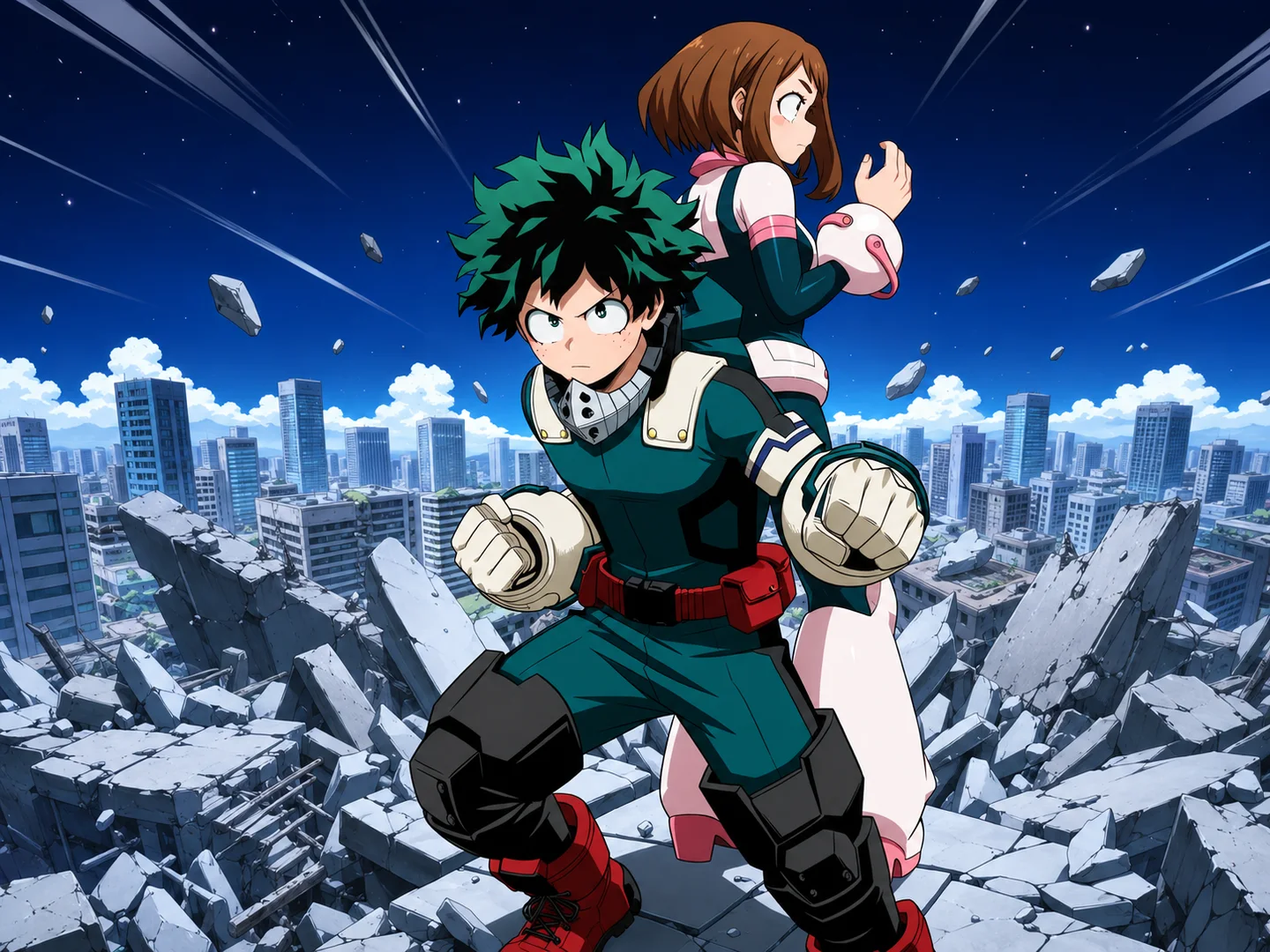
Make your own Naruto character with a unique twist. Our AI Naruto OC Maker allows you to generate characters in multiple anime styles, from black-and-white manga art to modern 3D anime aesthetics or hand-painted anime looks. Whether you prefer a Naruto OC kunoichi or an OC-based shinobi boy, the Naruto character creator adapts to your creative vision. Make Naruto or Sasuke in different styles now.
Make Naruto Character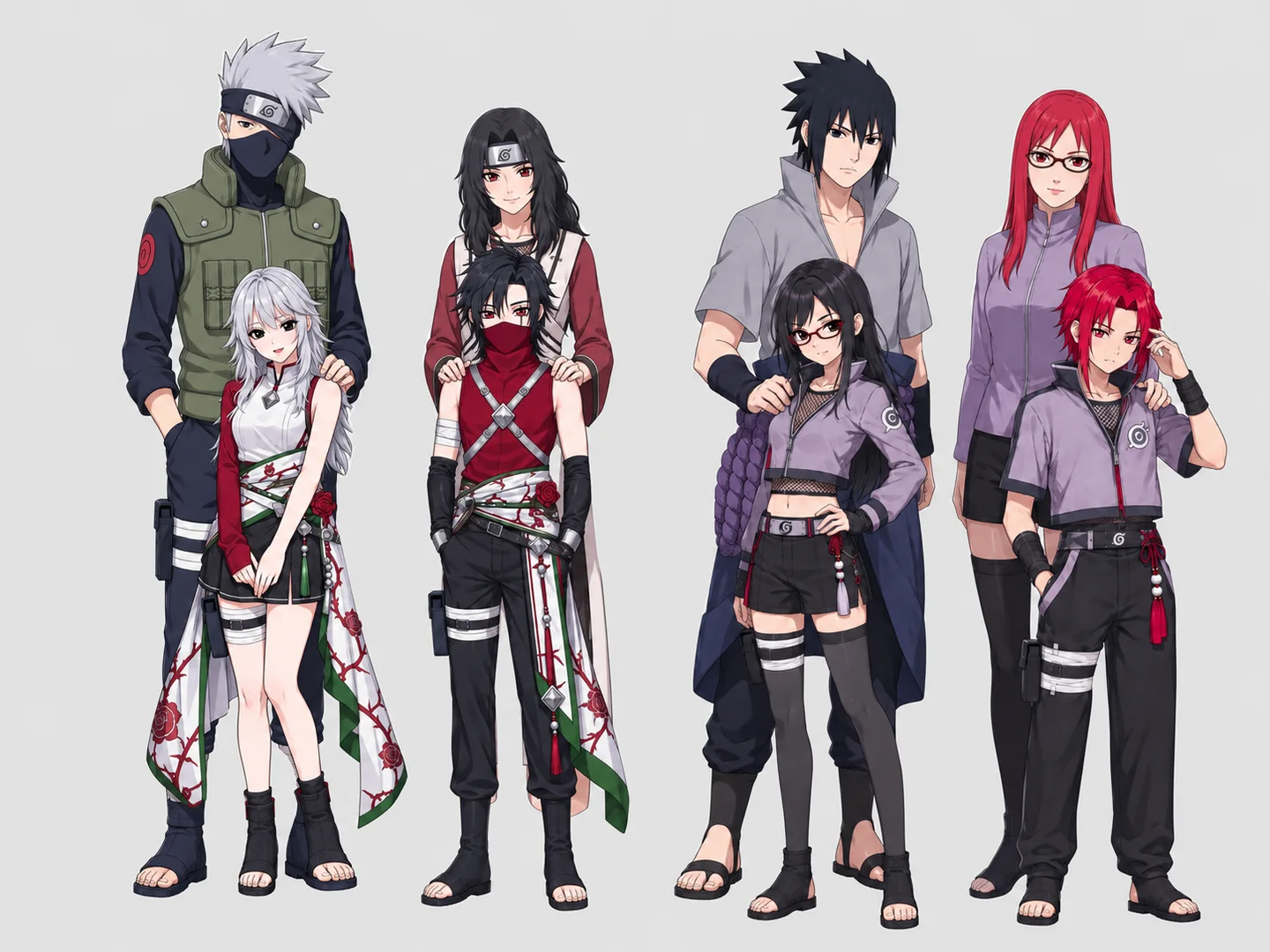
You can do even more! Turn your Naruto OC into an animated video with the AI Animation Generator tool! Our Naruto OC Maker lets you create an original shinobi image, then animate it with smooth motion. You can bring your character to a Hidden Leaf training ground. Whether you create a short character introduction or a Naruto-style fight clip, the Naruto OC generator and animation tool help you make vivid videos with ninja backgrounds, battle poses, and chakra effects. Share your Naruto OC animation on social media, YouTube, or anime forums.
Refine Another VersionUpload a photo or sketch you like to make your Naruto OC, or start without an image.
Add a text prompt to describe your shinobi’s appearance, outfit, abilities, and pose. Choose character tags, a style, and an aspect ratio.
Click the “Generate Character” button and download the Naruto OC you like.
Picture the Shinobi in Your Story
Describe your Naruto OC’s appearance, village, and role in the story. Create a portrait for your fanfiction or a visual reference for your fan manga. Try a younger or older look as the plot unfolds.
Create a Reference for Your Naruto OC
Use the Naruto OC Maker to try different hairstyles, outfits, and poses. Keep the image as a reference when drawing your OC or commissioning an artist.
Give Your Roleplay Shinobi a Face
Describe your Naruto OC’s clan, clothing, and signature ability. Pair the finished image with your roleplay profile so other players can picture your shinobi.
See Yourself as a Naruto OC
Upload a photo or describe your features. Choose a village, outfit, and pose to create a Naruto OC inspired by you.
Introduce Your Naruto OC to Other Fans
Share your Naruto OC’s image alongside their name, abilities, and backstory. Try a new outfit or an older design, then get feedback in communities that welcome AI art.
/w1440.webp)
/w1440.webp)
/w1440.webp)
/w1440.webp)
/w1440.webp)
/w1440.webp)
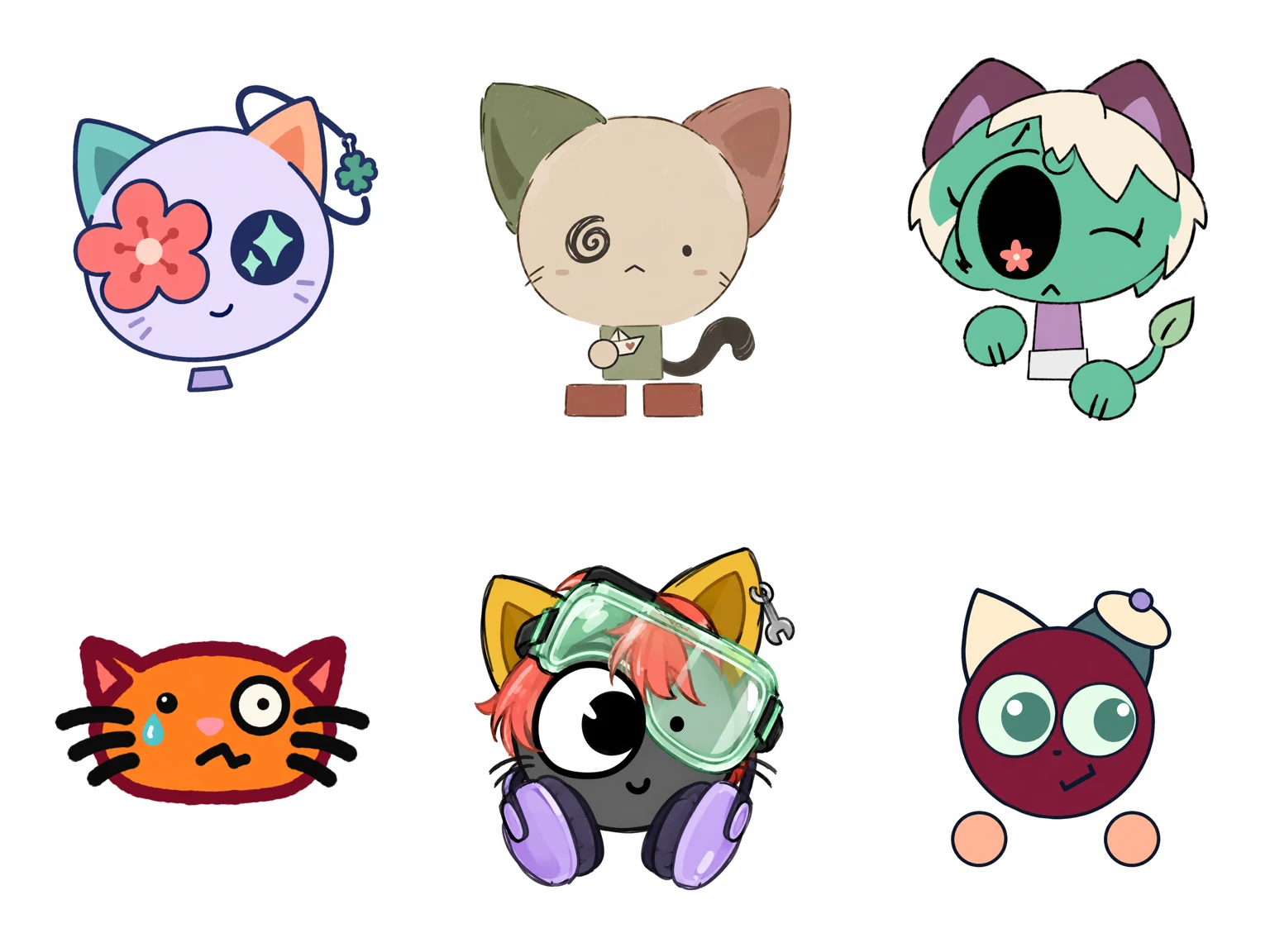
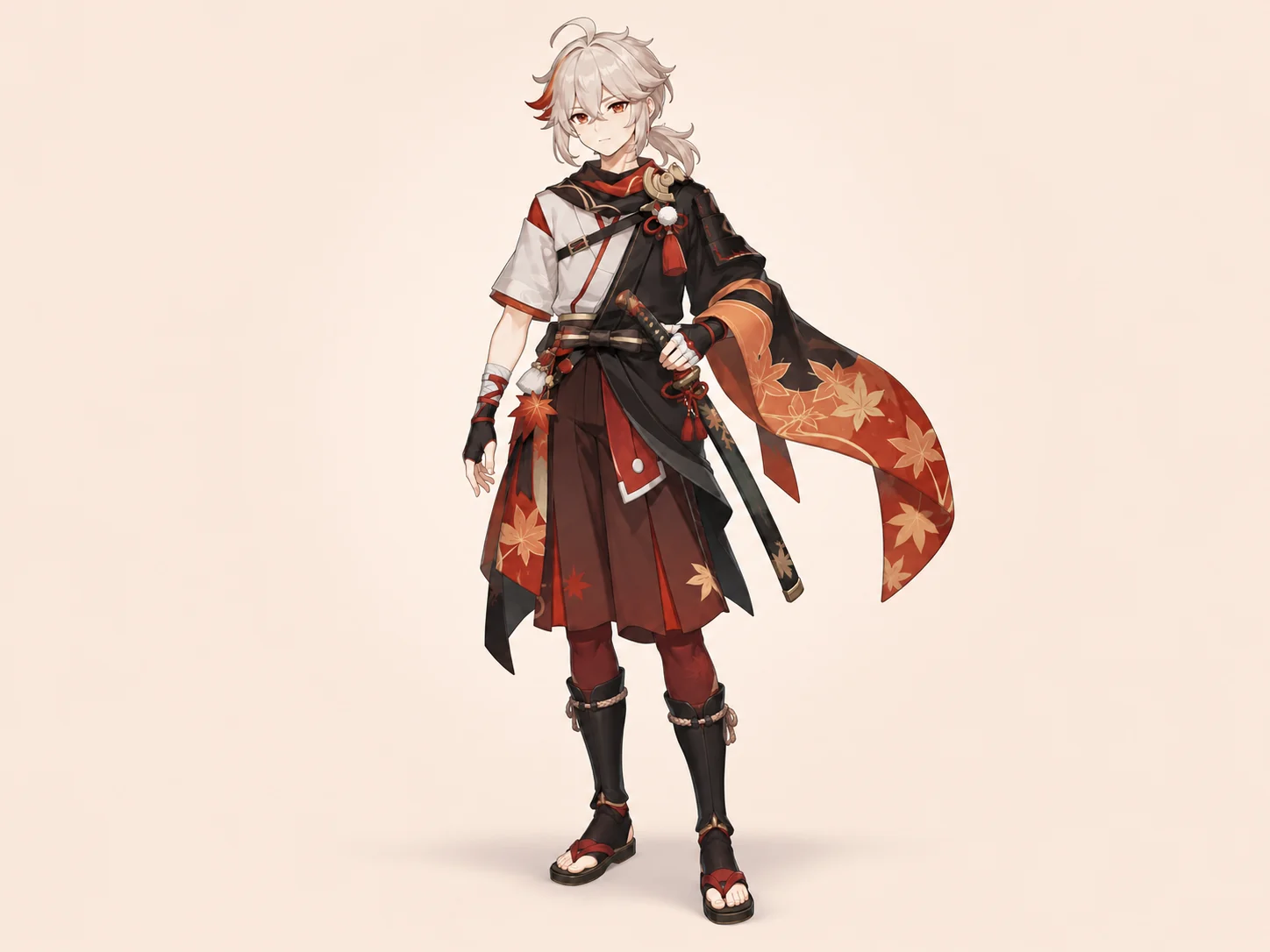
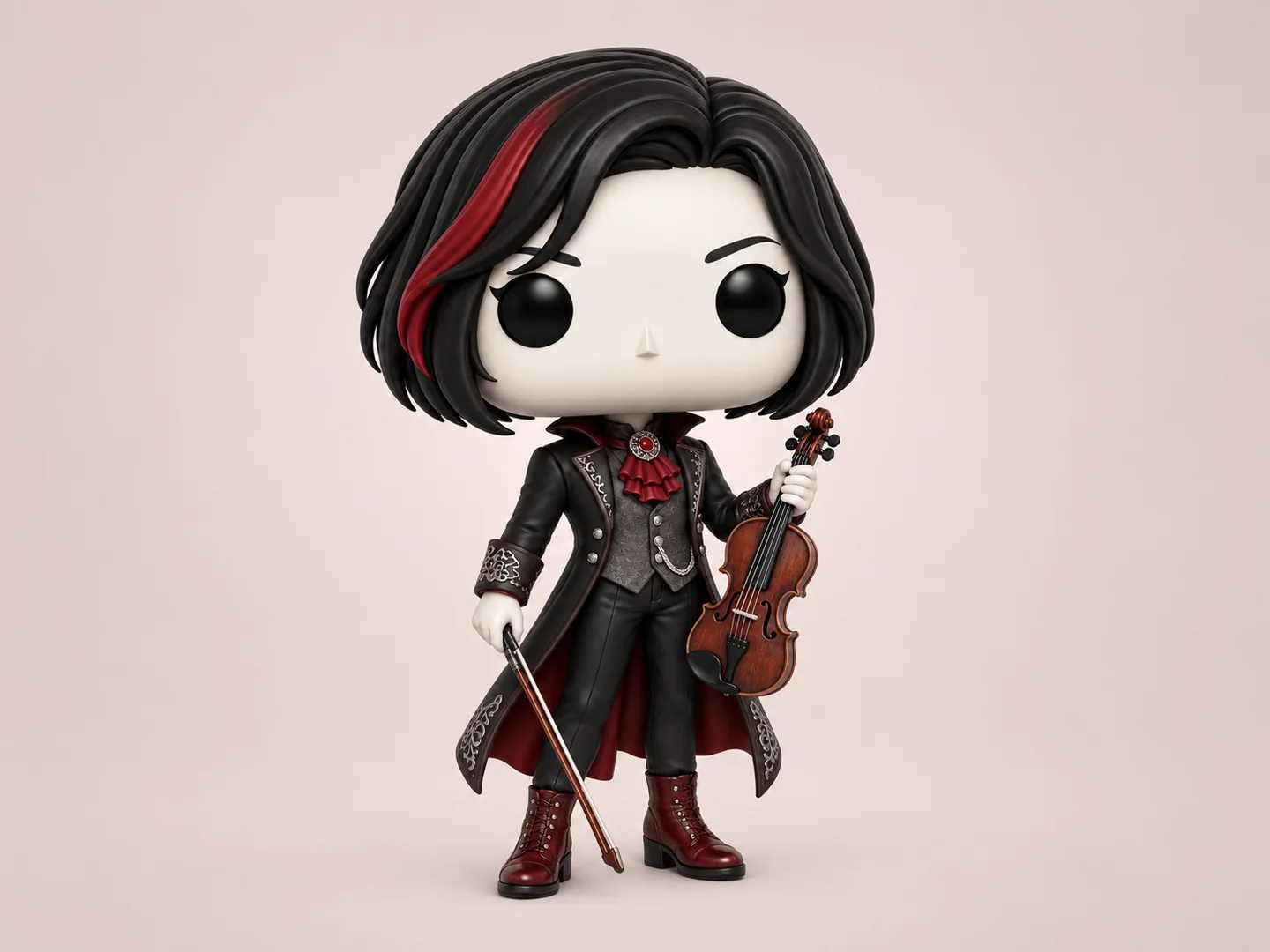
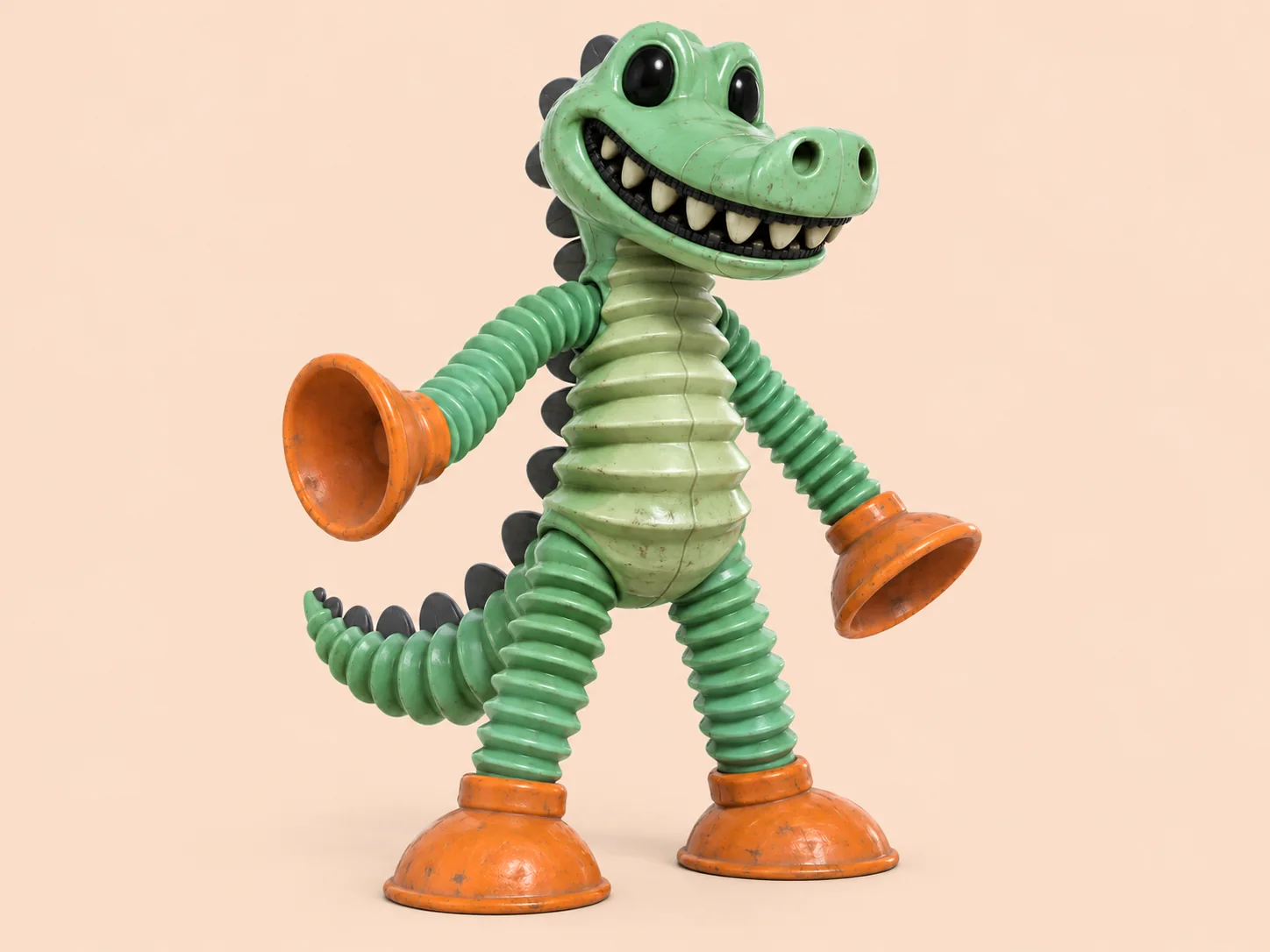
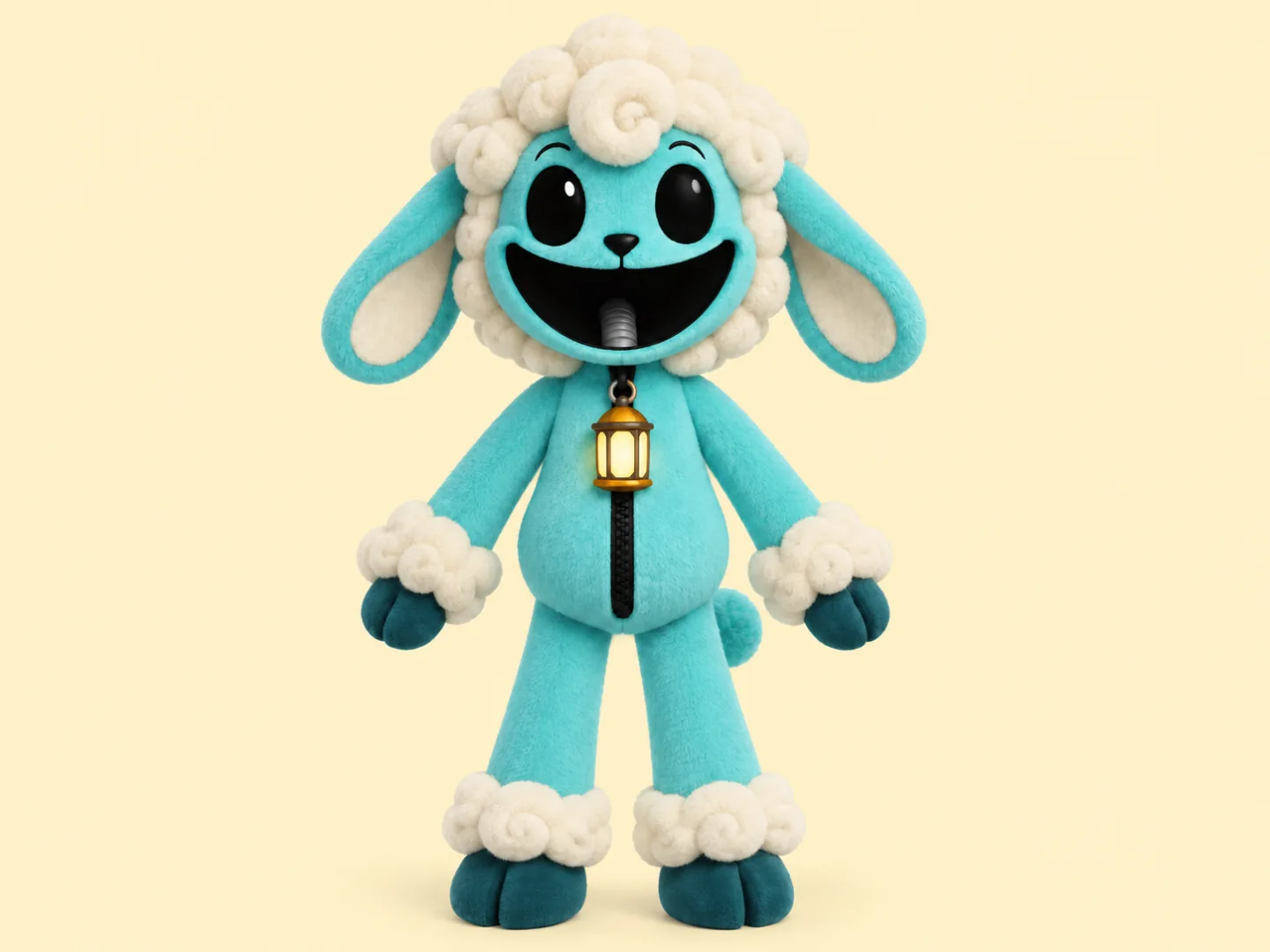
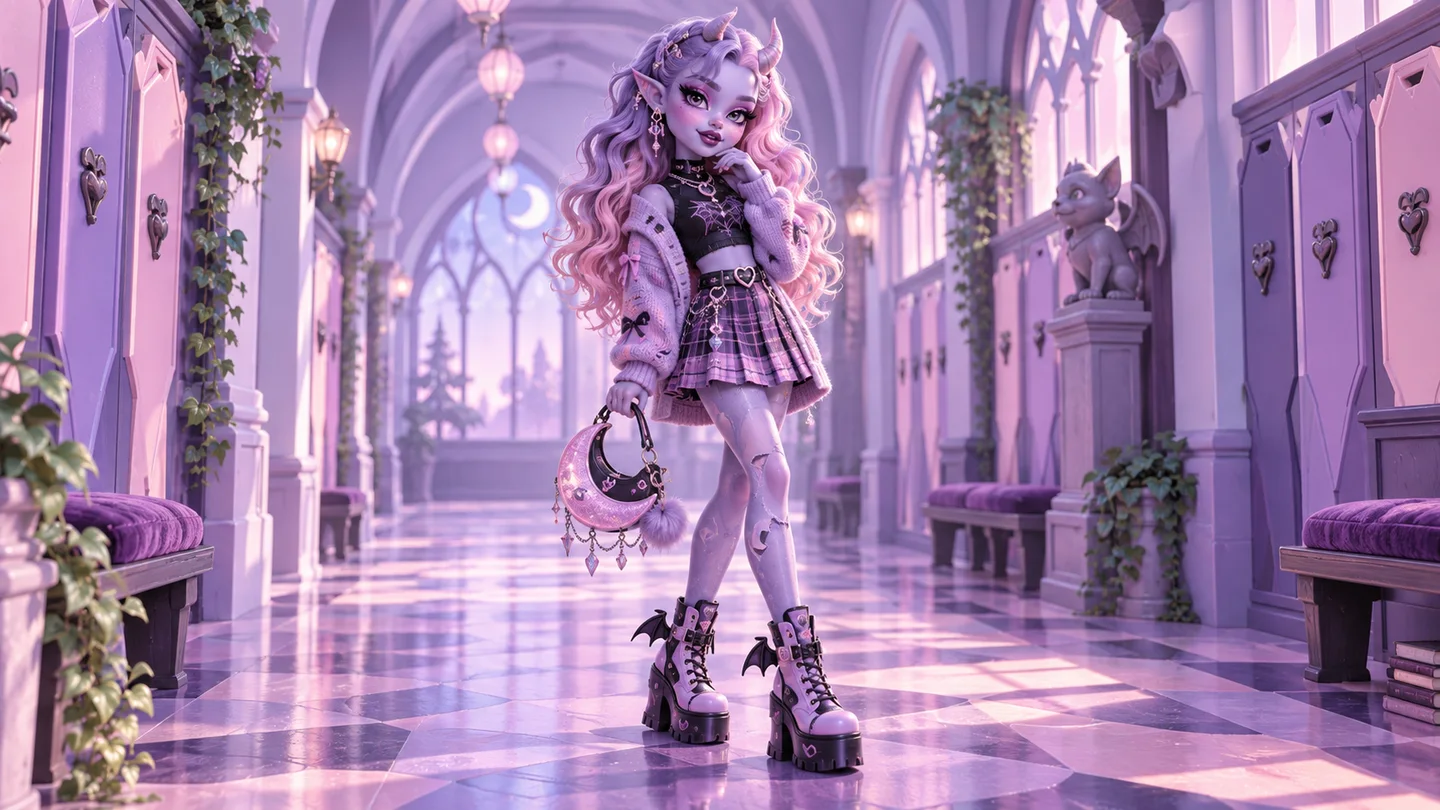
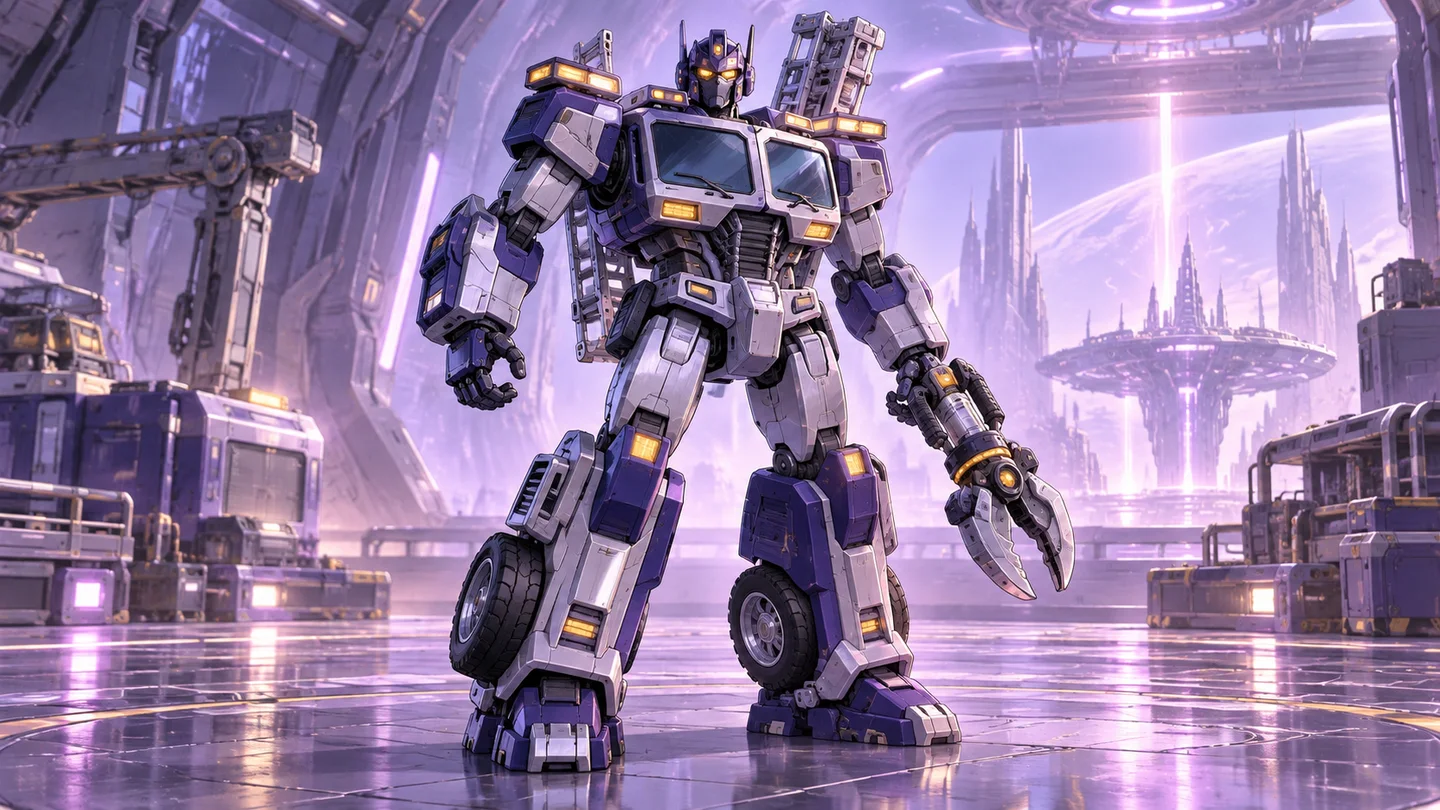
/w1440.webp)
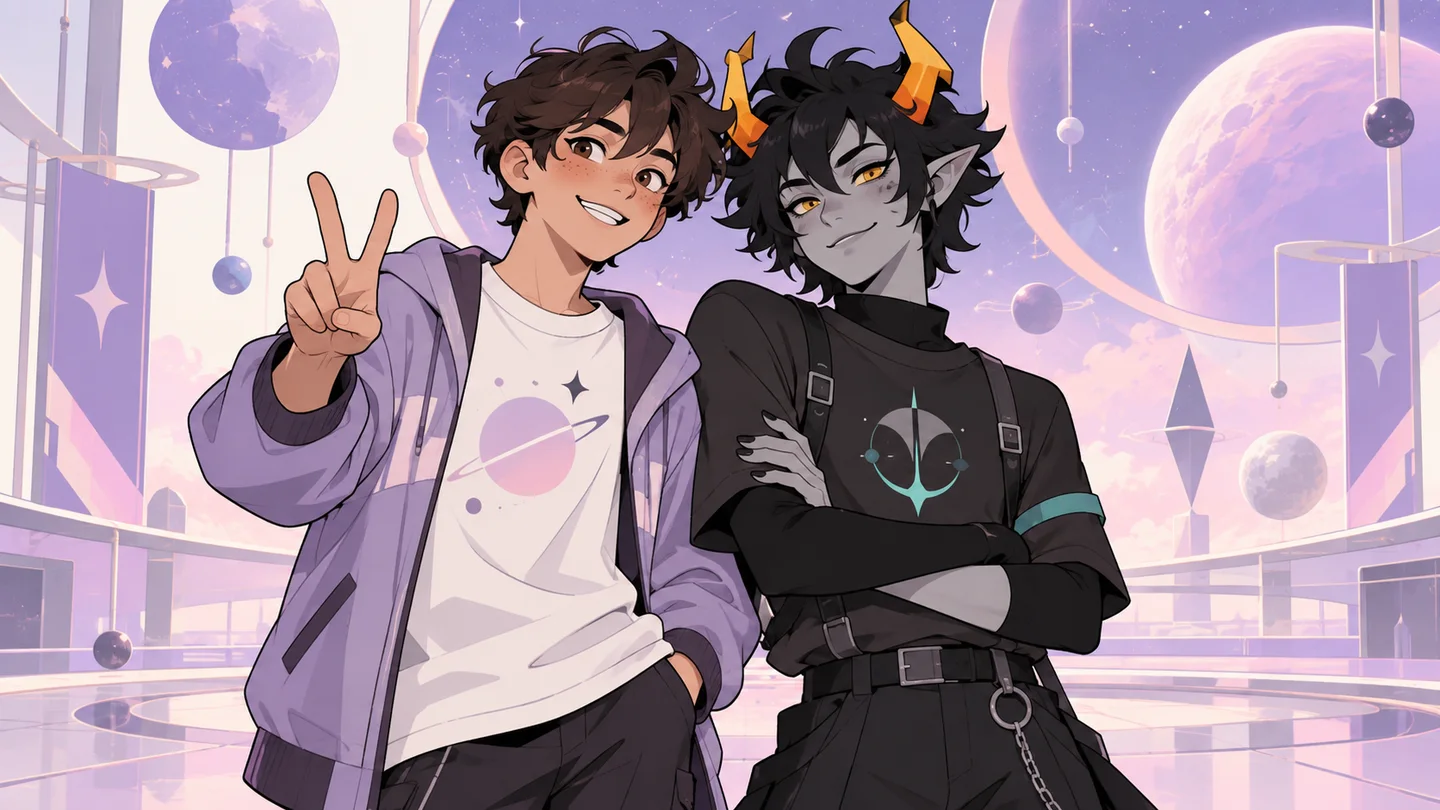
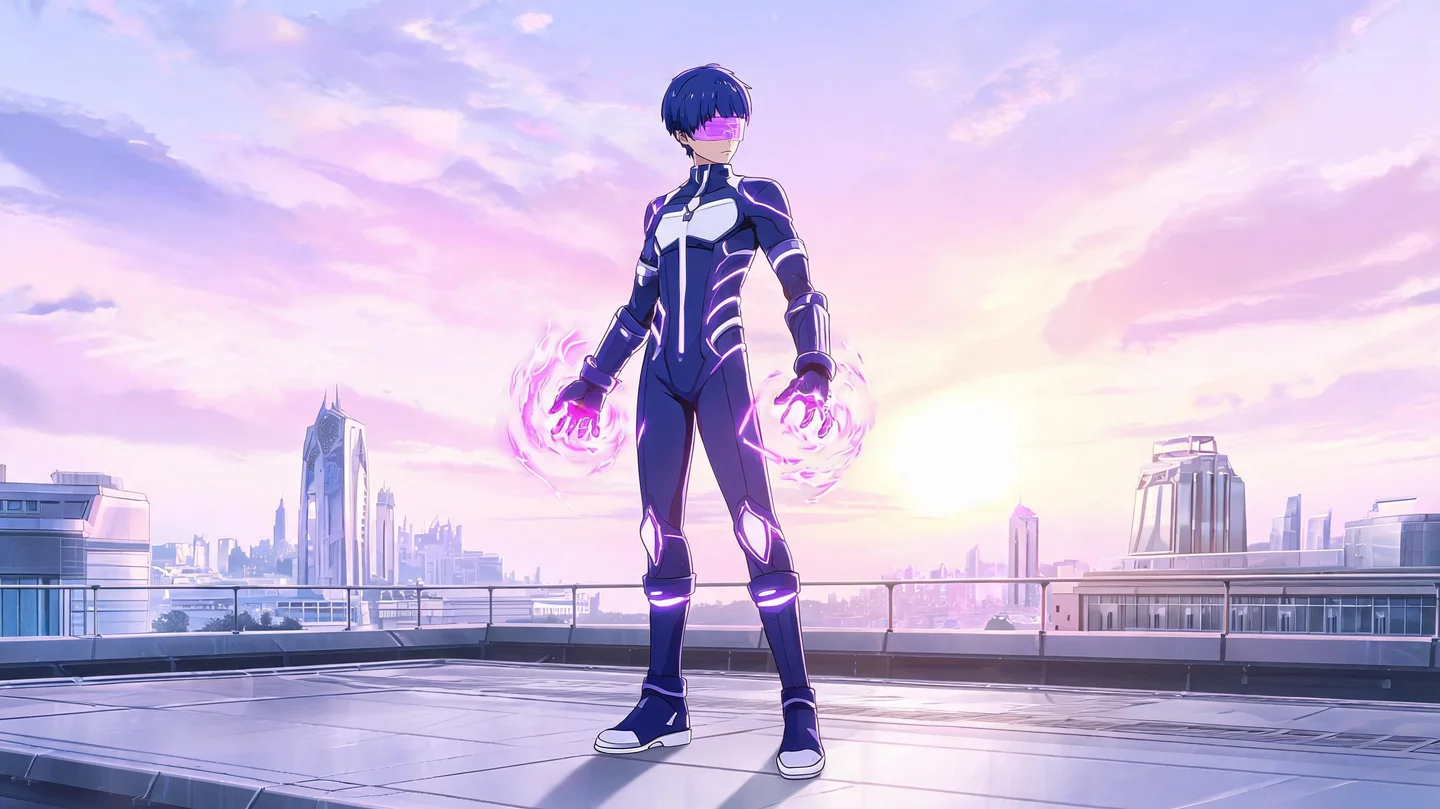
If you do not know where to start when creating a Naruto OC, begin by deciding on these four things:
Here is a practical Naruto OC prompt structure you can use directly:
Identity + main appearance + ninja outfit + ability effects + pose + image requirements
For example:
A young female Chūnin from the Hidden Leaf Village with short black hair and gray-green eyes. She wears a layered dark-blue ninja outfit, with her forehead protector tied around her left arm and a ninja tool pouch at her waist. She specializes in Wind Release, with a pale-green spiraling wind blade forming around her right hand. Calm expression, full-body view, battle-ready pose, forest training-ground background, clean Japanese shōnen anime linework and cel shading.
Whether you can try it without an additional payment depends on your account balance. Generation uses credits. Check the cost shown in the generator and your available balance before creating an image.
Yes. You do not need to draw line art or color the character yourself. Simply describe what you want your character to look like in the Naruto OC Maker, and the AI will turn your description into a Naruto OC image.
Yes. Add up to 8 photos or sketches in this page’s reference-image area, then describe the Naruto-inspired design you want. The images guide appearance, but exact likeness is not guaranteed. The separate AI Image Generator linked below also supports “Image Edit”.
Open the Image GeneratorIf you want your OC to look like they belong in the Naruto world, include these visual elements:
Yes. Revise the description to request a different outfit, hairstyle, pose, accessory, or background, then generate another version. This creates a new image rather than making a precise local edit.
Yes. Ask for a full-body view and specify that the shoes, weapons, and entire outfit should be visible. A portrait aspect ratio can help with framing. If the image is cropped, revise the description and generate another version.
Describe the shinobi you imagine and use Try OC Maker to turn those details into a character image, without drawing from scratch.
Create Your Naruto OC