JJK OC Maker

Design an original character (OC) inspired by Jujutsu Kaisen with Try OC Maker. Describe their uniform, pose, and cursed energy effects, or start with the character builder. Explore the design without drawing it from scratch.

Create your original character

Generated Results

Your latest creations, grouped by local date.

Sign in to view your OC history.

Turn Your Idea into a Jujutsu Kaisen Character

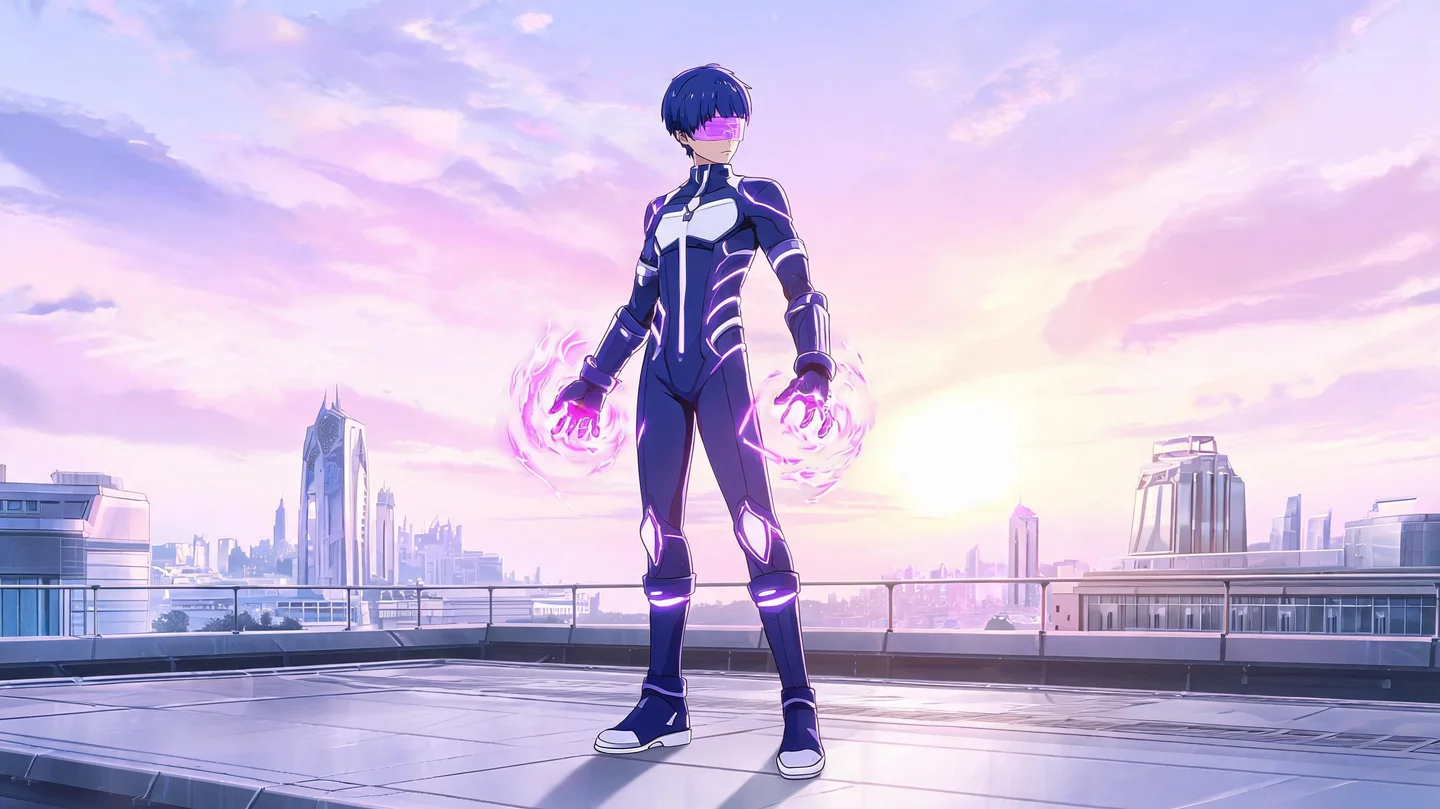
A dark uniform, a cursed tool, or an energy effect can define your OC’s appearance. The maker uses your description or available character options to generate a JJK-inspired image. Imagine a sorcerer student, a curse user, or a cursed spirit and describe their visible traits. Techniques and their effects are text requests, not dedicated controls on this page.

Start Creating
Yuji Itadori, Megumi Fushiguro, and Nobara Kugisaki together in a sunny school courtyard.

Jujutsu Kaisen Character References

These characters from Jujutsu Kaisen are visual references for hair, uniforms, and silhouettes. Use them as inspiration while giving your own OC a distinct design.

Ryomen Sukuna with pink hair, facial markings, a white kimono-style top, and black hakama.

Ryomen Sukuna

Short, spiky pink hair, an intense gaze, and black markings on his face, wrists, and hands. He wears a loose white kimono-style top, a black scarf, and a diagonal black sash. Black hakama, wide traditional trousers, and sandals with dark socks complete the outfit.

A full-body reference of Yuta Okkotsu with black hair, a white uniform, and a wrapped sword.

Yuta Okkotsu

Messy black hair, noticeable dark circles under his eyes, and a slim build. His expression is quiet and reserved. He wears a white, high-collared Jujutsu High uniform with a side fastening, slim black pants, and white high-top shoes.

Satoru Gojo with white hair, a black blindfold, and a black high-collar uniform.

Satoru Gojo

Tall, with fluffy, spiky white hair. He wears a black blindfold and a fitted, all-black uniform with a high collar, matching pants, and pointed ankle boots. His hands are tucked into his pockets.

Nobara Kugisaki with short hair, a navy uniform, and a hammer in her hand.

Nobara Kugisaki

Chin-length orange-brown hair with side-swept bangs, a slim build, and a determined expression. She wears a dark navy, high-collared uniform with gold buttons and a matching pleated skirt. A brown belt and cursed-tool pouch sit around her waist.

Megumi Fushiguro with spiky black hair and a dark high-collar uniform against a white background.

Megumi Fushiguro

Spiky black hair and a slim build. His expression is calm and serious. He wears a dark navy uniform with a wide high collar, matching pants, and black ankle boots.

A full-body reference of Yuji Itadori with pink hair and a navy uniform with a red hood.

Yuji Itadori

Short, spiky pink hair, brown eyes, and an athletic build. He has a cheerful and energetic expression. A dark navy Jujutsu High uniform with a distinctive bright red hood inside the collar. The cuffs also feature red accents.

Ways to Design Your JJK OC

Sukuna with facial markings and a red hood, surrounded by blue effects in a ruined building.
Sukuna with facial markings and blue effects

Create Your JJK OC from a Description or the Character Builder

Turn an idea into artwork inspired by Jujutsu Kaisen. Describe your character’s face, uniform, pose, and cursed energy effects, or use the available builder options. AI uses that information to generate an image. For a detail without a preset option, switch to text mode and include it in your description without drawing it.

Create a JJK OC
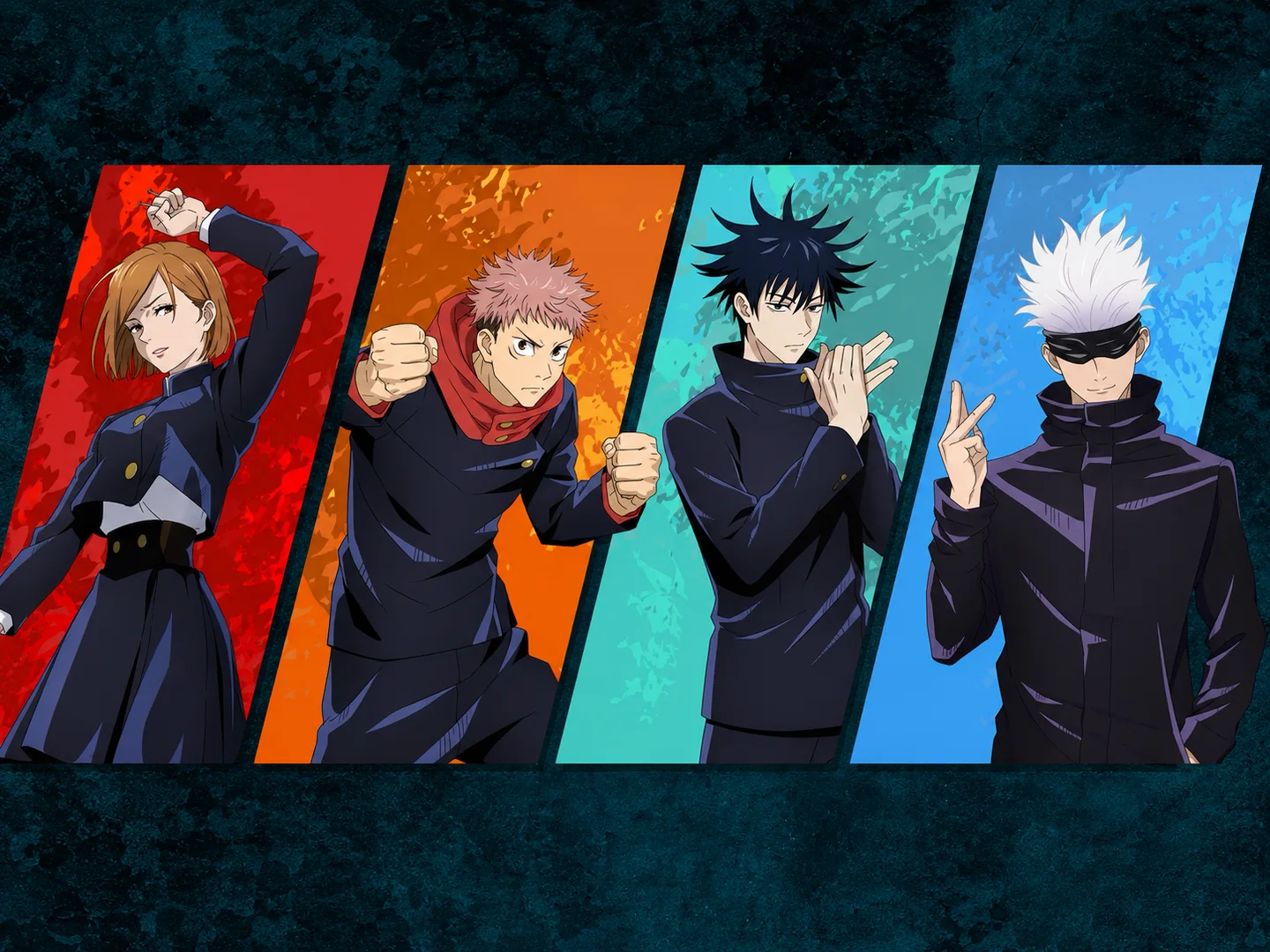
Nobara, Yuji, Megumi, and Gojo in four colored panels with different combat poses.
JJK characters as pose references

Explore an Anime or Manga Look for Your Character

Expressive faces, clean linework, and strong contrasts can guide your OC’s appearance. Describe whether you want colorful anime art, a black-and-white manga drawing, or an action scene with a dark atmosphere. Use the selected style and your description to guide the result; detail and finish can vary between images.

Define the Style
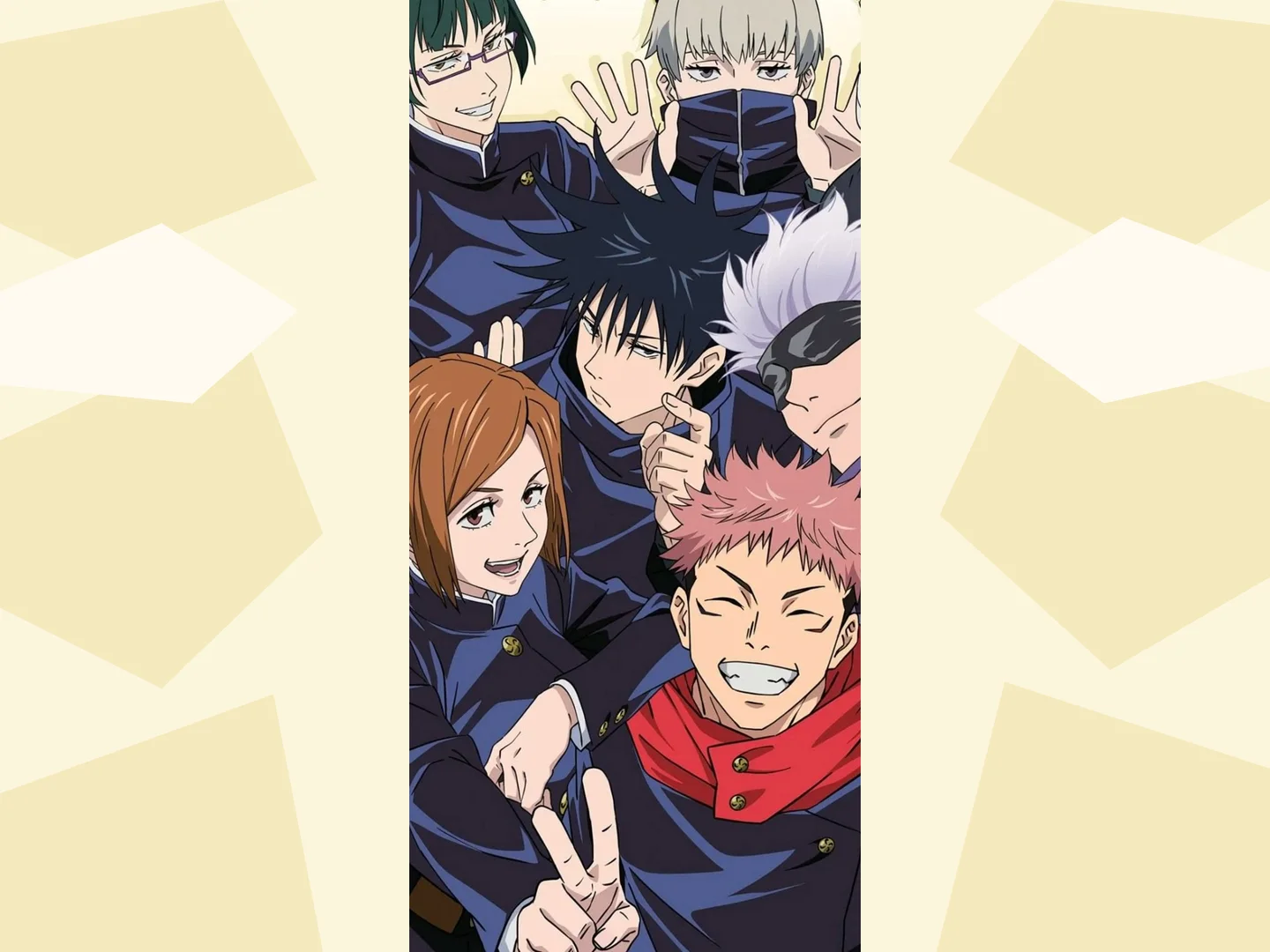
Six Jujutsu Kaisen characters pose together in a vertical strip against a pale yellow background.
A group illustration of JJK characters

Design a Full-Body OC and Request Reference Views

To show the uniform, footwear, and weapons together, request a full-body character from head to toe. You can also ask for a reference sheet with several views or expressions. Check each result’s framing and details: a description can guide composition, but it does not guarantee a specific layout or identical details across views.

Design the Full Character
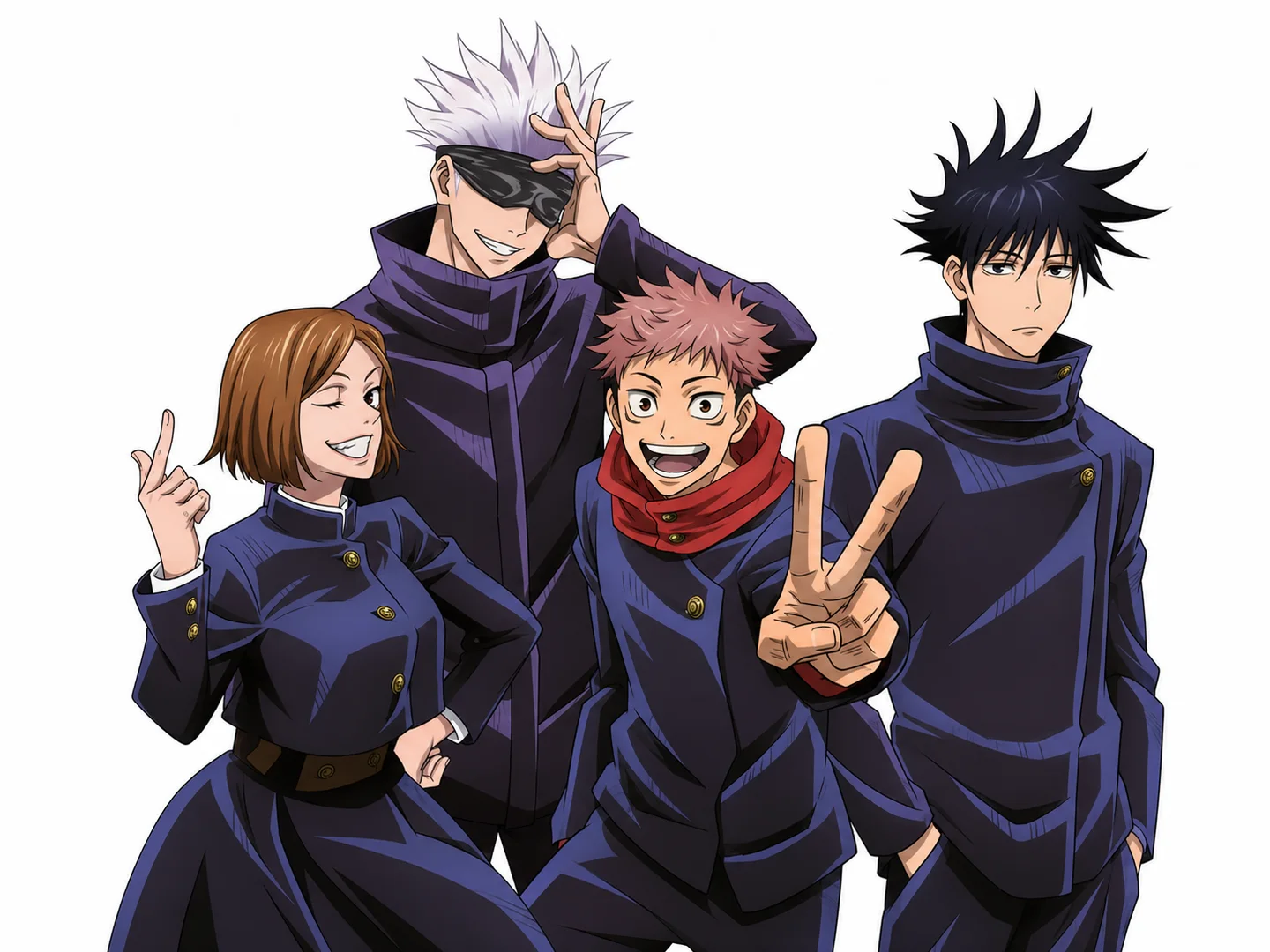
Nobara, Gojo, Yuji, and Megumi pose together against a white background.
JJK character uniforms and expressions

Try Different Poses, Outfits, and Expressions for Your OC

Revise the description or available options and generate another version of your character. You can change the combat pose, uniform, expression, weapon, or background. Repeat the traits you want to keep, such as hairstyle and facial markings, then compare the images. Each generation can introduce variations; this workflow does not directly edit one area of the original image.

Create Another Version

Shape Your Character with Try OC Maker

Start without Drawing Skills

A character description is enough to begin. Define the appearance in your own words and let AI turn it into an image.

From Idea to Image

AI generates an image from your description or selected options. Explore the face, uniform, and cursed energy effects without drawing each element from scratch.

Decide Your Character’s Details

Define the hairstyle, uniform, accessories, and expression you want. Choose available builder options or write the details in text mode to give your OC its own design.

How to Make a JJK OC Step by Step

01

Describe Your JJK OC

Select “Prompt”, the written-description mode, and describe your character’s appearance, outfit, pose, cursed energy effects, and visual style.

02

Choose Settings and Generate

Review the style, background, and aspect ratio. Sign in and check the required credits before clicking “Generate Character”. Wait for generation to finish.

03

Review and Download

Check the face, clothing, and framing. Download the image if you are satisfied. To change something, revise the description and generate a new version.

JJK OC Maker FAQs

Is the JJK OC Maker free to use?

You need credits to generate images. Before creating one, check your account balance and the cost shown beside “Generate Character”.

Do I need to sign up to generate a character?

Yes. You need to sign in to generate characters and access your image history. If you are not signed in, the tool will ask you to do so before generating.

How does the JJK OC Maker work?

Choose a style, background, and aspect ratio. Then use “Builder” to select available traits or switch to “Prompt” to write a description. Click “Generate Character” and AI will create an image from your input.

Can I create a JJK OC from a text prompt without drawing?

Yes. Describe the character in your own words. For a clear starting point, use this order: character type, face, hairstyle, clothing, accessories, cursed energy effects, and pose. For example: “a short-haired sorceress in a dark uniform with a blue glow around her hands.”

What character details can I customize?

You can choose from the traits available in the builder, such as age, build, hair, eyes, expression, and clothing. If a weapon, pose, or cursed technique’s visual effect has no dedicated option, describe it in “Prompt” mode.

Can it generate characters in a JJK-inspired anime or manga style?

Yes. Choose an available style and describe the finish you want: color and strong shading for an anime look, or black-and-white lines and contrast for manga. Results can vary and do not guarantee an exact reproduction of official artwork.

Can I use character settings instead of writing a full prompt?

Yes. In “Builder”, choose from the available character, appearance, and outfit options. Switch to “Prompt” to describe additional details. In that mode, include the traits you want to keep in your text: builder character selections are not automatically added to the description.

Can I edit or regenerate my JJK OC after it is created?

Yes: you can revise the description or available options and generate another version. This creates a new image rather than directly editing part of the previous one. Repeat your OC’s important traits and check the result, because details can change between generations.

Can I request a full-body character or reference sheet?

Yes. For a full-body character, specify “head to toe” and ask for the footwear to stay in frame. For a reference sheet, describe the views, expressions, and details you want together. These are composition requests: check the result, since layout and consistency between views can vary.

Your Next Sorcerer Starts with an Idea

Imagine your OC’s uniform and cursed energy. A written description lets you start turning that design into an image without drawing from scratch.

Create My OC