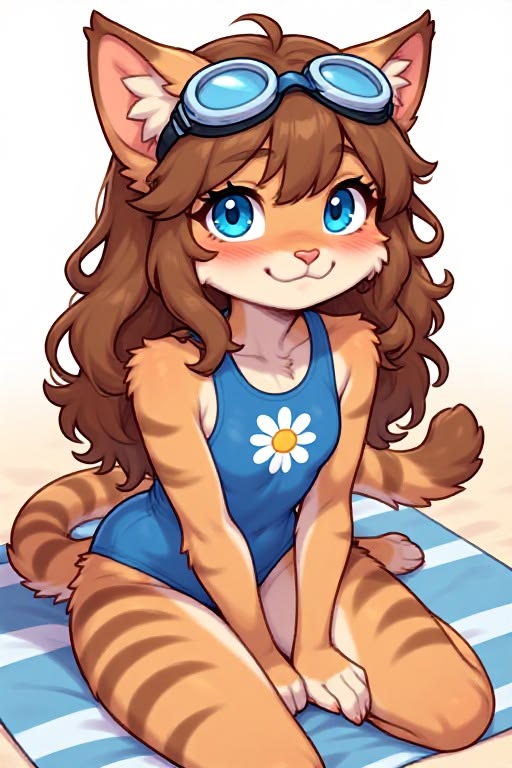
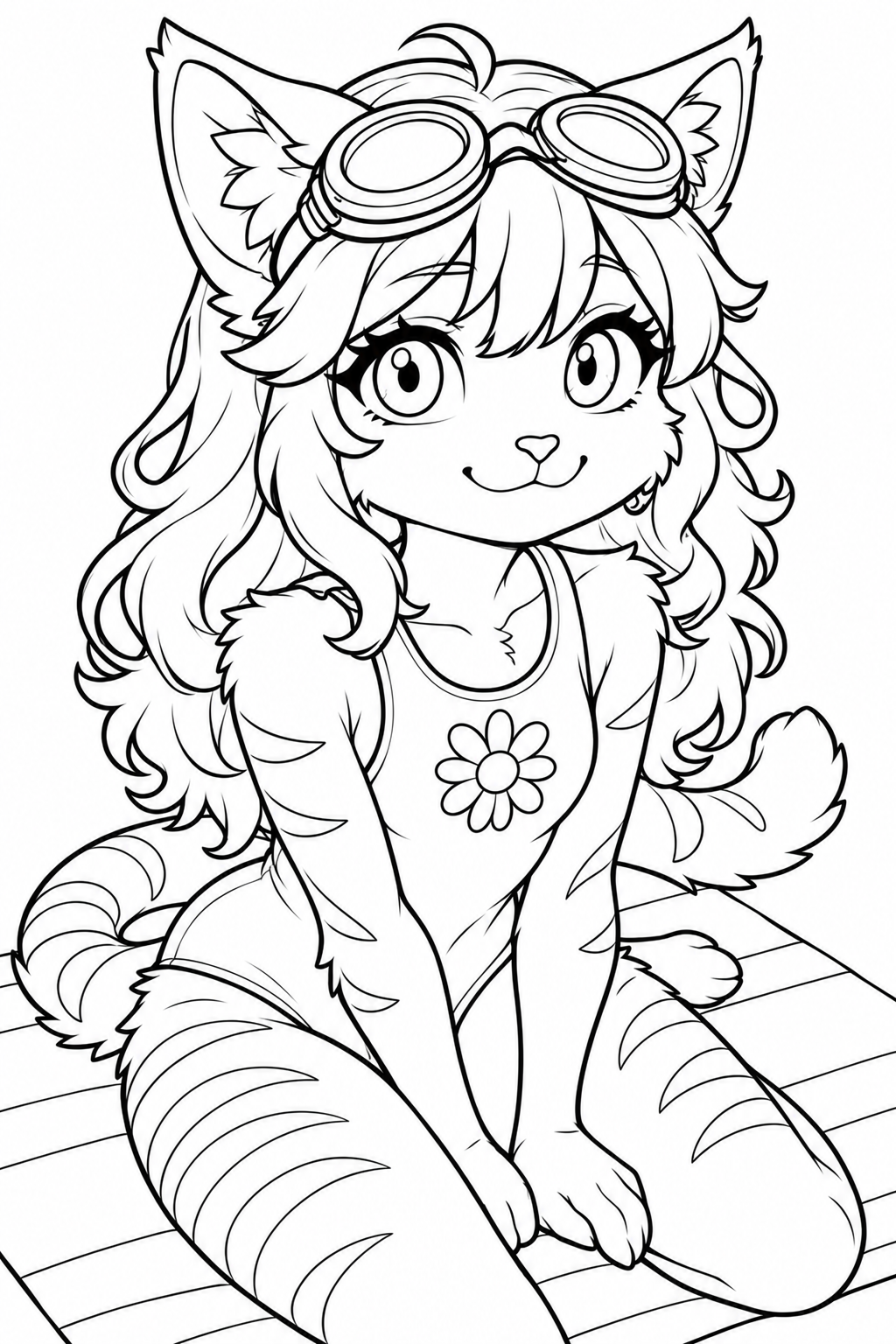
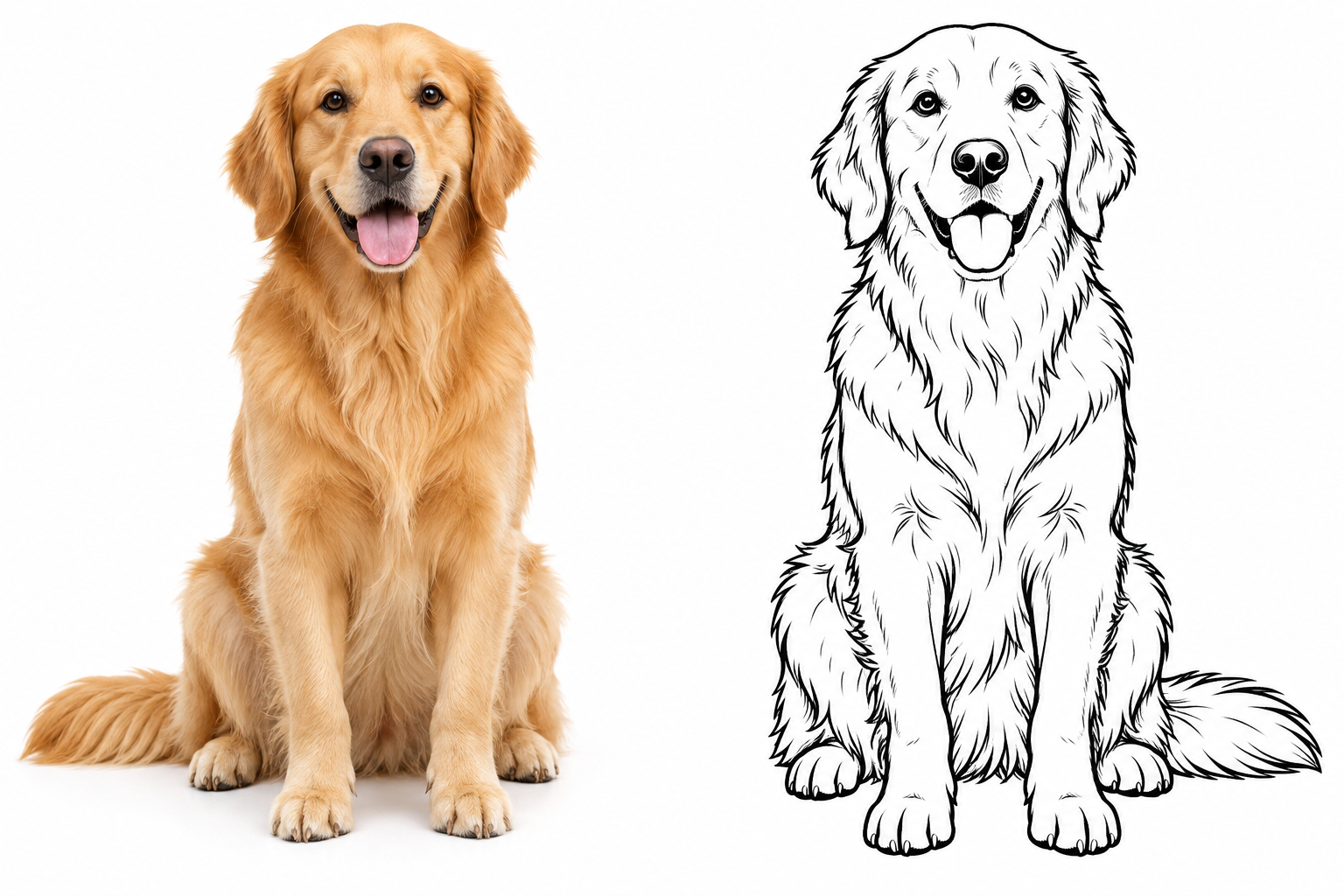
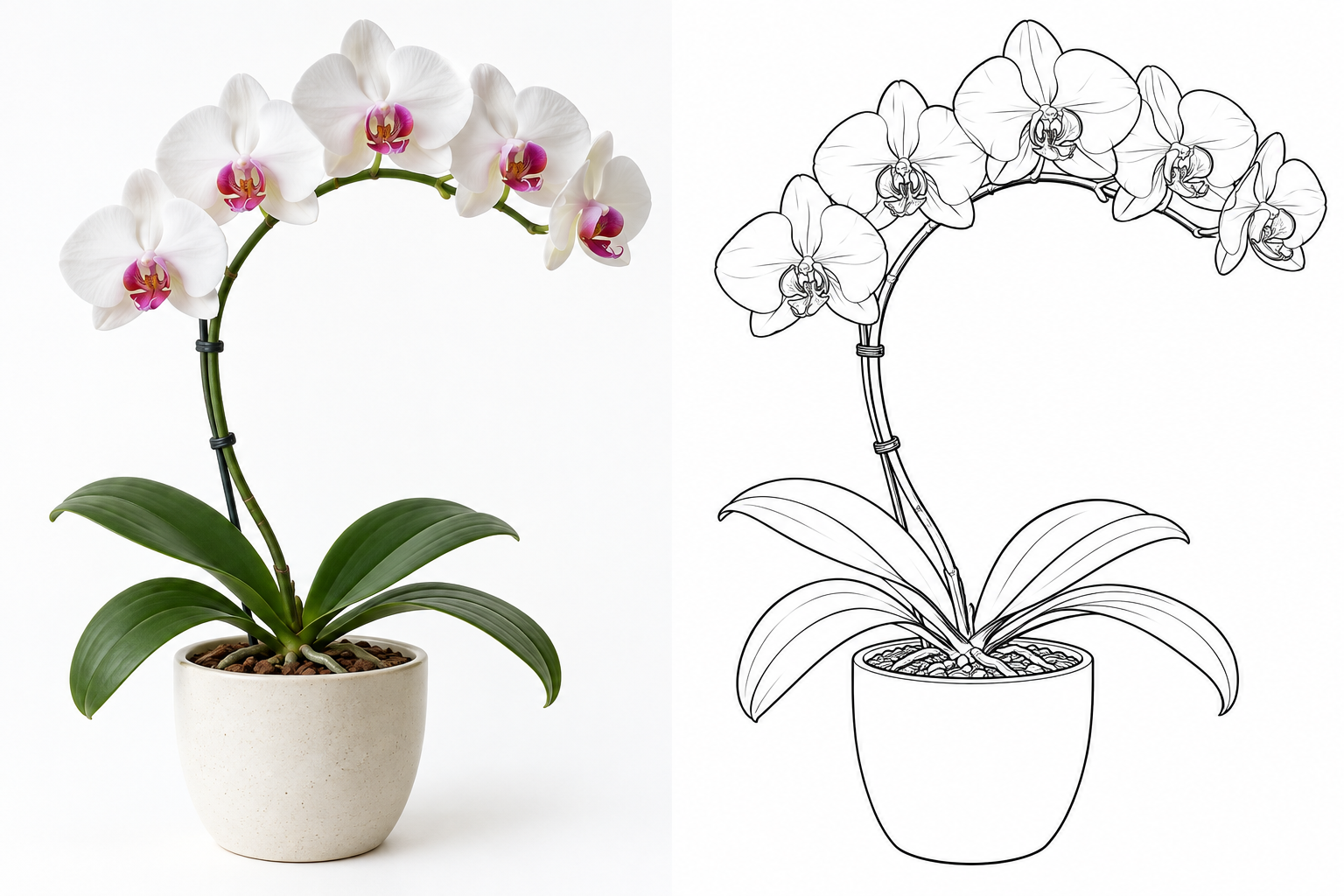
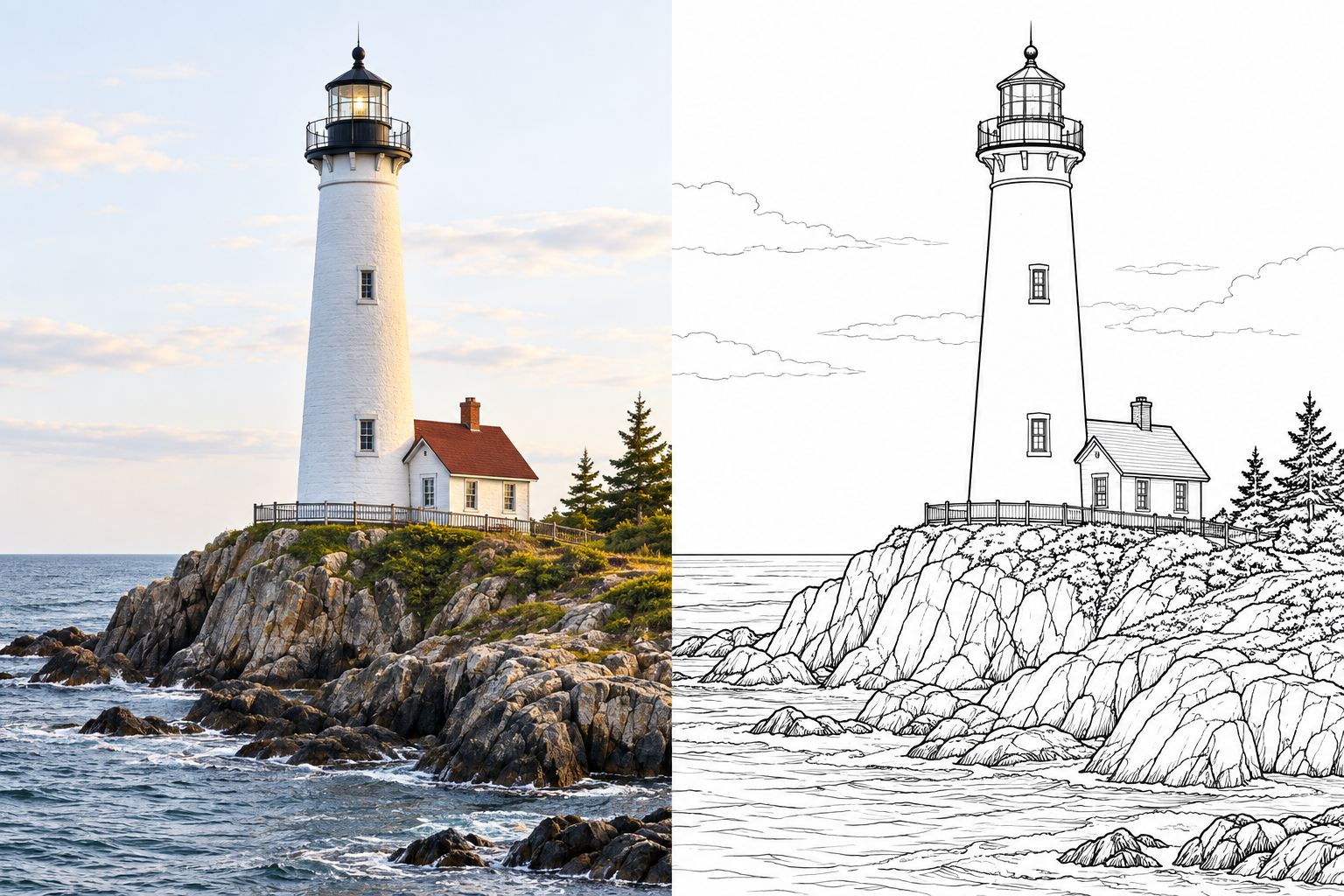
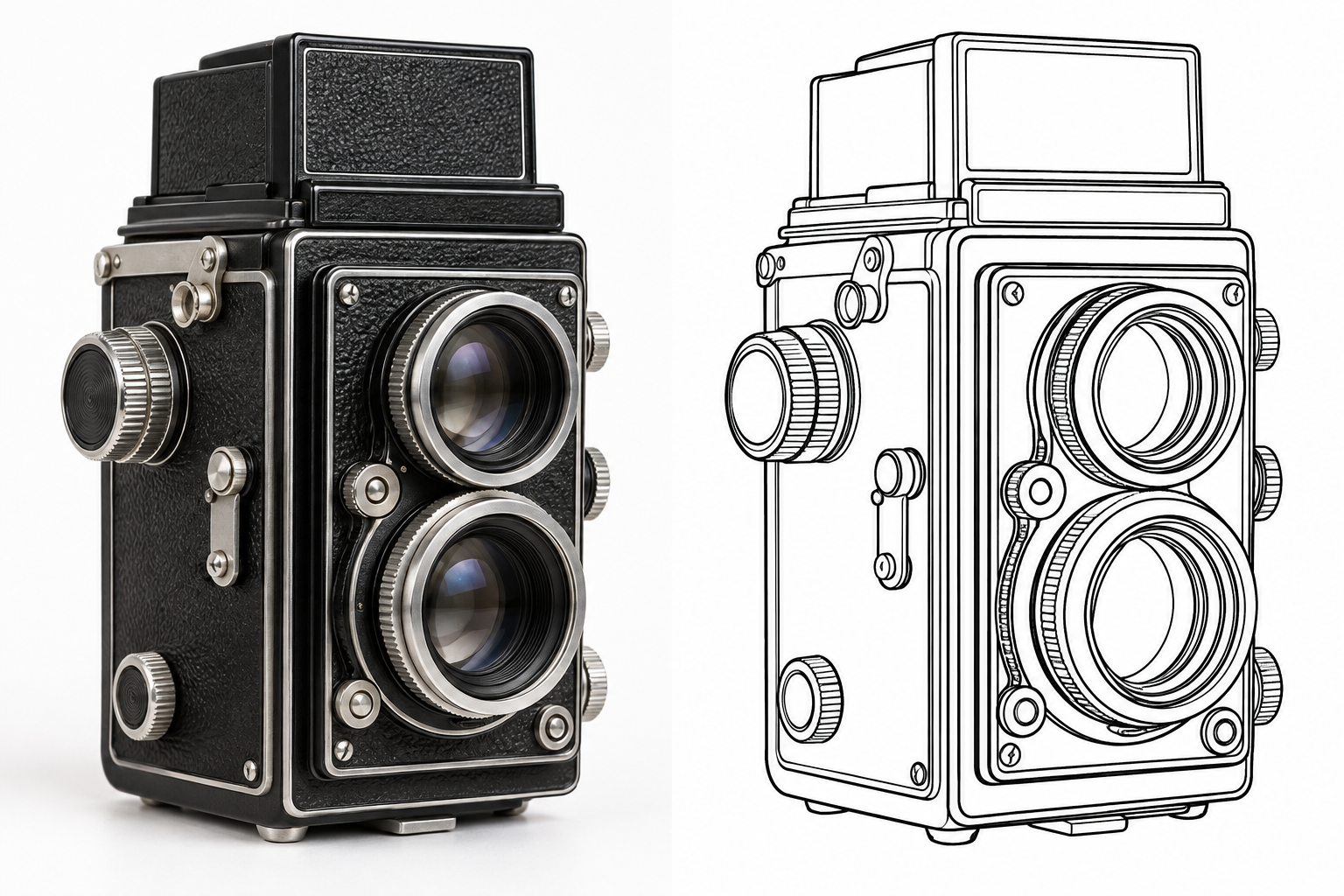
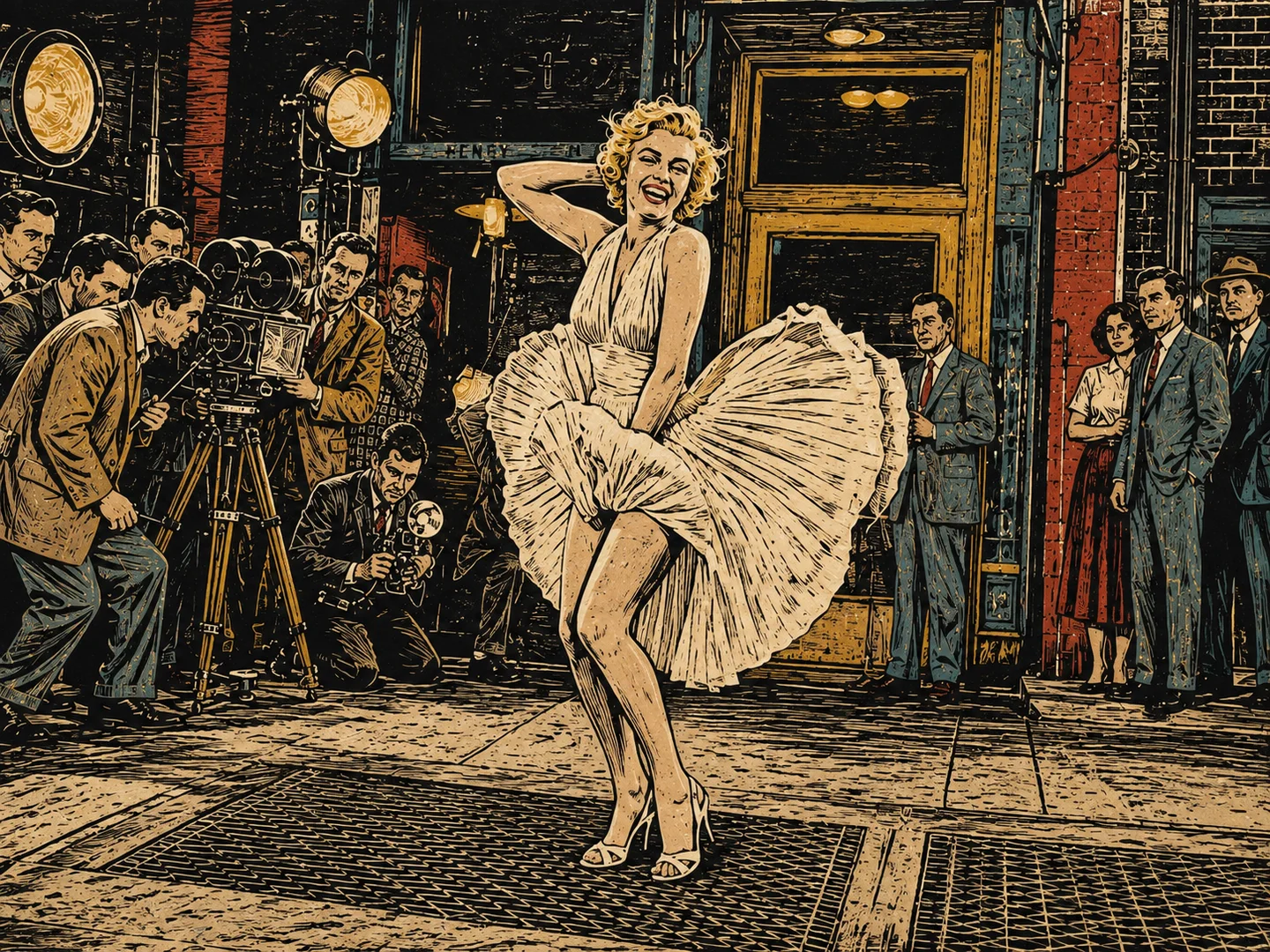
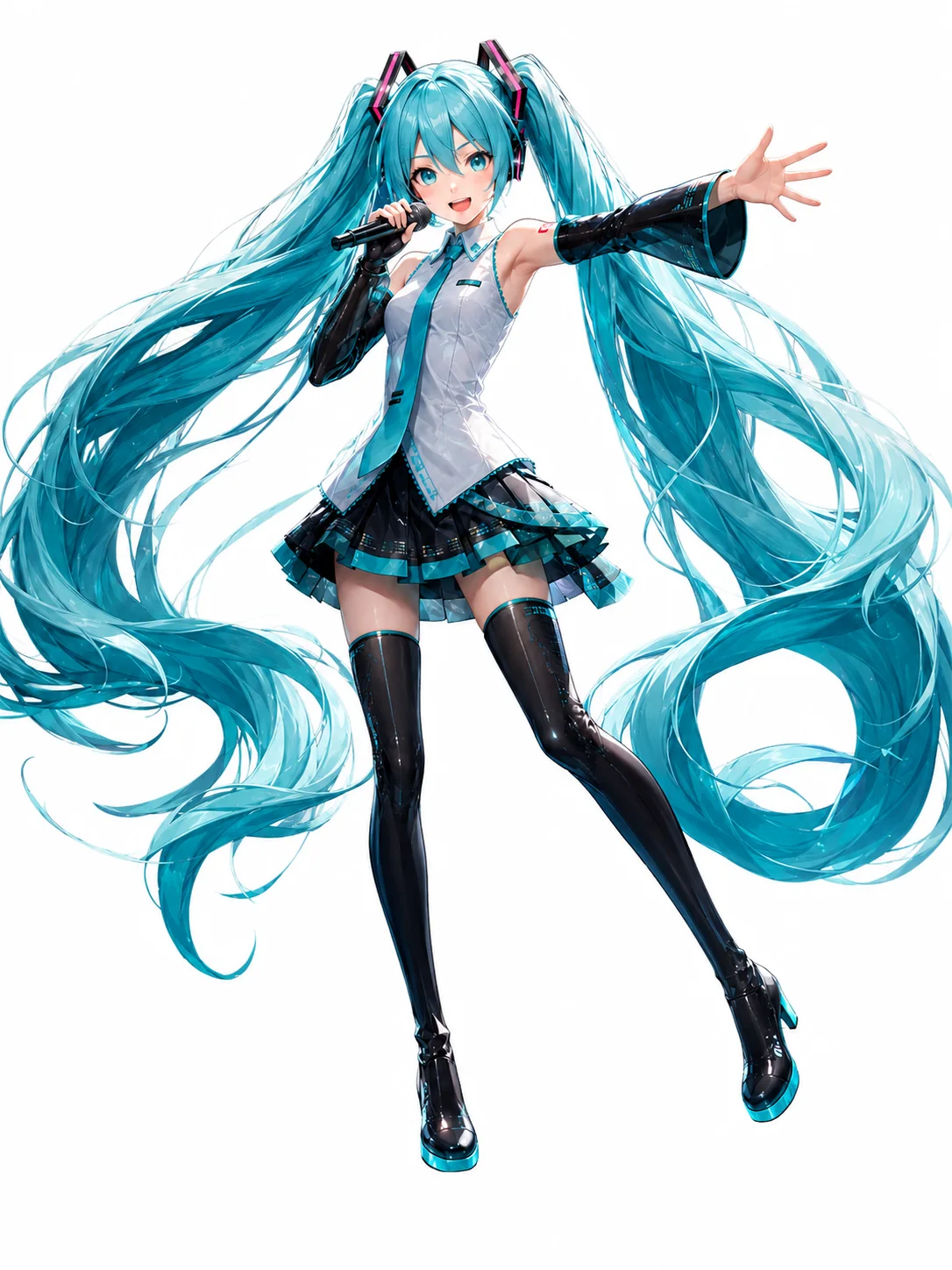
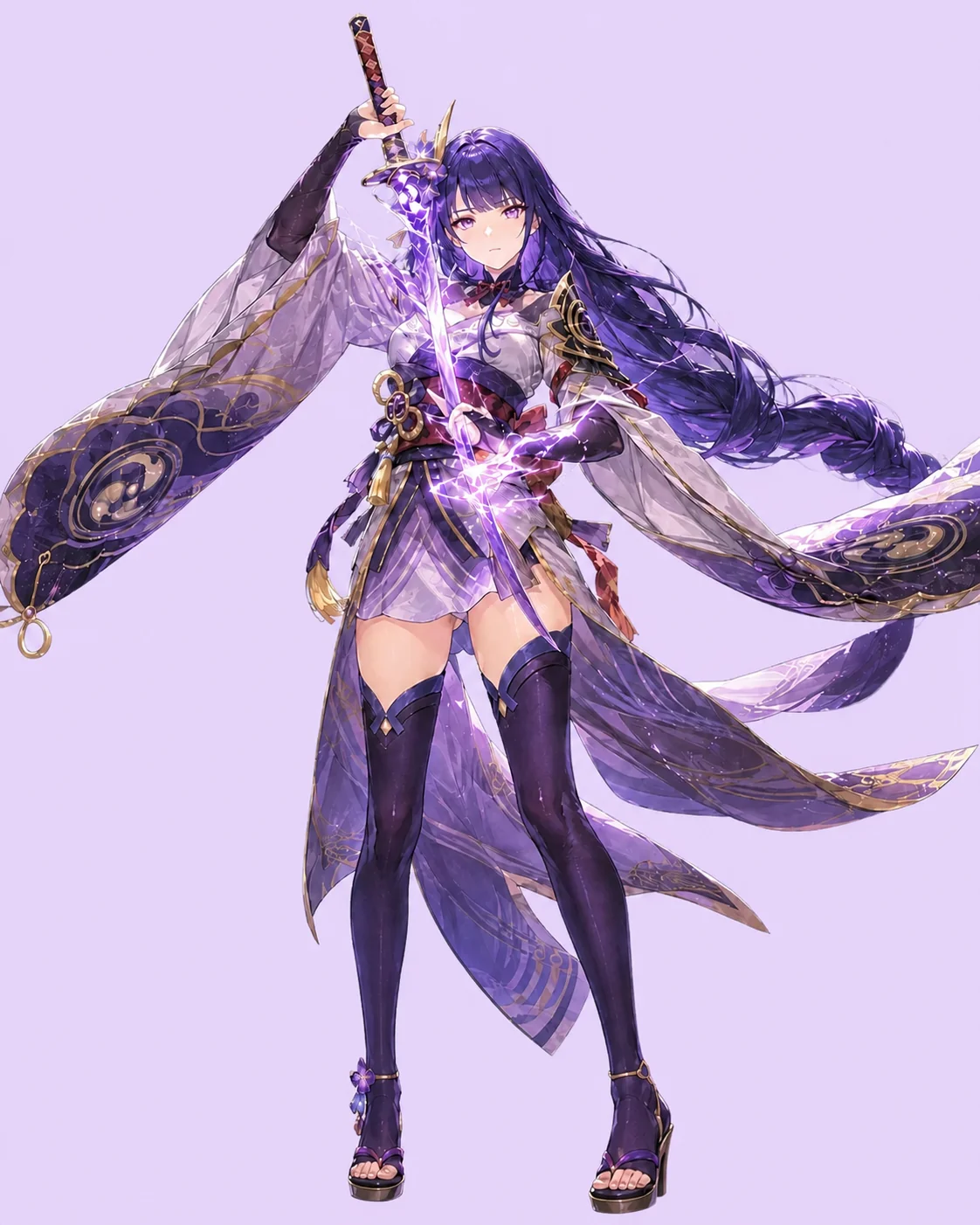
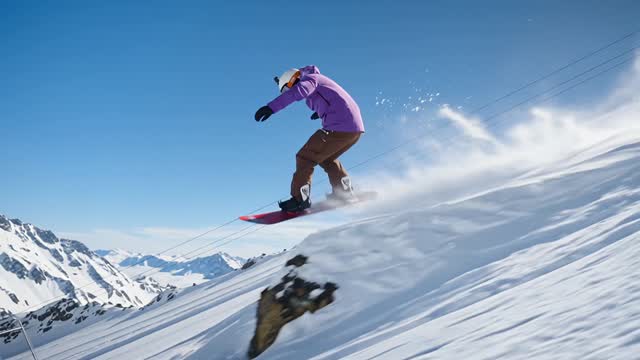
Choose an example and drag the slider to compare the original image with its line drawing.
Line DrawingOriginal
Make Line Art from Your Photos
An image to line drawing converter for pet portraits, flower studies, and familiar places.
Turn Photos into Clean Line Drawings
Transform your photos into clean outlines using our photo to line drawing converter. You can turn portraits, landscapes, and illustrations into black line drawings on a white background. Upload one image and generate your artwork without tracing every contour by hand.
Don’t let a blank page slow down your next idea. Convert an image to line art for drawing practice, coloring projects, or illustration studies. Let the AI redraw the main shapes as outlines. Download the result for tracing practice, or open it in an editor to experiment with your own colors.
Start with an image that suits your project. Upload a portrait for a profile picture or a landscape for a wider scene, then generate your line art. Preview the result and download it for your next design.
Bringing out a subject’s main shapes is easier with our AI line art generator. You can use your photo to guide the pose, proportions, and composition as the AI redraws it with outlines and interior lines. It’s a simple way to explore a line drawing style while keeping the original subject at the center of the image.
Upload a photo and click Generate Line Art. Preview the result and download the version you like. You can also use an illustration or character artwork as your starting image.
What images work best for line drawings?
Choose an image with a clear subject and visible details. Portraits, pets, flowers, buildings, and character illustrations are useful starting points. Blurry photos, deep shadows, and crowded backgrounds can make it harder to get clear outlines.
How many credits does a line drawing use?
The Generate Line Art button shows the credit cost before you start. Check your available credits, or visit Pricing to view the current plans and credit options.
Will the line drawing match my photo exactly?
AI may simplify or change small details when creating a line drawing. Compare faces, pet markings, clothing, and background elements with the original. If a detail matters, try a clearer source image and generate again.
Can I download my line drawing?
Yes. Use the download option on your generated result to save it to your device. You can keep it as an image, share it, or open it in an editor for further work.
Turn Your Photo into Line Art
Start with a portrait, a pet photo, or an illustration. Upload your image and create a line drawing of your own.