1. Anime Gamer
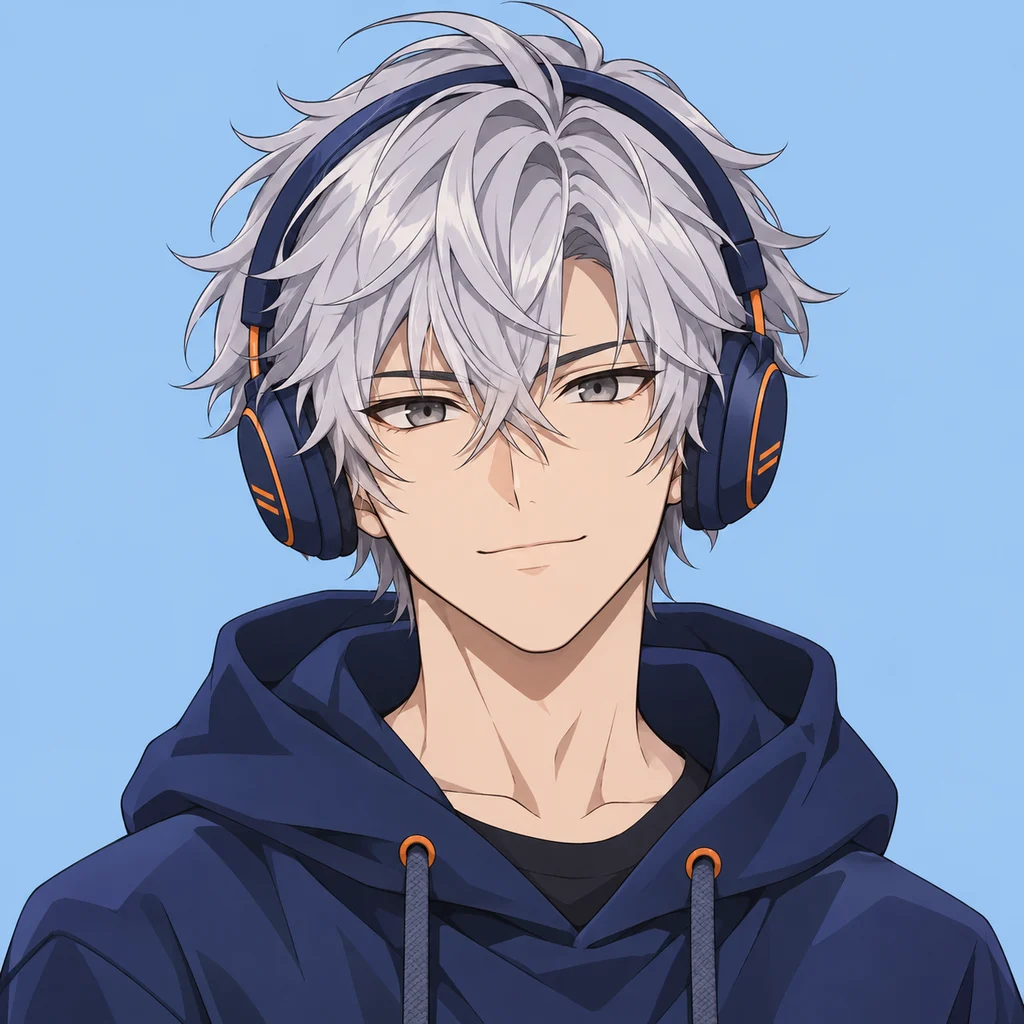
Silver hair, navy headphones, and a calm blue backdrop for a cool Discord PFP.
Make a Discord avatar that feels like you. Describe an original character or start from a photo, explore your favorite style, then check the circular crop before you download. Already have an image? Adjust it into a profile picture without AI generation.
Ready for your next conversation
EXAMPLE · YOUR RESULT WILL APPEAR HEREA new look for your next conversation.
Downloads a square image using this crop. Enlarging an image does not add detail.
Choose a completed image to adjust its avatar crop.
Your generated images will appear here. You can also crop a local image above.
Silver hair, navy headphones, and a calm blue backdrop for a cool Discord PFP.
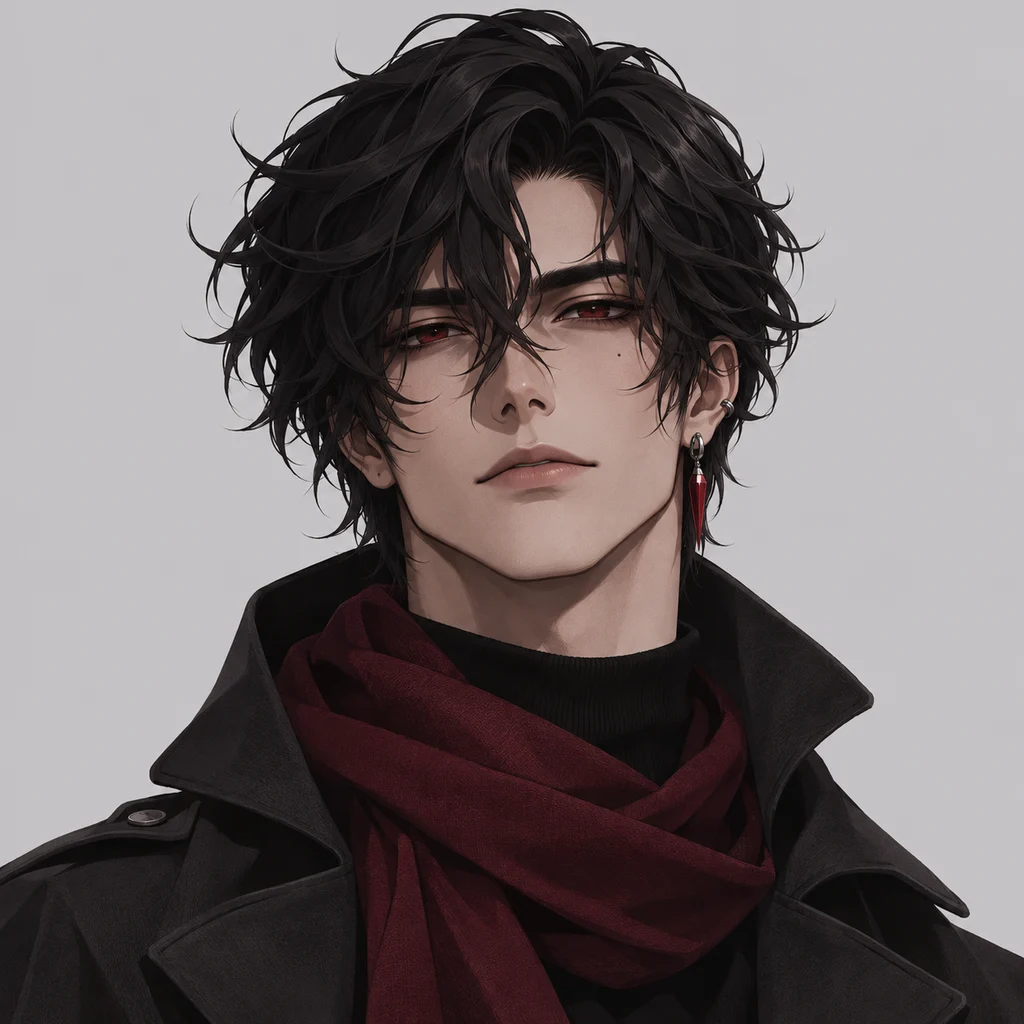
Black waves, a burgundy scarf, and a muted backdrop with a clear, expressive face.
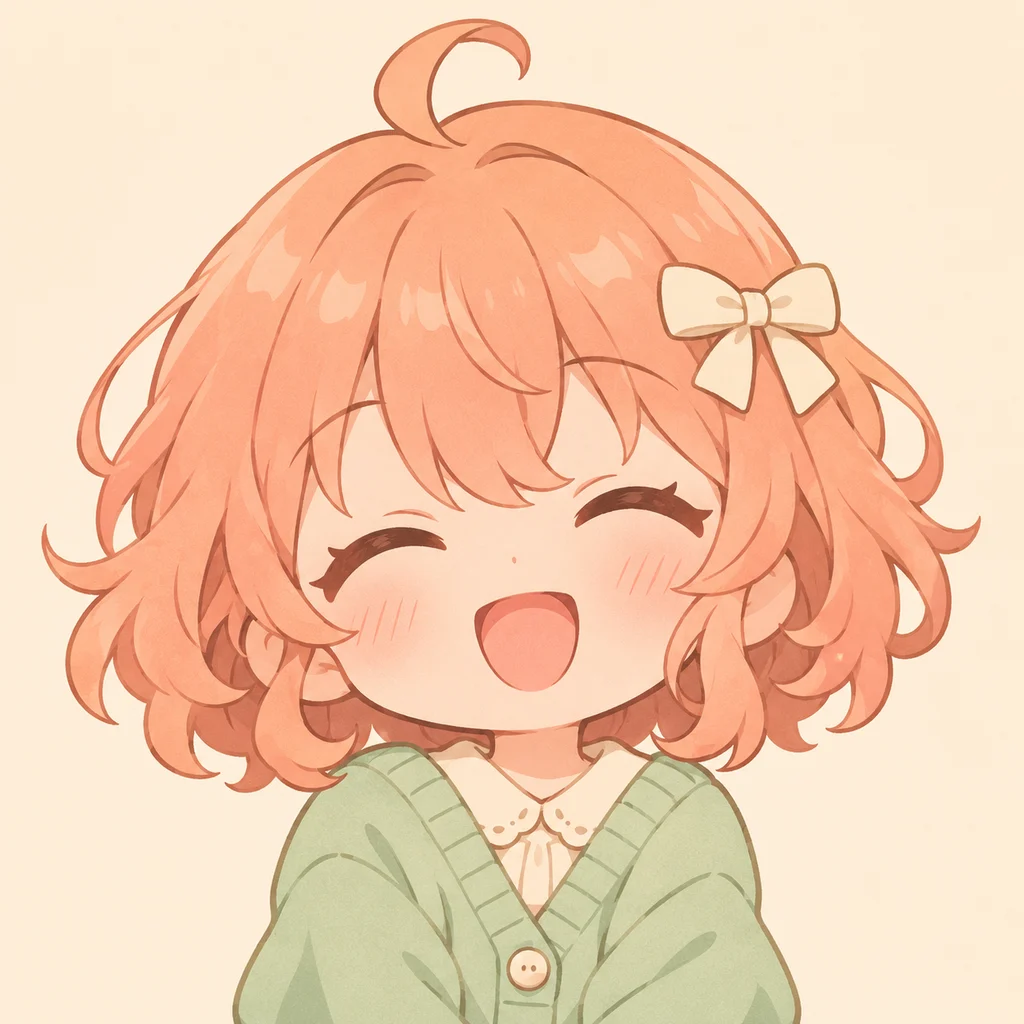
Peach curls, a cream bow, and a mint cardigan for a cute Discord PFP.
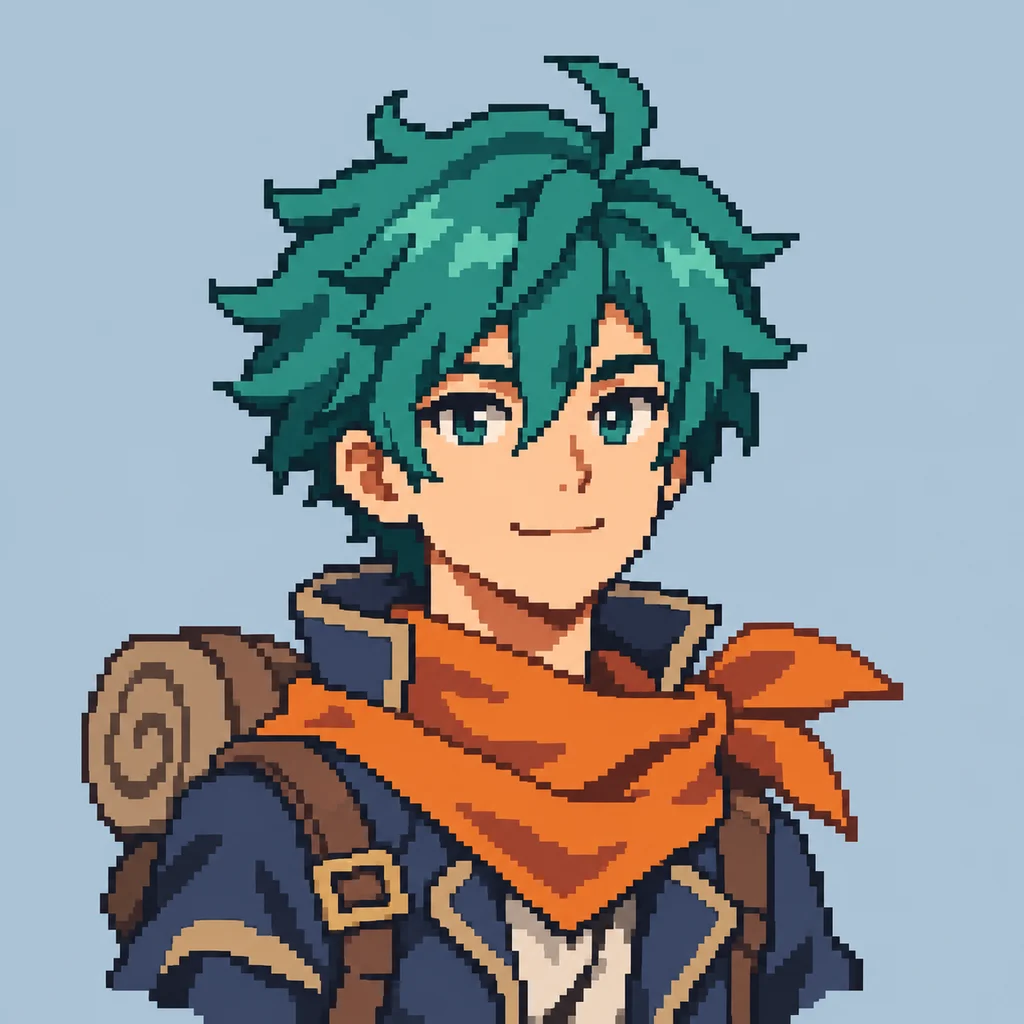
A teal-haired adventurer with an orange scarf and crisp retro pixel shapes.
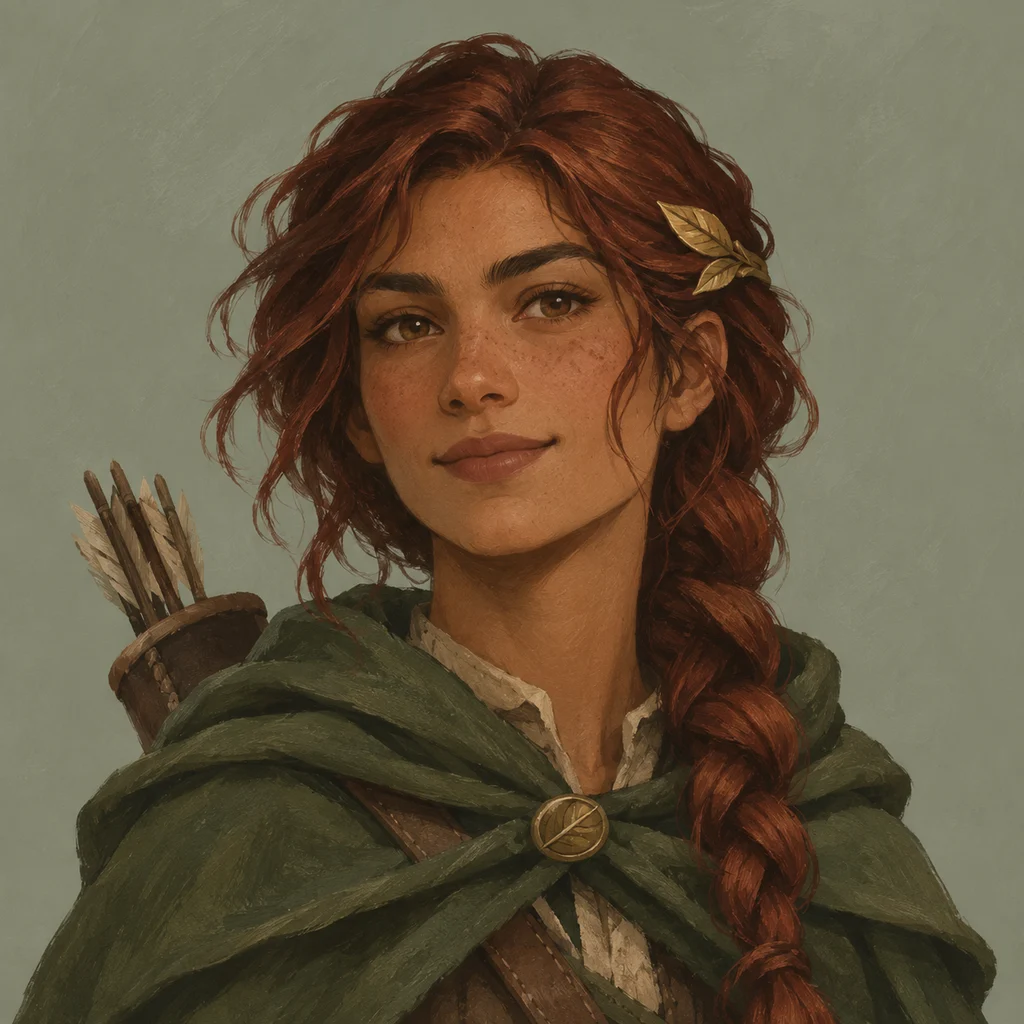
An auburn-haired woodland ranger with a leaf clasp and a forest-green cloak.
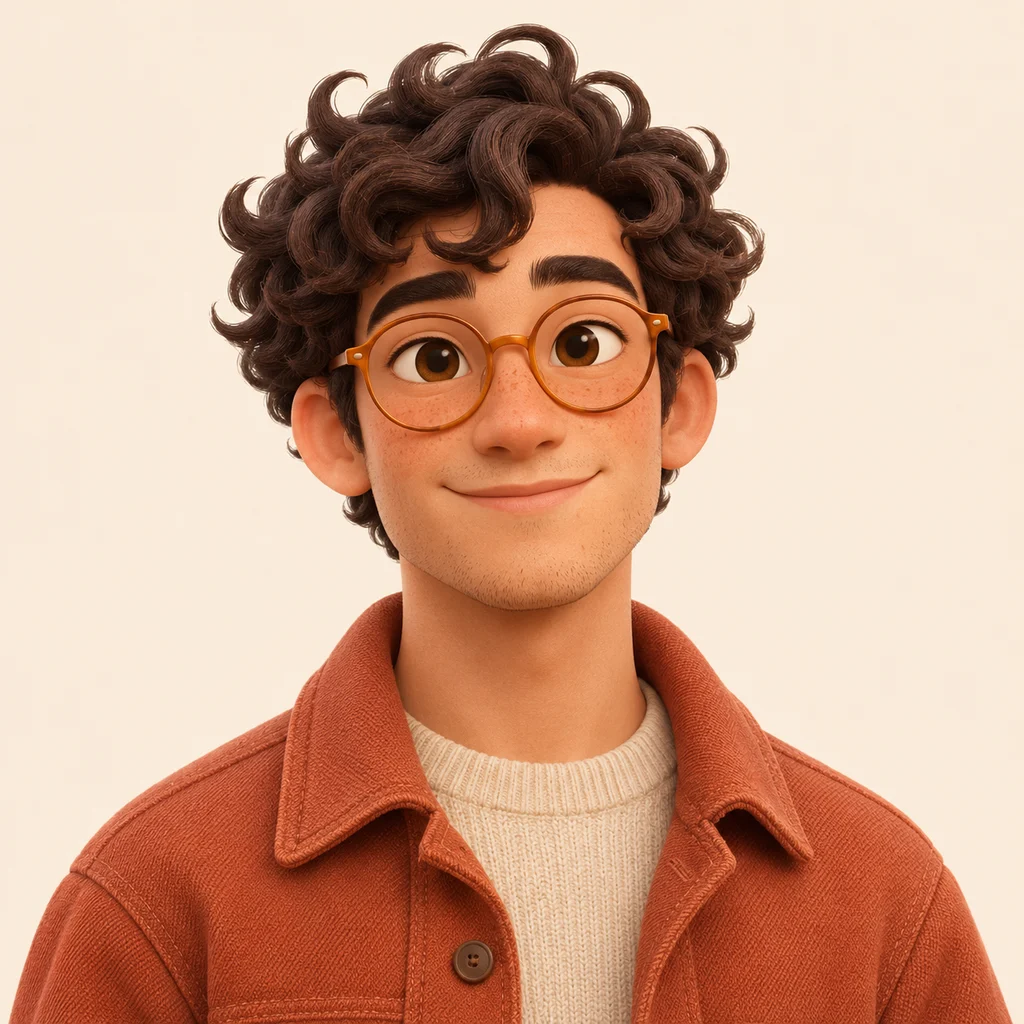
Curly hair, amber glasses, and a terracotta jacket rendered in soft, matte 3D.
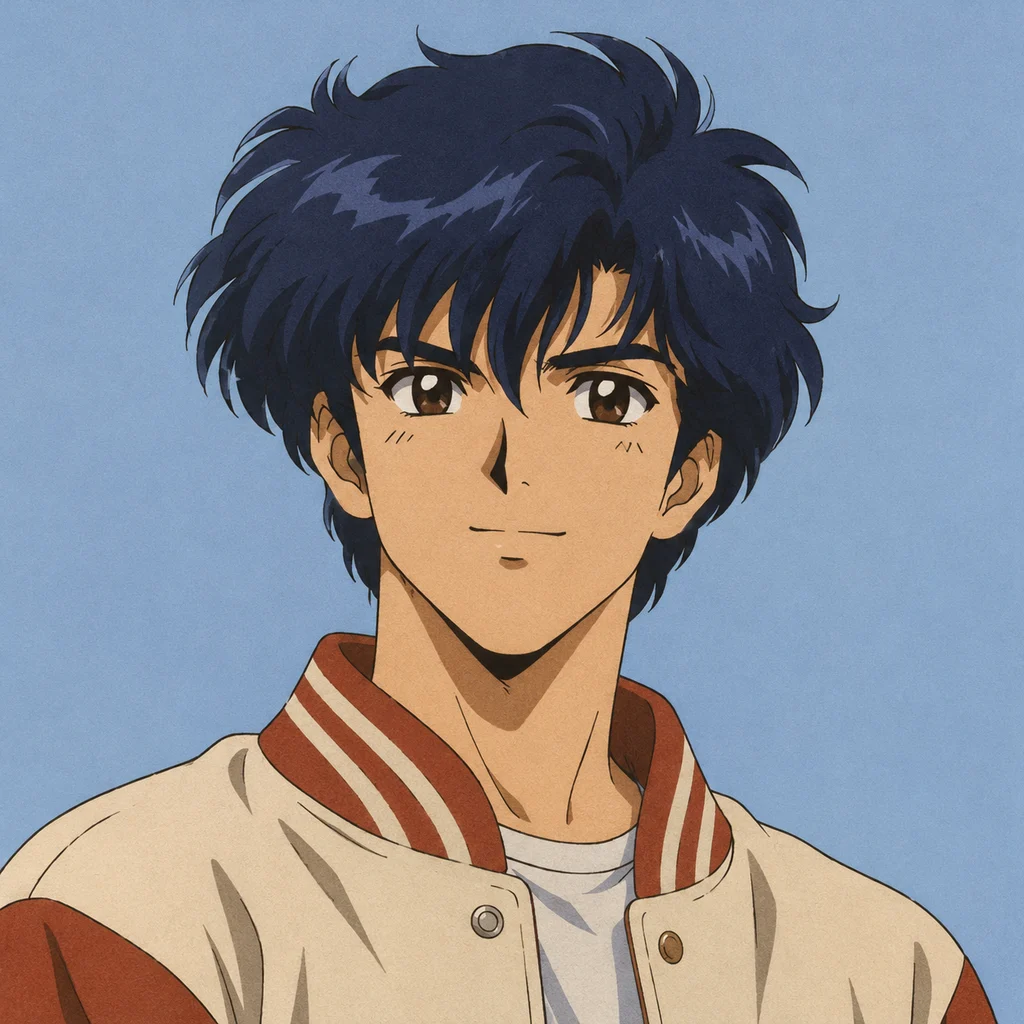
Navy hair and a cream varsity jacket in a nostalgic cel-animation style.
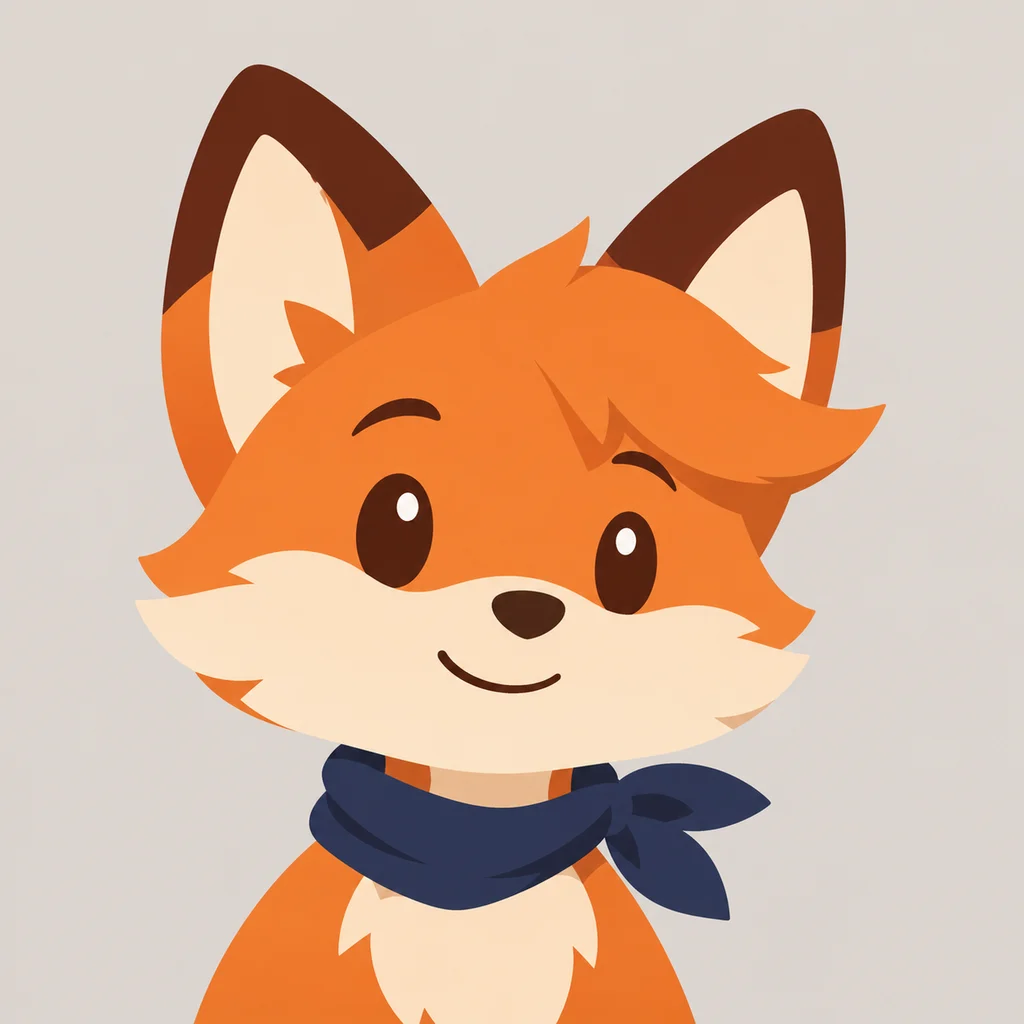
A friendly orange fox with a navy scarf and a simple, recognizable silhouette.
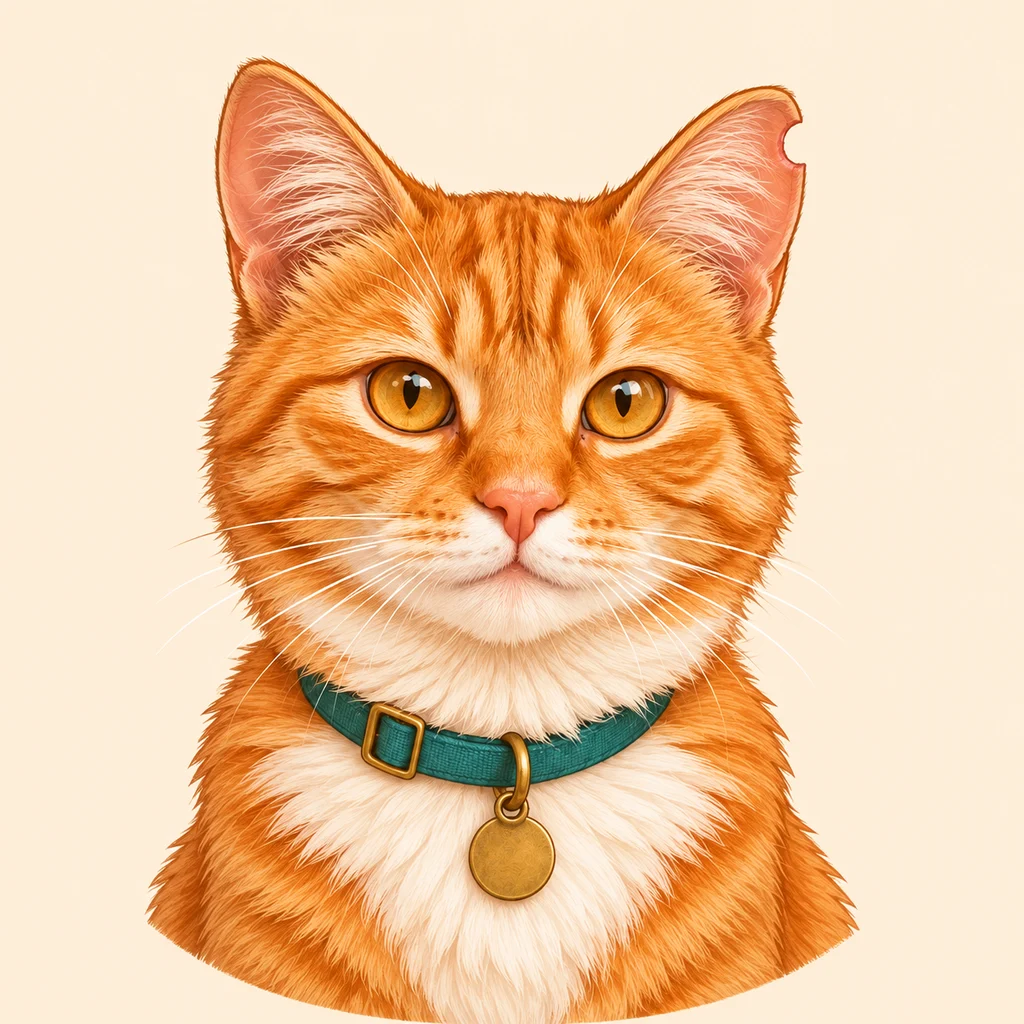
An orange tabby with amber eyes, a white bib, and a teal collar, reimagined as an illustrated avatar.
An original anime gamer with silver hair, distinctive headphones, and a calm blue background.
Use our AI Discord PFP maker to turn a character idea into a personal avatar. Describe the hairstyle, expression, outfit, and colors that fit your online identity. Start from a prompt template when you need inspiration.
A focused head-and-shoulders prompt gives your character room to stand out. Try a few variations and choose the one that best fits your online identity.
Create an Original PFP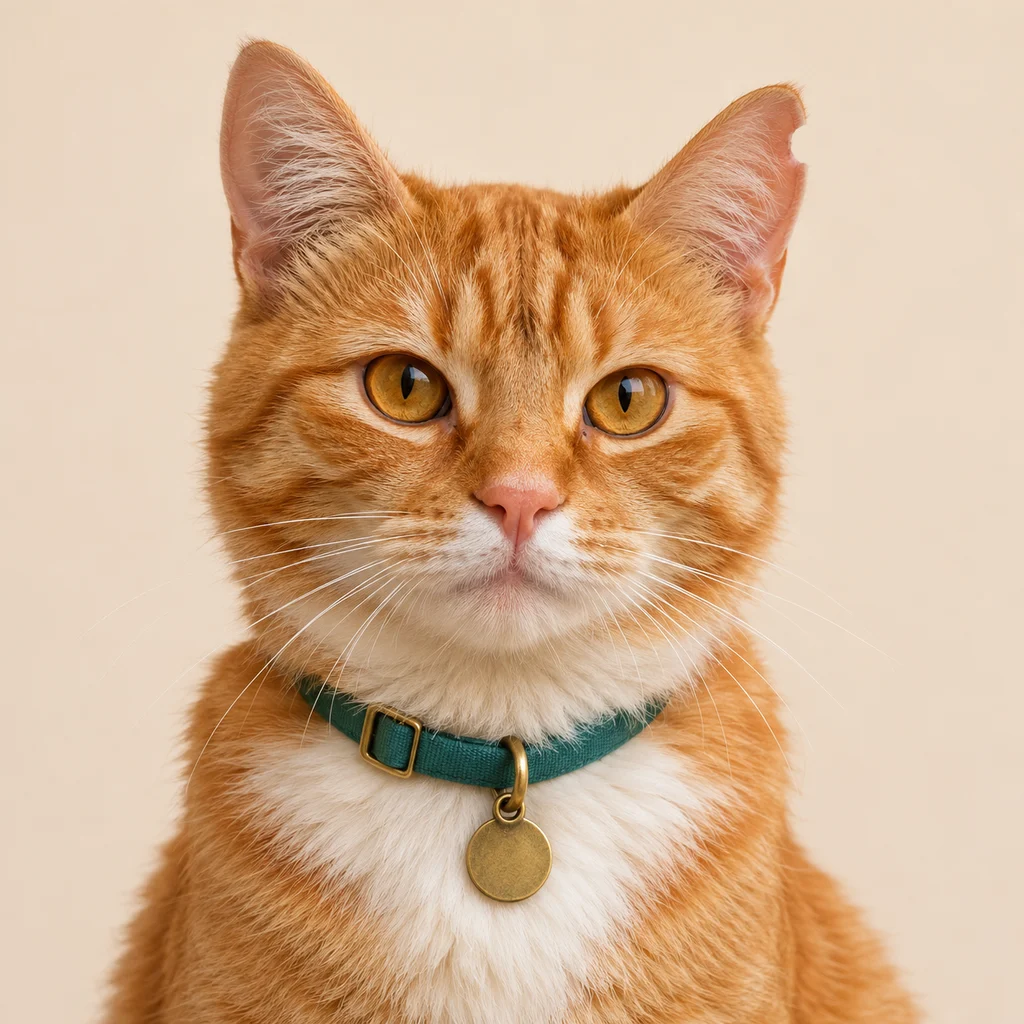
Bring a selfie, pet photo, or existing OC to the Discord avatar maker. Choose Photo to PFP, upload a reference, and describe the look you want to explore.
Describe the features you want to keep and the style you want to explore. Review the output carefully: generated details can differ from the reference.
Restyle Your Avatar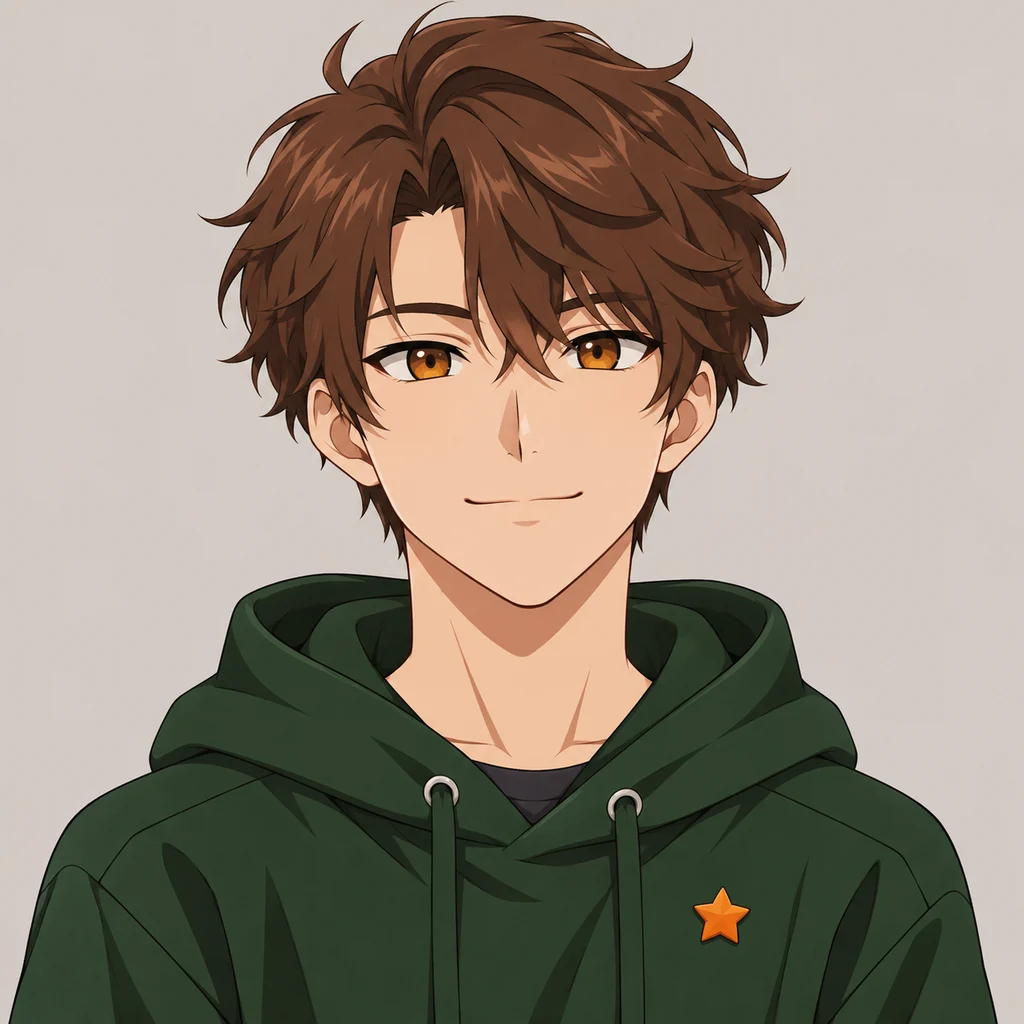
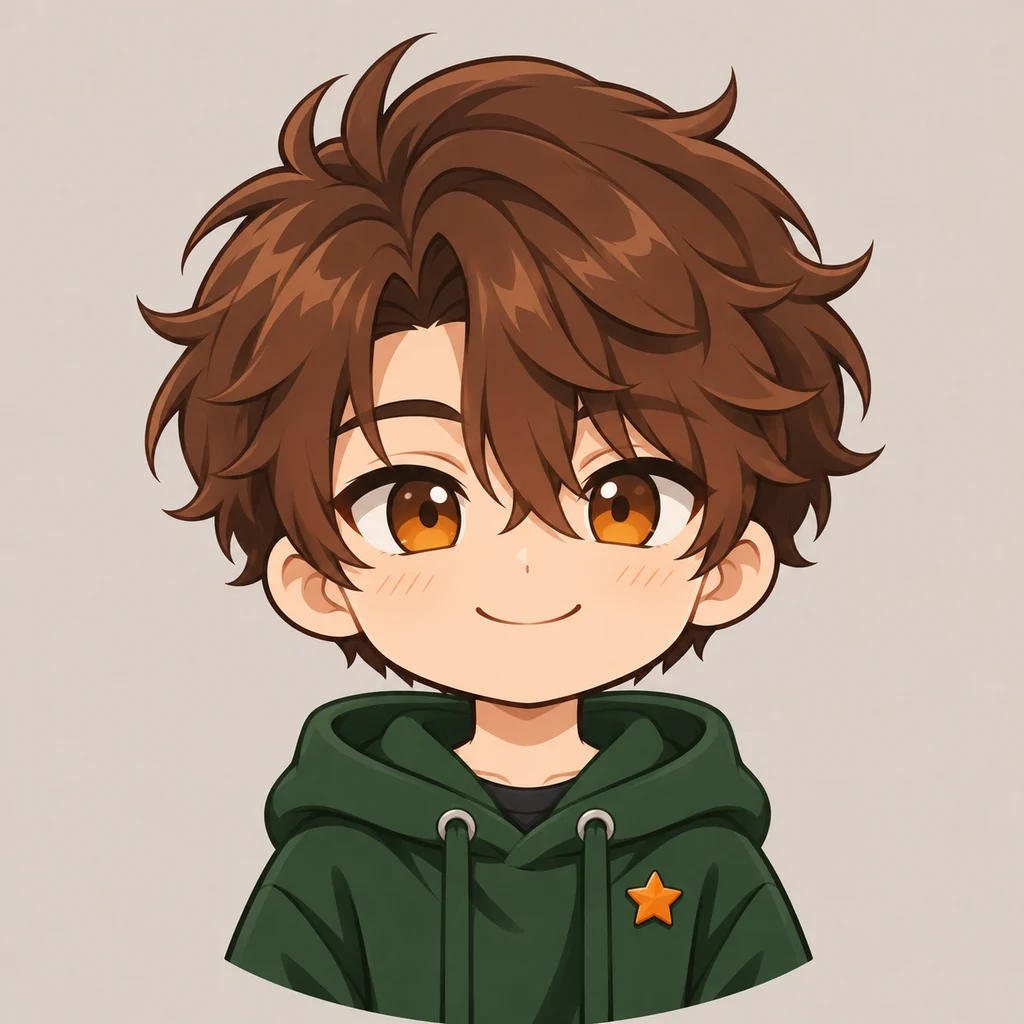
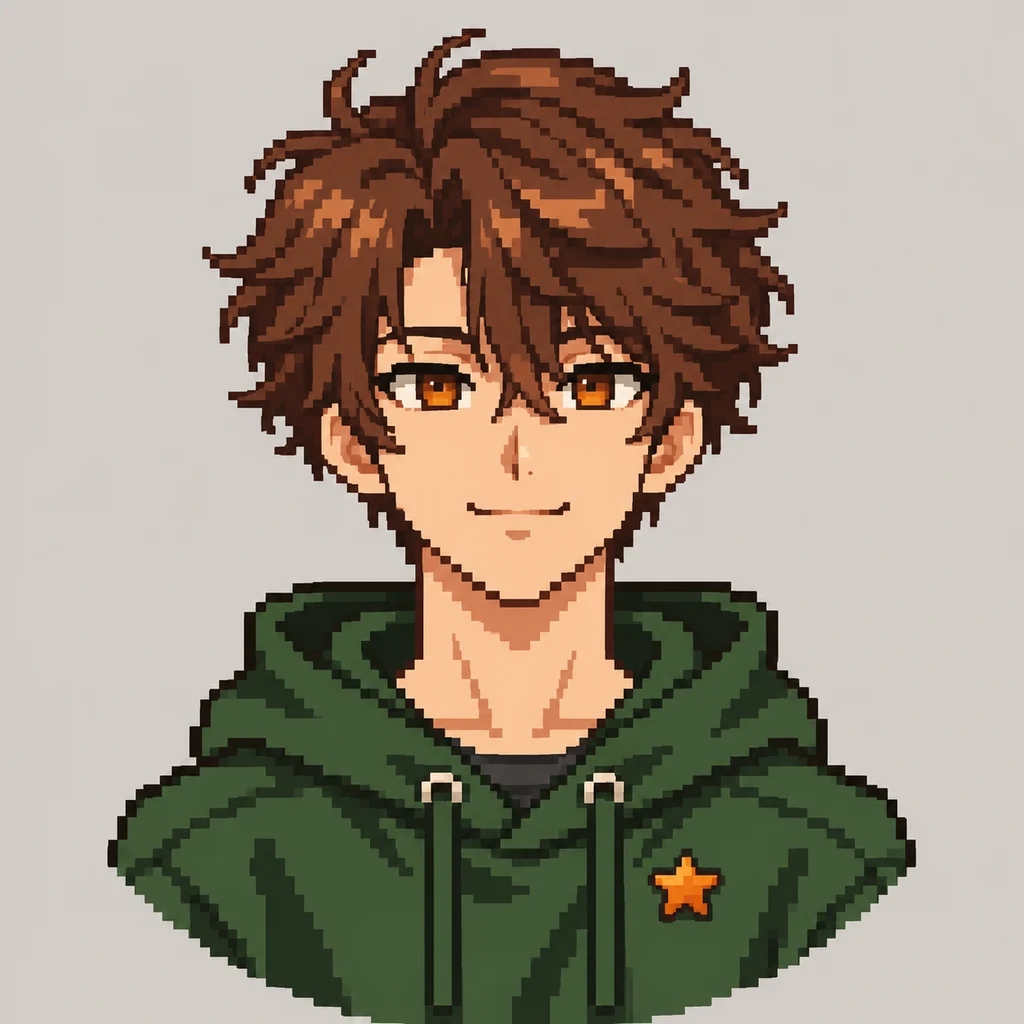
Build an anime Discord PFP with expressive eyes and clean lines, or try Chibi, Gaming Illustration, Dark Aesthetic, Pixel Art, and 3D Cartoon. Choose a preset to guide your next generation.
Change the palette, accessories, and expression to make the result feel personal. Presets guide the AI; they are not precise, part-by-part character editors.
Find Your PFP StyleYour nameYour avatar needs to read well at a glance. Ask for one centered subject, a simple background, clear contrast, and extra space around the hair and face.
Compare square and circular previews, adjust the crop, and download a 512px or 1024px PNG. You can also crop an existing image locally without AI credits.
Make an Avatar-Friendly PortraitFrom your first idea to a PNG you can upload. The illustrations below show the workflow.
Describe your character, expression, colors, and background...
Generate avatarEnter your character, expression, colors, and background. Or switch to image-to-image to start from a reference.
Choose a style and optional background preference. Square composition is set for you. Open Advanced settings to change the model or resolution.
Compare the square and circle previews, adjust the zoom and position, then download a PNG for your Discord profile.
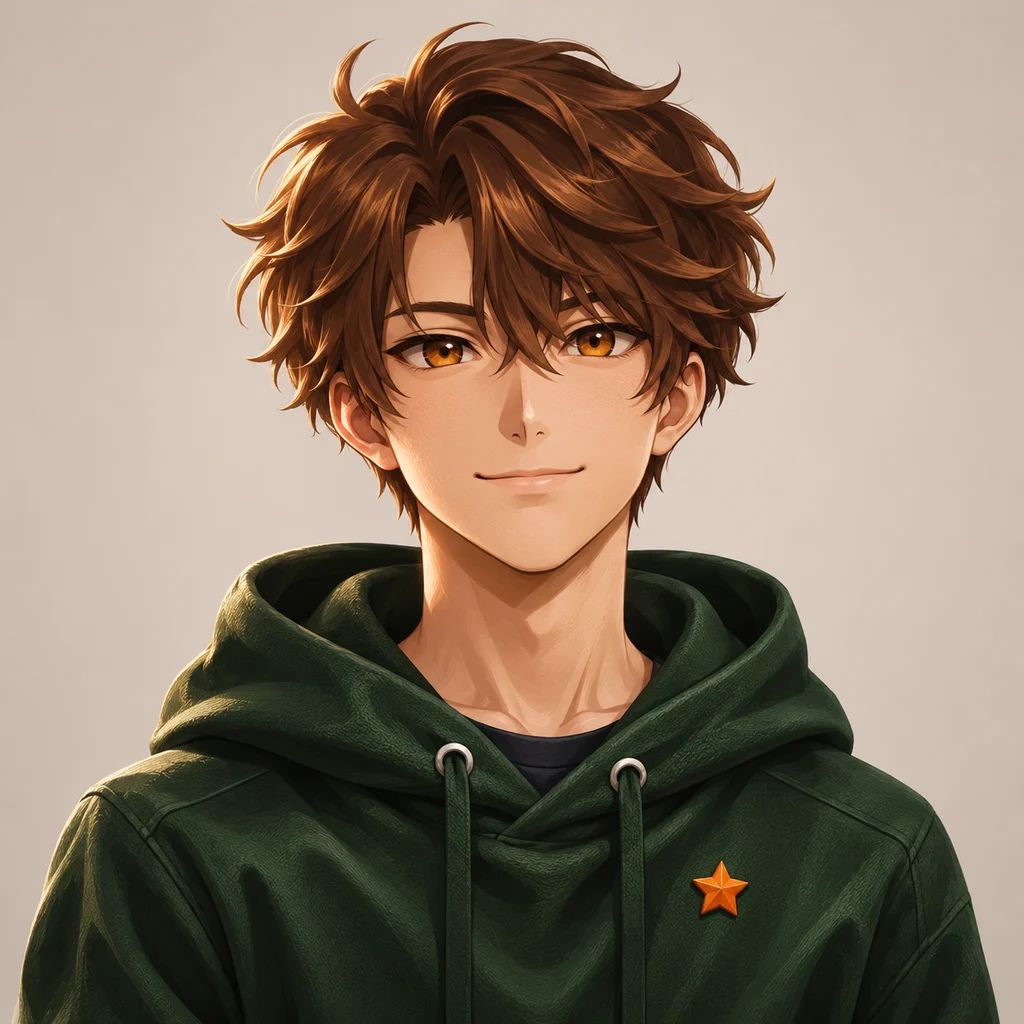
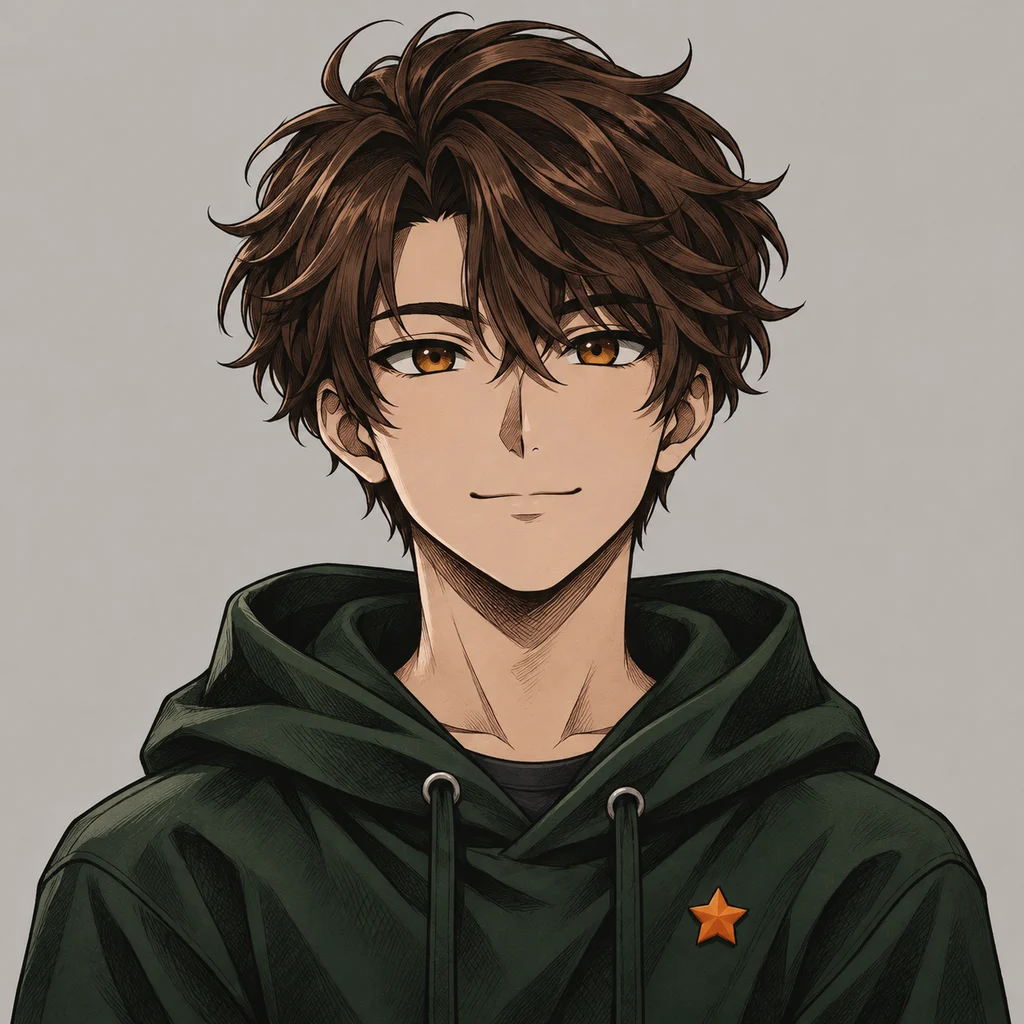
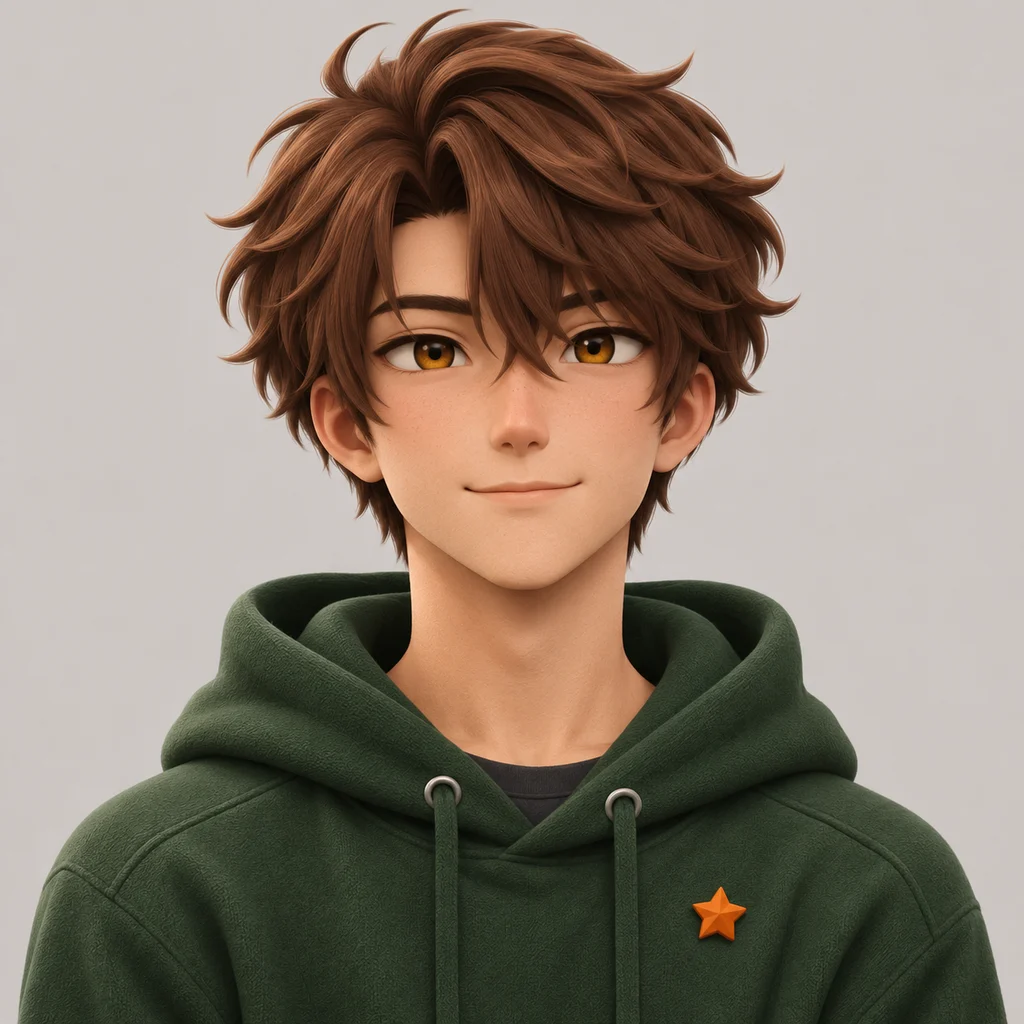
Use everyday words to describe the face, mood, and colors you want.
Bring a photo or an OC sketch into the image-to-image workflow.
Try anime, cozy, fantasy, pixel art, or a look of your own.
Prepare your prompt, review the generation cost, and download your chosen result.
A Discord PFP maker helps you create a profile picture for Discord. Try OC Maker combines AI image generation with square and circular previews, crop adjustments, and PNG downloads. Start with a description, use a reference image, or crop an image you already have.
You can crop an existing image locally and export a PNG without using AI credits. AI generation uses account credits; check your balance and the cost displayed on the generation button before submitting. This is not unlimited free AI generation.
Yes. Select Photo to PFP and upload a selfie, pet photo, or OC reference. Describe the style and features you want to keep. Reference images guide generation, but details may change. If you only want to crop the original without changing it, use Crop an existing image.
Start with a square image. This tool offers 512 × 512 and 1024 × 1024 PNG exports so you can choose a practical size. These are export options, not a claim that Discord requires one exact resolution. Keep the face and important details inside the circular preview.
A small source image, fine details, low contrast, or image processing during upload can affect how an avatar looks. Use a clear source, crop closer to the face, and compare the 40px chat and 128px profile previews. Enlarging an image cannot restore missing detail, and this tool cannot guarantee how Discord processes or displays it.
You can reuse a character description, palette, or reference to explore coordinated avatars. This page does not provide a dedicated paired-avatar generator or split one composition into two downloads. Review each result for consistency.
This page creates static images and exports PNG files. It does not generate animated GIF avatars. Discord’s animated personal avatars require Nitro; making a static avatar here does not unlock that feature.
Download your PNG, open Discord’s profile settings, and choose Change Avatar. Upload the file, check the crop, then apply and save. The preview here helps you judge composition, but the exact appearance can vary in Discord.
No. Try OC Maker is an independent avatar creation tool and is not affiliated with or endorsed by Discord.
Give your online identity a fresh look. Start with a character, a color palette, or a simple idea, and create a profile picture for your next conversation.
Create Your Discord PFP