 01
Sweet & Playful
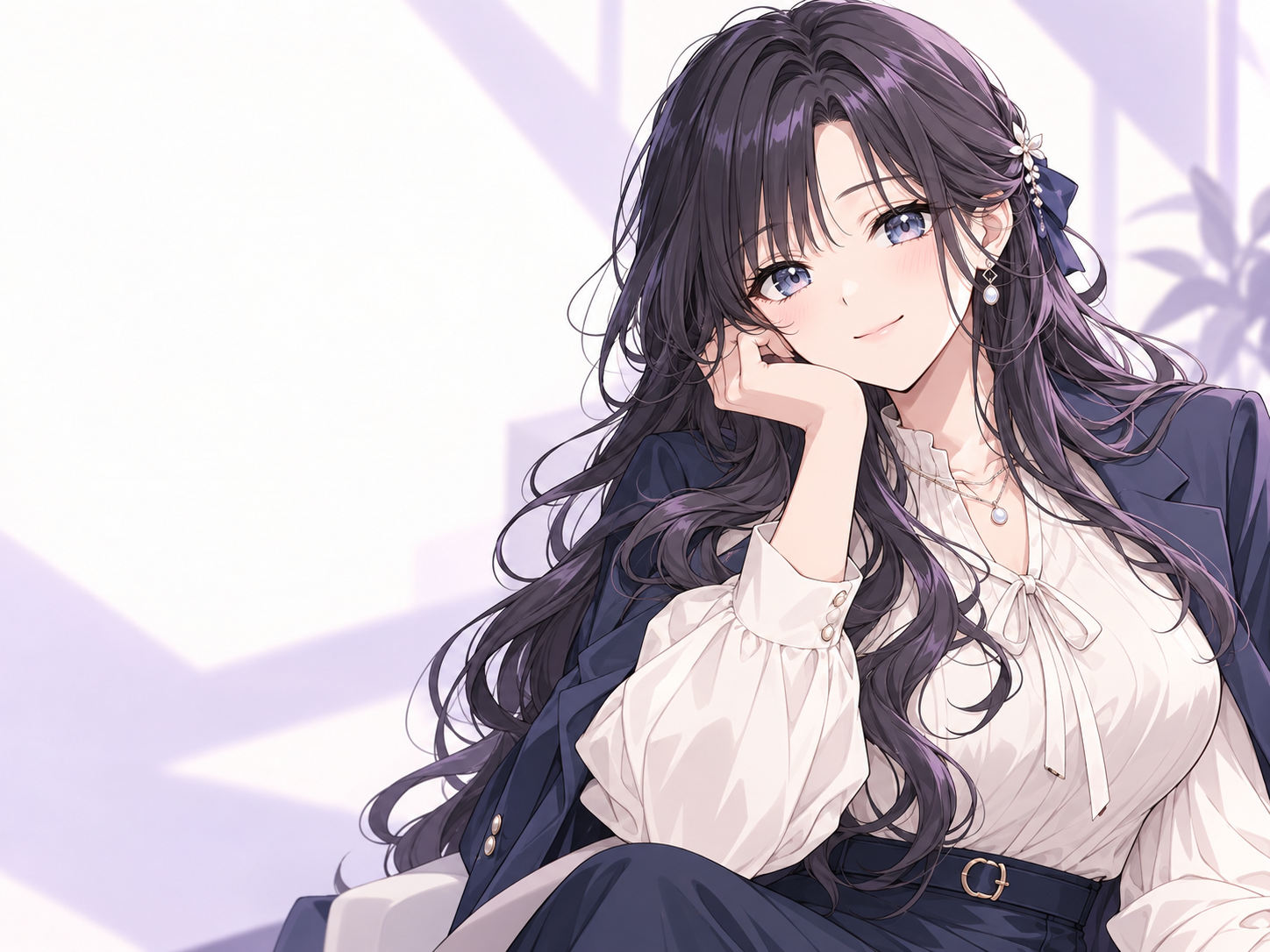
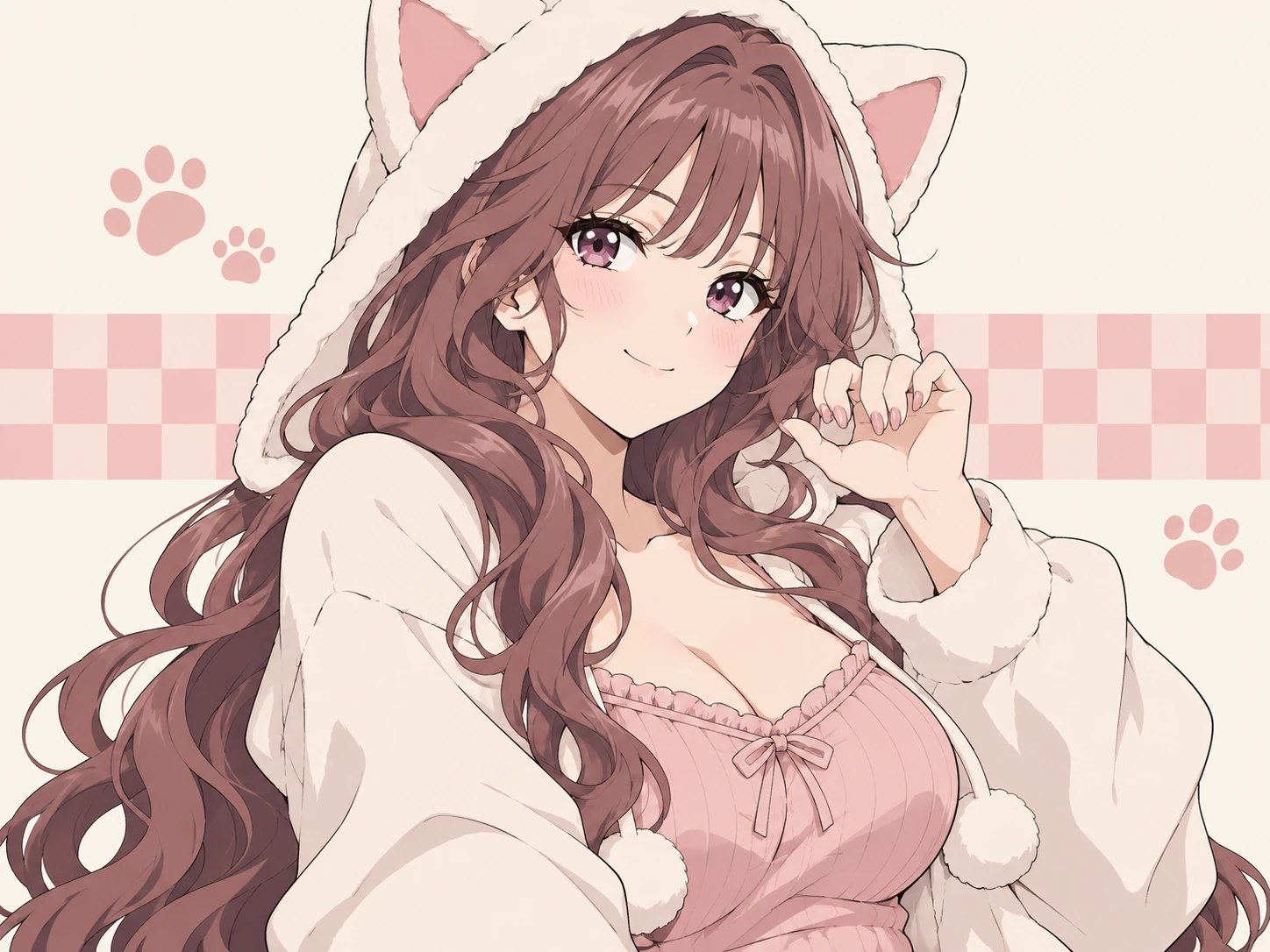
A cheerful anime character with colorful twin tails, bright eyes, and a playful smile.
Use Try OC Maker’s AI girlfriend generator to create an original fictional adult character image from a prompt or guided visual settings, then turn your favorite result into a short video. Customize the anime or realistic style, hair, eyes, outfit, expression, pose, lighting, and scene.
Your latest creations, grouped by local date.
Keep the details that define your character—such as her hair, eyes, color palette, and visual mood—then reuse them when generating a new outfit, pose, or scene. Each image can vary, but a consistent prompt gives the AI image generator a clearer direction.
Reuse the same defining prompt details
Change the outfit, setting, or mood
Refine one visual detail at a time
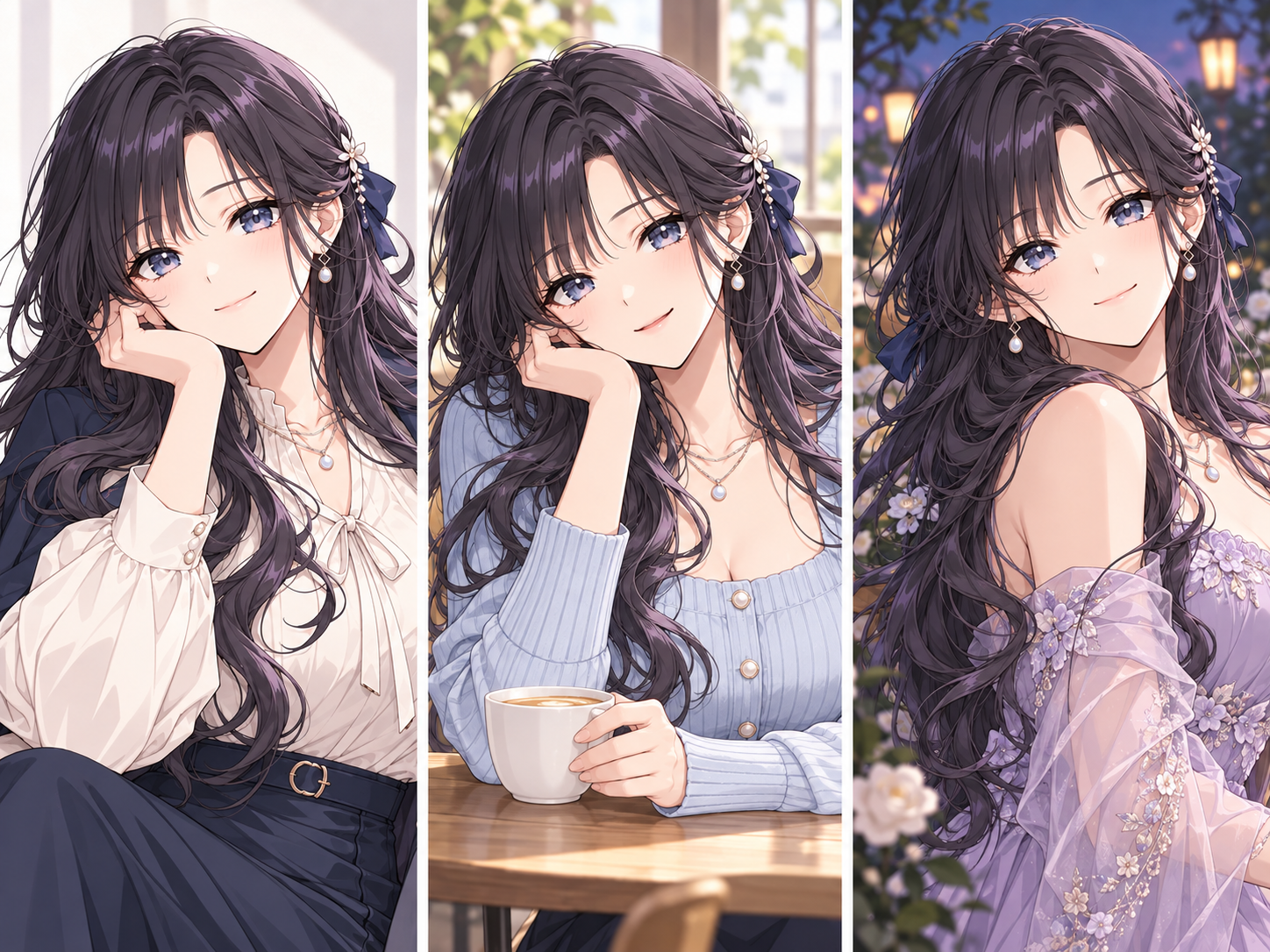
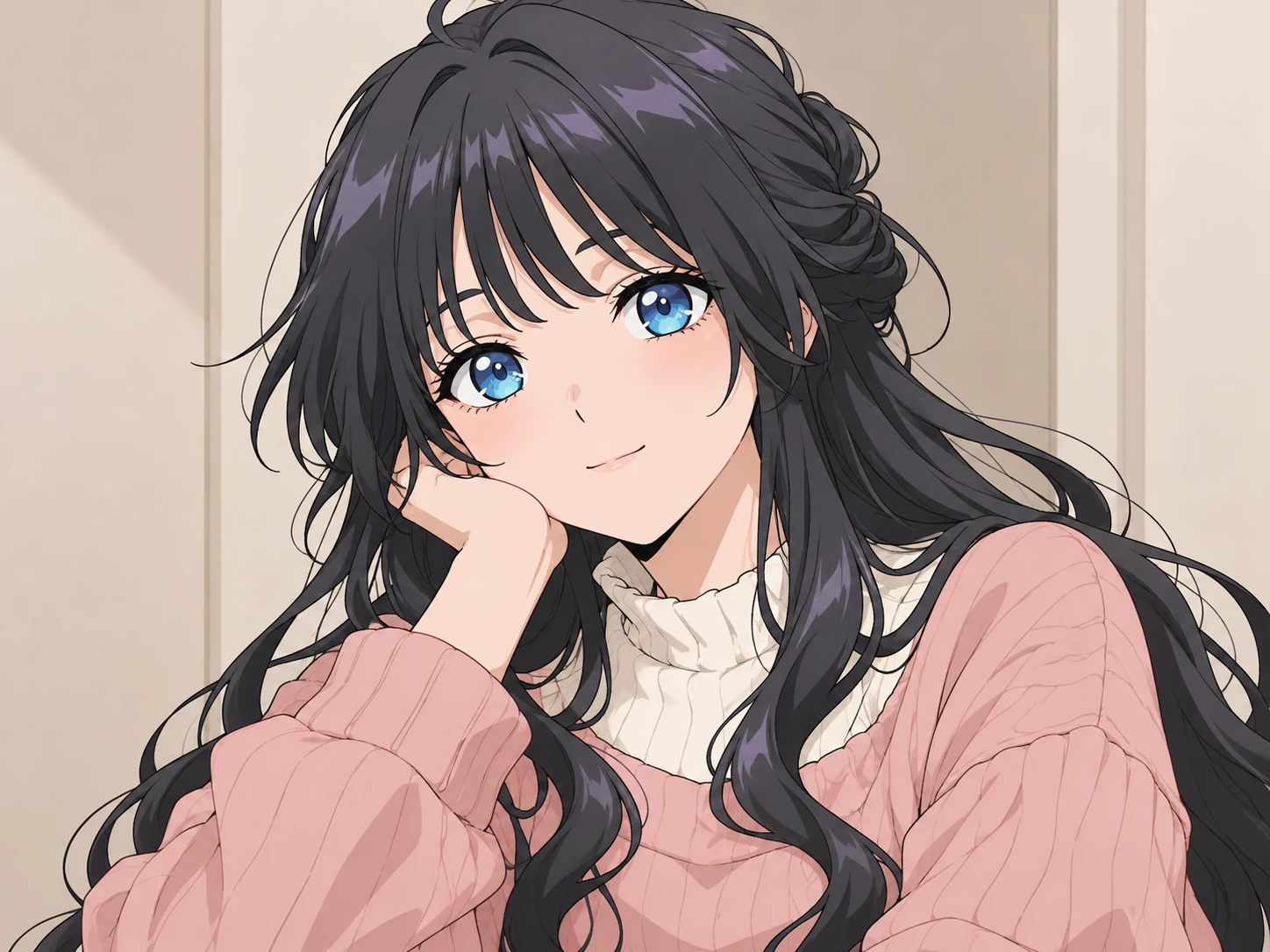
Explore sweet, elegant, casual, mysterious, and energetic visual directions. Each example shows how a focused prompt can change the character’s outfit, expression, lighting, and setting while keeping the workflow focused on image creation.
01A cheerful anime character with colorful twin tails, bright eyes, and a playful smile.
 02
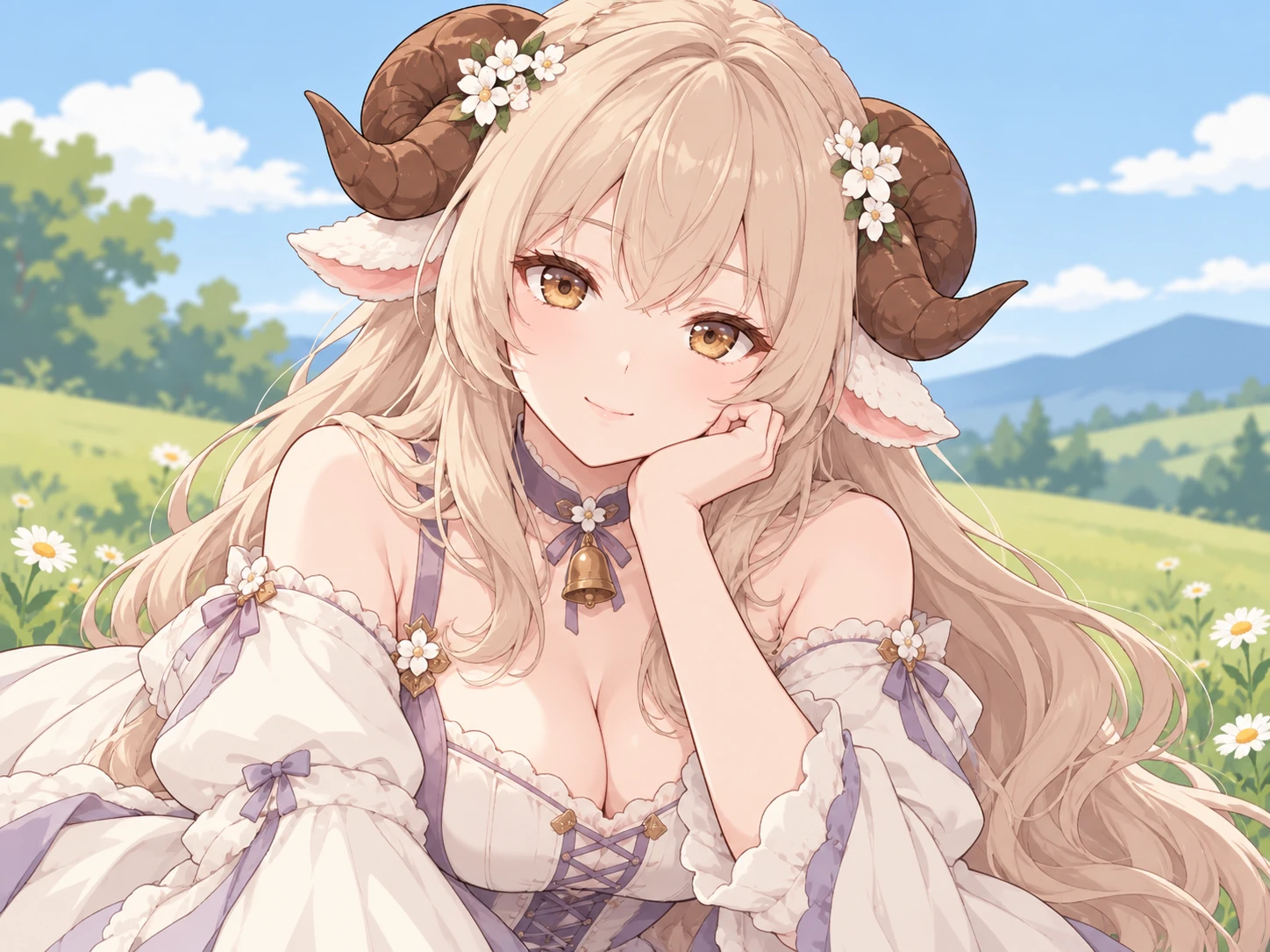
A graceful fantasy character with silver hair, a gentle expression, and soft magical light.
 03
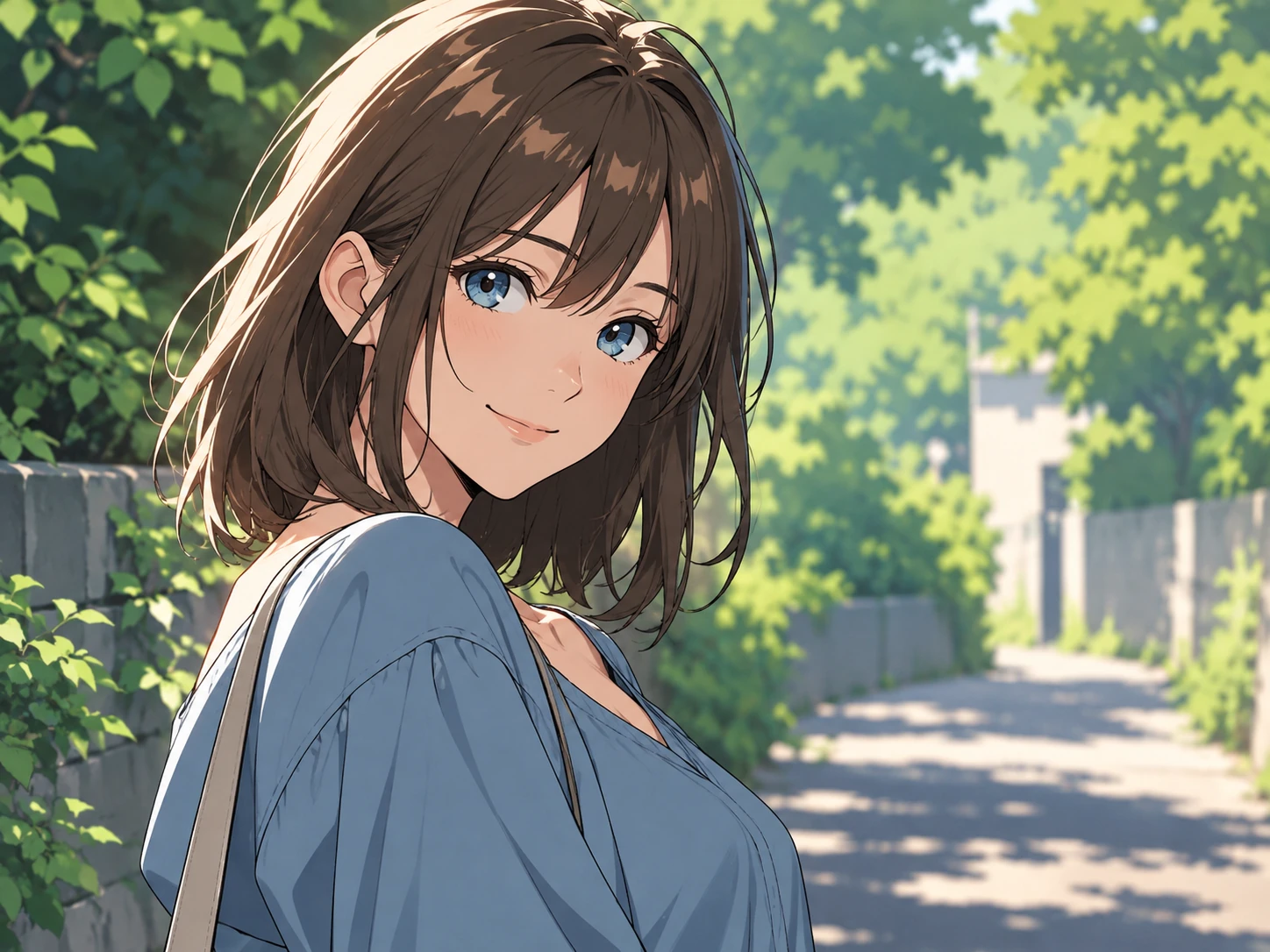
A poised anime heroine in a refined outfit, framed as a polished cinematic portrait.
 04
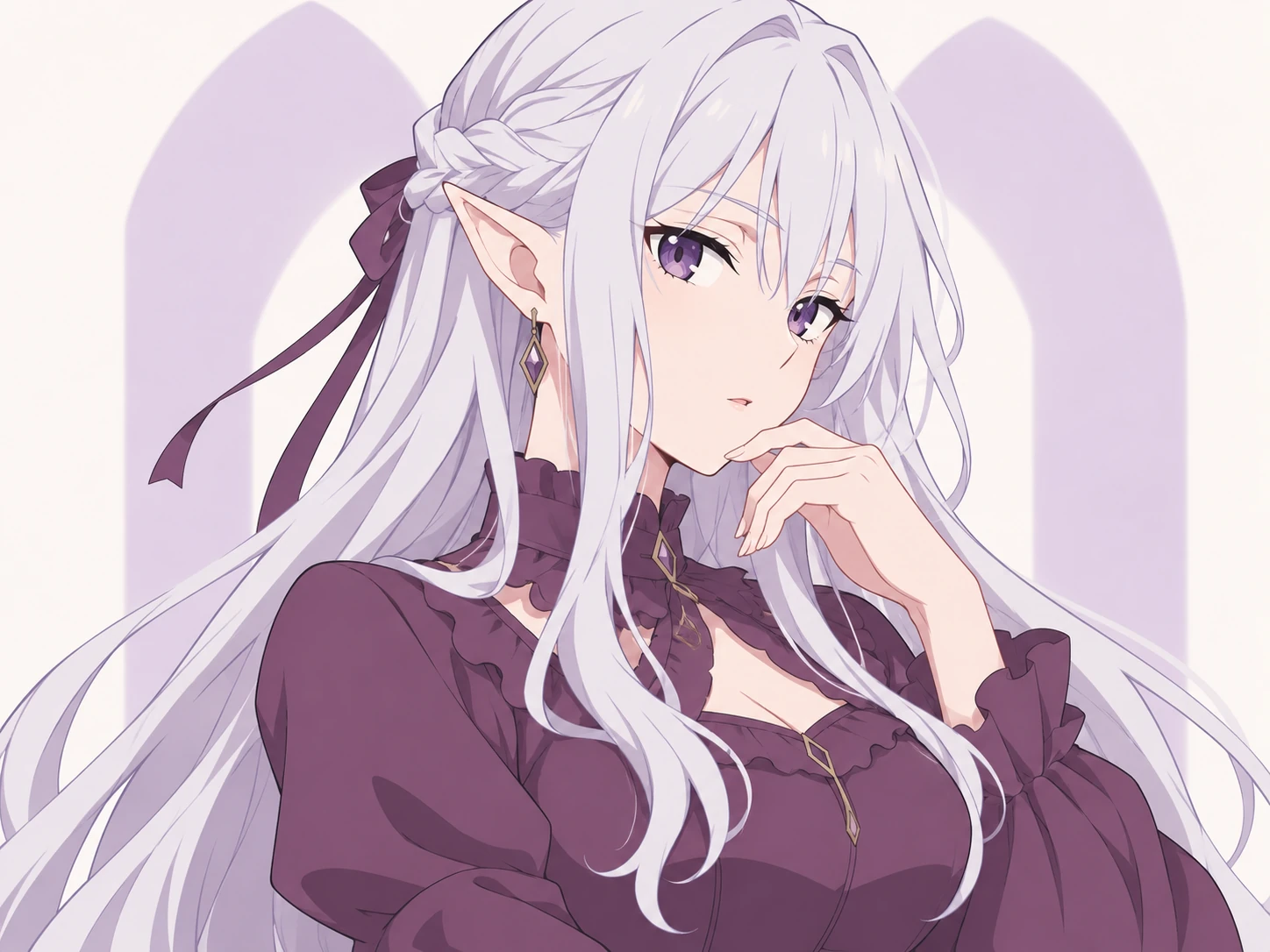
A warm, approachable character in a casual outfit and a simple everyday setting.
 05
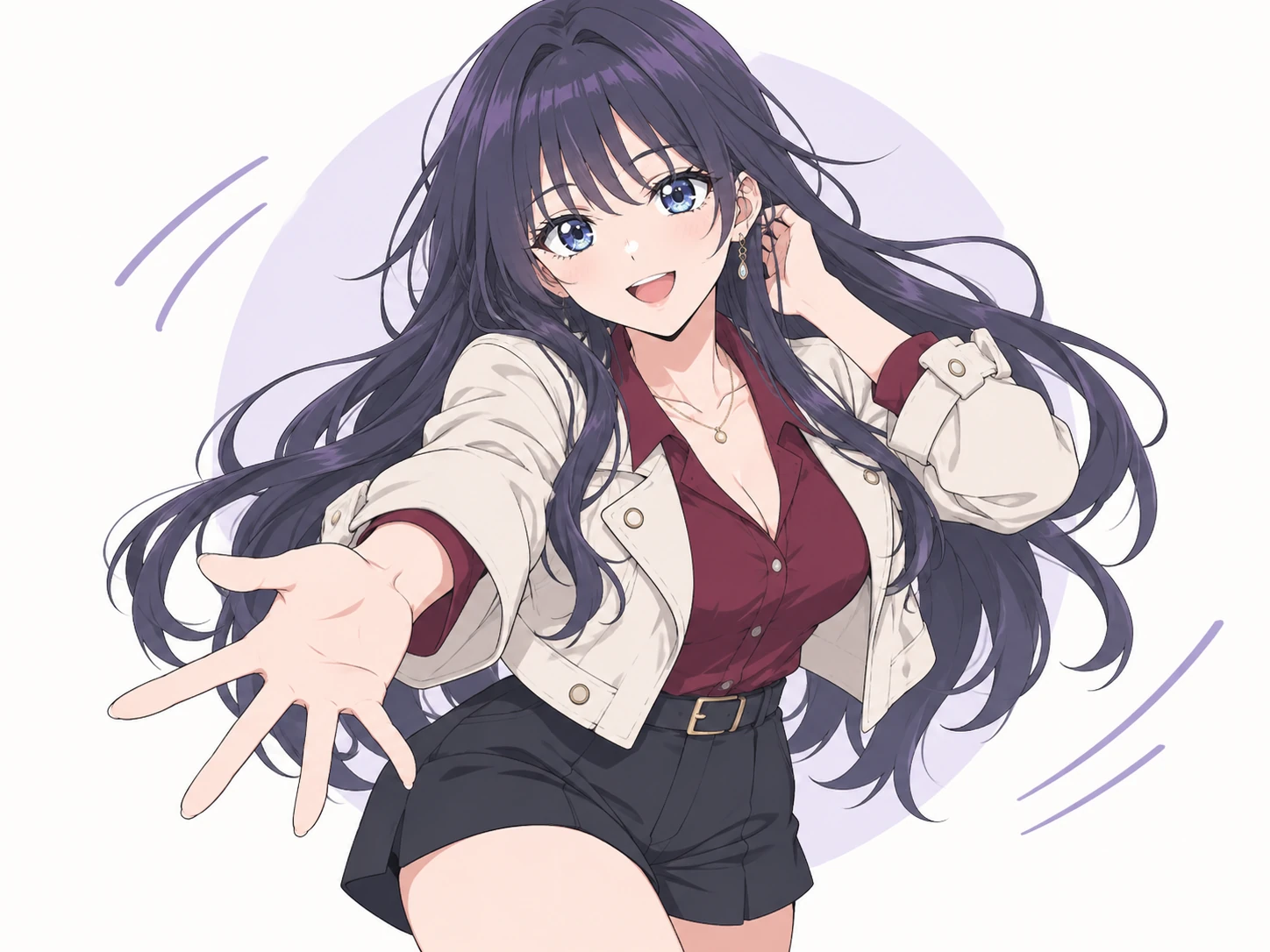
A modern anime character with a composed gaze, subtle colors, and dramatic shadows.
 06
An expressive character with a dynamic pose, bold colors, and lively lighting.
Start with a short description of the fictional adult character you imagine. Add her hairstyle, eyes, outfit, expression, pose, and setting, and the AI girlfriend image generator turns those ideas into an original visual design.
Create from a Prompt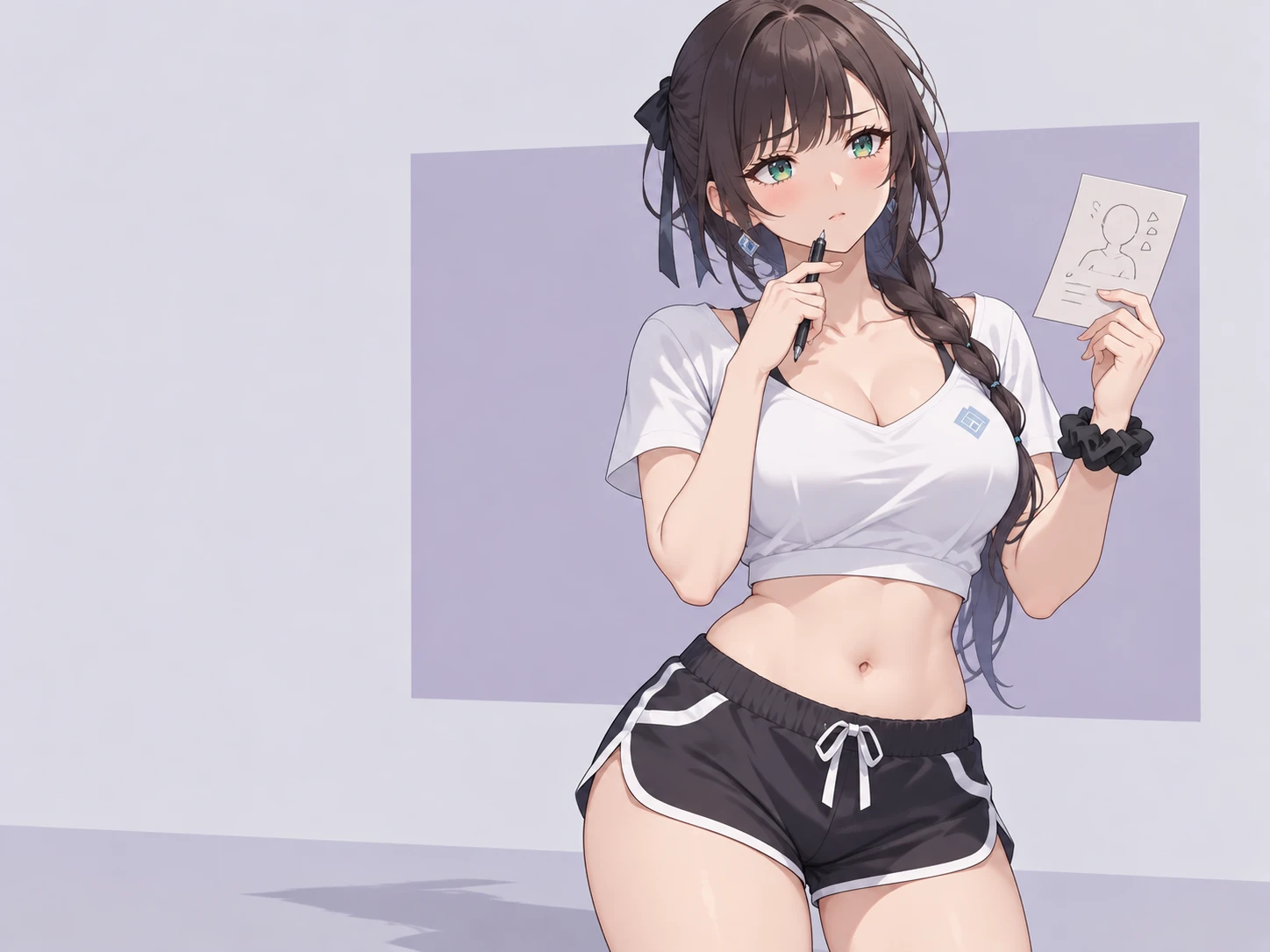
Choose an anime or realistic style, then guide the hair, eyes, clothing, colors, expression, framing, lighting, and background. Visual cues such as calm, playful, elegant, or confident shape the visible mood of the generated image.
Customize Her Look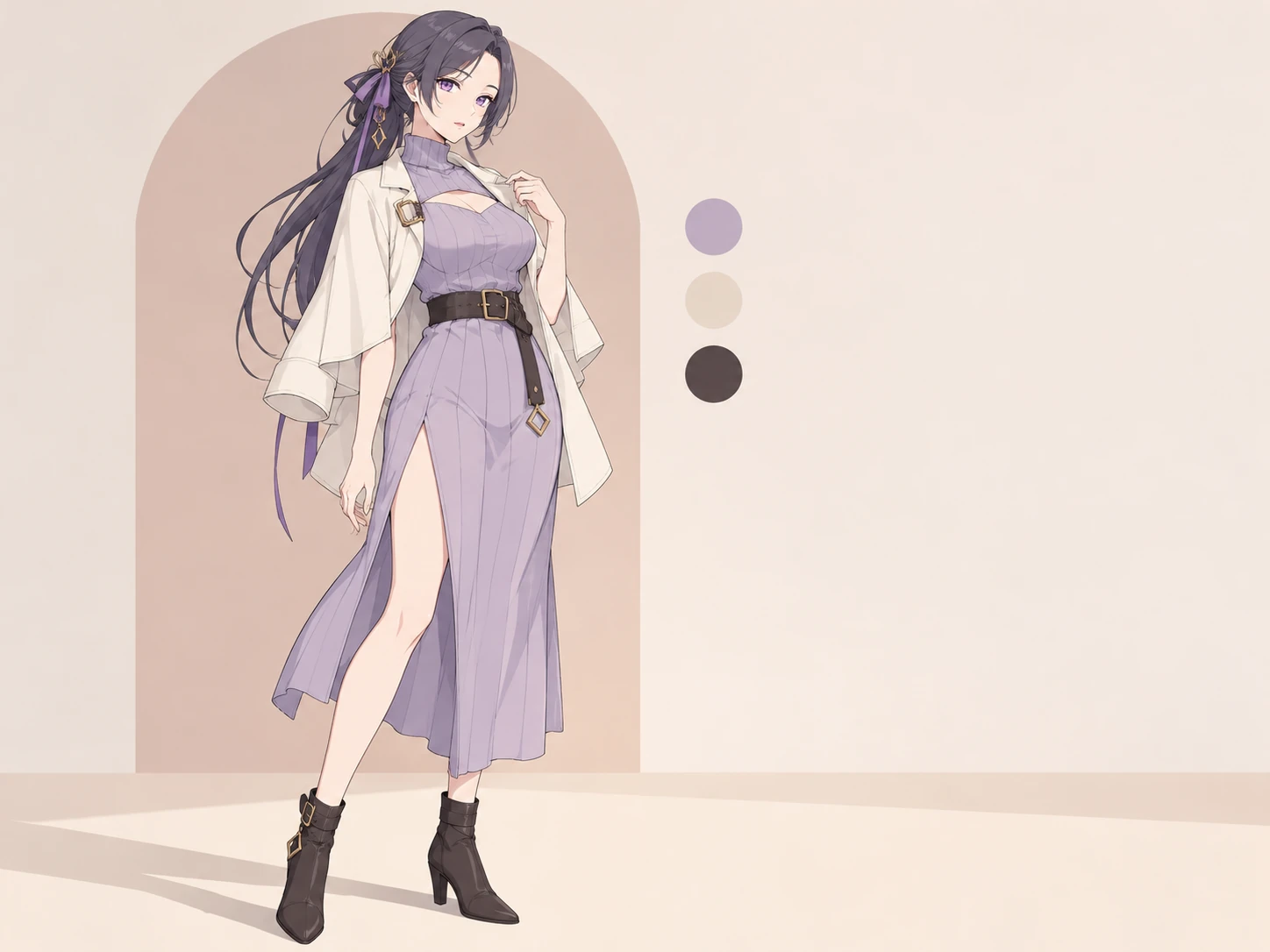
After generating a character image, continue in Try OC Maker’s animation tool to explore movement, expressions, and short story moments. It is a simple way to take a design you like from a still portrait to a character clip.
Explore Character Animation
Use your generated character as personal artwork, a virtual creator concept, or the lead of your next original story.
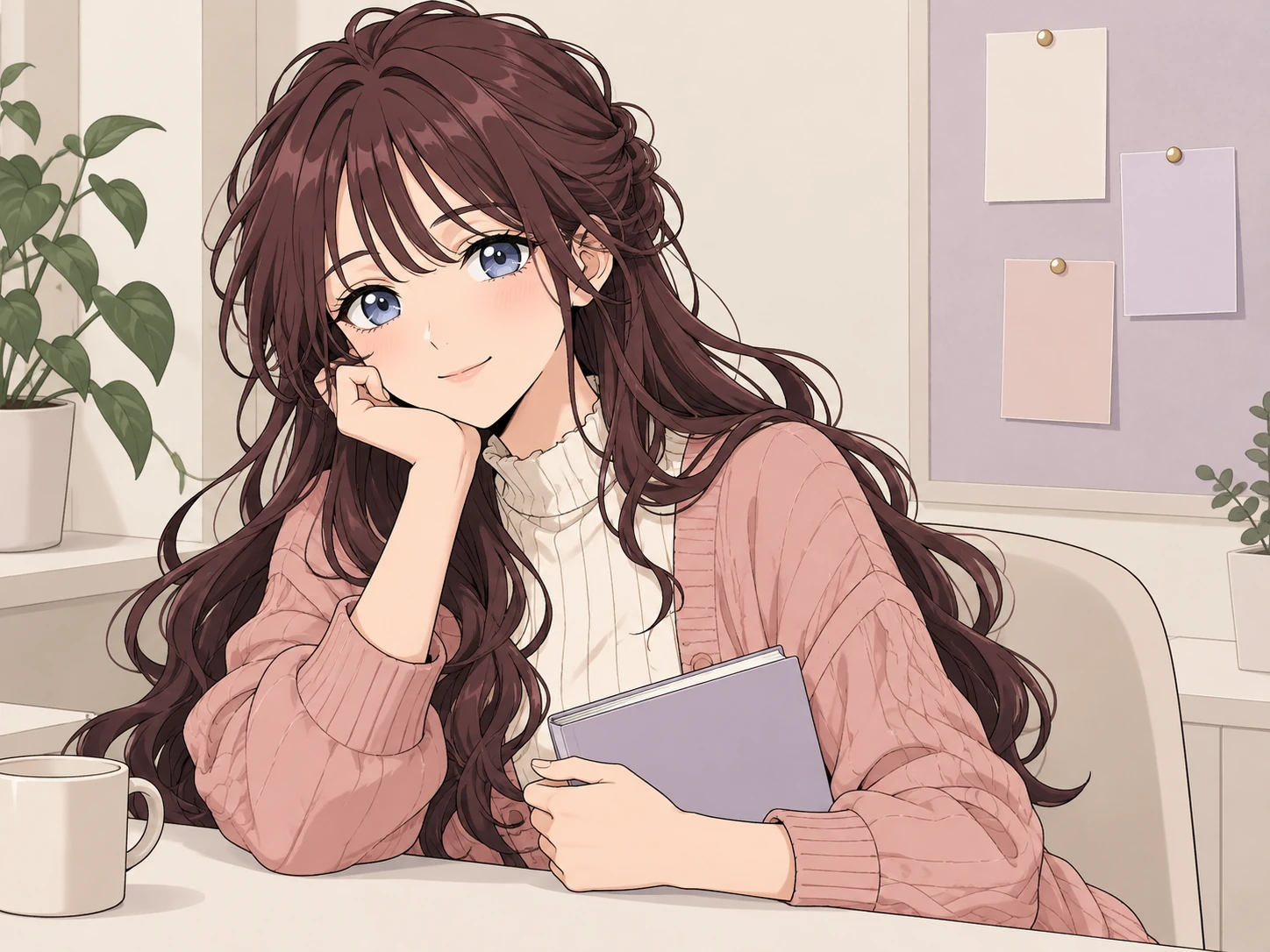
Create an original virtual girlfriend character for profile art, wallpapers, creative inspiration, or a fictional world that is entirely your own.
Start creating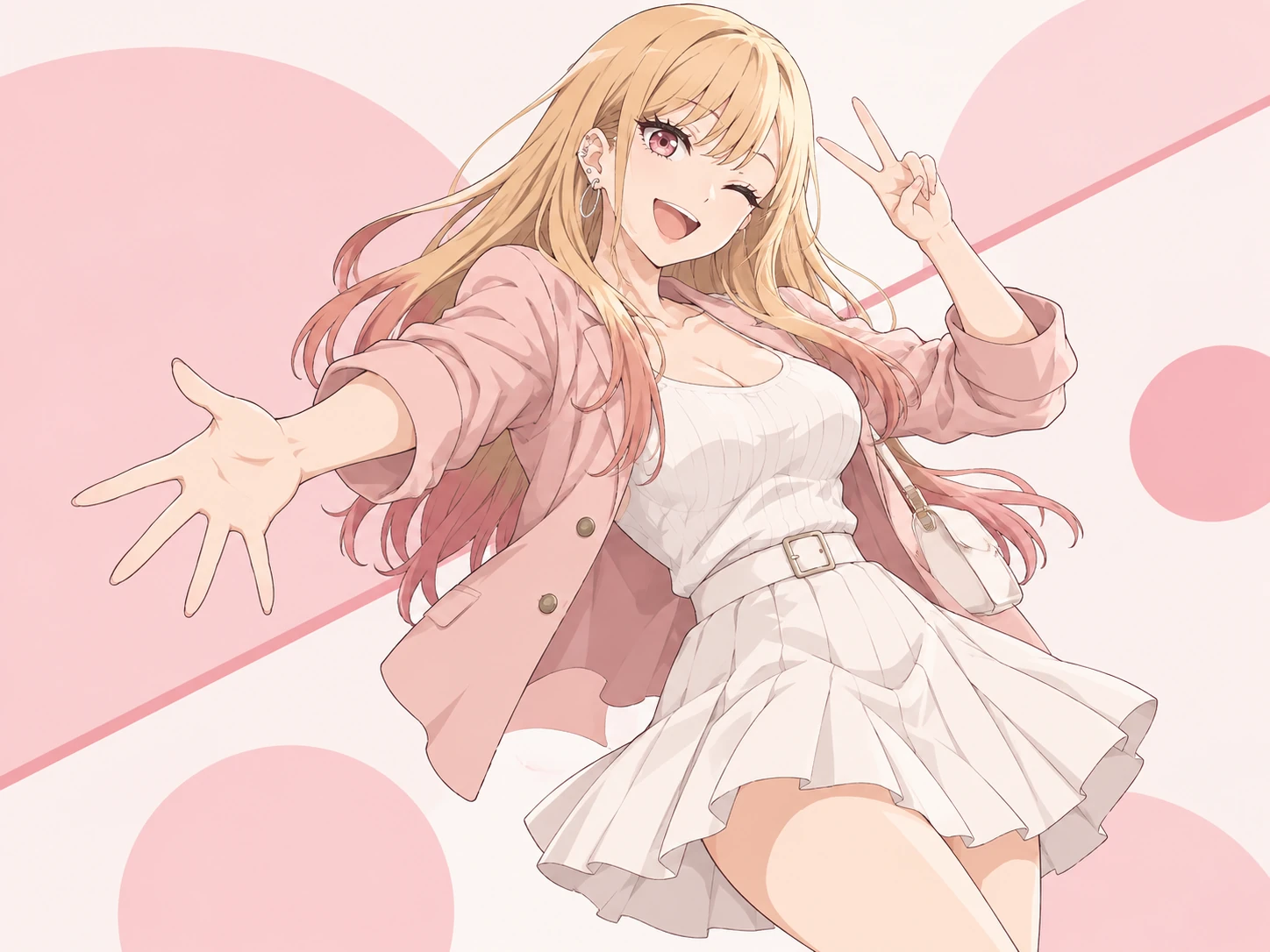
Explore memorable outfits, color palettes, poses, and backdrops for an original virtual creator or social media character concept.
Start creating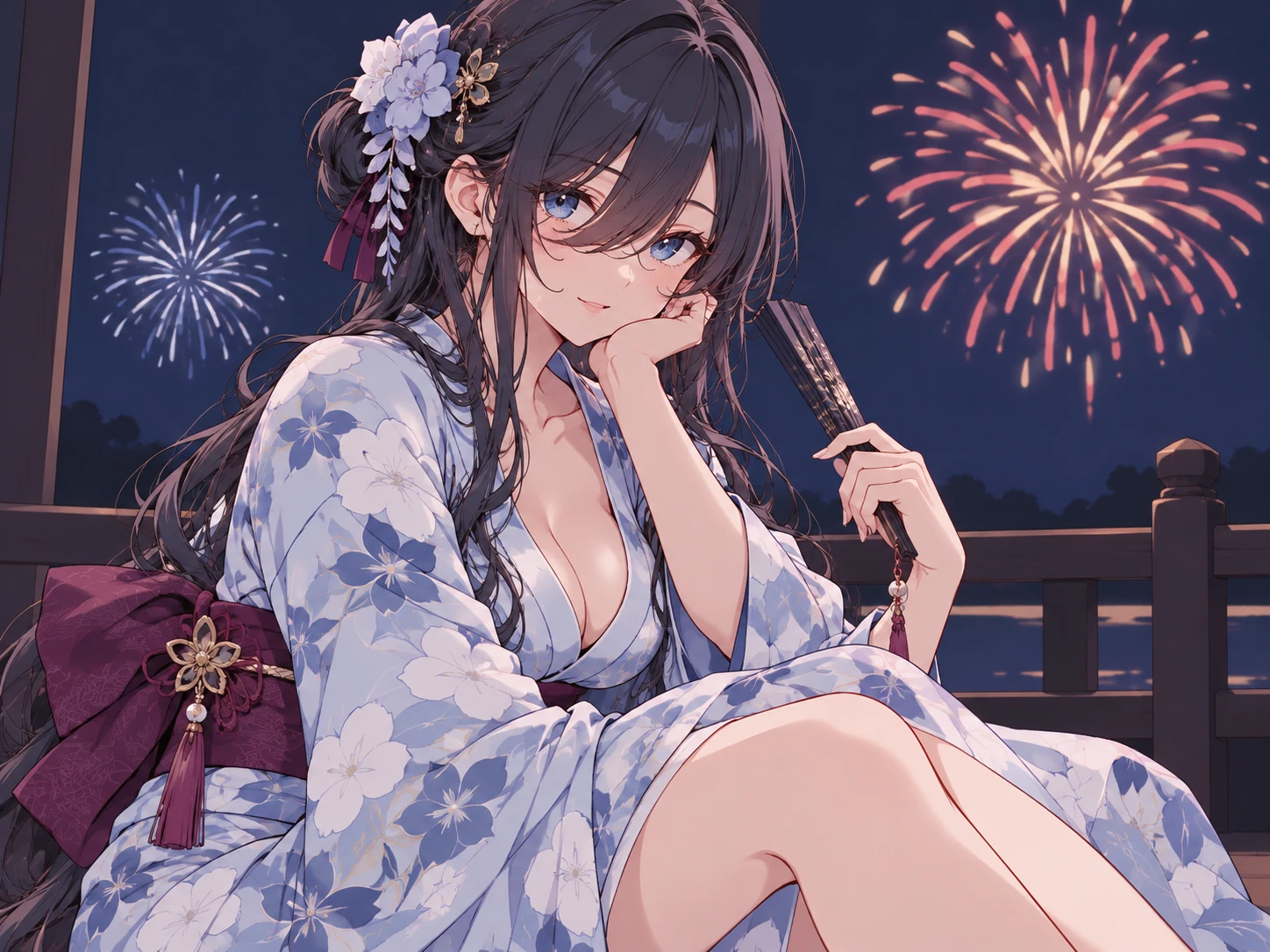
Generate adult character images and short videos for comics, games, storyboards, and original narratives.
Start creatingGo from a rough visual idea to a finished AI girlfriend image, then continue into video generation in four clear steps.
Start with an anime or realistic direction and choose the framing that fits your idea.
Add her hair, eyes, outfit, expression, pose, background, lighting, and visual mood.
Create the first result, then adjust one detail at a time until the face, clothing, and mood feel right.
Download your favorite image, reuse its defining details, or continue in character animation.
Answers about prompts, image styles, customization, consistency, and animation with Try OC Maker.
An AI girlfriend generator is a visual creation tool that turns a written prompt or guided visual settings into an original fictional adult character image. With Try OC Maker, you can generate images and turn a finished image into a short video; it is not a chat or relationship simulator.
Choose an anime or realistic image style, describe the adult character’s appearance, outfit, expression, pose, and scene, then generate the first result. Refine one or two details at a time until the design matches your idea.
You can start with Try OC Maker online and see the required credit cost before generating an image. Any available free credits and generation limits depend on your account and current plan.
Yes. You can choose an anime-inspired or realistic visual direction and then customize details such as hair, eyes, clothing, expression, pose, lighting, and background.
You can customize visual details such as the image style, hair, eyes, outfit, expression, pose, framing, lighting, and background. Mood words such as cheerful, calm, confident, or mysterious only guide the visible expression and atmosphere of the generated image.
Include the image style, adult appearance, hairstyle, eye color, outfit, expression, pose, setting, and lighting. Put the most important traits near the beginning and reuse them when generating another version of the character.
Yes. Ask for a full-body or head-to-toe composition, then specify the outfit, shoes, accessories, pose, and background. Clear framing instructions help the AI girlfriend photo generator understand how much of the character should appear.
Yes. After generating a character image, open Try OC Maker’s AI Animation Generator, upload or select the image, and turn the still design into a short character video.
You can reuse the same defining traits, colors, and prompt details when creating another image. Results can still vary between generations, so Try OC Maker does not promise a perfectly identical face in every new result.
This page is designed for fictional adult characters. The guided experience fixes the age group to Adult and removes youth-oriented outfit choices from this page.
Yes. Try OC Maker’s image and video generation tools are designed to work across phones, tablets, and desktop screens.
Generate an original fictional adult character image, refine its visual details, download your favorite result, and turn the finished image into a short video with Try OC Maker’s image and animation tools.
Start creating